 1 / 7
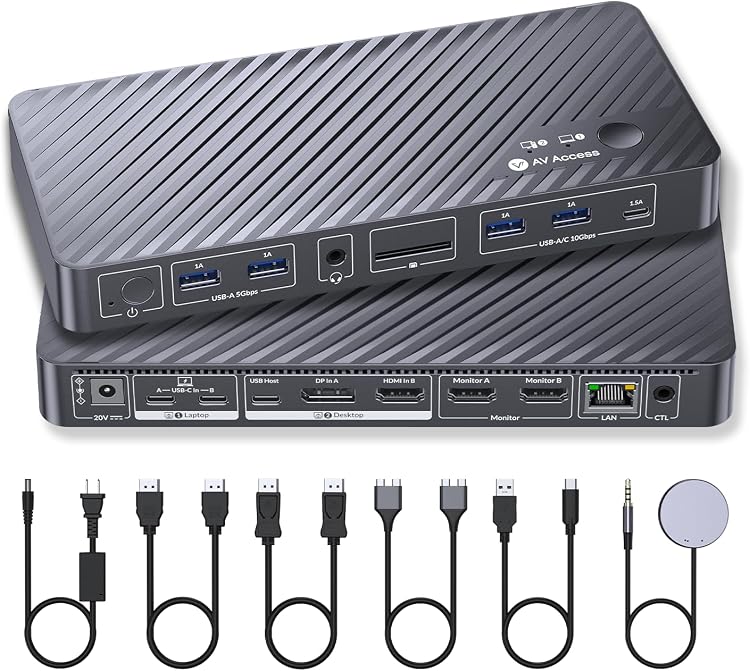
AV Access iDock M10 KVM Docking Station, Dual HDMI for MacBook and PC
v AV Access Dual: AV Access iDock M10 is a KVM docking station for switching between a MacBook and a Windows desktop while sharing two HDMI monitors and peripherals. Its claimed 100W USB-C power delivery and Ethernet add docking functions, but Mac chip generation affects whether two extended displays work.
At a glance
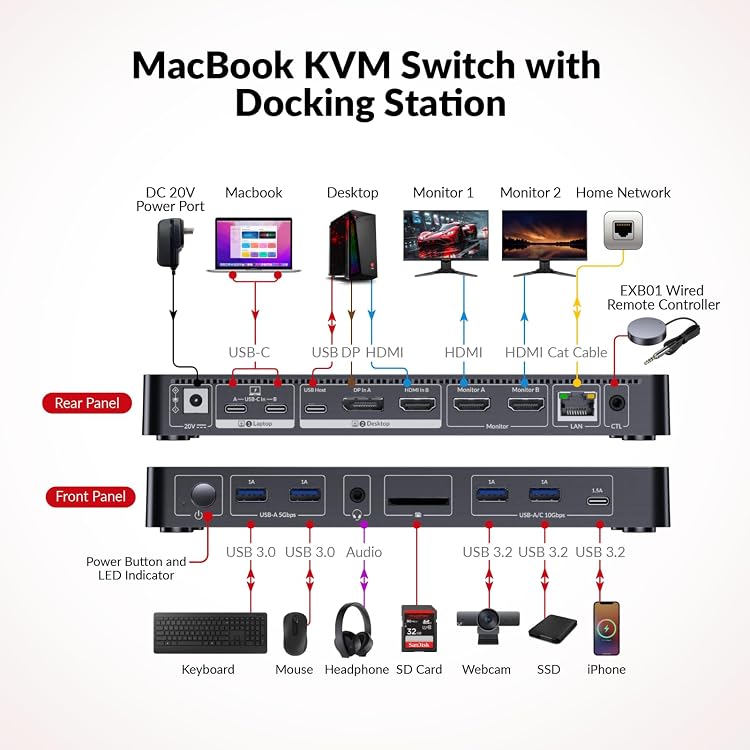
- Switches control between one MacBook and one Windows desktop, with two HDMI monitor connections claimed.
- The listing describes USB 3.0 and USB 2.0 ports, USB-C host input, SDXC reader, 3.5 mm audio out and 1G Ethernet.
- A top-mounted button and a claimed included wired remote provide switching options.
- Listing claims up to 100W USB-C power delivery and EDID emulation.
Reference price: $378.04
Price checked: Nov 20, 2026
View offerBlack Friday weekExplore the selectionOften bought together
Pros and cons
Pros
- Combines KVM switching, multiple peripheral connections and Ethernet in a docking station.
- Two HDMI outputs and claimed 100W power delivery can suit a desk setup with a compatible laptop and two monitors.
- Customer feedback reports easy setup and positive experiences with connectivity and switching.
Cons
- Dual extended displays are not supported across all MacBook chip configurations, so the two-monitor headline does not apply universally.
Technical specifications
10 specifications| Brand | v AV Access |
|---|---|
| Model | iDock M10 |
| Hardware interface | USB 3.0 |
|---|---|
| USB ports, listed total | 8 |
| Ports, listed total | 16 |
| HDMI ports | 2 |
| Power delivery, claimed | 100 watts |
| Compatible devices | MacBook Pro, Air, Windows PC |
| Weight listed | 0.34 kg |
|---|---|
| Colour | Black |
What to know before buying
Listing details to confirm
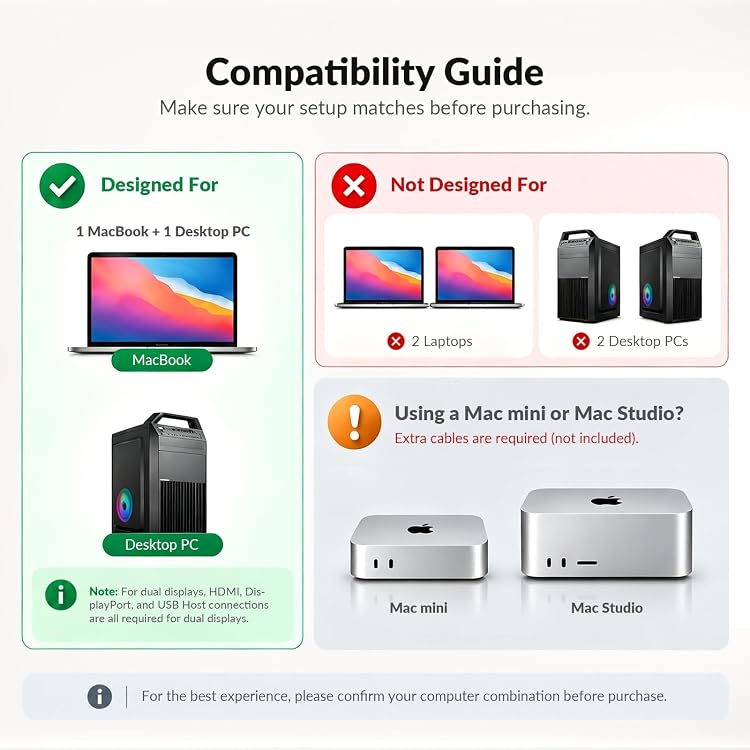
The listing is inconsistent about dimensions: one entry gives 22L x 10W x 2.5H centimetres, while another gives 22 x 10 x 2.5 cm, 340 g. It also conflicts on Mac mini and Mac Studio use, first excluding them and later describing a conditional connection. Verify your computer, display and connection requirements against the selected listing. MacBook display support varies: Intel and non-Pro/Max M1 or M2 are listed for one external display, non-Pro M3 supports two extended displays only with the lid closed, and M4 or Pro/Max chips are listed for two extended displays.
Who is it for?
A good fit for
- MacBook and Windows desktop users who want to switch shared monitors and peripherals.
- Desk setups that can use Ethernet, SDXC, audio out and a range of USB connections through one dock.
Less suited to
- Buyers who need guaranteed dual extended displays from every MacBook configuration.
- Users seeking a confirmed Mac mini or Mac Studio setup without checking the conflicting compatibility details.
Customer reviews on Amazon
- 5 stars
64% 64% - 4 stars
13% 13% - 3 stars
7% 7% - 2 stars
6% 6% - 1 star
10% 10%
Customer feedback describes the dock as easy to set up and reports satisfaction with connectivity, switching speed, build quality and responsiveness. These impressions fit its intended role as a shared monitor and peripheral dock, while the listing's Mac chip-specific display limits remain important regardless of those reports. Opinions about value are mixed, and aggregate ratings include a meaningful spread across star categories.
Positive themes
- Customers report easy setup and useful connectivity for monitors and peripherals.
- Feedback describes switching speed, build quality and responsiveness positively.
Mixed feedback
- Customers differ in their assessment of value for money.
Frequently asked questions
Can the iDock M10 extend a MacBook to two monitors?
It depends on the chip. The listing says Intel and non-Pro/Max M1 or M2 support one external display, non-Pro M3 supports two extended displays only with the lid closed, and M4 or Pro/Max chips support two extended displays.
What computers is it intended to connect?
The main listing describes one MacBook and one Windows PC. Mac mini and Mac Studio support is contradictory across the page, so confirm the relevant connection and chip requirements before buying.
What connections are described?
The feature listing names two HDMI, three USB 3.0, two USB 2.0, one USB-C host input, an SDXC reader, 3.5 mm audio out and 1G Ethernet. Its separate total-port figures do not align clearly with that port breakdown.
Alternative options
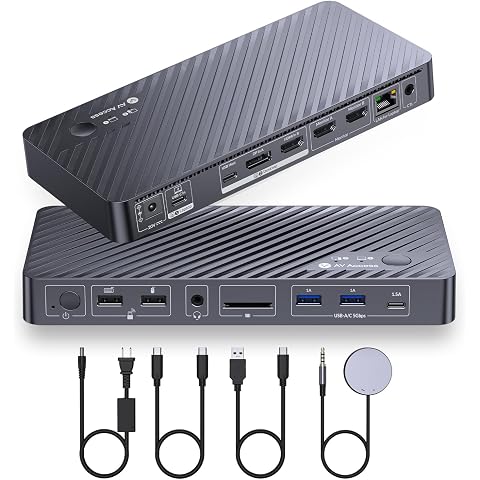
AV Access kVM Docking Station 2 Monitors 2 PCs with 1G Ethernet,EDID,65W PD | 5xUSB-A, USB C Hub, 4K@60Hz HDMI & DisplayPort USB C KVM Switch Dual Monitor Laptop & Desktop, Audio, SD, Remote Switch
$276.99
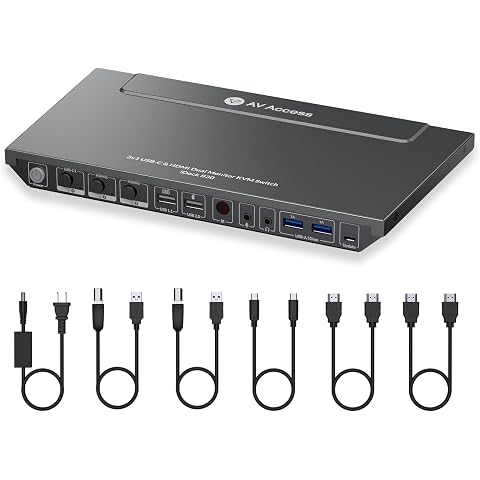
AV Access Docking Station KVM Switch 3 Computers 2 Monitors | 65W Charging for Laptop, 1G Ethernet, EDID Emulation,USB-C MST Dual 4K@60Hz, 1080P@240Hz, Ideal for Home Office & Gaming
$289.54
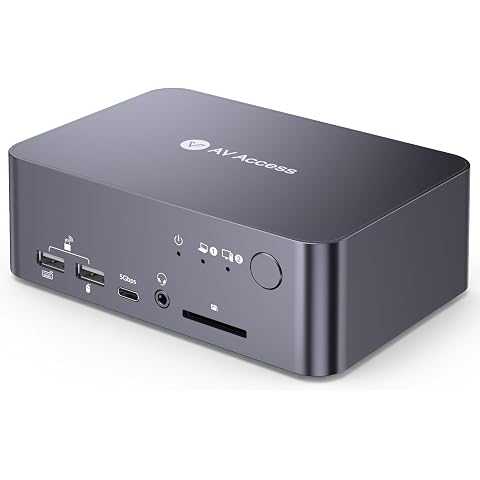
AV Access KVM Switch Docking Station for a Laptop and Desktop Dual Monitor | 1G Ethernet, EDID, 4K60Hz, 5xUSB 3.0 Hub, Audio, SD, 60W Charging for Dell, HP, Lenovo Laptop, for Home Office
$262.19
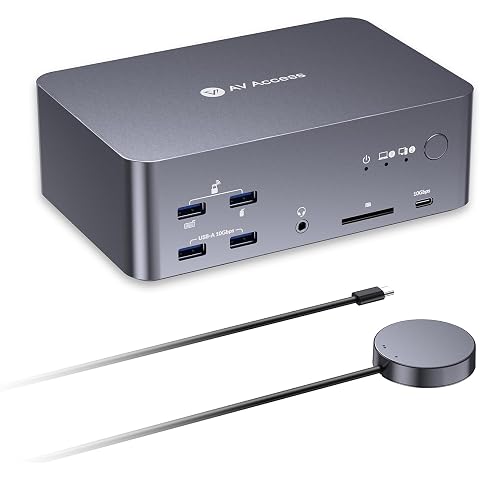
AV Access 8K KVM Switch 3 Monitors 2 Computers, Laptop + Desktop KVM Dock | 100W PD, GbE, 2xUSB 3.2 10Gbps USB C Hub, SD Reader & Remote Switcher for HP, Dell, Chromebook, PC, and More
$368.80
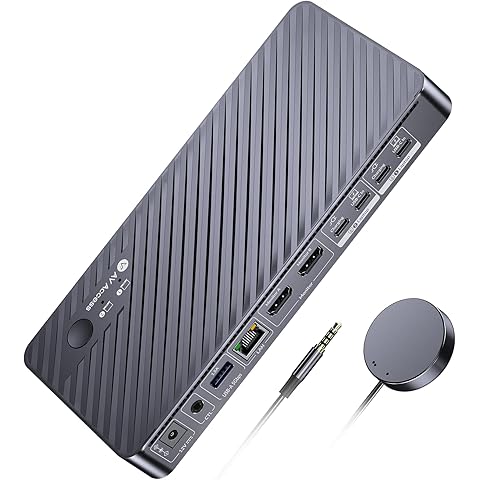
AV Access Docking Station KVM Switch 2 Monitors 2 Laptops,2 USB C MST Ports | 4K KVM Switch Dual Monitor, 100W PD for Each PC, 1G Ethernet, EDID Emulation, Ideal for Home Office & Gaming
$220.41
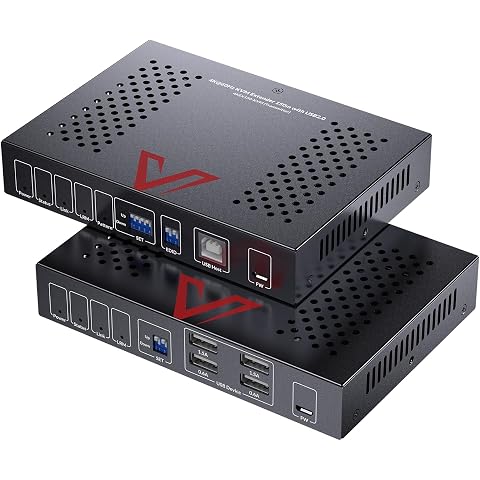
AV Access HDBaseT HDMI KVM Extender, Uncompressed 4K@60Hz Upto 492ft | 4 USB 1.5A, HDMI Loop-Out, PoC, HDCP 2.3, Zero Latency, RS232, Audio, EDID, for Server Room & Control Systems (4KEX150-KVM)
$391.99
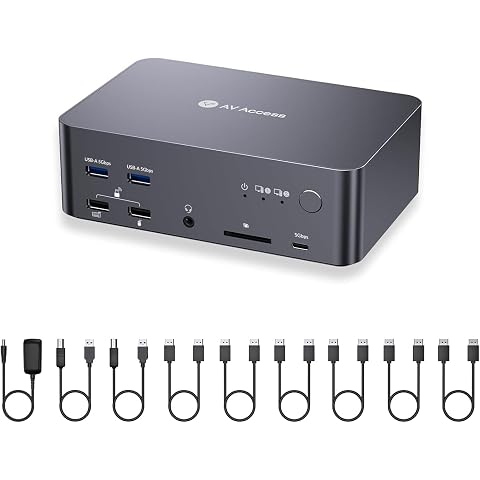
AV Access 8K DisplayPort KVM Docking Station 3 Monitors 2 PCs, 6 DP Cables | 3xUSB 3.0 Hub, GbE, 8K@60Hz 4K@165Hz KVM Switch Triple Monitors 2 Desktops, SD, Audio, All-Aluminum, for HP, Dell(iDock D23)
$265.04
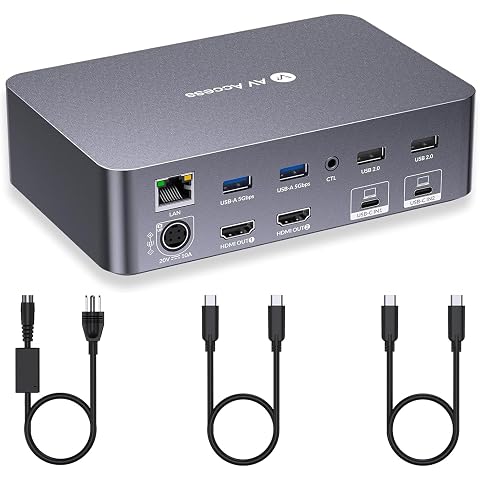
AV Access KVM Switch Dock 2 Monitors 2 Laptops, 2 USB C MST Ports | 4K KVM Switch Dual HDMI Monitor, 60W PD for Each PC, 1G Ethernet, EDID Emulation,Ideal for Home Office & Gaming
$361.99
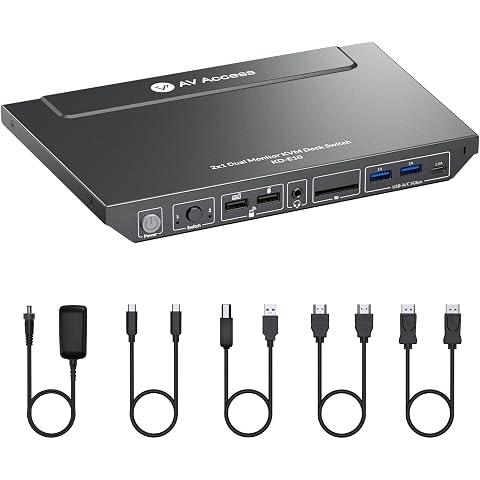
AV Access KVM Switch with Docking Station for Laptop & Desktop | 100W Charging, 4K@60Hz Dual Monitor HDMI, 3xUSB 3.0, USB C, 1G Ethernet, EDID Support, SD, 3.5mm AUX Audio
$236.99
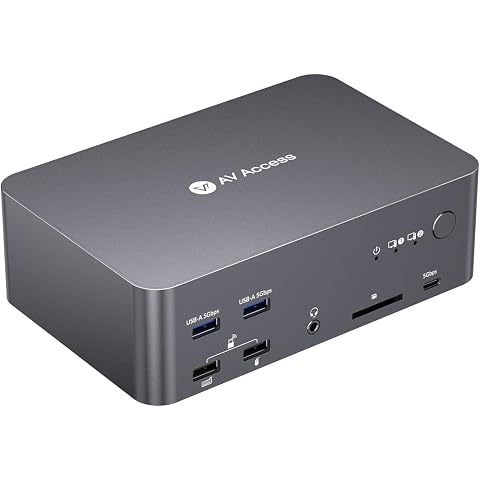
AV Access 8K KVM Switch 3 Monitors 2 Computers, 5 USB Ports, KVM Docking | Triple Monitor 8K@60Hz/4K@165/144Hz, 1080P@480Hz/360Hz, SD, Audio, Gigabit LAN for Dell HP Desktop with HDMI & DisplayPort
$234.26
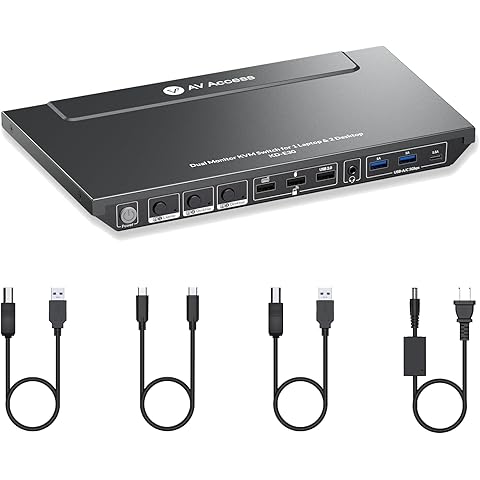
AV Access Docking Station KVM Switch 1 Laptop &2 Desktop PCs | Dual 4K@60Hz Monitors, EDID Emulation, 100W Charging, 1G Ethernet,High Refresh Rates,Ideal for Gaming, Office & Creative Work
$257.56
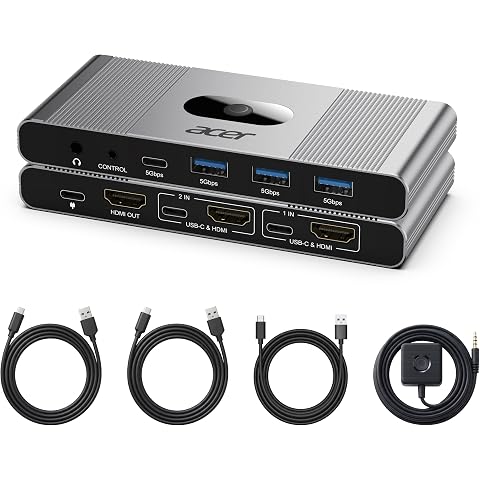
Acer 4K HDMI KVM Switch 1 Monitor 2 Computers, Share 4 USB 3.0 for WFH | 4K@60Hz, 4 USB 3.0 Ports (1 USB-C, 3 USB-A), Wired Remote & Audio Out. Share Keyboard Mouse for Mac/PC Work From Home
$49.00