 1 / 7
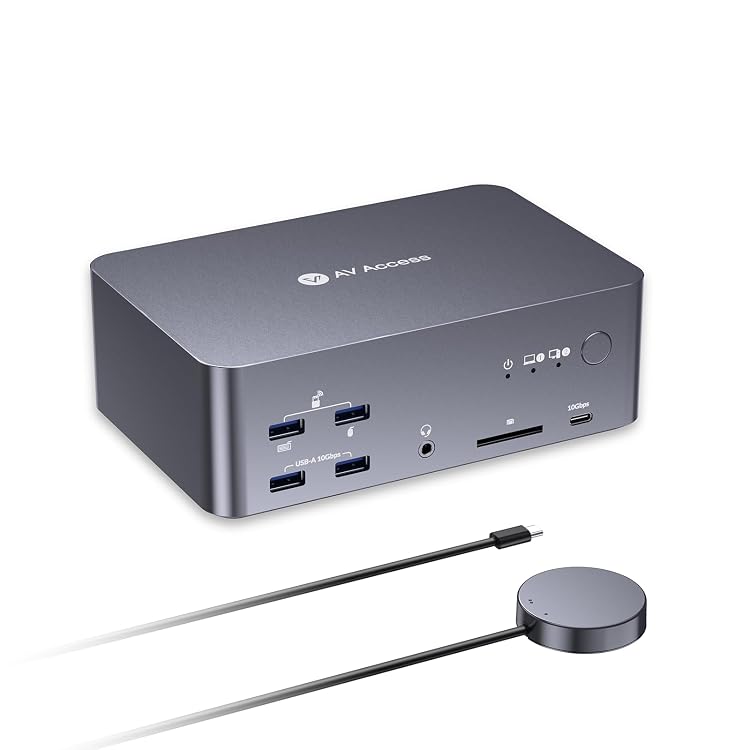
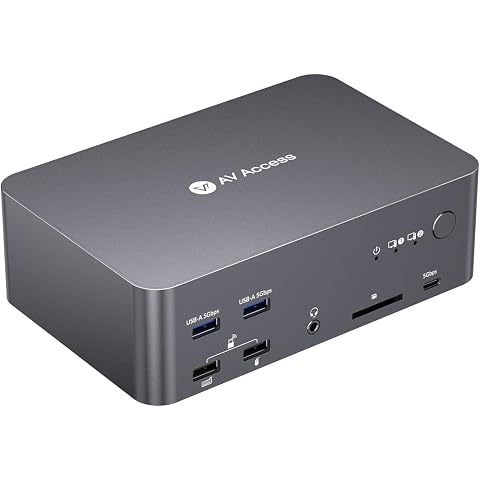
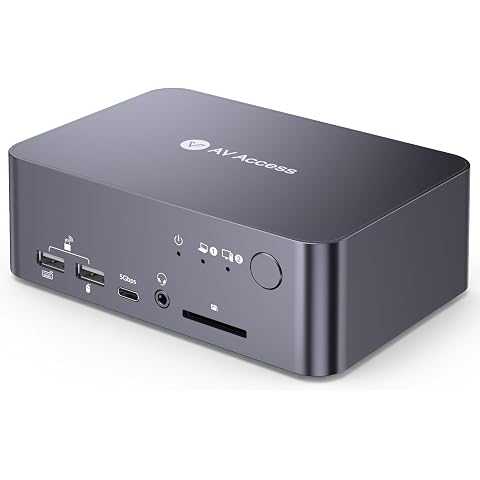
AV Access iDock B23 Triple-Monitor KVM Dock for Laptop and Desktop
v AV Access: AV Access iDock B23 is a KVM docking station listed for connecting a USB-C laptop and a desktop to a shared triple-monitor and peripheral setup. Its claimed 100W laptop charging and fast-refresh display support suit a desk with demanding display needs, but laptop port capability and operating-system limits need attention.
At a glance
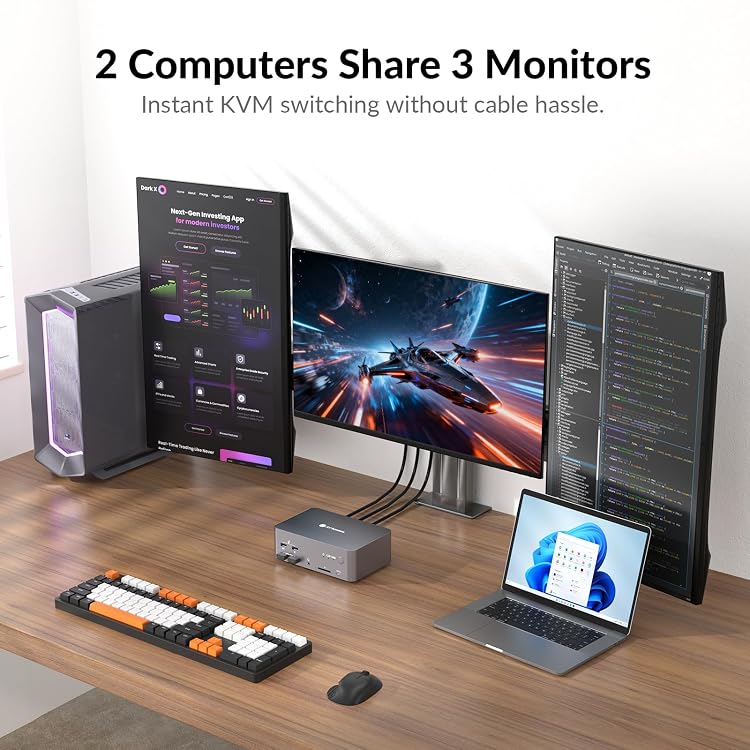
- Designed to switch a shared triple-monitor and peripheral setup between one USB-C laptop and one desktop.
- The listing claims up to 100W Power Delivery to the laptop over a full-featured USB-C connection.
- Claimed display modes vary by computer, including desktop support up to 8K@60Hz or 4K@165Hz and laptop support up to 4K@60Hz, 1440p@165Hz, or 1080p@480Hz/360Hz.
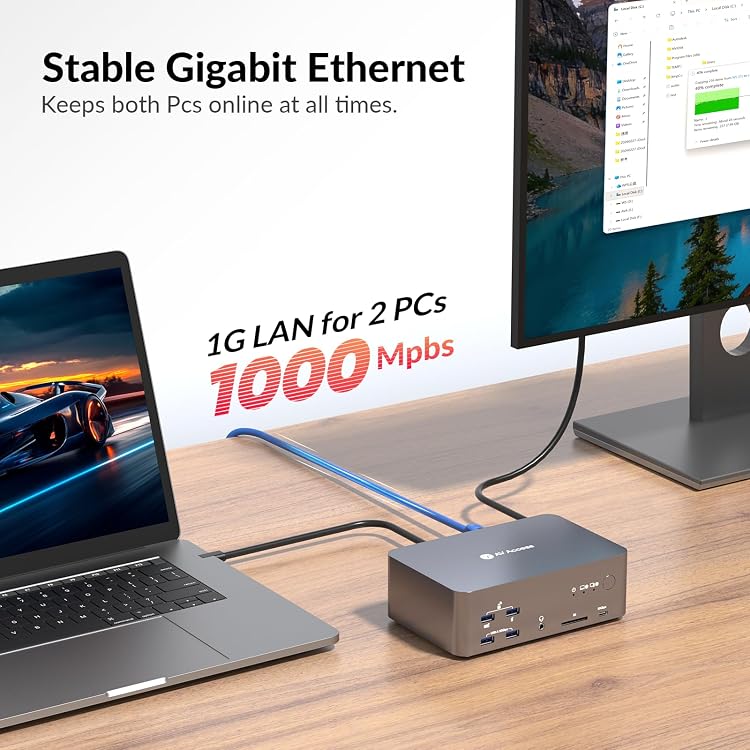
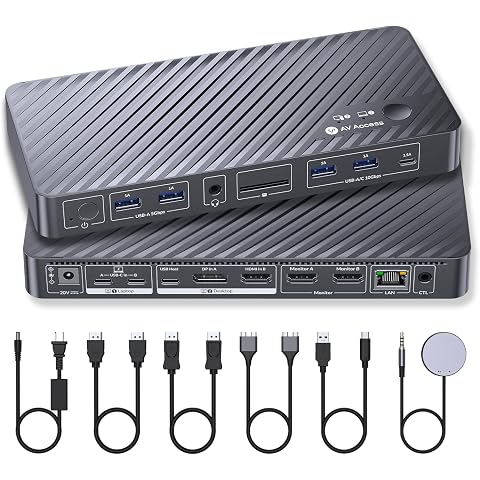
- Shares USB peripherals, SDXC card access, audio and a 1Gb Ethernet connection, which the listing says stays active on both computers during switching.
- A top-mounted button and included wired remote provide switching options.
Often bought together
Pros and cons
Pros
- Combines computer switching with a dock offering USB ports, an SDXC reader, headset jack and Ethernet.
- The listing describes 100W laptop charging and states that the other computer's Ethernet connection can remain active during switching.
- Fast-refresh display modes are claimed for compatible computer and monitor combinations.
Cons
- MacOS is listed as unable to use USB-C MST with this dock, resulting in duplicated external displays rather than separate extended screens.
- Full display functionality from a laptop depends on its USB-C port supporting video output and data transfer.
Technical specifications
7 specifications| Brand | v AV Access |
|---|---|
| Model | iDock B23 |
| Wireless connection listed | Hdmi |
|---|---|
| Control methods listed | Push Button |
| Mounting types listed | Surface Mount |
|---|---|
| Dimensions listed | 14.3 x 2.3 x 2.6 centimetres |
| Material listed | Aluminum |
|---|
What to know before buying
- Display claims depend on the connected computer and suitable cables. The listing says to use certified HDMI 2.1 and DP 2.0/1.4a cables for 8K@60Hz or 4K@165Hz, and notes that laptop USB-C must support video output.
What’s in the box
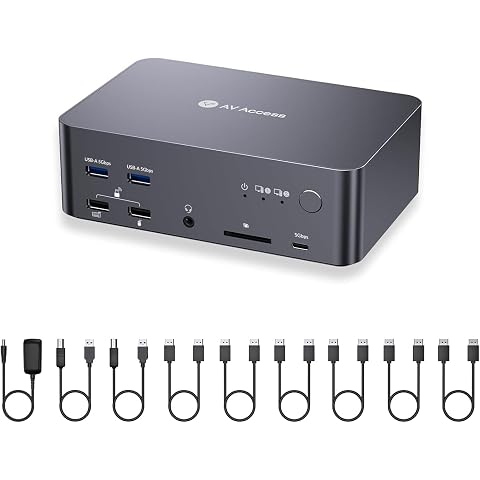
Included- KVM unit
- USB-C cable x1
- Remote button x1
- USB-B cable x1
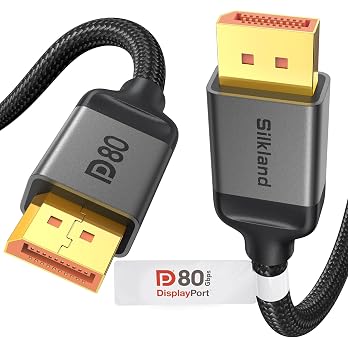
- DP cable x2
- Power unit x1
Who is it for?
A good fit for
- People sharing three monitors and USB peripherals between a desktop and a compatible USB-C laptop.
- Desk setups that benefit from a single laptop cable for video, data and claimed 100W charging.
- Users who need SD card access, a headset connection and Ethernet alongside computer switching.
Less suited to
- Mac users who need separate extended images across multiple external monitors.
- Laptop owners whose USB-C port does not support video output and data transfer.
- Buyers who need confirmed EDID emulation, which the listing says is not supported.
Customer reviews on Amazon
- 5 stars
72% 72% - 4 stars
7% 7% - 3 stars
7% 7% - 2 stars
5% 5% - 1 star
9% 9%
The aggregate ratings are mostly at the high end, but a notable lower-star share means experiences are not uniformly positive. With no supplied written customer feedback, the ratings do not identify specific strengths or causes of dissatisfaction. Buyers should weigh that uncertainty against their own needs, especially laptop USB-C compatibility, Mac display duplication and the dock's mode-dependent display claims.
Frequently asked questions
Can the iDock B23 extend displays on a Mac?
The listing says MacOS does not support USB-C MST with this device, so the external monitors show duplicated content rather than separate extended screens.
What should I check on my laptop before buying?
Confirm its USB-C port supports video output and data transfer. The listing specifies DisplayPort Alt Mode, USB4 or Thunderbolt 3/4 as relevant port capabilities.
What display modes does it claim?
The listing claims up to 8K@60Hz or 4K@165Hz for a desktop. Laptop modes are described separately, including up to 4K@60Hz, 1440p@165Hz or 1080p@480Hz/360Hz, and another listing passage describes a different multi-monitor resolution combination. Check the mode supported by your computer and displays.
Does it support EDID emulation?
No. The listing states that the iDock B23 does not support EDID emulation.
Alternative options
AV Access 8K KVM Switch 3 Monitors 2 Computers, 5 USB Ports, KVM Docking | Triple Monitor 8K@60Hz/4K@165/144Hz, 1080P@480Hz/360Hz, SD, Audio, Gigabit LAN for Dell HP Desktop with HDMI & DisplayPort
$234.26
AV Access KVM Switch Docking Station for a Laptop and Desktop Dual Monitor | 1G Ethernet, EDID, 4K60Hz, 5xUSB 3.0 Hub, Audio, SD, 60W Charging for Dell, HP, Lenovo Laptop, for Home Office
$262.19
AV Access 8K DisplayPort KVM Docking Station 3 Monitors 2 PCs, 6 DP Cables | 3xUSB 3.0 Hub, GbE, 8K@60Hz 4K@165Hz KVM Switch Triple Monitors 2 Desktops, SD, Audio, All-Aluminum, for HP, Dell(iDock D23)
$265.04
AV Access KVM Switch Docking Station for MacBook, 1 Laptop 1 Desktop | USB C KVM Switch 2 Monitors 2 Computers, 4K Dual HDMI Displays, Ethernet, 100W Power Delivery, Edid Emulation
$330.64
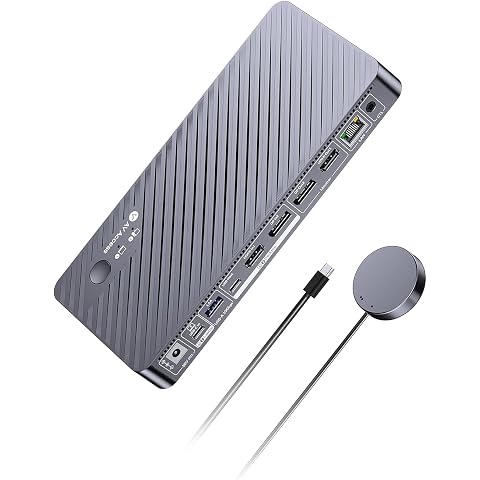
AV Access 8K KVM Switch 2 Monitors 2 Computers for Laptop & Desktop, GbE | KVM Docking Station Dual Monitor 8K@60Hz/4K@165Hz, 100W PD, 4xUSB 3.2 10Gbps USB C Hub, 1080p@480Hz/360Hz for Design, Game
$296.39
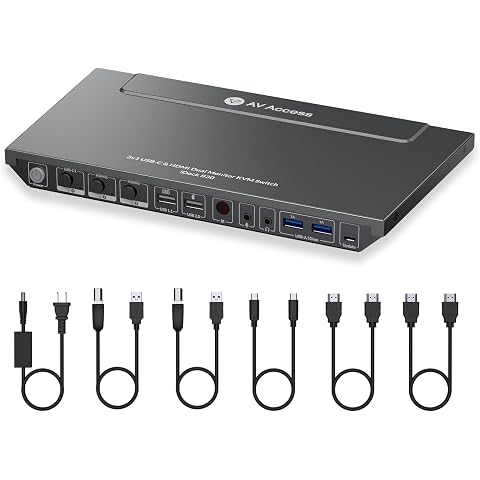
AV Access Docking Station KVM Switch 3 Computers 2 Monitors | 65W Charging for Laptop, 1G Ethernet, EDID Emulation,USB-C MST Dual 4K@60Hz, 1080P@240Hz, Ideal for Home Office & Gaming
$289.54
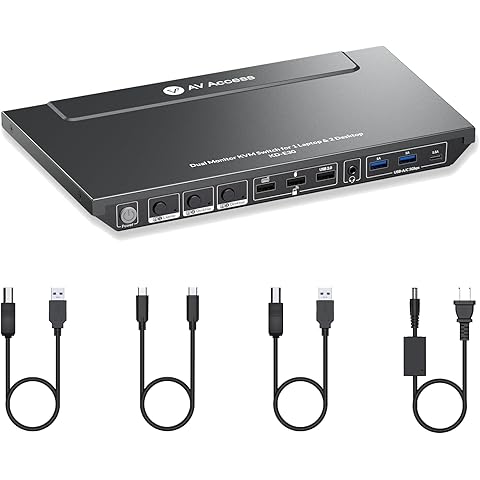
AV Access Docking Station KVM Switch 1 Laptop &2 Desktop PCs | Dual 4K@60Hz Monitors, EDID Emulation, 100W Charging, 1G Ethernet,High Refresh Rates,Ideal for Gaming, Office & Creative Work
$257.56
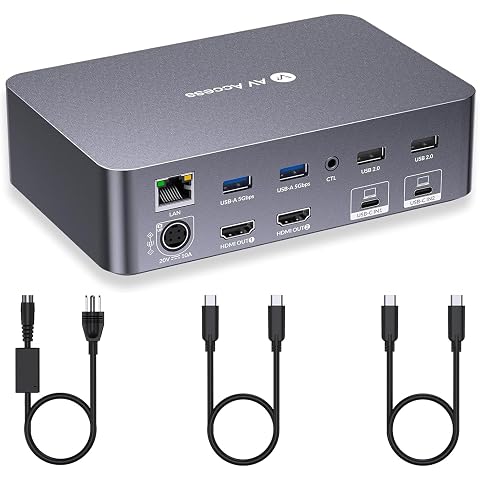
AV Access KVM Switch Dock 2 Monitors 2 Laptops, 2 USB C MST Ports | 4K KVM Switch Dual HDMI Monitor, 60W PD for Each PC, 1G Ethernet, EDID Emulation,Ideal for Home Office & Gaming
$361.99
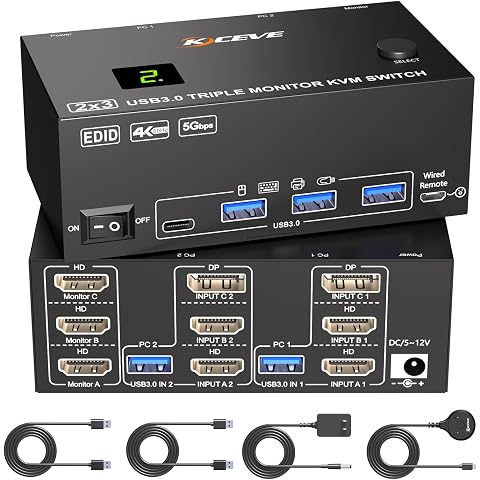
KVM Switch 3 Monitors 2 Computers Displayport HDMI 4K@60Hz EDID Emulation | Triple Monitor KVM Switch EDID,Expand to 3 External Displays and 4 USB 3.0 Ports,Wired Remote,USB Cables,12V Power Adapter
$105.99
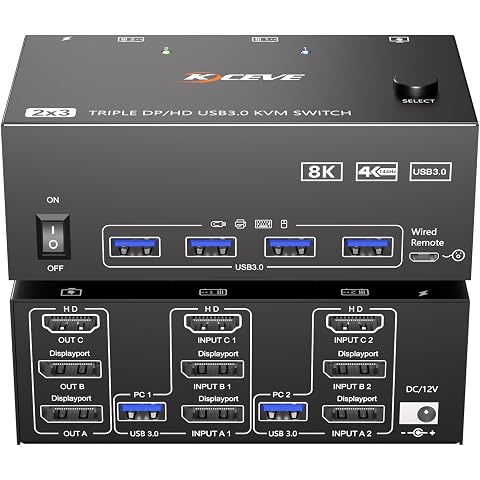
KVM Switch 3 Monitors 2 Computers 8K@60Hz, Triple Monitor KVM Switch for Running Two Computers Across 3 Monitors, Sharing 4 USB 3.0 Devices, with Wired Remote & USB Cable
$105.99
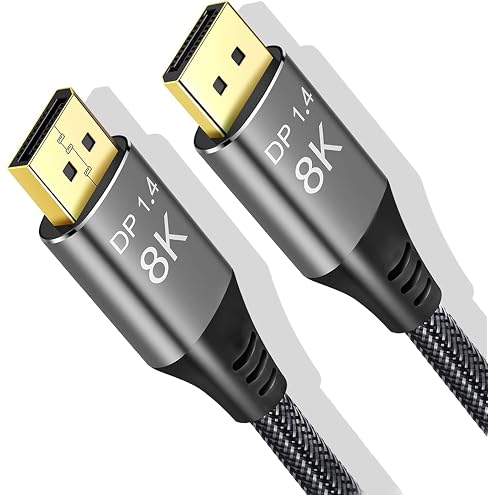
DisplayPort Cable 1.4, 8K@60Hz 4K@144Hz Ultra HD DisplayPort Cord | 32.4Gbps HDR HDCP, FreeSync G-Sync, Braided DP Cables for Monitors, HDTVs, Gaming, PC Graphics 5ft/1.5M
$13.19
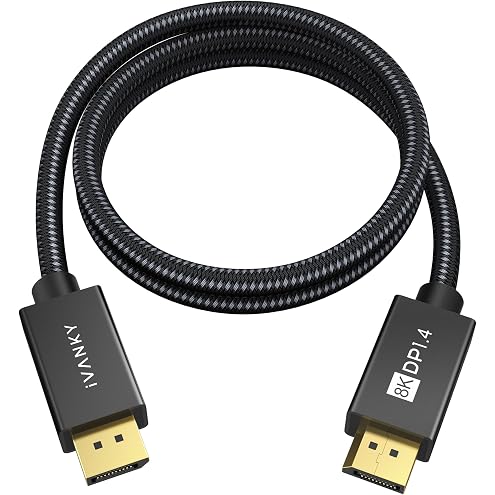
IVANKY 8K DisplayPort Cable 1.4 3ft, Short DP Cable 3.3ft, [8K@60Hz, 4K@240Hz, 1080P@240Hz], Support HBR3, 32.4Gbps, HDCP 2.2, HDR, Compatible for Gaming Monitor, TV, PC, Laptop, 3090 Graphics .etc
$13.99