Docks & Hubs
Products · Docks & Hubs
10 active deals
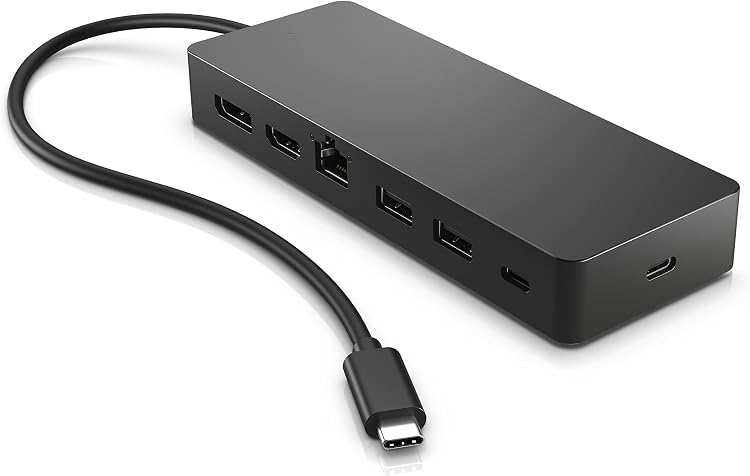
HP Universal USB-C Multiport Hub 50H98AA
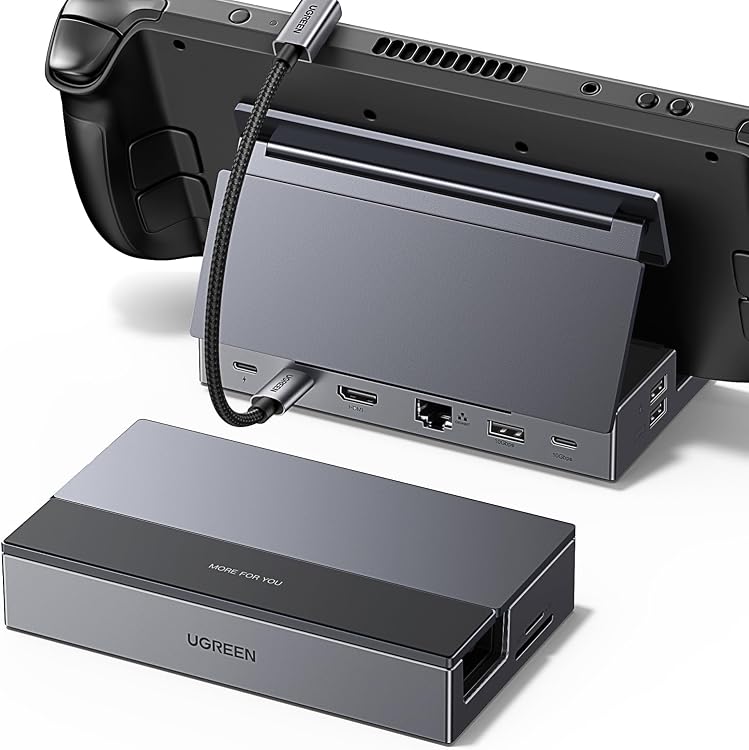
UGREEN 25869 Steam Deck Dock, 9-in-1 with Foldable Stand
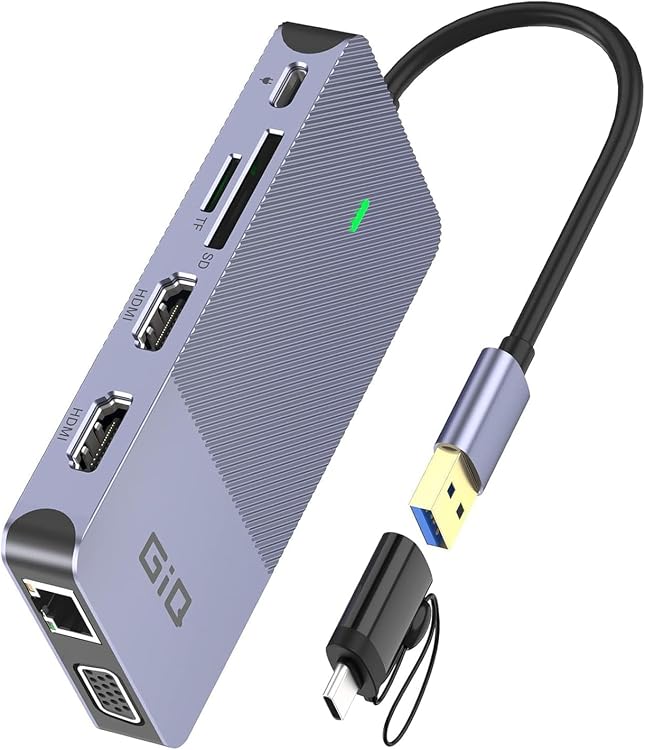
Giq D3908-giq DisplayLink USB Docking Station

UGREEN Revodok Pro 10-in-1 Docking Station, Dual 4K HDMI
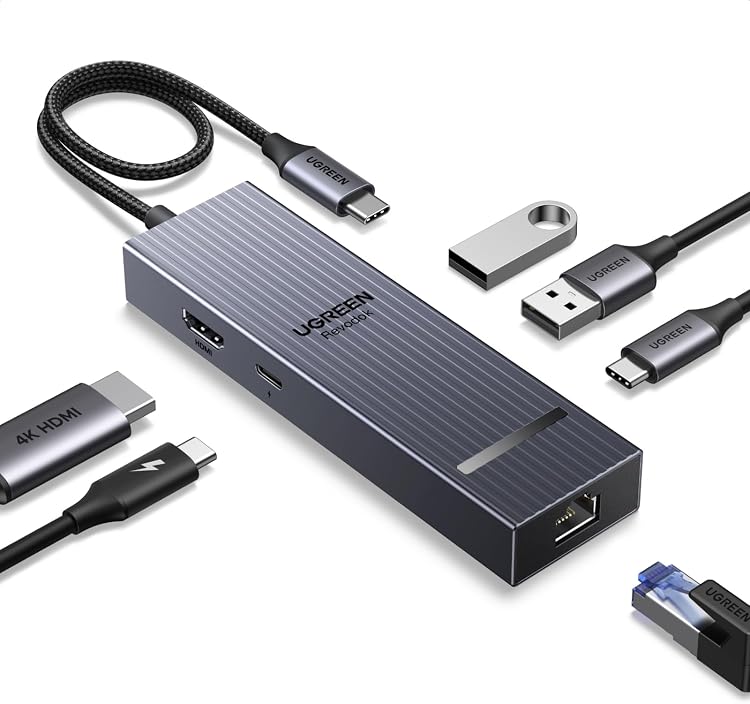
UGREEN Revodok Pro 6-in-1 USB-C Hub, 4K 60 Hz HDMI, Gigabit Ethernet
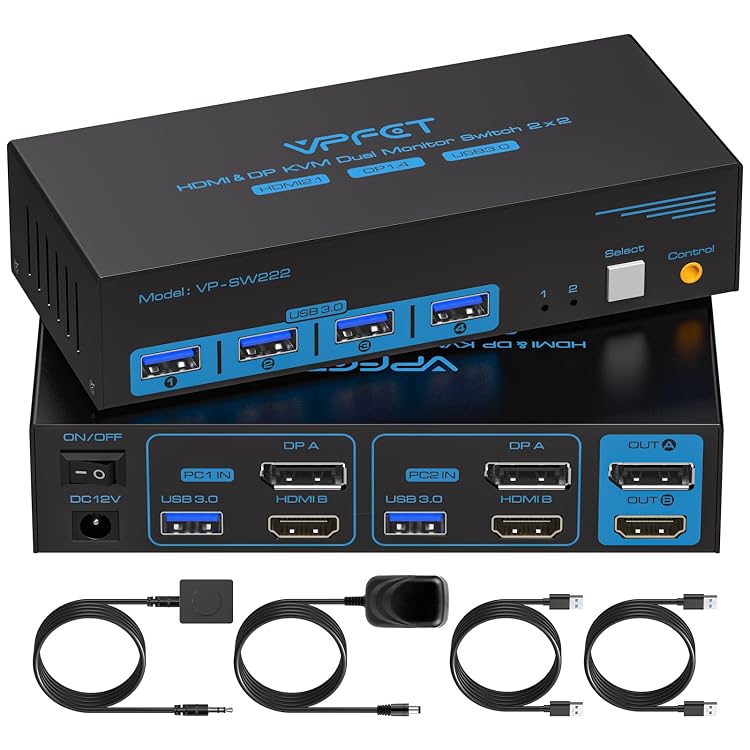
VPFET FLCA-SW222 Dual-Monitor KVM Switch
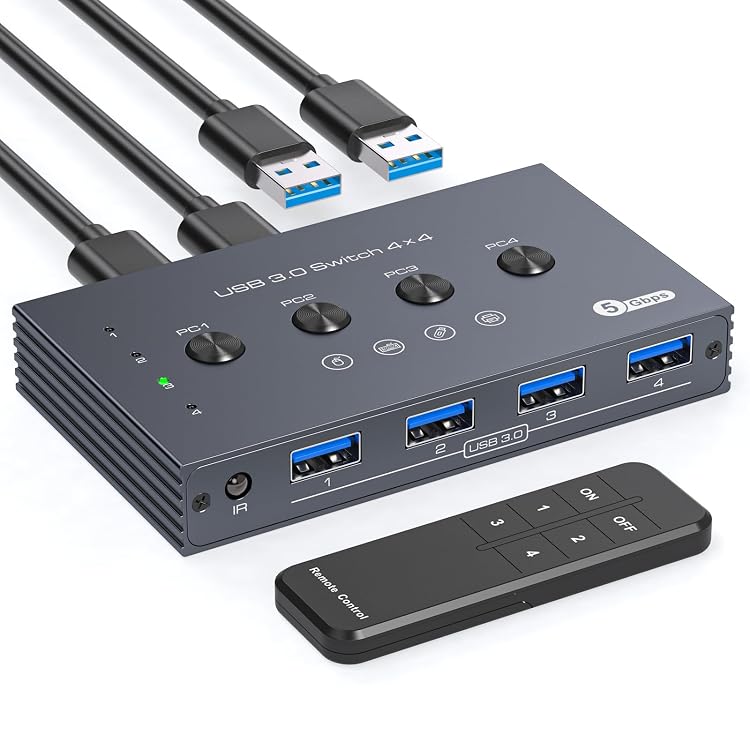
TJCXELE YQCA-SW202DZM USB 3.0 Switch, 4 Computers to 4 USB Devices
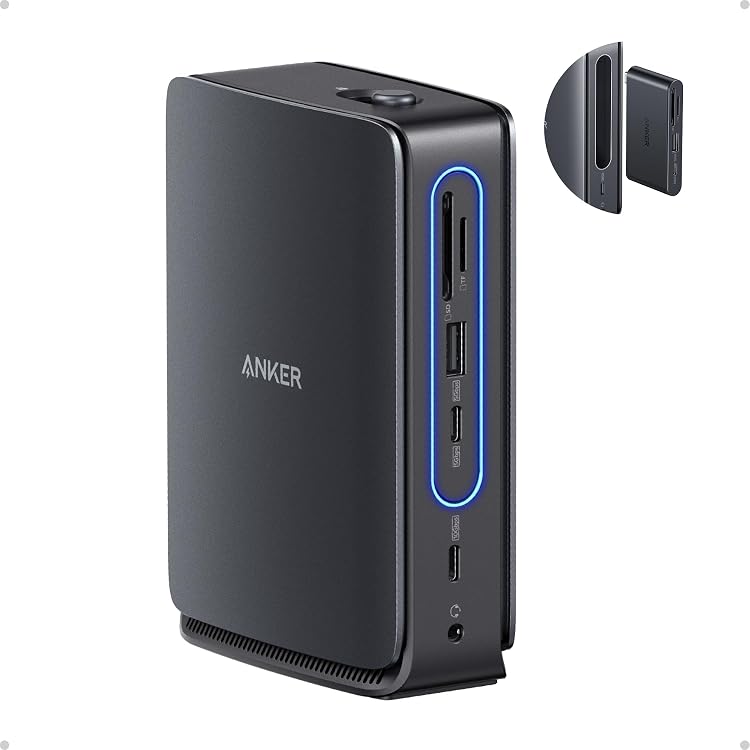
Anker Nano A83C3 13-in-1 USB-C Docking Station
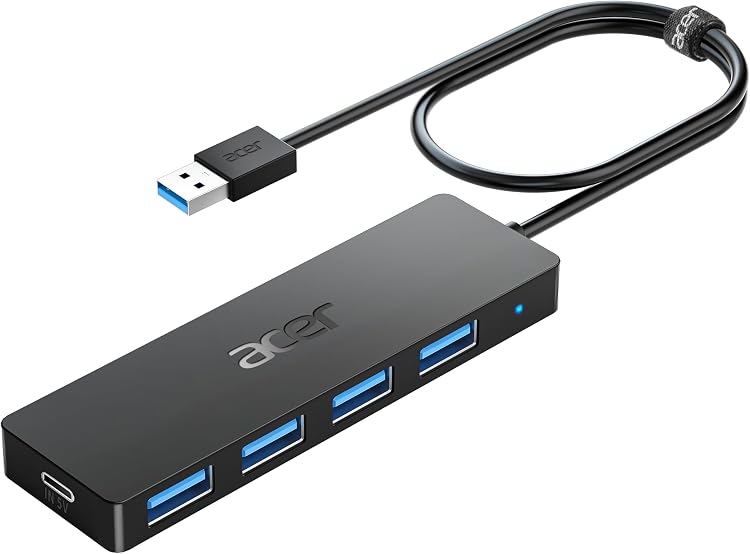
Acer ACER-UH501 4-Port USB 3.0 Hub
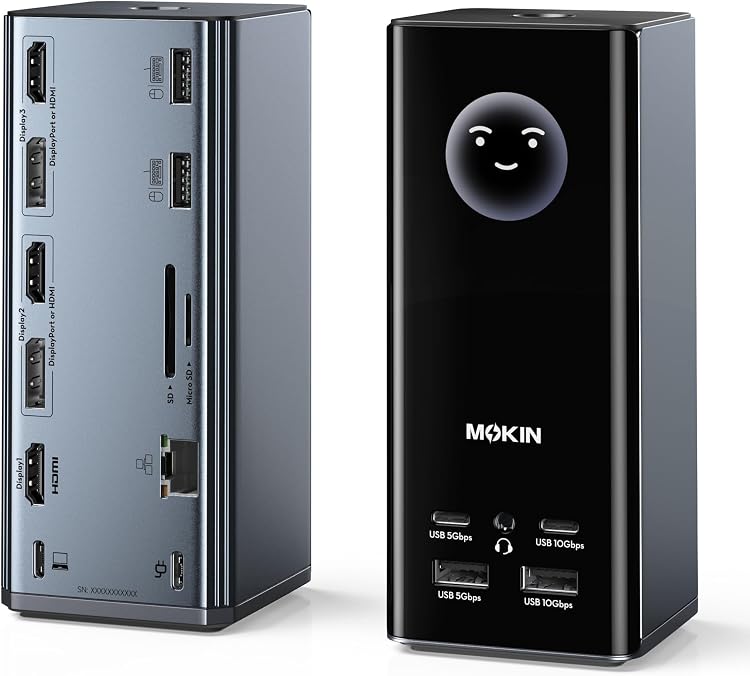
MOKiN 17-in-1 USB-C Triple-Display Docking Station
Top deals in Docks & Hubs
Big discounts across a variety of models and stores.
UGREEN Revodok Pro 10-in-1 Docking Station, Dual 4K HDMI
HP Universal USB-C Multiport Hub 50H98AA
TJCXELE YQCA-SW202DZM USB 3.0 Switch, 4 Computers to 4 USB Devices
Anker Nano A83C3 13-in-1 USB-C Docking Station
VPFET FLCA-SW222 Dual-Monitor KVM Switch
Giq D3908-giq DisplayLink USB Docking Station
Docks and hubs: check the complete connection setup
A dock or hub can reduce the cables you connect to a laptop, but its ports do not operate independently in every combination. Begin with a specific list: displays and their resolution and refresh rate, peripherals, networking and charging. Then verify that both the computer and accessory support that whole setup at the same time.
What the host port actually supports
USB-C identifies a connector shape, not one fixed set of functions. Check whether the laptop port supports data, video and power, and which protocol it uses. Do not buy a dock requiring Thunderbolt on the assumption that any USB-C port will suffice. The cable to the computer matters too: it can restrict functions or be permanently attached. Check usable length with the laptop in its usual stand or desk position.
Displays need an exact configuration check
Counting HDMI or DisplayPort sockets is not enough. Check resolution and refresh-rate combinations for one display and several displays, including operating-system requirements. An advertised arrangement may mirror screens rather than extend the desktop. Some products use video technology that needs additional drivers, potentially affecting protected content or managed work computers. Verify support for your actual model, not merely a broad computer family that may contain different hardware.
- Distinguish USB-C ports offering data only from ports that also provide video output.
Shared power and shared bandwidth
Input power is not necessarily the power reaching the laptop: the dock reserves some for itself and connected peripherals. Check whether a suitable supply and cable are included. Several USB devices can share one upstream data connection. Copying files to a drive while other ports are active does not mean every socket has its full headline speed available. Check the Ethernet port's limit as well, especially for a fast local network.
A permanent desk or a travel bag
A compact hub avoids carrying a large base, but short cables and closely spaced connectors can be awkward. A desktop dock needs room, ventilation and accessible placement for attaching accessories. Consider firmware updates and behaviour after waking from sleep. During the return period, test charging, displays and file transfers together. That reveals limitations missed by trying each port separately, and reflects how a fully connected desk will actually be used.