Computer Cases & Stands
Products · Computer Cases & Stands
14 active deals
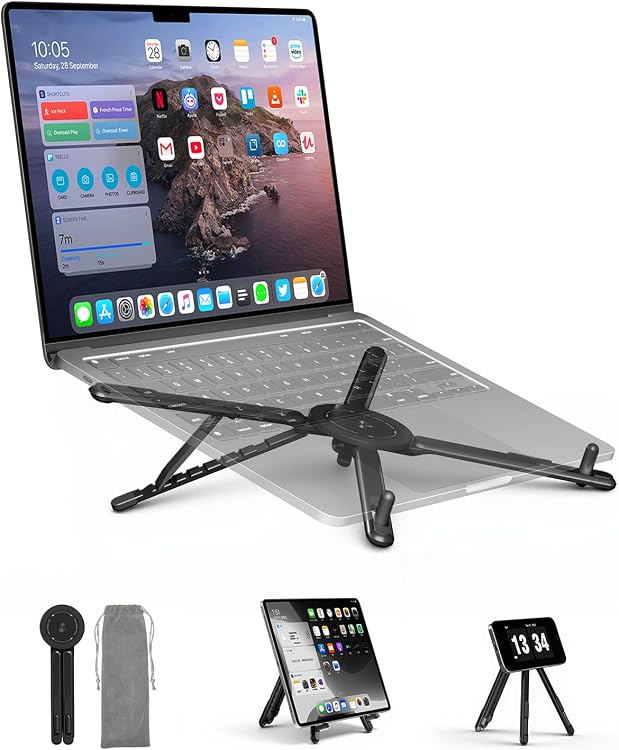
SupeDesk CA-E05S Foldable Adjustable Laptop Stand
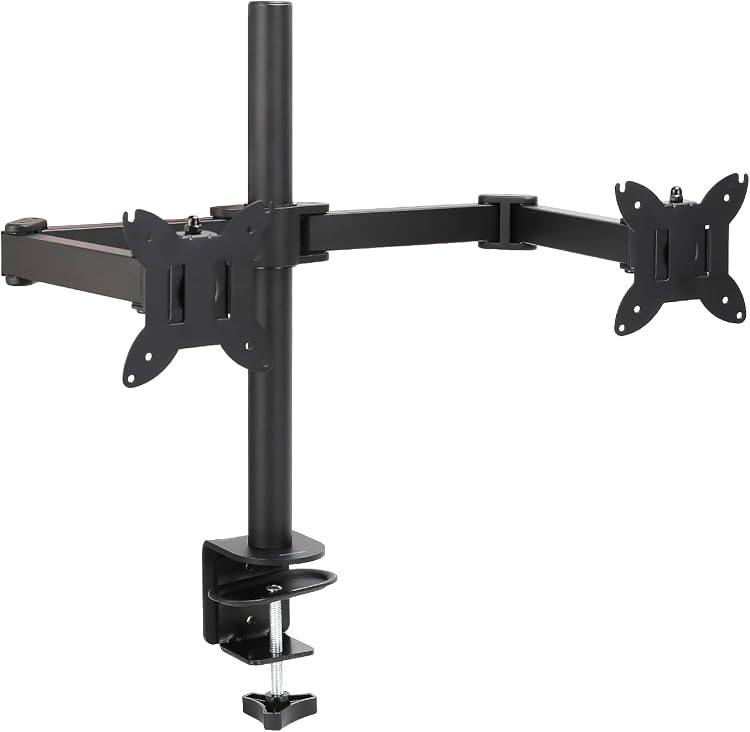
Amazon Basics DS-MA-E02 Dual Monitor Desk Mount

HLAAJJX Pink Flowers Hard Case for MacBook Air 13.6-inch

MoKo 13.3–14-Inch Laptop Sleeve with Accessory Pocket
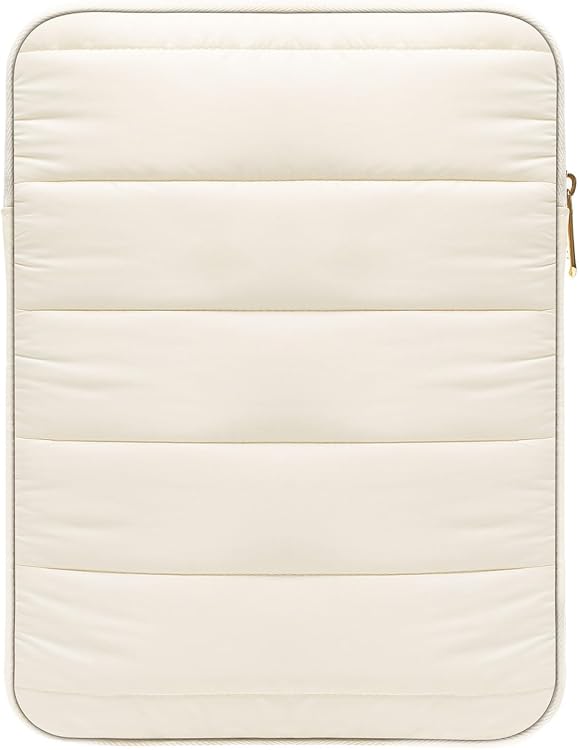
MoKo 13–14-Inch Puffy Laptop Sleeve, Model P840034657654
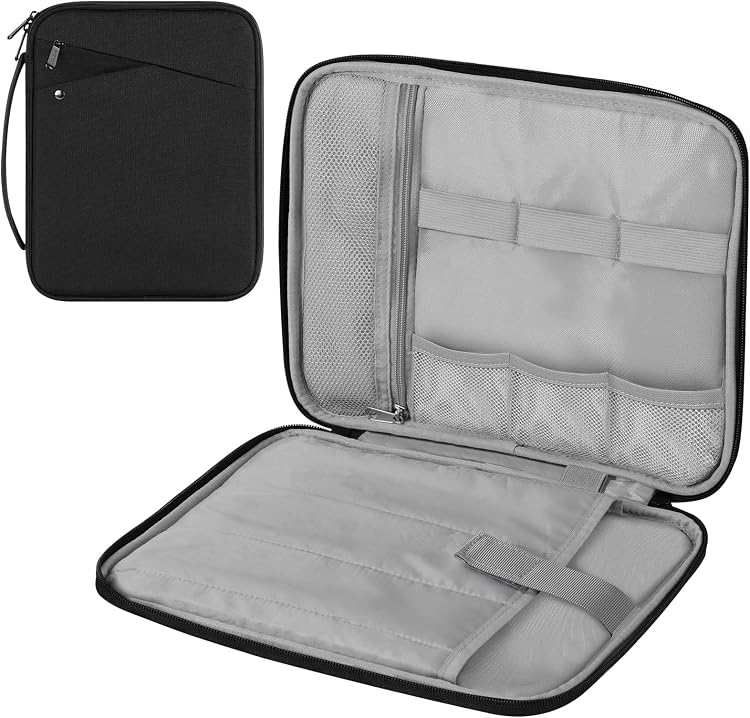
MoKo 13–14-Inch Laptop Sleeve with Handle
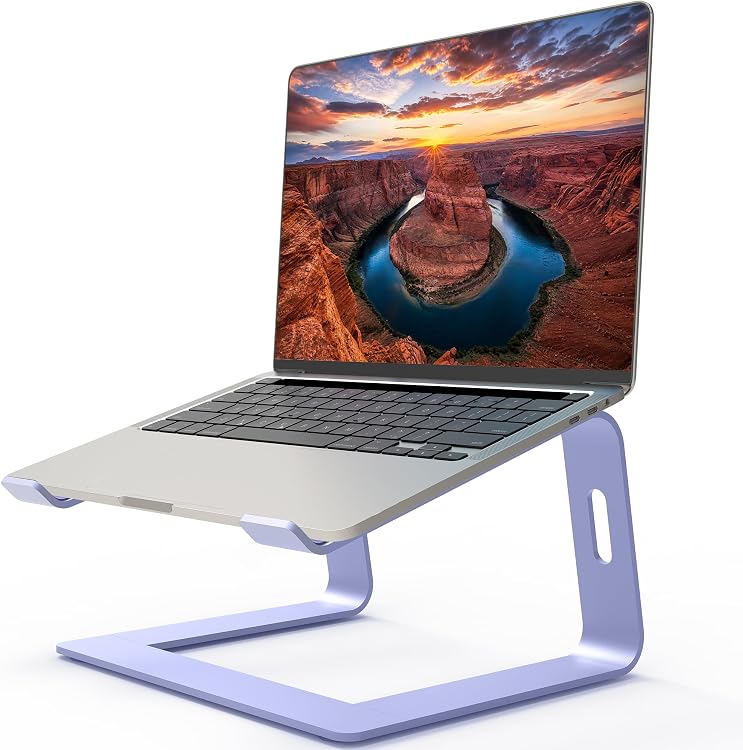
Orionstar M5 Aluminum Laptop Stand, Purple, 10–15.6-Inch
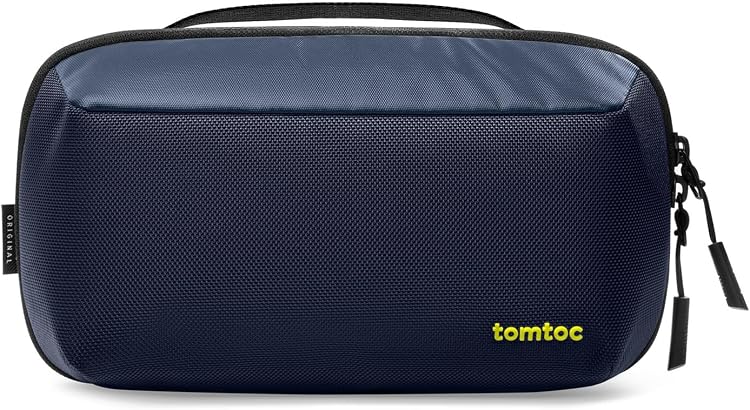
tomtoc A0113 Tech Organizer Pouch, 2.4 L

tomtoc A17-C01D 14-inch Laptop Sleeve
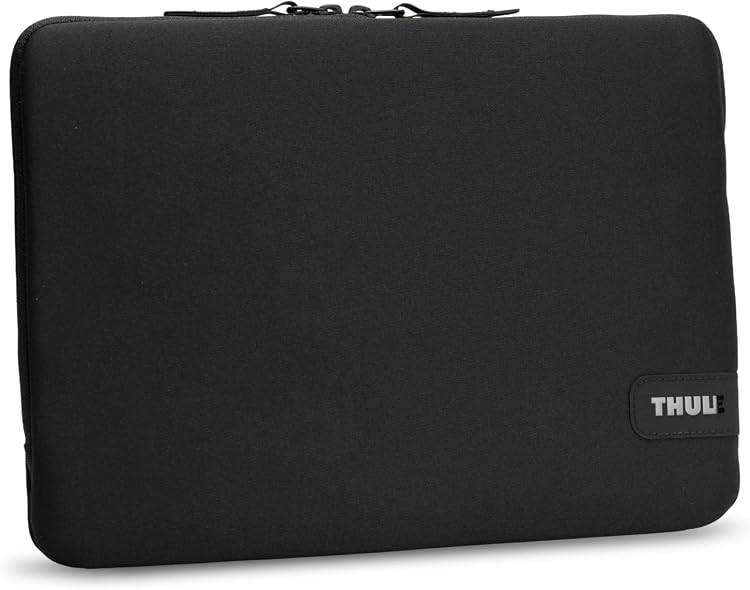
Thule Koya 14-inch Laptop Sleeve, Model 3205643

tomtoc A34F2D1 360 Protective Laptop Sleeve for 16-inch MacBook Pro

ProCase PC-08367405 13-inch Laptop Sleeve, Beige
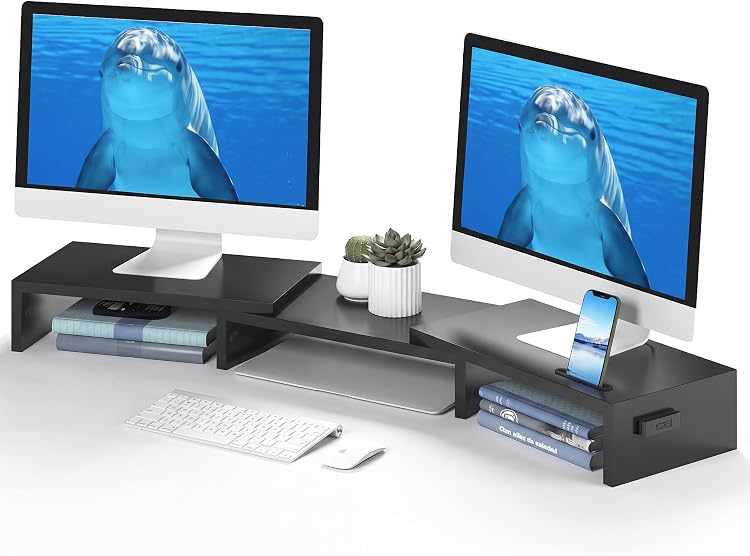
BONTEC MTR-S3 Adjustable Dual Monitor Stand

HUANUO HNDS8 Dual Monitor Mount for 17–32-Inch Screens
Top deals in Computer Cases & Stands
Big discounts across a variety of models and stores.
HUANUO HNDS8 Dual Monitor Mount for 17–32-Inch Screens
Thule Koya 14-inch Laptop Sleeve, Model 3205643
ProCase PC-08367405 13-inch Laptop Sleeve, Beige
Orionstar M5 Aluminum Laptop Stand, Purple, 10–15.6-Inch
tomtoc A34F2D1 360 Protective Laptop Sleeve for 16-inch MacBook Pro
tomtoc A17-C01D 14-inch Laptop Sleeve
tomtoc A0113 Tech Organizer Pouch, 2.4 L
New in Computer Cases & Stands
Recently added or updated deals.
SupeDesk CA-E05S Foldable Adjustable Laptop Stand
Amazon Basics DS-MA-E02 Dual Monitor Desk Mount
HLAAJJX Pink Flowers Hard Case for MacBook Air 13.6-inch
MoKo 13.3–14-Inch Laptop Sleeve with Accessory Pocket
MoKo 13–14-Inch Puffy Laptop Sleeve, Model P840034657654
MoKo 13–14-Inch Laptop Sleeve with Handle
BONTEC MTR-S3 Adjustable Dual Monitor Stand
Computer cases and stands: fit the accessory to the device and workspace
A sleeve for carrying a laptop and a stand for using it perform different jobs. The sleeve needs the right fit inside your bag; the stand must hold the device in its intended working position. For a monitor, check that the support suits its weight and the available mounting method. Begin by measuring the device and the space where it will be used.
Choose a sleeve by its internal measurements
Screen diagonal does not tell you the laptop's width, depth or thickness. Compare actual dimensions with usable interior space, including any fitted shell you keep on. A loose fit allows movement; a tight fit strains the closure. Check whether the zip is separated from the computer and how corners are padded. Water-resistant fabric is not a promise of protection during immersion or a guarantee against impact damage.
Keep transport accessories away from the screen
An outside pocket can help, but a bulky charger pressing against the display is an unsuitable arrangement. Check where the cable and mouse will sit, and whether handles are provided if you will carry the sleeve without a backpack. Consider cleaning, drying and seam wear. Do not keep a running laptop inside a closed sleeve: an accessory designed for transport is not a substitute for ventilation during use.
A laptop stand that suits your desk
Check load capacity, support dimensions and the positions of air intakes. A tilted laptop should not rest on one corner or have essential ports blocked. Raising the screen also raises the built-in keyboard, so consider an external keyboard and mouse for a high setup. Check whether joints hold their adjustment and the base fits your desk. Folding designs travel conveniently but add mechanisms that must remain firm under the intended load.
Monitor support and usable clearance
A desktop platform must accommodate both the monitor's weight and its base. For an arm, check VESA pattern, weight range and clamp suitability for the desk's thickness and material. A supported screen-size listing alone is insufficient. Measure arm travel, clearance behind the desk and cable length. Follow mounting instructions: a desk unsuitable for the fixing method is not made suitable by tightening the clamp harder.