Laptop Chargers
Products · Laptop Chargers
6 active deals
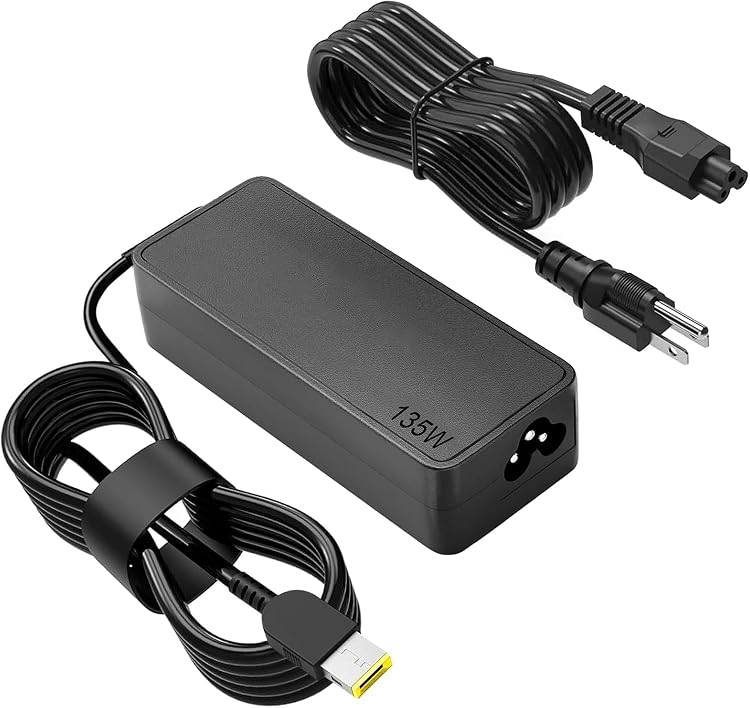
RACAHOO PA-135W 135W Laptop Power Adapter
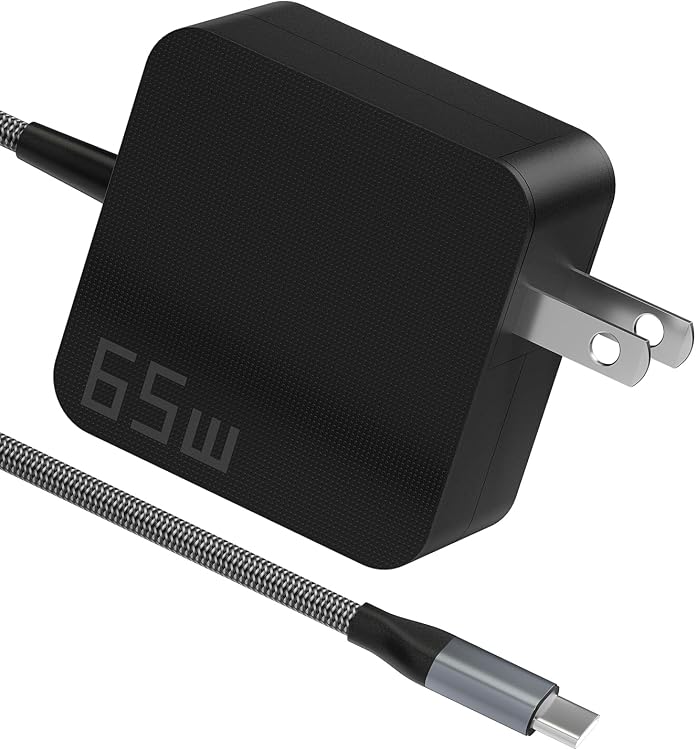
Yuncaiiz 65W USB-C Laptop Charger

GDTOWD XH65W PD 65W USB-C Laptop Charger
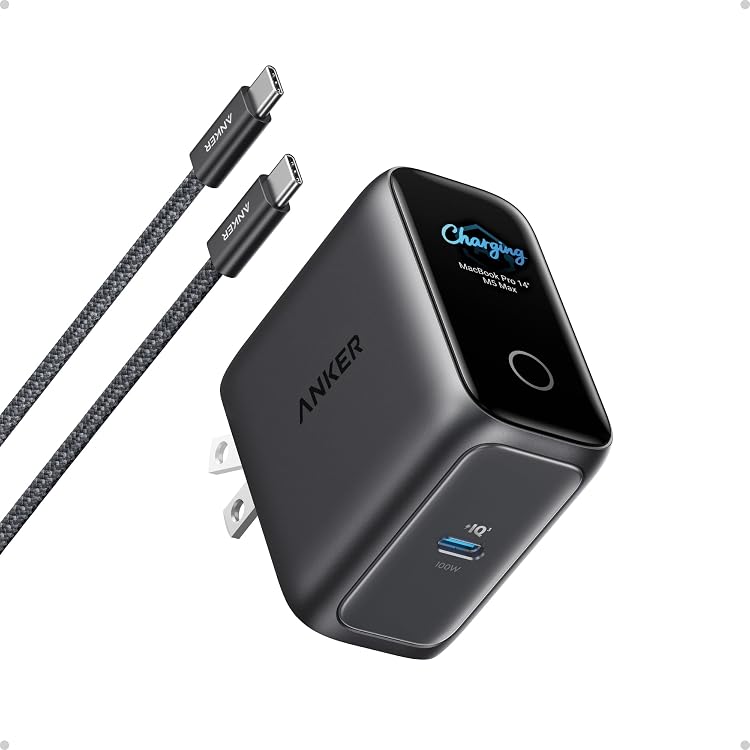
Anker A120F Laptop Smart Display Charger, 100W USB-C
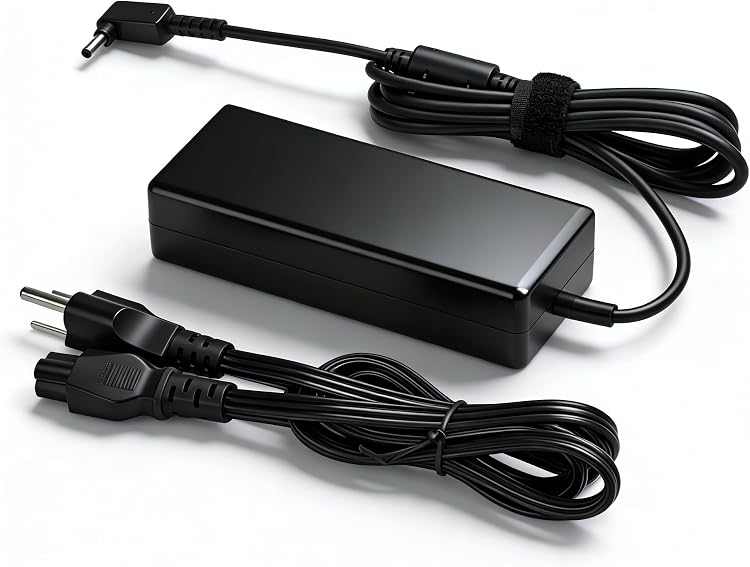
XINXIANG SL195334 65W Acer Laptop Charger

SURGKET 85WT 85W MagSafe 2 T-Tip Charger
Top deals in Laptop Chargers
Big discounts across a variety of models and stores.
SURGKET 85WT 85W MagSafe 2 T-Tip Charger
RACAHOO PA-135W 135W Laptop Power Adapter
Anker A120F Laptop Smart Display Charger, 100W USB-C
GDTOWD XH65W PD 65W USB-C Laptop Charger
XINXIANG SL195334 65W Acer Laptop Charger
Yuncaiiz 65W USB-C Laptop Charger
Laptop chargers: choose a genuinely compatible replacement
A laptop charger is not selected by wattage alone. It must supply power the computer supports through an appropriate connector and cable. Before looking for a replacement or a second charger, identify the exact laptop model and its power requirements in the documentation or on the original supply. That is a firmer starting point than plug appearance.
Proprietary connectors and charger recognition
For barrel plugs or other model-specific connectors, check the compatible part reference, stated electrical characteristics and terminal dimensions. Two similar-looking plugs may not be interchangeable. Some laptops identify their supply and restrict charging or performance when it is not recognised. A collection of interchangeable tips is not proof of compatibility. If the information conflicts, seek confirmation for your model instead of experimenting with modifications or choosing the closest-looking tip.
USB-C power profiles matter too
First confirm that the laptop port accepts charging. Then compare the USB Power Delivery profiles the computer needs with those the charger provides. The maximum wattage may apply to conditions your machine does not use. The cable must also support the required power; a cable intended for lower-power charging can become the limiting factor. If no cable is included, account for a suitable one in the purchase.
- Do not assume every USB-C port on the same laptop accepts incoming power.
Shared ports and demanding workloads
A multiport charger may reduce the laptop port's output when a phone is connected. Check allocation for the combination you intend to use, not simply the total rating. An undersized supply may charge an idle laptop yet fail to maintain its battery during intensive work. Where the maker requires a specific charger for certain capabilities, a charging icon does not establish equivalent performance under a demanding workload.
Travel size, condition and complete cost
Compare weight including the mains lead and computer cable. Check the plug for your destination, declared input range and seller's warranty terms. With used units, inspect cable and connector wear; do not use a damaged supply or attempt repairs. Keep ventilation areas unobstructed during use. Compact styling or a GaN label does not replace verified compatibility, clear manufacturer identification and the right components for the complete connection.