 1 / 7
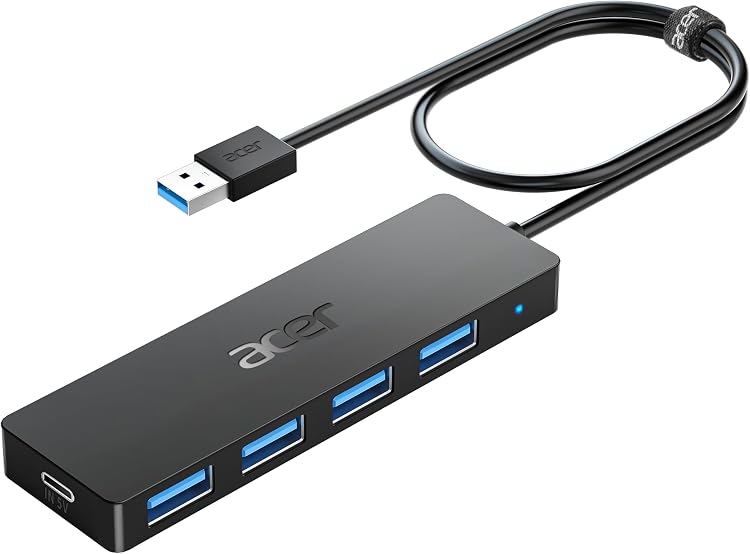
Acer ACER-UH501 4-Port USB 3.0 Hub
The Acer ACER-UH501 USB hub adds four USB-A data ports to a compatible USB-A host connection. A USB-C input marked IN 5V is for supplying power to the hub, not data transfer or charging devices, so this suits peripheral expansion rather than a charging dock.
At a glance
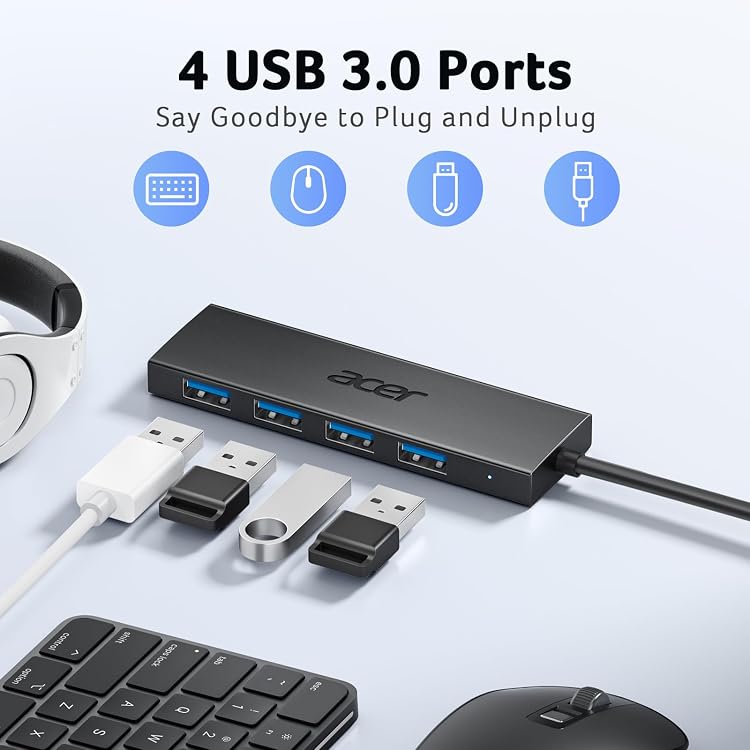
- Four USB-A ports are intended for data peripherals such as keyboards, mice and flash drives.
- USB-C input marked IN 5V supplies power to the hub's USB-A ports and does not transfer data or charge other devices.
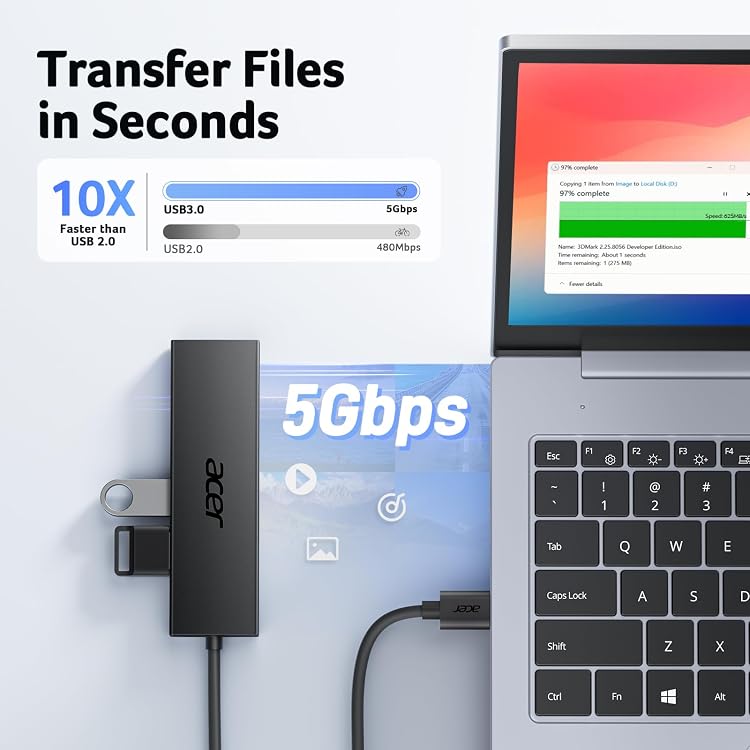
- The listing claims USB 3.0 transfer speeds up to 5Gbps when connected to a USB 3.0 host port.
- Plug-and-play operation and a status indicator are listed.
Reference price: $15.99
Price checked: Nov 12, 2026
View offerAhead of Black FridayExplore the selectionOften bought together

EMEET 1080P Webcam with Microphone, C960 Web Camera 2 Mics Streaming Webcam | 90°FOV Computer Camera, Plug and Play USB Web Cam for Online Calling/Conferencing, Zoom/Teams/Facetime/YouTube, Laptop/PC
$34.99

Logitech H390 Wired Headset PC/Laptop Stereo Headphones, USB-A, Black | Stereo headphones, USB-A, in-line controls, for PC or laptop, works with Chromebook
$35.00
Pros and cons
Pros
- Adds four USB-A connections from one host port for common peripherals.
- Compact listed dimensions and a 45 g listed weight suit a portable setup.
- The USB-C power input can supply power to the hub's USB-A ports when peripherals need extra power.
Cons
- The USB-C port is power input only, not an additional data port or device-charging output.
- The listing warns against connecting two hard drives simultaneously because their combined power demand may cause disconnection.
Technical specifications
11 specifications| Brand | Acer |
|---|---|
| Model | ACER-UH501 |
| Ports | 4 |
| Hardware interface | USB, USB 3.0, USB Type C |
| Data transfer rate | 5 gigabits_per_second |
| Compatible devices | Laptops, Desktops, Tablets, USB Flash Drives, Gaming Consoles |
| Operating systems | Chrome OS, Linux, Windows 11 |
| Colour | Black |
|---|---|
| Enclosure material | Acrylonitrile Butadiene Styrene (ABS) |
| Listed dimensions | 10.49 x 3 x 0.89 cm; 45.36 g |
| Listed weight | 45 g |
What to know before buying
Listing details to confirm
The listing is inconsistent about its configuration: the title and feature text describe four USB-A ports plus a USB-C power input, while the product-description heading calls it a 5-in-1 hub. It also gives differing dimensions and weight, and operating-system details vary between sections. Check the selected listing and host-port compatibility. The USB-C port is input-only, supports standard 5V input, and must not be used with fast-charging or PD adapters. The listing says USB 2.0 host connections limit transfer to 480 Mbps and warns against two hard drives at once.
Who is it for?
A good fit for
- Laptop or desktop users who need extra USB-A ports for keyboards, mice, flash drives or similar peripherals.
- Buyers seeking a small hub for data peripherals and who understand that the USB-C port supplies hub power only.
Less suited to
- Anyone needing USB-C data, device charging output, video output or a full-featured USB-C dock.
- Setups that require two hard drives to run from the hub simultaneously.
Customer reviews on Amazon
- 5 stars
77% 77% - 4 stars
13% 13% - 3 stars
4% 4% - 2 stars
2% 2% - 1 star
4% 4%
Customer feedback describes the hub as handy, portable and easy to use, with positive reports about functionality, build quality, speed and fit. Some customers report reliability concerns, and compatibility opinions are mixed. Those points matter for a four-port USB-A hub used with everyday peripherals, but the reports do not establish how it will perform with a particular host or device. The supplied rating distribution is mostly five-star, alongside a smaller range of lower ratings.
Positive themes
- Customers praise ease of use, portability, functionality and perceived quality.
- Customers report satisfaction with speed and fit.
Negative themes
- Some customers report reliability issues.
Mixed feedback
- Customer views on port compatibility are mixed.
Frequently asked questions
Can the USB-C port transfer data or charge a phone?
No. The listing describes the USB-C port marked IN 5V as a power input for the hub's four USB-A ports, not a data port or charging output.
What transfer speed does the hub list?
The listed maximum is 5 gigabits_per_second with USB 3.0. The listing says a USB 2.0 host connection limits transfer to 480 Mbps.
Can I connect two hard drives at once?
The listing warns that two hard drives may draw too much power and disconnect. It does not recommend that setup.
Which operating systems are listed?
The product details name Chrome OS, Linux and Windows 11, while other listing text names additional Windows and macOS versions. Confirm compatibility for your system before buying.
Alternative options
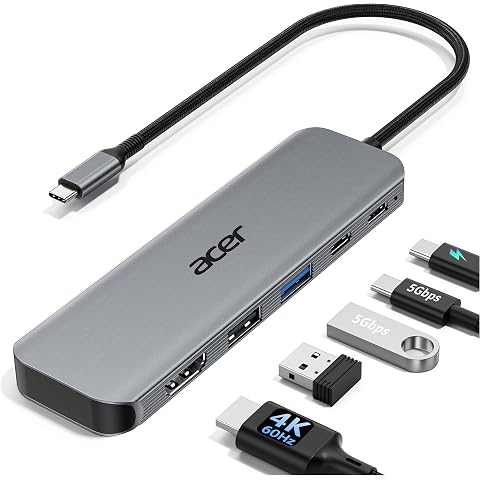
acer USB C Hub 5-in-1, 4K@60Hz USB-C to HDMI Multiport Adapter Aluminium | USB-A & USB-C 5Gbps Data, USB-A 2.0, 100W PD Port, Type C Splitter for Laptop, MacBook Neo/Pro/Air, Mac mini M4, Surface, S26
$24.99
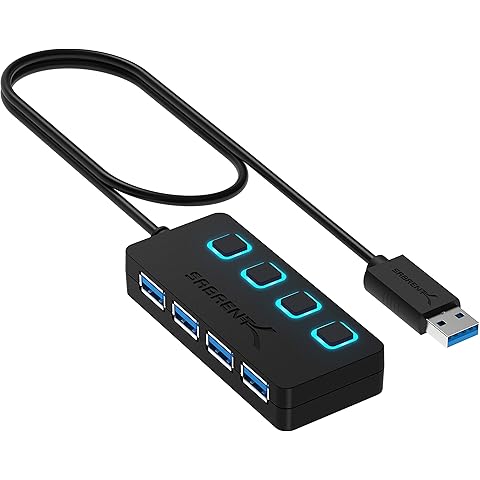
SABRENT USB hub 3.2x1, 4 Port usb3 Fast Data hub, Multiple USB Splitter, USB Docking Station, Extender multiport hubs, 2Ft Long Cable, on/Off Switch Compatible with ps5 MacBook Laptop pc Desktop iMac
$14.99
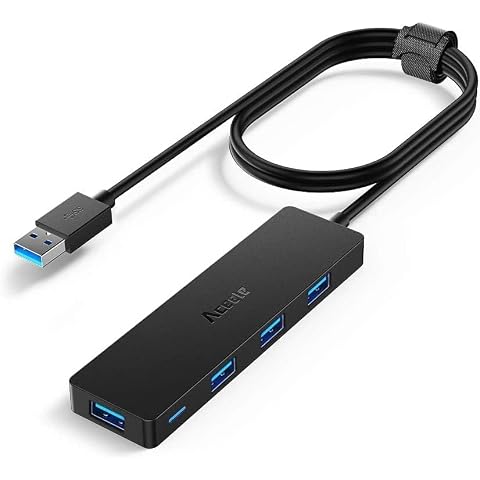
Aceele USB Hub 3.0 Splitter with 4ft Extension Long Cable Cord | 4-Port Extra Slim Multiport Expander for Desktop Computer PC, PS4, Laptop, Chromebook, iMac, Flash Drive Data and More
$13.99
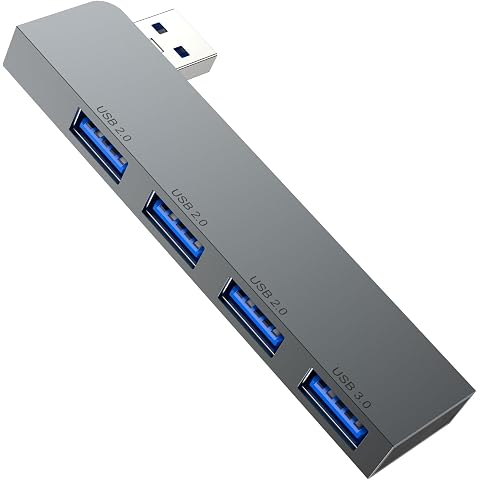
Fidioto USB Hub,4 Port USB 3.0 * 1 Hub, 2.0 * 3 Hub Splitter for Laptop,Windows PC,Mac,Printer,Flash Drive,Mobile HDD, Notebook PC
$8.99
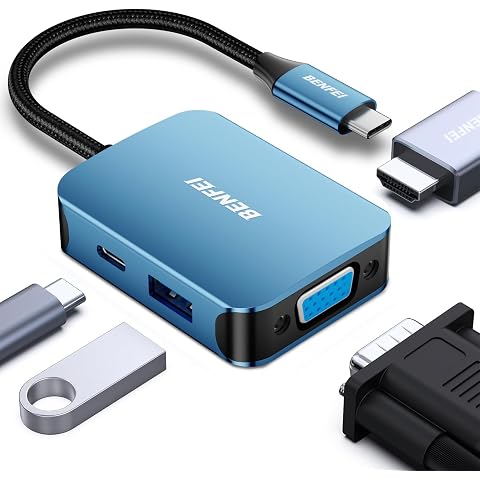
BENFEI USB C Hub 4-in-1 Blue, USB Type-C to HDMI VGA Adapter | USB C to USB Adapter, USB Type-C Power Delivery, Compatible with iPhone 15 Pro/Max, MacBook Pro/Air 2023, iPad Pro, iMac
$18.99
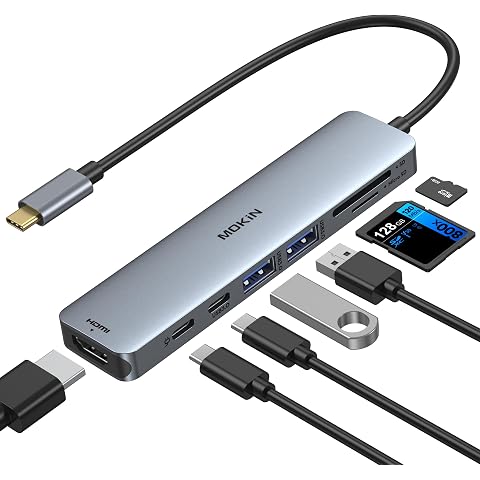
MOKiN USB C Hub HDMI Adapter for MacBook Pro/Air,7 in 1 USB C Dongle HDMI | USB C Adapter with HDMI,SD/microSD Card Reader,USBC Data Port,100W PD,2USB 3.0 for MacBook Pro/Air, Dell XPS,Lenovo Thinkpad
$26.99

BENFEI 7-in-1 USB C Hub with HDMI(4K@60Hz), 2 USB-A, 1 USB-C Data, 100W Charge, SD/TF Card Reader, Silicone Tangle-Free Cable Compatible with MacBook Pro/Air, iPad Pro, iMac, iPhone 15 Pro/Pro Max
$21.99

BENFEI 7-in-1 USB C Hub with HDMI(4K@60Hz), 2 USB-A, 1 USB-C Data, 100W Charge, SD/TF Card Reader, Silicone Tangle-Free Cable Compatible with MacBook Pro/Air, iPad Pro, iMac, iPhone 15 Pro/Pro Max
$19.99
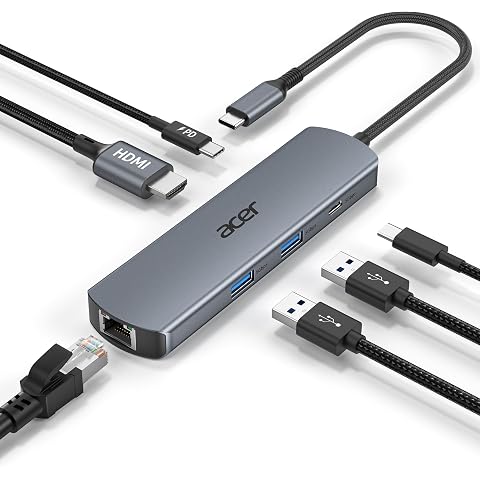
Acer 6 in 1 USB C Hub Ethernet Adapter, 4K@60Hz USBC to HDMI Adapter | 1000Mbps RJ45, 100W PD Charging, USB A/USB C Data Ports USB C Splitter for MacBook Neo(A18 Pro), Acer, iPad, iPhone 17
$33.99
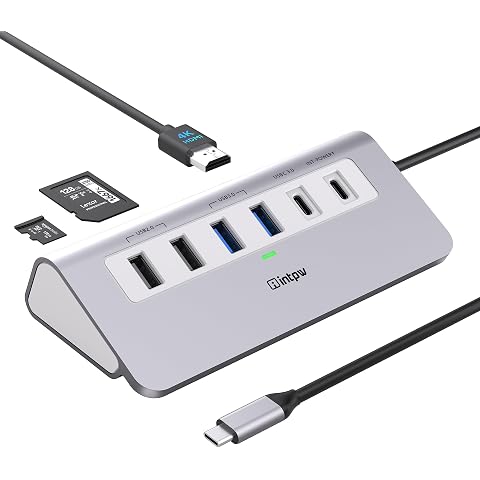
USB C Hub 9-in-1, 28° Ergonomic Aluminum Hub, 4K@60Hz HDMI, PD 100W | Desktop USBC Hub, Plug and Play, 3 USB-A/C 3.0 5Gbps, 2 USB 2.0, SD/TF 104MB/s,1.64ft Cable for MacBook Neo/Air/Pro,iPhone 17
$46.99
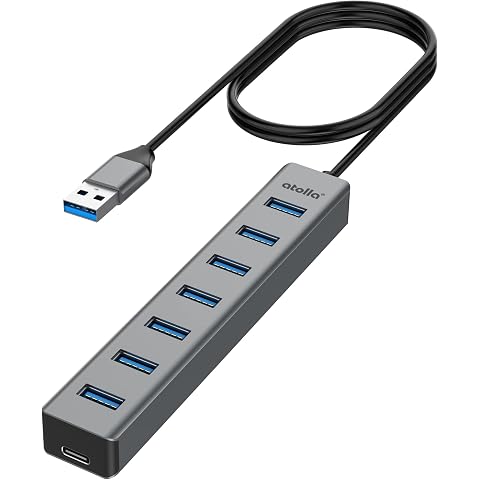
atolla Portable Aluminum 7-Port USB 3.0 Hub with Type-C Power Port, 3.3Ft | Over-Current Protection, 5Gbps Data Transfer, for MacBook, Laptop, PC, Keyboards, Mouse, USB Flash Drives, Plug and Play
$19.99
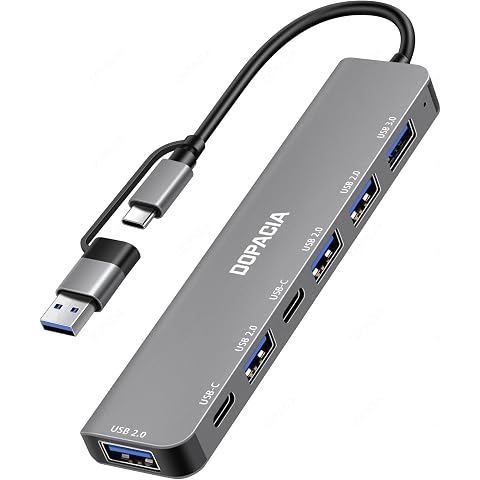
DOPACIA 7-in-2 USB C Hub, USB-A & USB-C, USB 3.0, 4x USB 2.0, 2x USB-C 2.0 | USB-A & USB-C Connectors | 7 Ports: 1x USB 3.0 + 4x USB 2.0 + 2x USB-C 2.0 | Plug & Play | for Laptops, Tablets, Phones
$13.99