 1 / 7
Plugable TBT-UDM Thunderbolt 4 Dock, 100W Charging
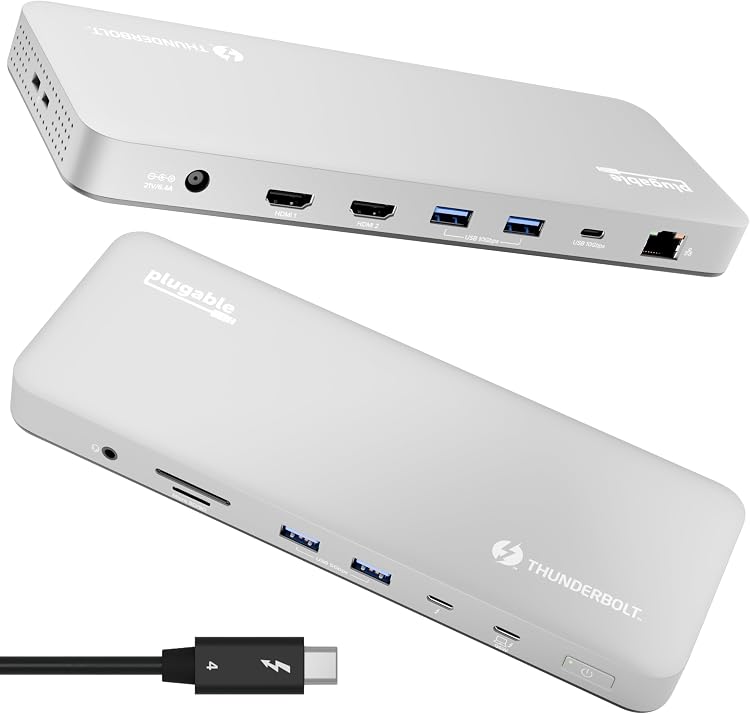
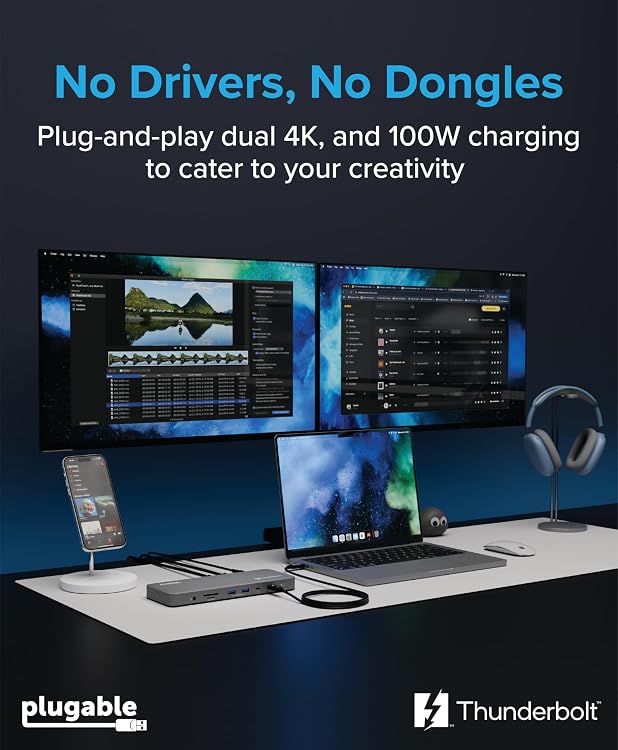
The Plugable TBT-UDM Thunderbolt 4 Dock brings a 13-port connection hub and up to 100W host charging to a compatible laptop setup. Its dual-HDMI displays and broad Mac compatibility are useful for desk-based work, but the number of external screens depends on the Mac’s processor and operating mode.
At a glance
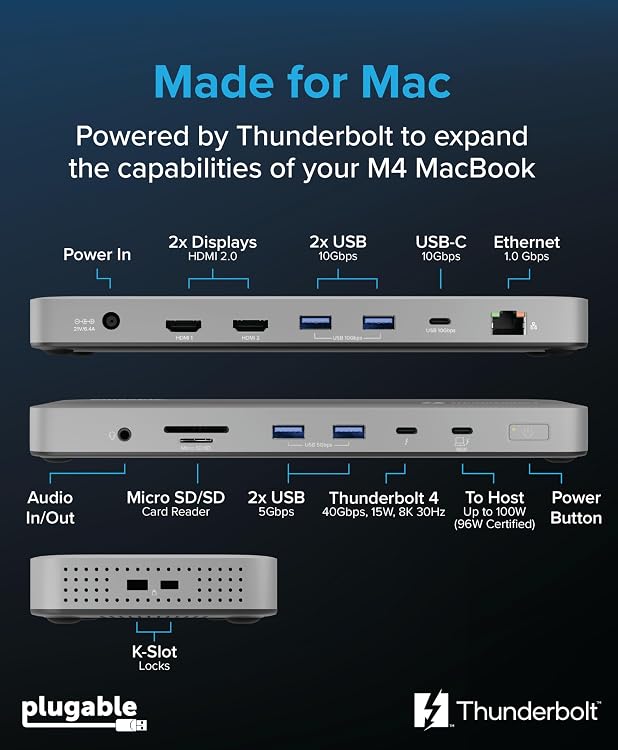
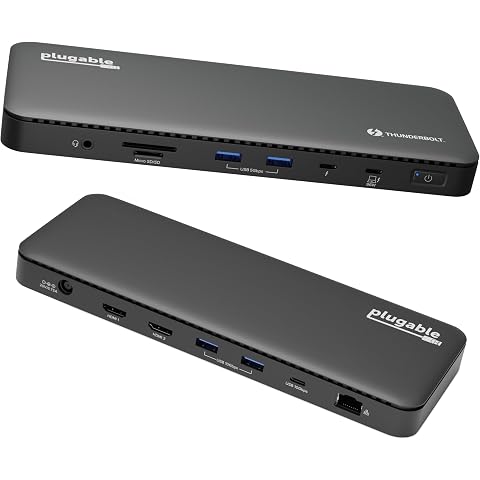
- 13-port dock with Thunderbolt 4, USB-C, USB-A, SD and microSD, audio and Gigabit Ethernet connections.
- Two HDMI outputs are listed for displays up to 4K at 60Hz, with support dependent on the host’s video capabilities.
- Advertised 100W USB Power Delivery, with the detailed description specifying 96W Certified.
- Plug-and-play operation is claimed, with no driver installation required.
Reference price: $272.95
Price checked: Nov 20, 2026
View offerBlack Friday weekExplore the selectionOften bought together
Pros and cons
Pros
- A wide mix of connections can consolidate common desk peripherals into one dock.
- The downstream Thunderbolt 4 port supports up to 40Gbps and can connect compatible Thunderbolt or USB-C devices.
- Listed dual-display compatibility covers all M4/M5 Macs and M-series Macs with Pro or Max processors.
Cons
- Two external displays are not supported on every compatible Mac configuration, so the dock’s headline display capability may not apply to a base M1 or M2 Mac.
Technical specifications
14 specifications| Brand | Plugable |
|---|---|
| Model | TBT-UDM |
| Colour | Space Grey |
| Hardware interface | Thunderbolt 4 |
| Total ports | 13 |
|---|---|
| USB ports | 6 |
| HDMI ports | 2 |
| Port selection | 2x HDMI, 1x Downstream Thunderbolt 4 (40Gbps), 4x USB (2x 10Gbps, 2x 5Gbps), 1x USB-C (10Gbps), SD and microSD Card Slots, Combo Audio Jack, Gigabit Ethernet (1Gbps*) *Actual Ethernet port speed determined by OS version and host model. |
| Display support | up to 2x 4K displays via HDMI, or a single 6K display (8K on Windows) on the downstream Thunderbolt 4 port. |
| Host charging | 100 watts |
|---|---|
| Input voltage | 20 volts |
| Minimum operating system | Mac OS 11 Big Sur, Windows 11 |
| Compatible devices | Laptop |
| Weight listed | 1.29 kg |
|---|
What to know before buying
- Display limits vary by host: base M1 and M2 Macs support one external display, base M3 supports two only with the lid closed, and the listing describes two displays for M4/M5 and Pro/Max M-series Macs. Confirm the exact Mac model and intended setup.
- The listing calls charging 100W in some places and specifies 96W Certified in the detailed description. Its display claims also depend on host capability, and the compatibility wording varies between sections, so verify the target computer and screen arrangement.
Listing details to confirm
The listing gives conflicting physical dimensions: 8.5L x 22.5W x 2.3H centimetres and 8.5 x 22.5 x 2.3 cm, 1.29 kg. Dimensions are therefore unconfirmed here.
Who is it for?
A good fit for
- Mac or Windows laptop users building a multi-monitor desk setup with Thunderbolt 4 or USB4 connectivity.
- People who want HDMI displays, wired Ethernet, memory-card slots and multiple USB connections through one dock.
- Compatible Mac owners who want charging and peripherals connected through a single docking station.
Less suited to
- Owners of base M1 or M2 Macs who need two external displays through this dock.
- Buyers whose laptop lacks Thunderbolt 4 or USB4, or whose exact display configuration has not been confirmed.
Customer reviews on Amazon
- 5 stars
65% 65% - 4 stars
11% 11% - 3 stars
6% 6% - 2 stars
2% 2% - 1 star
16% 16%
Customer feedback reports positive impressions of functionality and plug-and-play convenience, while compatibility and value for money receive mixed reactions. That distinction matters here because the dock offers many connections, but display support depends on the host computer and charging details are not stated consistently. The overall ratings distribution includes a majority of five-star ratings alongside a notable one-star share, so experiences are not uniformly positive.
Positive themes
- Feedback highlights functionality.
- Customers appreciate plug-and-play convenience.
Mixed feedback
- Feedback on compatibility is mixed.
- Feedback on value for money is mixed.
Frequently asked questions
Can this dock run two external displays on every Mac?
No. The listing says base M1 and M2 Macs support one external display, base M3 Macs support two only with the lid closed, and all M4/M5 and Pro/Max M-series Macs support two. Confirm the specific computer and display setup.
Does the dock require drivers?
The listing describes it as plug-and-play and says no driver installation is necessary. It also states that the dock is not compatible with DisplayLink.
What display resolutions are listed?
The dock is described as supporting up to two 4K HDMI displays at 60Hz, or one display up to 6K through its downstream Thunderbolt port. The listing mentions 8K on Windows and says results depend on host video capabilities.
How much charging power does it provide?
The title and feature copy advertise 100W host charging, while the detailed description specifies 100W USB Power Delivery and 96W Certified. The listing does not present those figures consistently.
Alternative options
Plugable Thunderbolt 4 Dock with 100W Charging, Dual Monitor | Thunderbolt Certified Laptop Docking Station Single 8K or Dual 4K HDMI for Windows and Mac, 4X USB, Gigabit Ethernet TBT4-UD5
$239.96
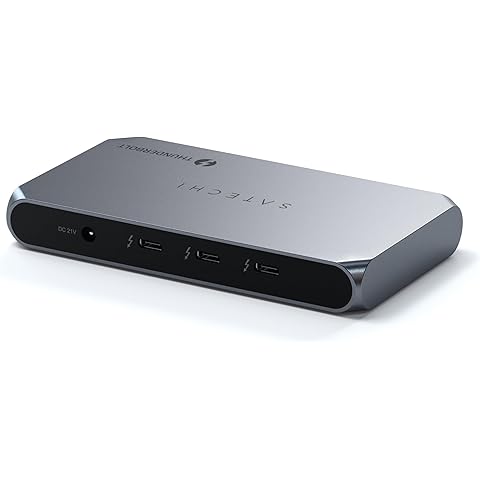
Satechi Thunderbolt 4 Slim Hub Pro, Docking Station, 100W USB-C Charging | Single 8K or dual 4K display, 4 Thunderbolt ports, USB 3.2 Gen2, for Mac, Windows, MacBook Air/Pro, Dell, Surface, Lenovo
$177.79
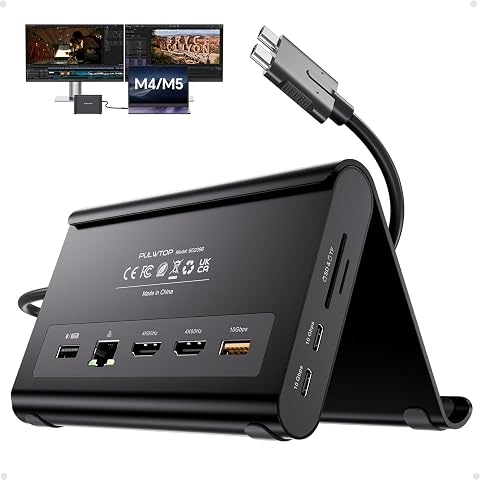
MacBook Docking Station Dual Monitor 4K@60Hz for MacBook Pro/Air M5/M6 | PULWTOP Macbook Pro Stand USB C Dock with 2 HDMI, Gigabit Ethernet, 3 USB 10Gbps, SD/TF, Audio, PD for Home & office, Black
$103.91
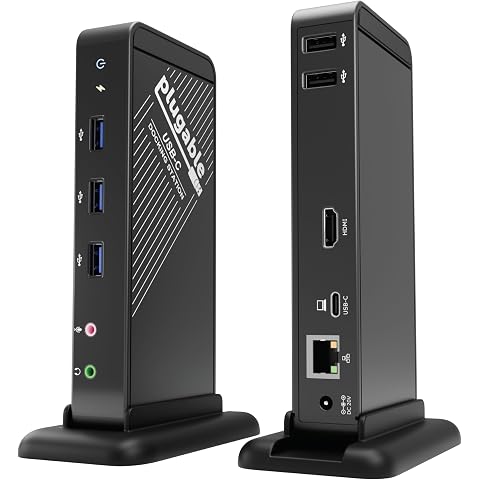
Plugable USB-C Dock with 4K HDMI and 60W Charging, Driverless | Compatible with MacBook Neo, Thunderbolt 3/4, USB4, and USB-C macOS, Windows, Chromebook, 1Gbps Ethernet, 5X USB
$104.99
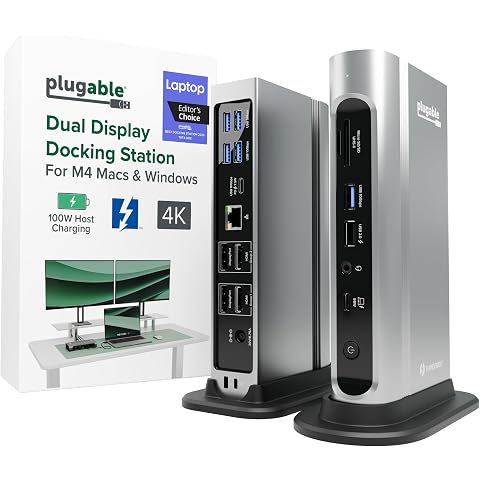
Plugable 16-in-1 Thunderbolt 4 Dock – Dual 4K Monitors, 100W Charging | For M5 MacBook Air/Pro Windows & USB4, 2X HDMI, 2X DisplayPort, 2.5G Ethernet, 7X USB, MicroSD / SD Card Reader, Driverless
$324.56
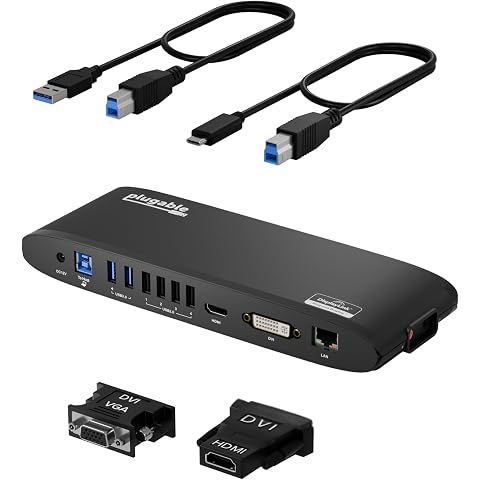
Plugable USB 3.0 Universal Docking Station for Windows, macOS, ChromeOS | Dual HDMI Monitors or DVI/VGA, Gigabit Ethernet, Audio, 6 USB Ports, UD-3900H
$134.99
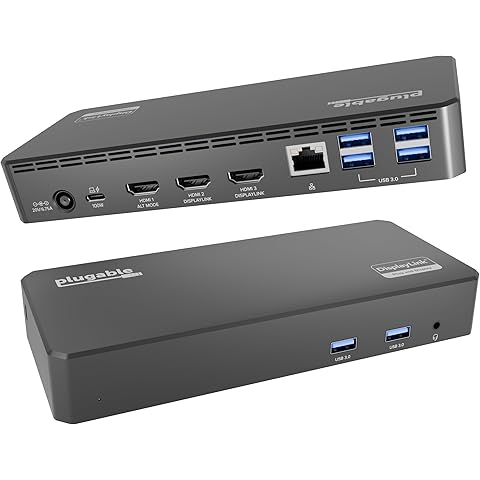
Plugable USB C Triple Display Docking Station | 100W PD, 3x HDMI | 1x 4K 30Hz, 2x 1080p 60Hz, 6x USB 5Gbps | Windows, macOS, ChromeOS Compatible, Enhance Productivity w/ Multi-Monitor Support
$186.96
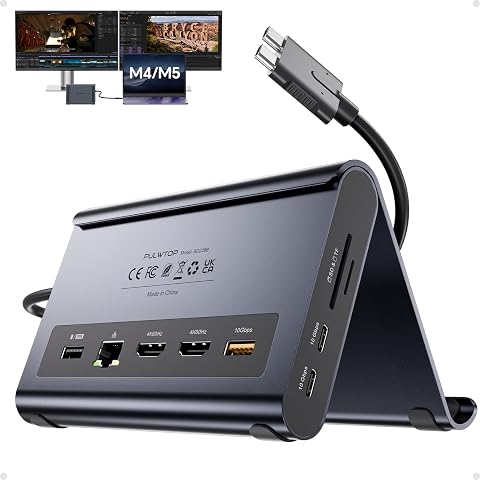
MacBook Pro Docking Station Dual Monitor 4K@60Hz for MacBook Pro/Air M5/M6 | PULWTOP USB C Docking Station with 2 HDMI, Ethernet, USB 10Gbps,SD/TF, Laptop Stand Dock, Space-Saving for Mac Users,Midnight
$103.91
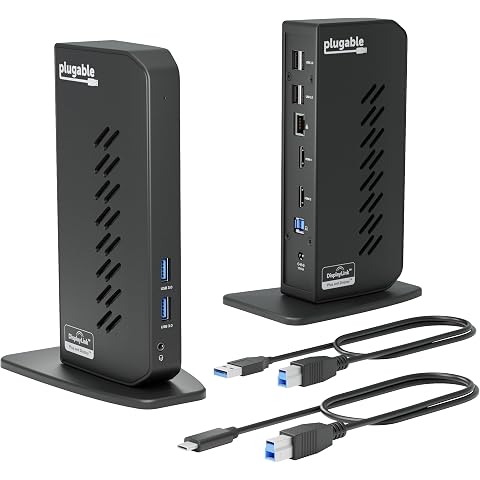
Plugable Dual 1080p HDMI Universal Docking Station | For USB-C & USB 3.0 Laptop, 10 Ports, Windows/ChromeOS Plug & Play, macOS Driver Required (UD-3900Z)
$139.99
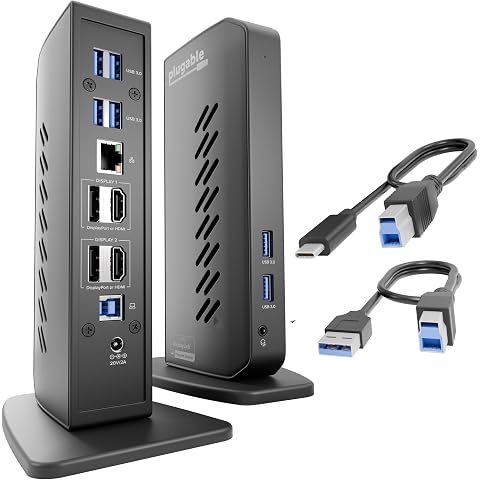
Plugable Dual DisplayPort & HDMI Docking Station, USB 3.0 & USB-C | Laptop Dock for Dual Monitors, DisplayLink, Mac (Driver Required), ChromeOS & Windows, Gigabit Ethernet, Audio UD-6950Z
$206.99
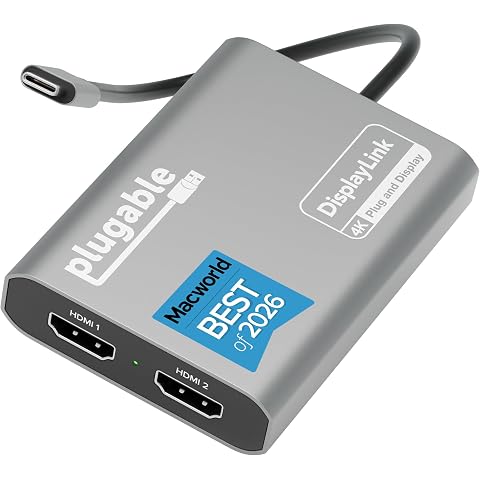
Plugable USB C to HDMI Adapter, Dual Monitor 4K 60Hz | For Apple Mac M1/M2/M3/M4/M5/Neo, DisplayLink Multiple Displays for Thunderbolt Macbook or iMac, Driver Required USBC-6950M
$149.99
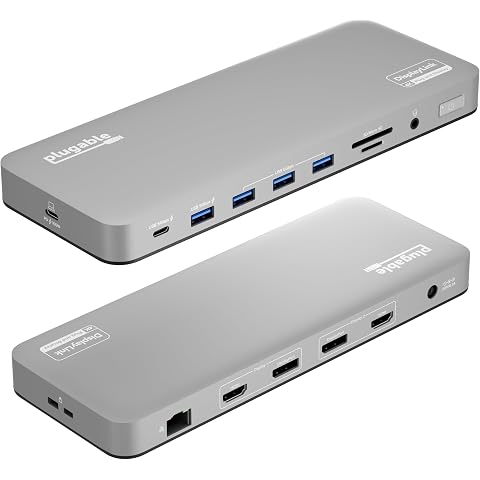
Plugable USB C Docking Station, Dual Monitor 4K 60Hz 2x HDMI or DisplayPort | For Apple Mac M1/M2/M3/M4/M5,Neo, MacBook, 100 W Charging DisplayLink Dock, Driver Install Required (UD-6950PDH)
$241.99