 1 / 7
Plugable UD-6950PDH USB-C Docking Station, Dual 4K 60Hz
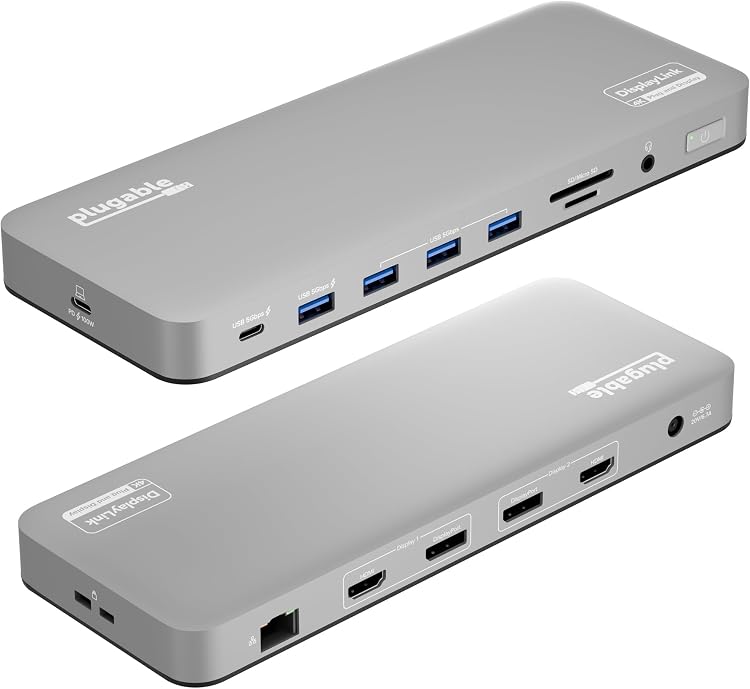
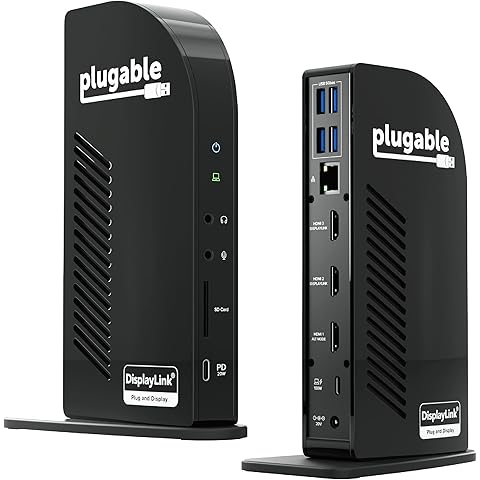
Dual: The Plugable UD-6950PDH USB-C docking station connects up to two external displays at up to 4K 60Hz and adds laptop charging and peripheral connections. It uses DisplayLink, so the required software and the stated HDCP limitation on macOS matter when choosing it for a desk setup.
At a glance
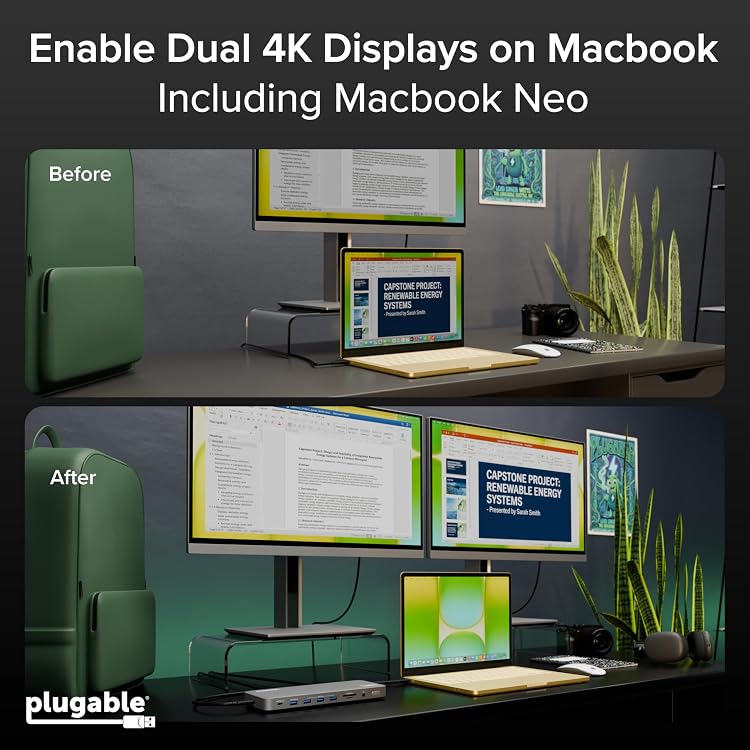
- DisplayLink enables the listing's dual-display setup on Macs that natively support only one external display.
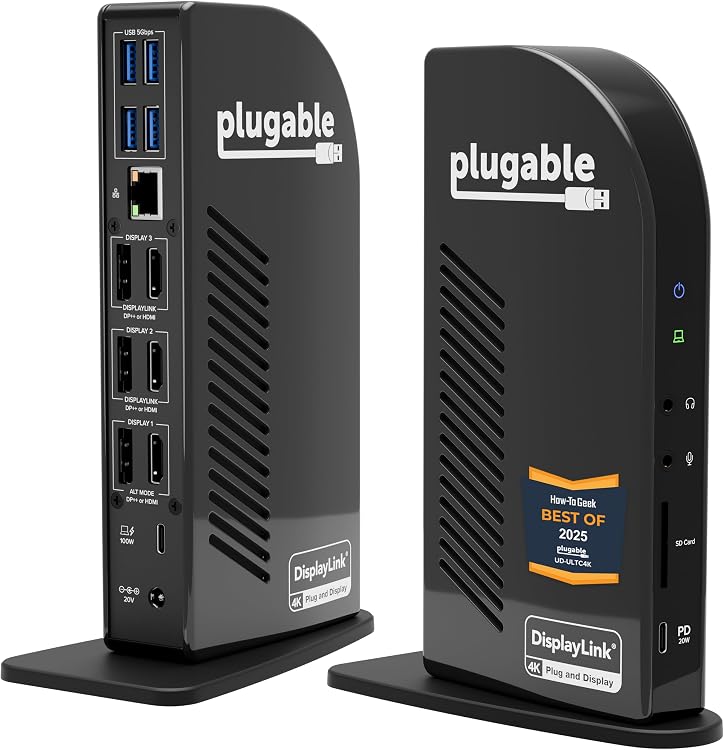
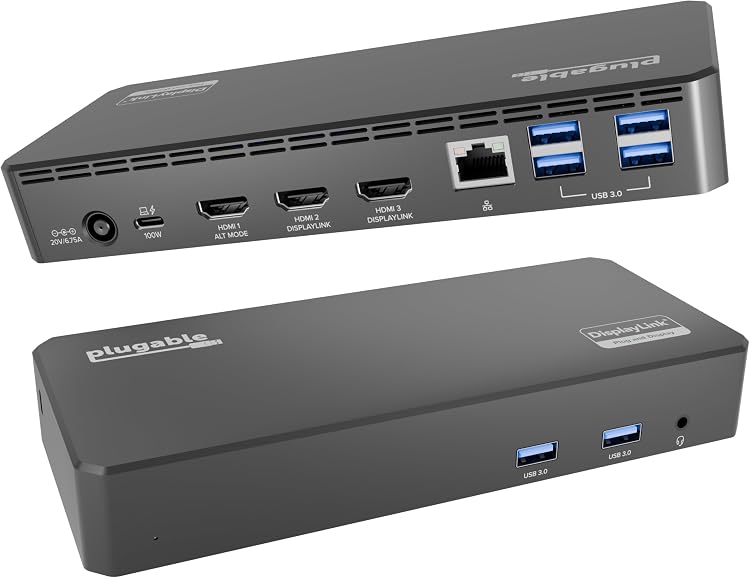
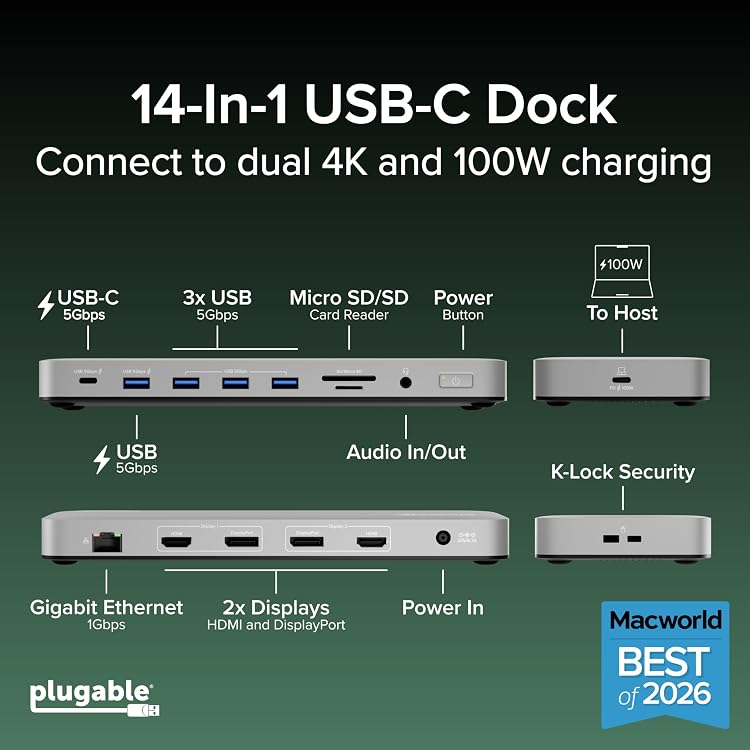
- The dock offers HDMI and DisplayPort connections, with up to two monitors at 4K 60Hz.
- The five USB ports include a USB-C port and USB-A ports, with charging specified for two of them.
- The listing describes 100W laptop charging and includes Ethernet, SD and microSD readers, and a headset jack.
Reference price: $274.99
Price checked: Nov 20, 2026
View offerBlack Friday weekExplore the selectionOften bought together
Pros and cons
Pros
- Up to two 4K 60Hz displays can be connected using HDMI, DisplayPort, or a mix.
- DisplayLink provides a route to dual external displays on some Macs with a one-display native limit.
- The USB port mix and additional listed Ethernet, card-reader, and audio connections can consolidate desk peripherals.
- The listing specifies 100W laptop charging.
Cons
- DisplayLink software is required for image output, which adds a setup step, particularly on macOS.
- HDCP is not supported, and the listing says protected content will not play on macOS while the dock is connected.
Technical specifications
12 specifications| Brand | Plugable |
|---|---|
| Model | UD-6950PDH |
| Host interface | USB Type C |
|---|---|
| Display connections | 2x HDMI, 2x DisplayPort |
| Total USB ports | 5 |
|---|---|
| USB port configuration | 3x USB-A (5Gbps) + 1x USB-A (5Gbps 5V/1.5A) + 1x USB-C (5Gbps 5V/1.5A) |
| Charging wattage | 100 watts |
| Input voltage | 20 volts |
| Display software | DisplayLink software is required for the UD-6950PDH to display an image. Manual installation is required for macOS, Windows installation is typically automatic. |
|---|---|
| HDCP | HDCP not supported |
| Weight listed | 332 g |
|---|---|
| Listed port count | 15 |
What to know before buying
Listing details to confirm
The listing gives inconsistent dimensions: 23.9L x 7.9W x 3H centimetres versus 23.88 x 7.87 x 3.05 cm, confirm the physical measurements if they affect desk or mounting space. The page also varies in its claims about system versions and Mac generations, so verify compatibility for the exact computer and operating system before buying.
Who is it for?
A good fit for
- Mac users who need two external displays beyond a model's native display limit and can install DisplayLink.
- Office and hybrid-work setups that need multiple peripherals, display outputs, and up to 100W charging from one dock.
Less suited to
- Users who need protected HDCP content playback on macOS while the dock is connected.
- Buyers seeking a dock that displays without installing DisplayLink software.
Customer reviews on Amazon
- 5 stars
69% 69% - 4 stars
12% 12% - 3 stars
8% 8% - 2 stars
5% 5% - 1 star
6% 6%
Customer feedback reports positive experiences with everyday office use, dual-monitor setups, setup simplicity, and build quality. Opinions are mixed on value and latency, which may matter for buyers comparing the dock's cost or using latency-sensitive workflows. The listing's DisplayLink requirement and dual-display capability describe the product, but do not resolve those reported differences in experience.
Positive themes
- Customers report smooth operation for office and basic tasks, useful dual-monitor support, straightforward setup, and positive build quality.
Mixed feedback
- Customer opinions are mixed on value for money and latency.
Frequently asked questions
Does the UD-6950PDH support two external 4K displays?
The listing claims support for up to two 4K 60Hz displays connected through HDMI, DisplayPort, or a combination. DisplayLink software is required for image output.
Do I need to install software?
Yes. The listing says DisplayLink software is required, with manual installation on macOS and typically automatic installation on Windows.
Can I play HDCP-protected content on macOS with this dock connected?
The listing says HDCP is not supported on macOS when the dock is connected, and protected content will not play on displays in that configuration.
Is the front USB-C port the laptop connection?
No. The listing identifies the front USB-C port for accessories and peripheral charging, and says the side USB-C port is the host connection.
Alternative options
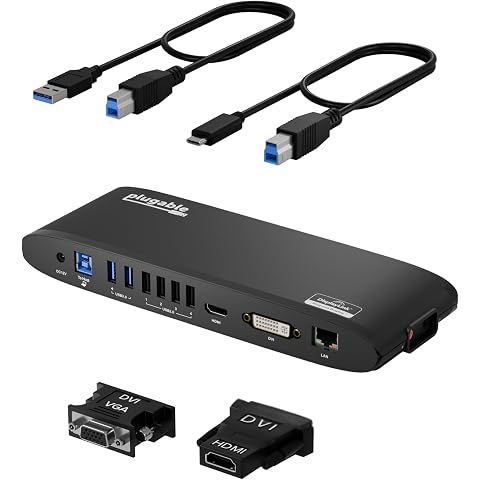
Plugable USB 3.0 Universal Docking Station for Windows, macOS, ChromeOS | Dual HDMI Monitors or DVI/VGA, Gigabit Ethernet, Audio, 6 USB Ports, UD-3900H
$134.99
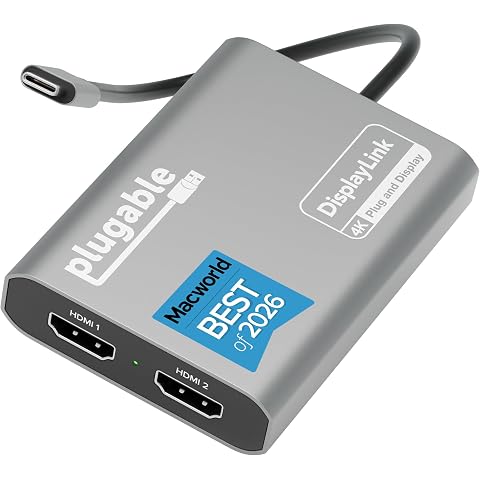
Plugable USB C to HDMI Adapter, Dual Monitor 4K 60Hz | For Apple Mac M1/M2/M3/M4/M5/Neo, DisplayLink Multiple Displays for Thunderbolt Macbook or iMac, Driver Required USBC-6950M
$149.99
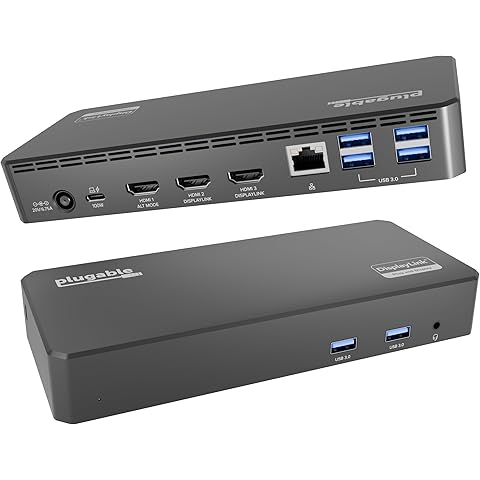
Plugable USB C Triple Display Docking Station | 100W PD, 3x HDMI | 1x 4K 30Hz, 2x 1080p 60Hz, 6x USB 5Gbps | Windows, macOS, ChromeOS Compatible, Enhance Productivity w/ Multi-Monitor Support
$186.96
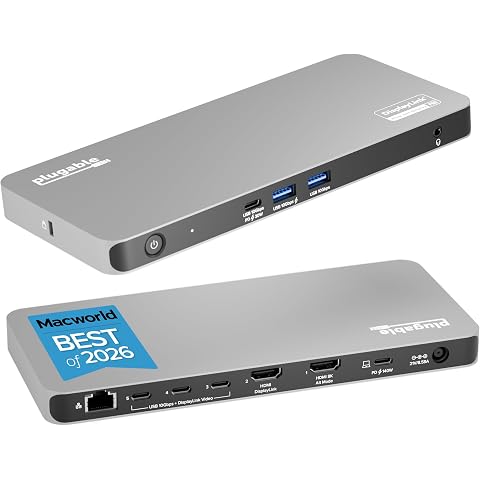
Plugable USB C Docking Station 5 Monitors, 140W, DisplayLink Dock DL7400 | Connects up to Five 4K Displays for MacBook Windows Thunderbolt 4 Laptops, 2x HDMI, 3x USBC 2.5Gbps Ethernet, Driver Required
$418.19
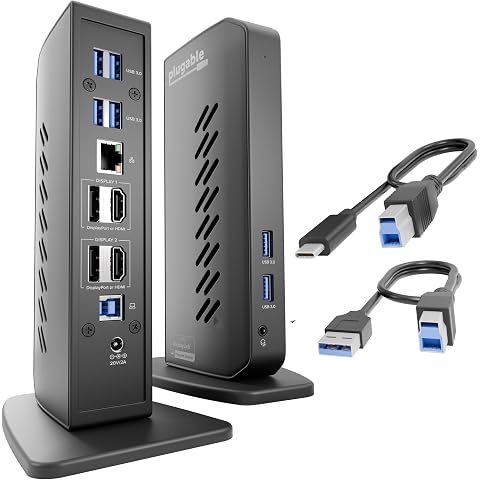
Plugable Dual DisplayPort & HDMI Docking Station, USB 3.0 & USB-C | Laptop Dock for Dual Monitors, DisplayLink, Mac (Driver Required), ChromeOS & Windows, Gigabit Ethernet, Audio UD-6950Z
$206.99
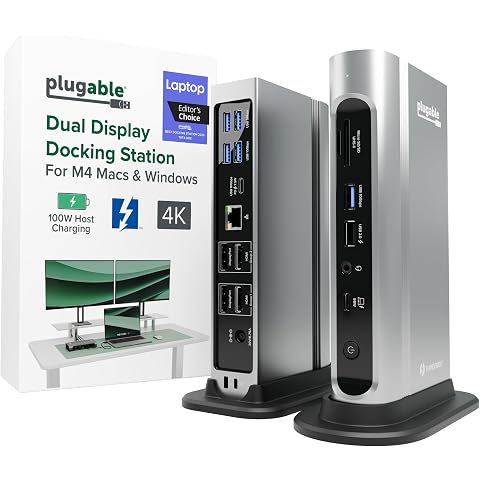
Plugable 16-in-1 Thunderbolt 4 Dock – Dual 4K Monitors, 100W Charging | For M5 MacBook Air/Pro Windows & USB4, 2X HDMI, 2X DisplayPort, 2.5G Ethernet, 7X USB, MicroSD / SD Card Reader, Driverless
$324.56
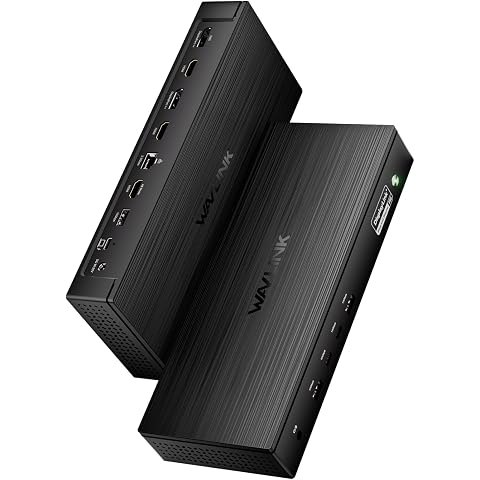
WAVLINK Pro Docking Station 5 Monitors, Five 4K Displays for Mac, Windows | DisplayLink DL7400 Dock with PD100W, 2x DP 1.4(120Hz), 2x HDMI, 2.5Gbps Ethernet, Ideal for Workstation & Home Office
$367.99
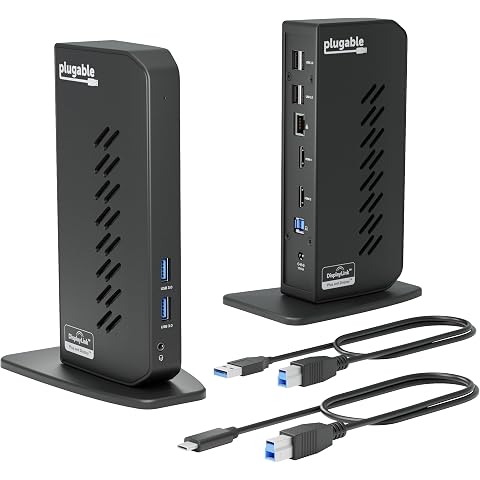
Plugable Dual 1080p HDMI Universal Docking Station | For USB-C & USB 3.0 Laptop, 10 Ports, Windows/ChromeOS Plug & Play, macOS Driver Required (UD-3900Z)
$139.99
Plugable USB-C Triple Monitor Docking Station, 13-in-1, 100W Charging | Laptop Dock for Mac (DisplayLink Driver Required), Windows, Chrome, 3 HDMI, Gigabit Ethernet, SD, USB-C 20W, 4 USB, UD-ULTCDL
$232.89