 1 / 7
Razer Monitor Stand Chroma with 4-Port USB-C Hub
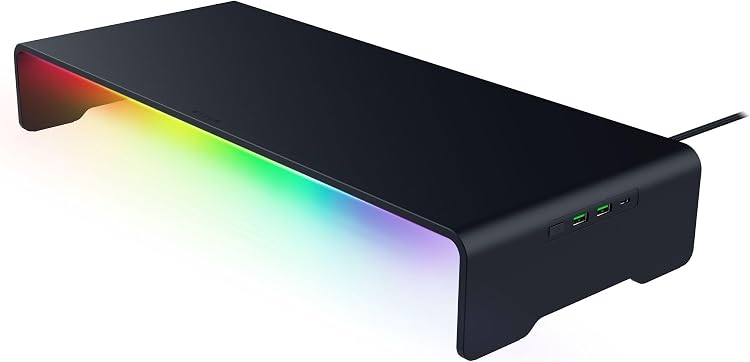
Razer Monitor Stand Chroma (RC21-02320100-R3U1) combines a raised monitor platform with a four-port hub, storage shelf and Chroma RGB lighting. It suits a desk setup that can use the added connection points and shelf, but its single HDMI output and USB-C host connection should fit your computer and display before buying.
At a glance
- The stand raises a monitor or other desk device and has a shelf for small workstation items.
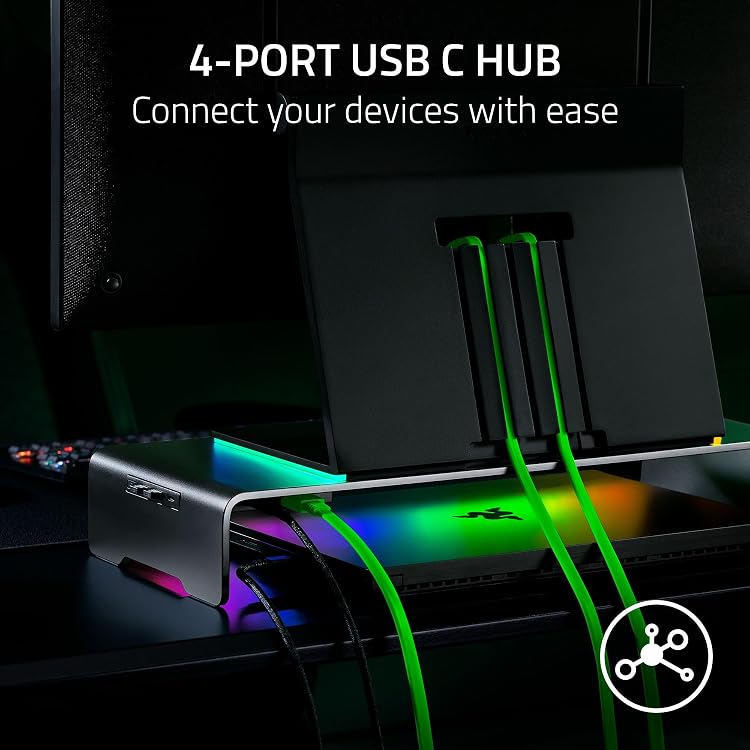
- Connect the stand to a computer by USB-C to access two USB 3.2 Type-A ports, one USB 3.2 Type-C port and HDMI 2.0.
- Chroma RGB lighting has a button for cycling presets, and the listing says it can be remapped through Razer Synapse 4.
- Manufacturer-listed weight capacity is 44 Pounds.
Reference price: $289.99
Price checked: Nov 17, 2026
View offerAhead of Black FridayExplore the selectionOften bought together
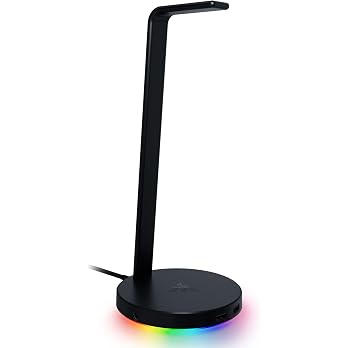
Razer Base Station V2 Chroma Headphone Headset Stand Holder, Black | Chroma RGB Lighting, Taller Stand & Anti-slip Ledge, USB Charging Ports, Anti-Slip Rubber Base, 3.5mm Port + Built-in DAC
$144.97
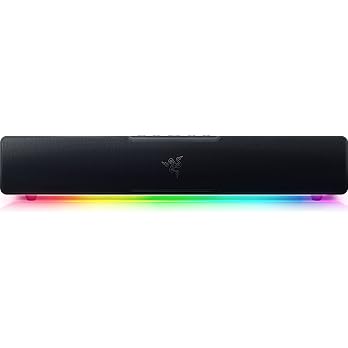
Razer Leviathan V2 X, PC Soundbar with Full-Range Drivers, Black | Compact Design, Chroma RGB, USB-C, Bluetooth 5.0, for PC, Laptop, Smartphones, Tablets & Nintendo Switch
$129.99
Pros and cons
Pros
- Combines a monitor riser, storage shelf, RGB lighting and four-port hub in one desk accessory.
- Anodized aluminum construction and included anti-slip rubber pads are stated in the listing.
- The included USB Type-C cable connects the hub to a computer.
Cons
- The raised platform is a fixed, single-level design rather than an adjustable-height stand.
- The hub offers two USB-A ports, one USB-C port and HDMI, so it may not replace a larger dock for users needing more connections.
Technical specifications
15 specifications| Brand | Razer |
|---|---|
| Model | RC21-02320100-R3U1 |
| Form factor | Rectangular |
|---|---|
| Weight listed | 2.5 kg |
| Load capacity | 44 Pounds |
| Levels | 1 |
| Material listed | Aluminum |
|---|---|
| Finish | Matte |
| Colour | Black |
| Hub ports | 2X USB 3.2 Type A, USB 3.2 Type C, and HDMI 2.0 |
|---|---|
| Host connection | USB C |
| RGB button | Remappable |
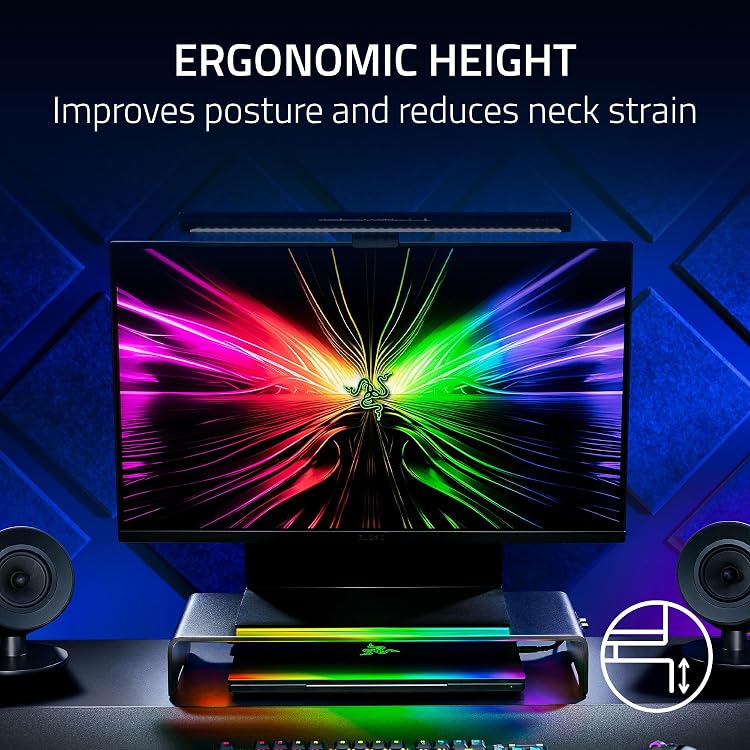
| Special feature | Ergonomic |
|---|---|
| Lighting | 16.8 million colors |
| Warranty description | 2 Year Manufacturer |
|---|
What to know before buying
- The hub is described as connecting through USB-C, and its HDMI 2.0 port can connect an external monitor. Check that the computer supports the required USB-C functions and that its display setup suits this connection. Razer Synapse 4 is specified for remapping the RGB button and adjusting lighting.
What’s in the box
Included- Important Product Information Guide
- Razer Monitor Stand Chroma
- USB Type C to Type C cable
Who is it for?
A good fit for
- Desk setups needing a fixed monitor riser with a small storage shelf and integrated USB connections.
- Razer Chroma users who want lighting customization and a button that can be remapped using Synapse 4.
- People who want an aluminum stand with a listed load capacity of 44 Pounds.
Less suited to
- Buyers who need an adjustable-height stand or a multi-monitor mounting arm.
- Workstations that need more than the listed USB and HDMI connections or cannot use a USB-C host connection.
Customer reviews on Amazon
- 5 stars
73% 73% - 4 stars
13% 13% - 3 stars
6% 6% - 2 stars
4% 4% - 1 star
4% 4%
Customer feedback highlights build quality and sturdiness, while functionality opinions are mixed. Those impressions are relevant for a raised platform intended to support desk equipment, but do not establish how well the hub or RGB controls work for a particular setup. Aggregate ratings lean positive overall, with a smaller share of lower-star ratings, so experiences are not uniformly positive.
Positive themes
- Customers report positive impressions of build quality and sturdiness.
Mixed feedback
- Customer opinions on functionality vary.
Frequently asked questions
What ports are listed on the Razer Monitor Stand Chroma?
The listing specifies two USB 3.2 Type-A ports, one USB 3.2 Type-C port and HDMI 2.0. The stand connects to the computer through USB-C.
Can the stand connect an external monitor?
The manufacturer states that its HDMI 2.0 port can be used to connect an external monitor. Confirm that the computer and display setup support the connection you need.
How is the Chroma lighting controlled?
The button cycles through lighting presets by default. The listing says it can be remapped and lighting adjusted through Razer Synapse 4 when connected to a laptop by USB-C.
What comes in the listed package?
The manufacturer contents list names the stand, an Important Product Information Guide and a USB Type C to Type C cable.
Alternative options
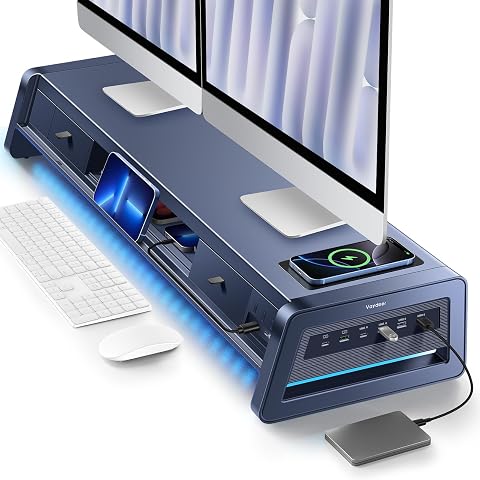
Vaydeer All-in-One Dual Monitor Stand Riser with 2 Drawers, 8 USB Ports (4 Fast Charging, 4 for Data Transfer), Wireless Charging Pad and LED Light Strip, Desk Organizer for PC/iMac (Metal, 39.3 inches)
$179.99
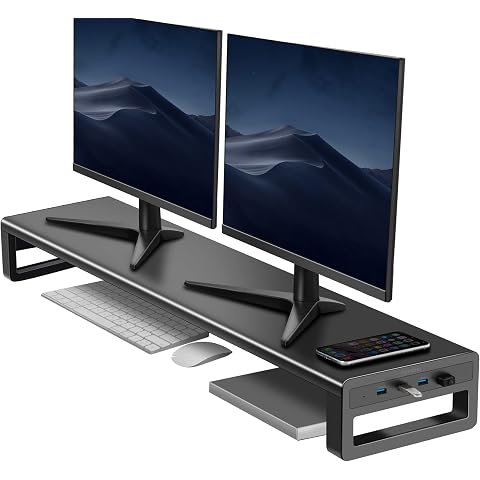
Dual Monitor Stand Riser with 4 USB 3.0 Hub Ports, Aluminum Strong&Sturdy for Computer, TV, PC, Printer, Multi Media Speaker-Multifunctional Desktop Organizer
$119.99
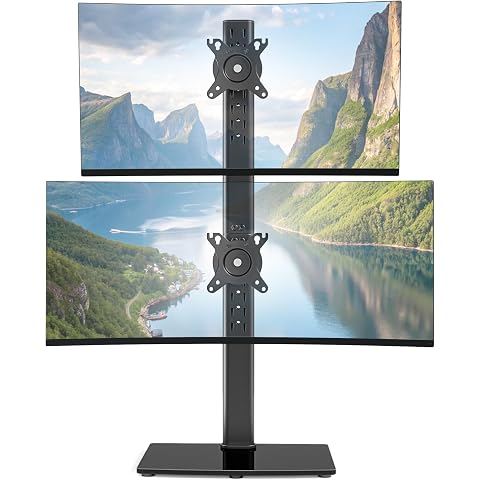
PEGZONE Vertical Dual Monitor Stand for 17–34 Inch Screens, 33 Lbs per Arm | Stacked Monitor Mount, Tabletop Screens Riser with Full Motion, 33.3" Pole 12 Height Settings, 75/100 VESA, Black
$49.99
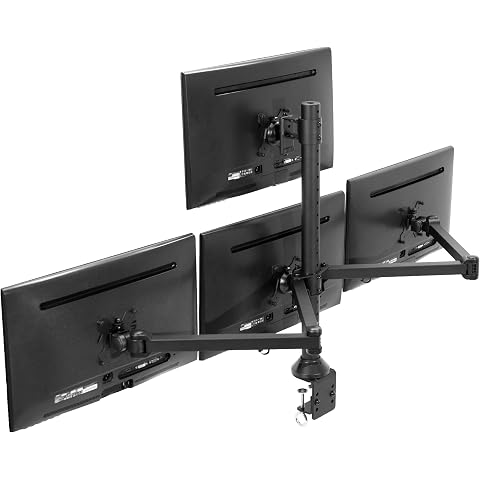
VIVO Quad Monitor LED LCD Clamp-on Desk Mount, for 13" to 32" Screens | Holds 22 lbs per Monitor, Articulating VESA Computer Stand, Holds 4 Screens, Max VESA 100x100mm, Black, STAND-V104A
$144.99
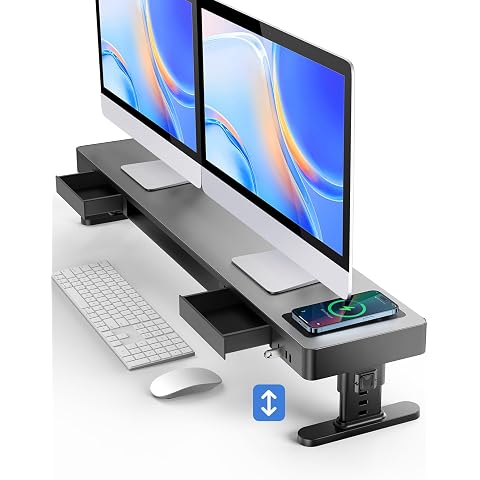
meatanty Dual Monitor Stand with 4 Adjustable Heights, Auto Phone Charging Pad, 4 USB Ports, Computer Riser with Drawers Storage, Metal Double Desk Organizer Lifter Raiser for 2 Monitors Screen
$139.99
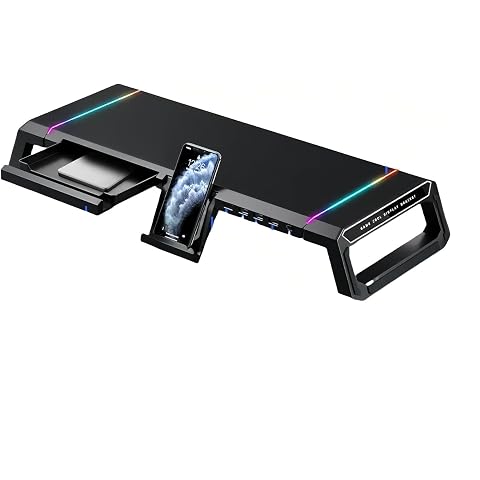
AlviCynx T1 RGB Monitor Stand Riser with USB Hub & Storage Drawer (Black) | Foldable design, 4 USB ports, phone & tablet holder, supports up to 30 KG, ergonomic viewing, cleaner workspace
$89.90
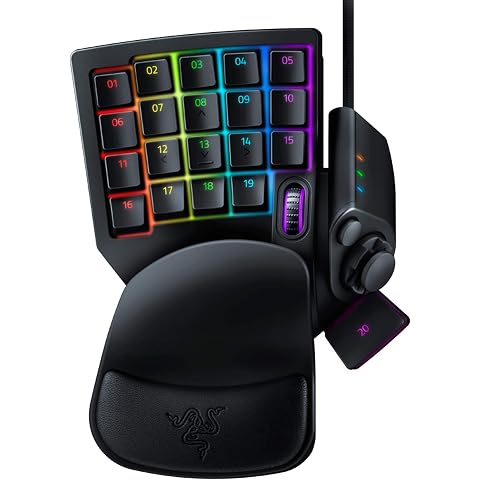
Razer Tartarus V2 Left-Handed Gaming Keypad, 32 Programmable Keys, Black | Single Handed, Mecha-Membrane Key Switches, Customizable Chroma RGB Lighting, Programmable Macros
$79.99
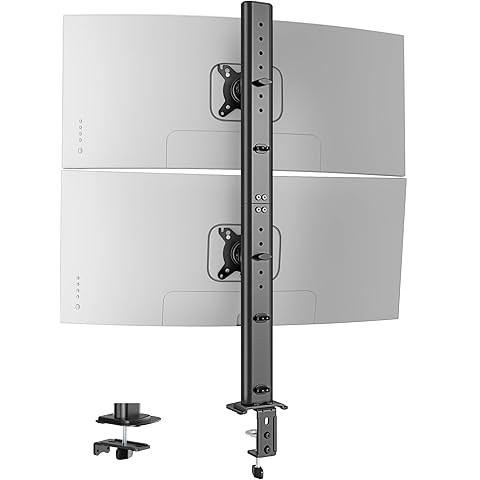
PEGZONE Vertical Dual Monitor Arm for 17–34 Inch Screens, 33 Lbs per Arm | Stacked Monitor Mount, Clamp on Screens Riser with Full Motion, 33.3" Pole 12 Height Settings, 75/100 VESA, Black
$49.99
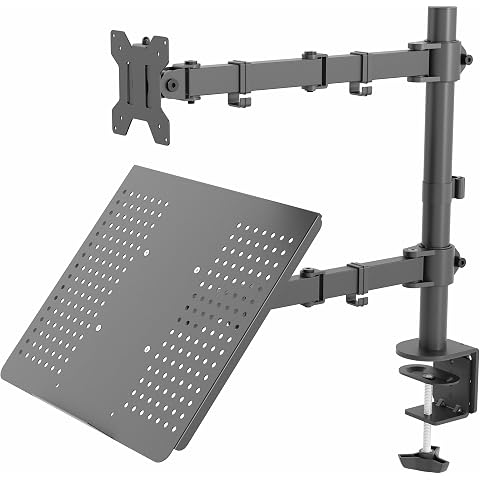
VIVO Dual Screen Stand, Up to 32" Monitor, 17" Laptop, Holds 22 lbs Each | Articulating, Adjustable Computer Desk Mount, With Monitor and Laptop Arms, Black, STAND-V002C
$69.99
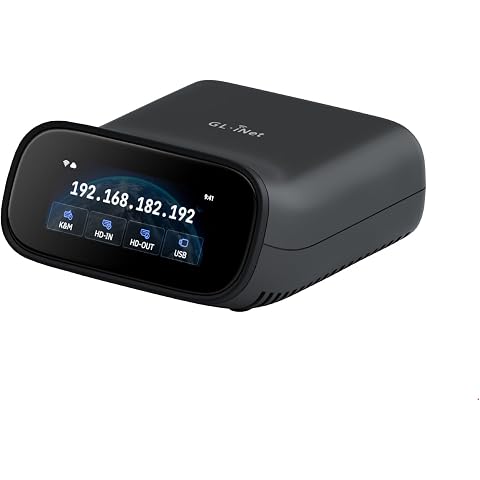
GL.iNet GL-RM10 Comet Pro Remote KVM Over Wi-Fi 6 Dual Band 4K Passthrough | Dual Band Wi-Fi 6 KVM, 4K@30FPS passthrough, two-way audio, 2.22 inch touchscreen, 32GB eMMC, Tailscale built in
$249.99
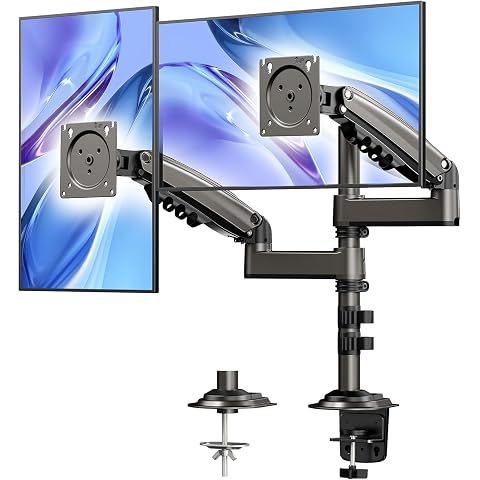
HUANUO Dual Monitor Stand - Height-Adjustable Dual Arm Monitor Mount Desk Stand, Fits Two 17 to 32 Inch Screens with Clamp and Grommet Mounting Base, Each Arm Holds up to 20lbs
$89.99
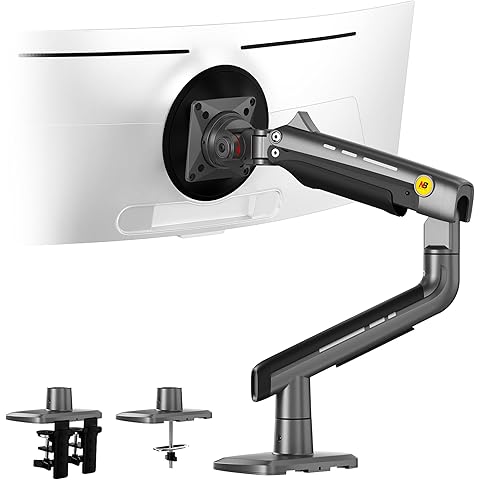
NB Gaming Monitor Arm or for 32 to 60 Inches Screen, Load up to 20 kg, VESA 75/100, RGB-Light, Heavy Duty, Multi Angle Adjustable, Premium Aluminum, Grey Black
$123.40