 1 / 7
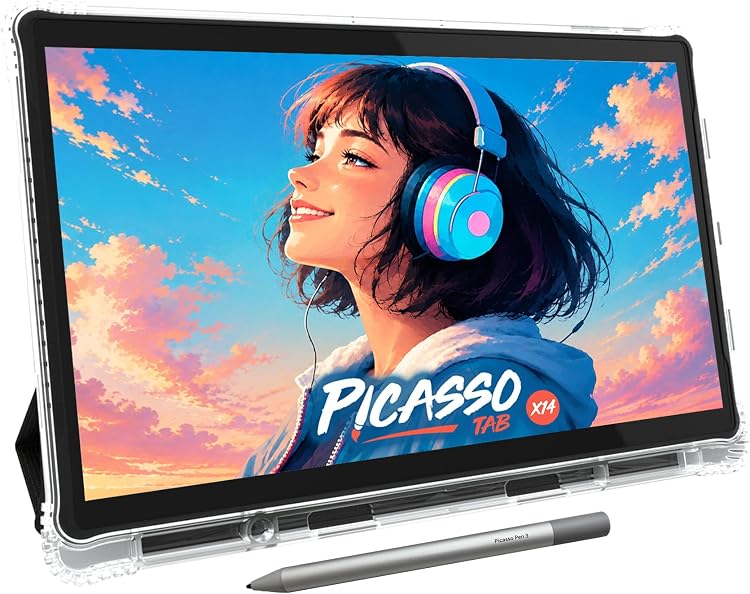
PicassoTab PCX14 14-inch Standalone Drawing Tablet
PicassoTab PCX14 is a standalone Android drawing tablet with a 14-inch display, so the listing says it can be used without a computer. Its pen and drawing-app bundle suit learning and sketching, while customer feedback also raises practical concerns about stability and durability.
At a glance
- The listing describes it as a standalone tablet, not a computer-dependent pen display.
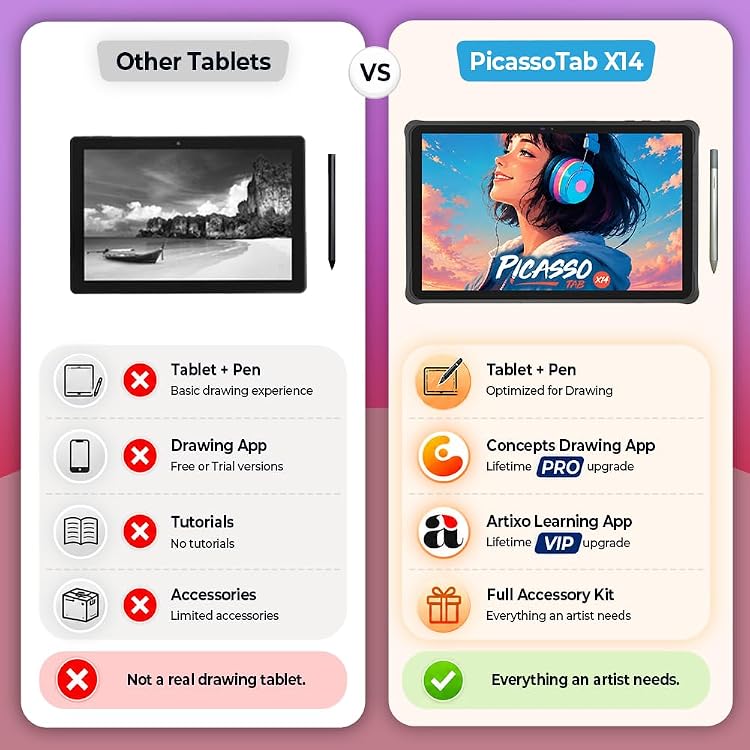
- Pre-installed drawing and tutorial apps are claimed, including Concepts, Infinite Painter, FlipaClip, Artixo and Xplore.
- The listed pen has 4096 pressure levels, and the display is described as laminated and anti-glare.
Reference price: $399.95
Price checked: Nov 21, 2026
View offerBlack Friday weekExplore the selectionBuying guides

Pros and cons
Pros
- Standalone Android format allows drawing without connecting a computer, according to the listing.
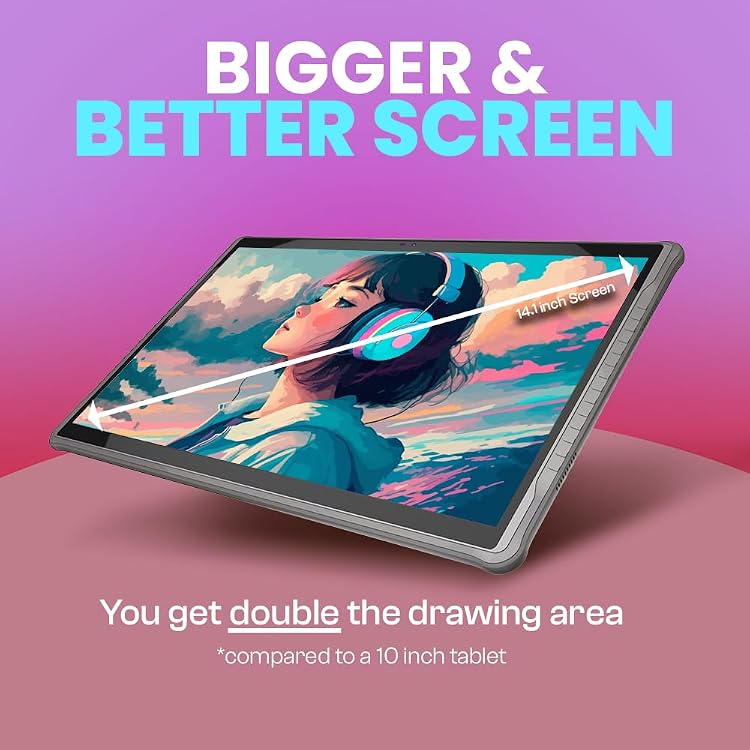
- A 14-inch screen provides more drawing area than a compact tablet.
- The listing claims 4096-level pen pressure and pre-installed drawing and learning apps.
Technical specifications
12 specifications| Brand | PicassoTab |
|---|---|
| Model | PCX14 |
| Screen size | 14 inches |
|---|---|
| Screen technology listed | LED |
| Wireless connection listed | Wi-Fi |
|---|---|
| Pen pressure sensitivity | 4096 levels |
| Operating system | Android |
|---|---|
| Processor | Octa Core MTK8183 2 GHz/Core |
| Memory | 6 GB DDR4 |
| Storage | 128 GB disk, can be upgraded with 1TB of micro-SD card for file storage |
| Dimensions listed | 20.83 x 33.78 x 0.1 cm; 2.29 kg |
|---|---|
| Weight listed | 2.29 kg |
What to know before buying
Listing details to confirm
The listing gives some details inconsistently or without clear confirmation: the title says 14 inches while technical details say 14.1 inch, and the model/specification sections do not consistently establish the display resolution or full display configuration. Confirm the exact screen and tablet configuration before buying. Customer feedback also reports stability and charging-port concerns, which matter for a device intended for regular portable use.
What’s in the box
- Stylus penCheck selected pack
- Tablet caseCheck selected pack
- Drawing gloveCheck selected pack
- Universal power adapterCheck selected pack
- Pre-installed screen protectorCheck selected pack
- Pre-installed appsCheck selected pack
- Concepts PRO upgradeCheck selected pack
- Artixo VIP upgradeCheck selected pack
- Charger with adaptorsCheck selected pack
- ManualCheck selected pack
Check which accessories are included in your selected pack before buying.
Who is it for?
A good fit for
- People learning digital drawing who want a standalone Android tablet and preloaded tutorials.
- Artists who prefer a larger drawing surface and want a pen bundled with the tablet.
Less suited to
- Buyers who need a computer-connected pen display or a clearly established, professional-grade display specification.
- Buyers for whom long-term reliability is the overriding priority, given reported stability and durability concerns.
Customer reviews on Amazon
- 5 stars
67% 67% - 4 stars
13% 13% - 3 stars
5% 5% - 2 stars
3% 3% - 1 star
12% 12%
Customer feedback describes enjoyable use and positive performance, including interest from children, but also reports unexpected stability problems and charging-port failures, with durability and value assessments mixed. These concerns are especially relevant for a portable tablet that may see frequent use. Aggregate ratings lean positive overall but include a notable one-star share, so they do not establish reliability for an individual unit.
Positive themes
- Feedback describes positive performance and enjoyable use, with children particularly pleased.
Negative themes
- Feedback reports stability problems, unexpected stoppages and charging-port failures, alongside durability concerns.
Mixed feedback
- Opinions on value for money are mixed.
Frequently asked questions
Does the PicassoTab PCX14 need a computer?
The listing describes it as a standalone Android tablet that can be used without a computer.
What screen size is listed?
The main product details say 14 inches, while the technical-details text says 14.1 inch. Check the selected listing for the exact display specification.
Is a stylus included?
The listing claims a stylus pen is included. Package details vary across the listing, so confirm the kit for the selected offer.
What do customers report about reliability?
The supplied feedback mentions unexpected stability problems and charging-port failures, alongside positive comments about performance and enjoyment. These are reported experiences, not a confirmed defect in every unit.
Alternative options
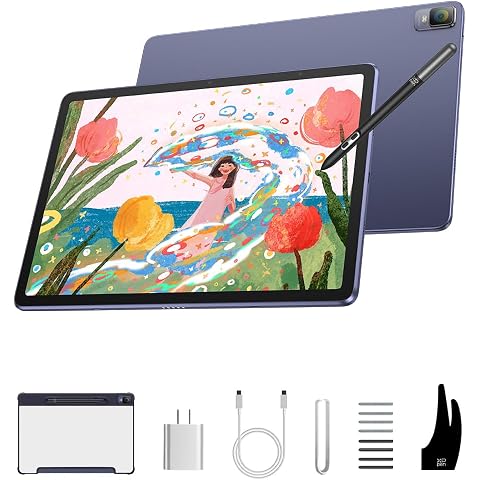
XPPen Magic Drawing Pad Standalone Drawing Tablet, X3 Pro Stylus, 12.2 inch | No Computer Needed, 16384 Pressure Levels, Paper-Like Screen, 8GB + 256GB, Portable for Artists
$699.99
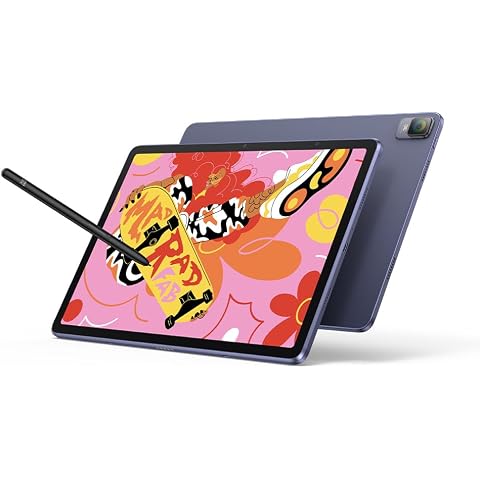
XPPen Magic Drawing Pad Standalone Drawing Tablet Android 14, 12.2 Inch | No Computer Needed, 8GB+256GB (Expandable 1TB), 16384 Pen Pressure Battery-Free Stylus, Portable for Drawing
$659.99
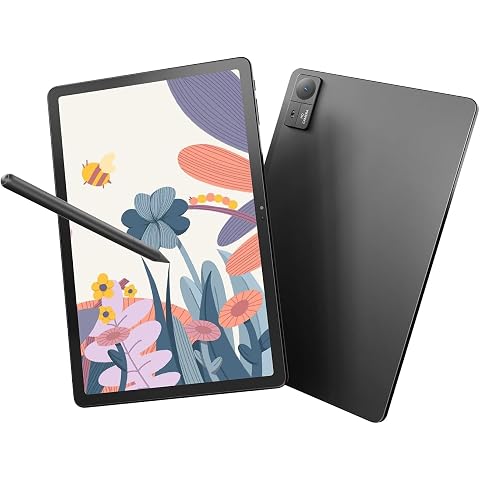
HUION Kamvas Slate 11 Standalone Drawing Tablet, 11-inch Digital Art Tablet | Android 14 No Computer Needed, 90Hz Refresh Rate, Anti-Glare Full-Laminated Screen, 8GB+128GB 1TB Expand
$397.46
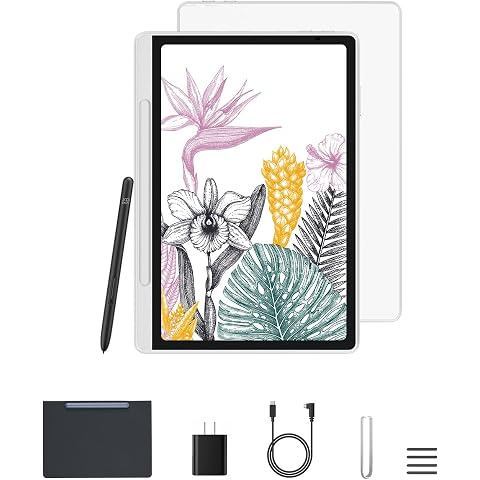
XPPen 10.95" Standalone Drawing Tablet Digital Color Notetaking Magic Note Pad for Sketching, Drawing & Notes 16K Pressure Sensitivity Tilt Support 90Hz Refresh Rate Anti-Glare Screen Android 14
$499.99
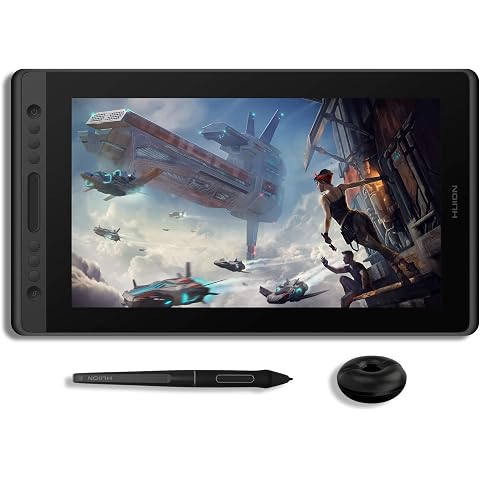
HUION KAMVAS Pro 16 Graphics Drawing Tablet with Screen, 15.6inch | Full-Laminated Graphics Monitor, Battery-Free Stylus Tilt Pen, 8192 Pressure, Adjustable Stand, 6 Hot Keys Touch Bar
$324.72
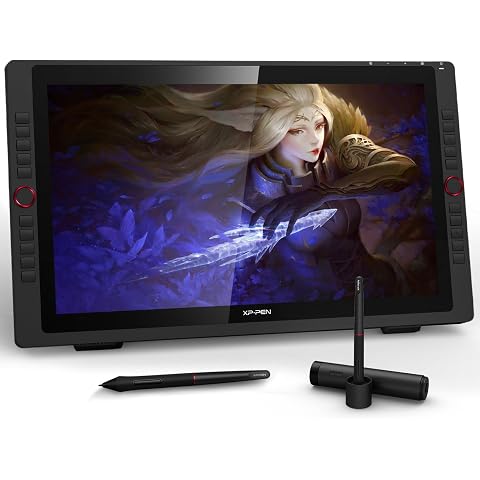
XPPen Artist 24 Pro 2.5K QHD Drawing Tablet with Screen, 23.8" | 16.7M Colors, 8192 Pen Pressure Battery-Free Tilt Stylus, 20 Shortcut Keys, Windows, Mac, Chrome, Linux
$703.99
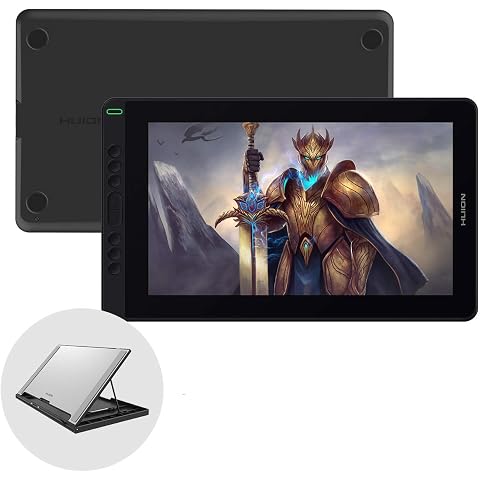
HUION Graphic Drawing Tablet Kamvas 13 Pen Display Tilt Function Battery-Free Stylus 8192 Pen Pressure 13.3inch with Adjustable Stand, for Remote Working, Online Education
$249.99
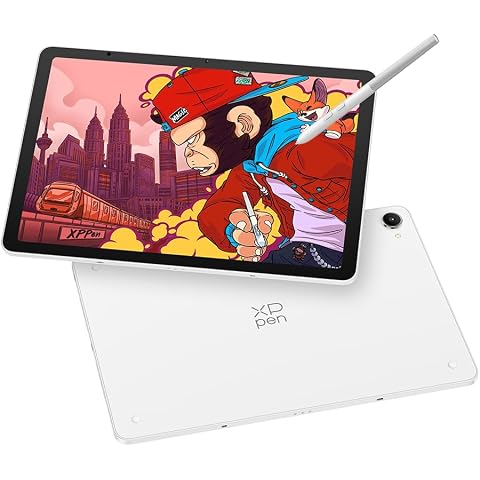
XPPen Magic Pro 13 Standalone Drawing Tablet 3K Display with 16K X4 Stylus | 12.95" Magic Pro Drawing Pad No Computer Needed with 8GB RAM/256GB Storage, 120Hz Refresh Rate, Android 16, Nano-etched Glass
$1,099.99
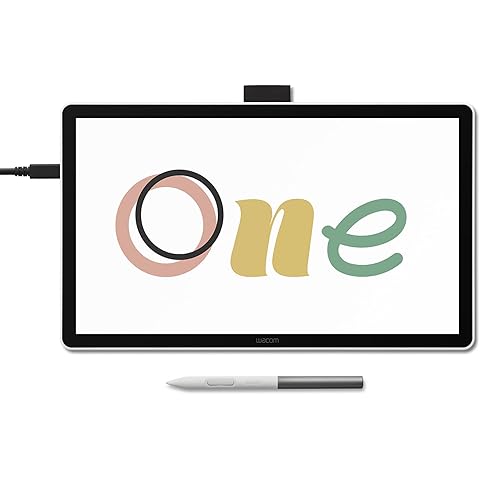
Wacom One 14, Drawing Tablet with IPS Fulll HD Laminated Screen & Pen | Pen display for beginners and students learning digital art, animation & graphic design on Windows, Mac & Chromebook
$429.99
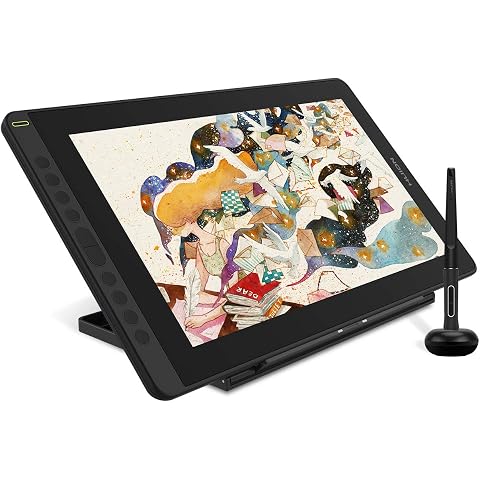
2021 HUION Drawing Tablet KAMVAS 16 Graphic Pen Display with Screen, Black | 15.6inch Full-Laminated Screen, Battery-Free Stylus Tilt, 10 Press Keys, Full-Featured Type C Cable and an Adjustable Stand
$314.49
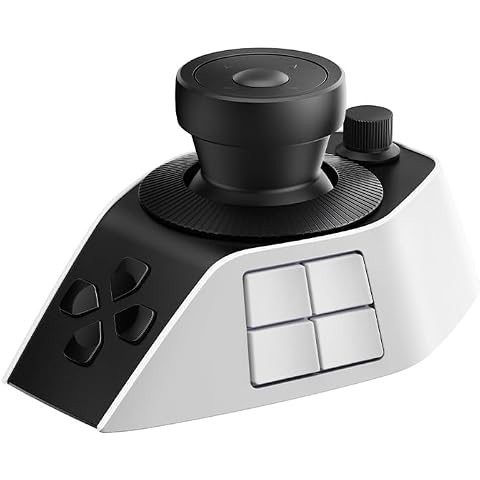
XPPen Pilot Pro Video Editing Console Wireless Controller, Drawing Bluetooth Controller Macro Keyboard with All-Way Joystick, 19 Buttons, Tri-Rotary, 24H Battery for DaVinci Resolve,Mac/PC
$199.99
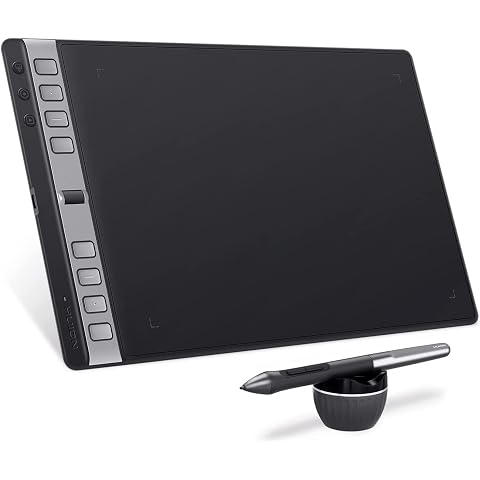
HUION Drawing Tablets Inspiroy 2 L with Scroll Wheel, 10 * 6 inch-Large | Scroll Wheel, 8 Customized Keys, Battery-less Stylus, Works with Mac, PC & Mobile
$110.49