 1 / 7
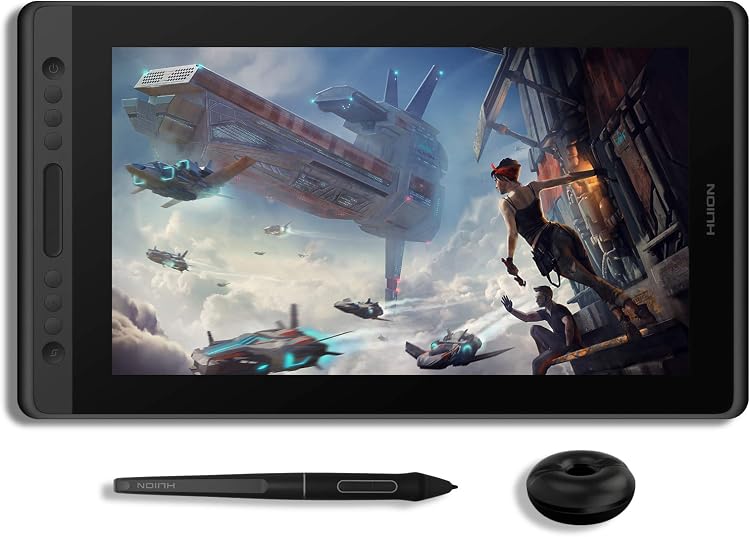
HUION KAMVAS Pro 16 15.6-inch Drawing Display
The HUION KAMVAS Pro 16 is a 15.6-inch drawing display that connects to a computer, rather than working as a standalone tablet. Its listed 1920x1080 LCD, battery-free stylus and shortcut controls suit drawing and screen-based creative work, while buyers should plan for the required computer connection.
At a glance
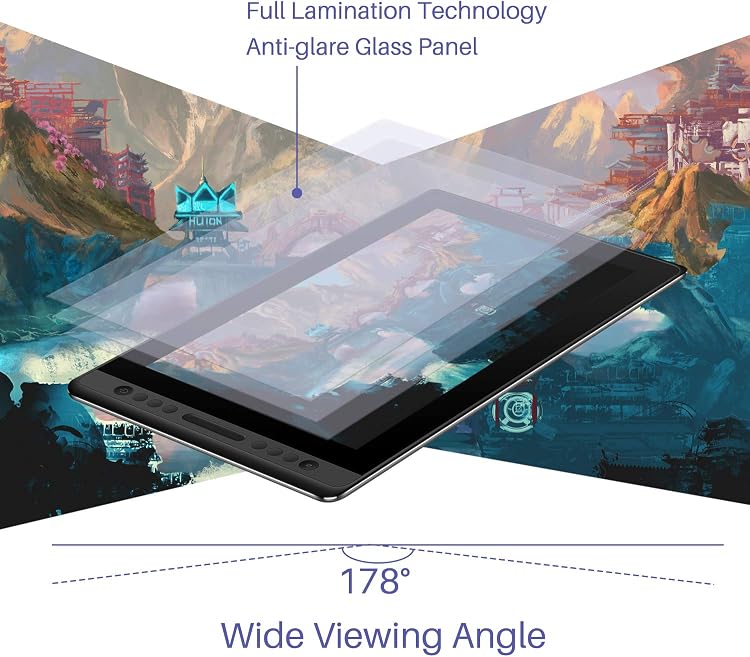
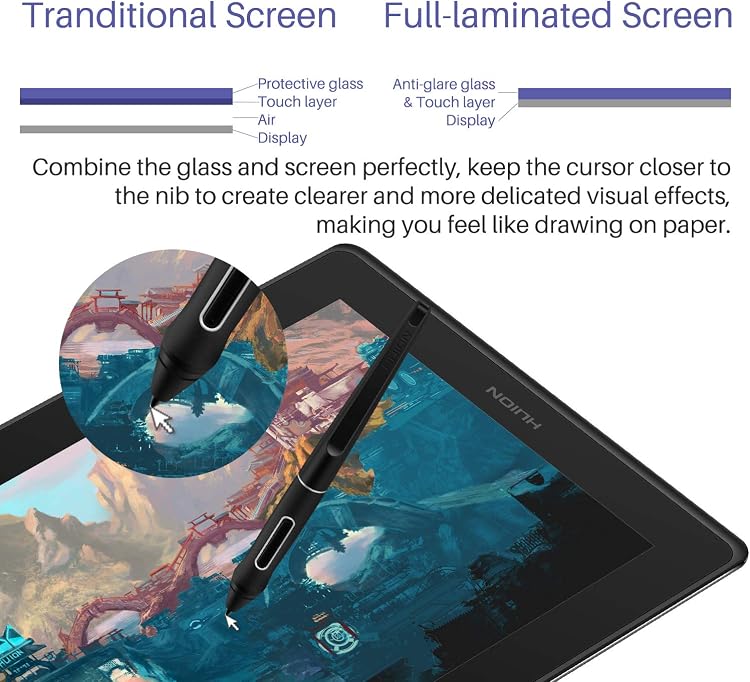
- The listing describes a full-laminated screen with anti-glare glass, intended to reduce the visible gap between pen tip and cursor.
- A battery-free stylus is specified with 8192 pressure levels and ±60° tilt.
- Six express keys and a touch bar can be assigned to actions such as zooming, brush adjustments and scrolling.
- The listing says the display must connect to a computer and describes HDMI and USB connections. It is not a standalone tablet.
Pros and cons
Pros
- The computer-connected screen lets you draw directly on the displayed canvas instead of using a separate, screenless tablet surface.
- The battery-free pen and stated tilt support varied pen strokes without charging the stylus.
- Customizable express keys and touch bar offer a way to put common drawing controls within reach.
Cons
- It depends on a compatible computer, so it is not suited to drawing independently away from a host device.
- The stated connection setup requires available HDMI and USB ports or an adapter, adding a compatibility check before purchase.
Technical specifications
17 specifications| Brand | HUION |
|---|---|
| Model | KAMVAS Pro 16 |
| Screen size | 15.6 inches |
|---|---|
| Display technology listed | LCD |
| Native resolution | 1920x1080 |
| Active drawing area | 344,16 x 193,59 mm |
| Colour gamut listed | 120% sRGB |
| Colours listed | 16.7 million colors |
| Pressure sensitivity | 8192 levels |
|---|---|
| Pen tilt | ±60° |
| Report rate | 266 PPS |
| Connection listed | USB |
|---|---|
| Computer connection described | HDMI and USB ports, or an adapter |
| Operating system listed | macOS 10.12 Sierra |
| Dimensions listed | 44 x 25 x 0.1 cm; 1.2 kg |
|---|---|
| Weight listed | 1.2 kg |
| Colour | Black |
What to know before buying
Listing details to confirm
The listing details are inconsistent about connectivity: its details field says USB, while the setup instructions require HDMI and USB, and the feature text mentions a 3-in-1 cable and hidden Type-C port. The explicit box list names a 3-in-1 cable, but the separate built-in-media list omits it. The title and feature text describe a drawing display, while some details call it a pen tablet. Confirm the selected version's ports, cable and included accessories before buying. The listing also names macOS 10.12 Sierra in one field but claims broader Mac, Windows and Chromebook compatibility elsewhere, so confirm compatibility with your computer and software.
What’s in the box
- KAMVAS Pro 16 drawing monitorIncluded
- PW507 digital penIncluded
- 3-in-1 cableCheck selected pack
- Power adapterIncluded
- PlugIncluded
- Pen holderIncluded
- 10 extra pen nibsIncluded
- Nib clipIncluded
- 2 glovesIncluded
- Quick start guideIncluded
- Cleaning clothIncluded
Check which accessories are included in your selected pack before buying.
Who is it for?
A good fit for
- Digital artists and illustrators who want to draw directly on a computer-connected screen.
- People using drawing or image-editing software who may benefit from pen tilt and assignable shortcut controls.
- Teachers or remote workers who want to write or annotate on a display connected to a computer.
Less suited to
- Anyone seeking a standalone tablet that runs without a computer.
- Buyers whose computer lacks the required ports and who do not want to use an adapter.
Customer reviews on Amazon
- 5 stars
76% 76% - 4 stars
12% 12% - 3 stars
6% 6% - 2 stars
2% 2% - 1 star
4% 4%
Customer feedback reports positive impressions of drawing performance, ease of use and screen size, alongside mixed experiences with button responsiveness, touch sensitivity and driver compatibility. The mixed reports matter for buyers relying on programmable controls or a particular computer setup, so consider those needs alongside the listed shortcut keys and stated operating-system compatibility. Customer opinions are reports, not confirmation of the listed specifications.
Positive themes
- Customers describe drawing performance and ease of use positively.
- Screen size receives positive feedback.
Mixed feedback
- Feedback is mixed on button responsiveness.
- Feedback is mixed on touch sensitivity.
- Feedback is mixed on driver compatibility.
Frequently asked questions
Can the KAMVAS Pro 16 work without a computer?
No. The listing says it is not a standalone product and needs to connect to a computer or laptop.
What resolution does its screen have?
The listed native resolution is 1920x1080.
What should I check about the connection?
The setup notes call for HDMI and USB ports or an adapter, while other listing fields mention USB and a hidden Type-C port. Confirm the selected model's connection requirements and included cable.
What comes in the package?
The explicit box list names the drawing monitor, PW507 digital pen, 3-in-1 cable, power adapter, plug, pen holder, 10 extra pen nibs, nib clip, two gloves, quick start guide and cleaning cloth. Another media list differs, so check the selected listing.
Alternative options
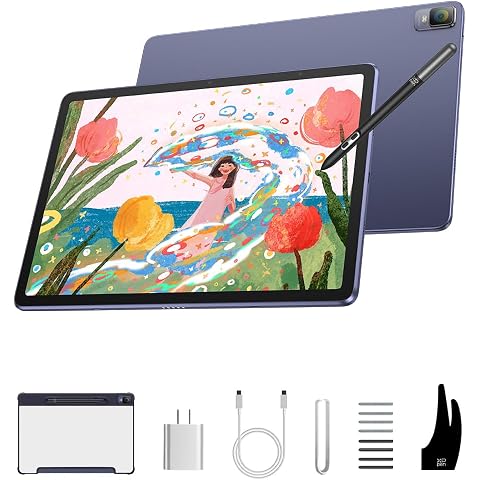
XPPen Magic Drawing Pad Standalone Drawing Tablet, X3 Pro Stylus, 12.2 inch | No Computer Needed, 16384 Pressure Levels, Paper-Like Screen, 8GB + 256GB, Portable for Artists
$699.99
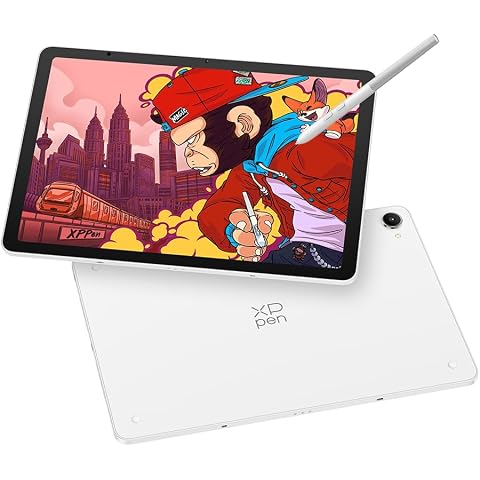
XPPen Magic Pro 13 Standalone Drawing Tablet 3K Display with 16K X4 Stylus | 12.95" Magic Pro Drawing Pad No Computer Needed with 8GB RAM/256GB Storage, 120Hz Refresh Rate, Android 16, Nano-etched Glass
$1,099.99
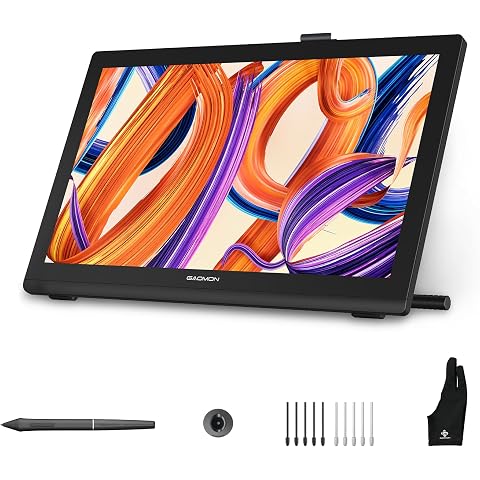
GAOMON Pro 19 4K UHD Drawing Tablet with Screen,18.4-inch Graphic Monitor | Fully Laminated Screen,16K Pressure Battery-Free Pen,99% sRGB △E<1.5 Color Accuracy, Work with Windows,Mac,Linux,Android
$899.99
Libernovo Maxis Manual Big and Tall Ergonomic Office Chairr, Graphite 52cm | Chair Only, Manual Lumbar Adjustment, 105°-160° 5 Recline, Home Office Long Hours Use, 399Ibs
$1,239.00
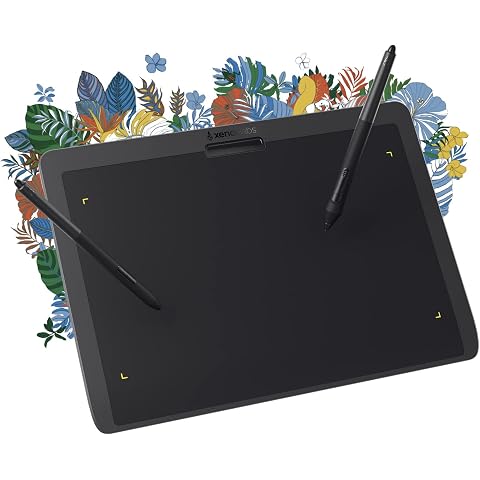
XENCELABS Drawing Tablet Medium, 10 x 6 inch Wireless Graphic Tablet, Pen Tablet with 2 Battery-Free Stylus, 8192 Levels Pressure for Windows Mac Linux, Black
$266.99
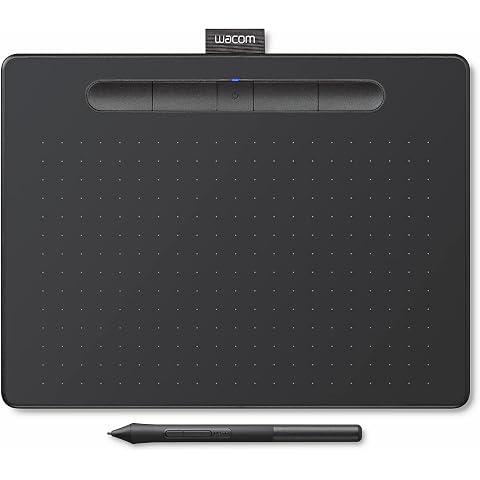
Wacom Intuos Medium Bluetooth Graphics Drawing Tablet, Portable for Teachers, Students and Creators, 4 Customizable ExpressKeys, Compatible with Chromebook Mac OS Android and Windows - Black
$158.99
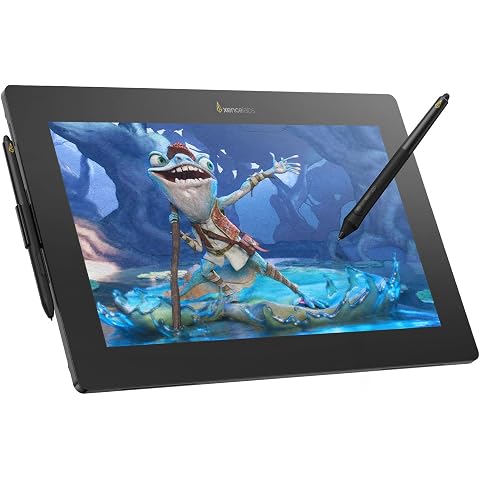
XENCELABS Pen Display 16 Lite, 4K OLED Drawing Tablet with Screen, Portable Graphic Drawing Display with 2 Battery-Free Pens for Windows/macOS/Linux
$856.00
Office Chair Primy Ergonomic Desk Chair with Adjustable Lumbar Support and Height, Swivel Breathable Desk Mesh Computer Chair with Flip up Armrests (Black)
$134.99

Office Chair Wheels, Universal 11x22mm Fit 2 Inch Caster Wheels Set of 5 for Hardwood Floors & Carpet, Smooth & Quiet Roulette Chaise Bureau Heavy Duty Roller Blade Style, Easy Install-Grey
$35.19
SANODESK 55 Inch 3 Stage Bamboo Standing Desk, Dual Motor | One-Piece Top, 220 lbs, Sit Stand Desk with 4 Memory Presets for Home Office (Black Frame/ 55” x 28” Natural Bamboo Top)
$549.99