 1 / 7
Logitech R500 Presentation Remote with Bluetooth and USB Receiver
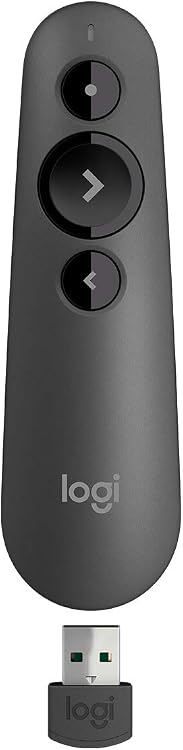
Receiver: The Logitech R500 presentation remote combines three-button slide control with Bluetooth or USB connectivity and a red laser pointer. Its listed wireless range is up to 20 metres, though customer feedback is mixed on range and laser visibility.
At a glance
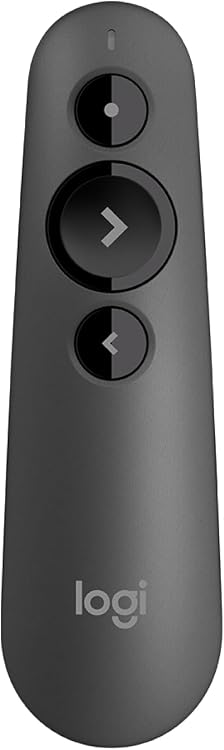
- Three-button layout is intended for slide navigation without looking down at the remote.
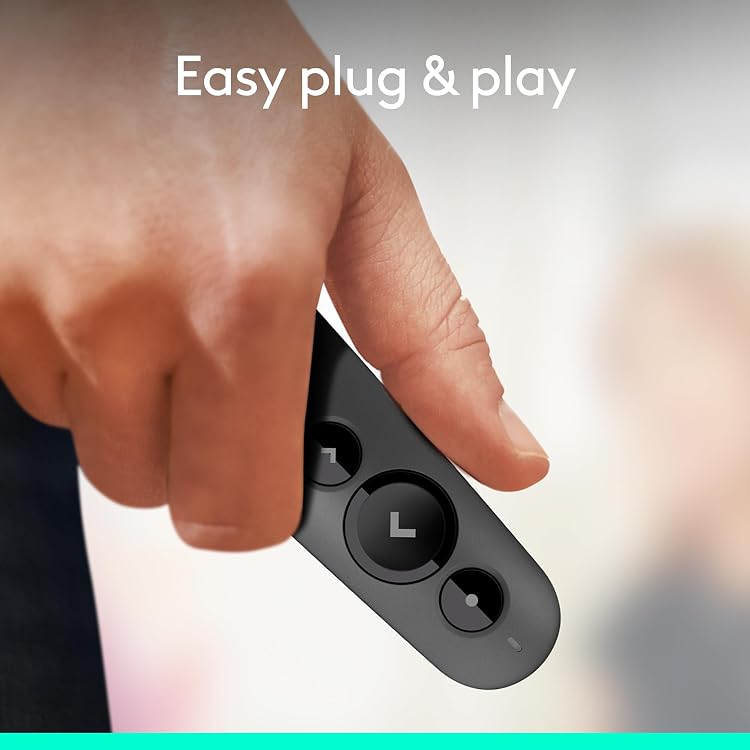
- Bluetooth and USB receiver connection options are listed, with the receiver stored in a built-in dock.
- The manufacturer claims up to 20 metres of operating range, subject to environmental and computer conditions.
- A red laser pointer is provided, and the manufacturer says low-battery mode disables the laser to extend operating time.
Often bought together
Pros and cons
Pros
- Bluetooth and USB connection options give buyers two ways to connect to a computer.
- Three-button controls keep slide navigation simple, and the built-in receiver dock gives the small USB receiver a storage place.
- The manufacturer claims a 20-metre range, which may suit presentation spaces where the presenter needs to move away from the computer.
Cons
- The laser is disabled in the stated low-battery power-saving mode, so it is not available continuously as the battery runs down.
Technical specifications
18 specifications| Brand | Logitech |
|---|---|
| Model | R500 |
| Wireless connection listed | Bluetooth, USB |
|---|---|
| Control methods listed | Bluetooth/USB |
| Buttons | 3 |
| Maximum supported devices | 1 |
| Compatible device | Personal Computer |
| Battery type | 1 AAA battery |
|---|---|
| Battery included | 1 AAA batteries required. (included) |
| Battery life claim | The R500 runs for 12 months on a single AAA battery. |
| Low-battery mode claim | When your battery is low, the R500 goes into a 'power-saving' mode – disabling the laser to extend battery life so you can continue presenting for an extra week. |
| Maximum range | 20 meters |
|---|---|
| Operating system and presentation software compatibility claim | The R500 is optimized to work with Windows, Mac OS, iOS, AndroidTM, and leading presentation software including PowerPoint, Keynote, PDFTM, Google SlidesTM, and PreziTM. |
| Presentation app limitation | 2Only available when installing software on Mac and PC.Requires to install Logitech Presentation software, available for download at logitech.com/r500sw(Only compatible with Windows 7 or later / Mac OS X 10.12 or later) |
| Dimensions listed | 2.54 x 3.56 x 12.45 cm; 5.67 g |
|---|---|
| Weight listed | 6 g |
| Colour | Black |
| Warranty description | 1 Year Limited Hardware Warranty |
|---|
What to know before buying
- The manufacturer claims up to 20 metres, but says actual wireless range can vary with the environment and computer setup. Customer feedback also varies on range and raises concerns about laser strength and brightness. Battery-duration figures are manufacturer claims, not independently verified.
Who is it for?
A good fit for
- Presenters who want three-button slide navigation and a built-in red laser pointer.
- Teachers or meeting presenters who want to control slides without staying beside the computer.
- Users whose computer and presentation setup supports the listed Bluetooth or USB connection options.
Less suited to
- Buyers who need a laser pointer to remain available in low-battery mode.
- Presenters who require a consistently bright laser or a guaranteed operating range.
Customer reviews on Amazon
- 5 stars
70% 70% - 4 stars
17% 17% - 3 stars
7% 7% - 2 stars
2% 2% - 1 star
4% 4%
Customer feedback describes the remote as easy to use, with positive comments about its simple controls, button feel and classroom usefulness. Concerns include laser strength and brightness, while experiences with range vary. That feedback is relevant if you depend on seeing the laser clearly or presenting near the claimed 20-metre limit, which the manufacturer says can vary with conditions.
Positive themes
- Customers report ease of use and appreciate the straightforward design.
- Feedback describes the buttons as responsive and pleasant to press, with classroom use mentioned as a benefit.
Negative themes
- Some customer feedback raises concerns about laser strength and brightness.
Mixed feedback
- Customer experiences with the remote's range vary.
Frequently asked questions
How does the Logitech R500 connect?
The listing names Bluetooth and USB connectivity. It also describes a USB receiver that stores in a built-in dock on the remote.
What range does the R500 claim?
The manufacturer claims an operating range of up to 20 metres. It cautions that wireless range may vary with the environment and computer setup.
Does the R500 include a battery?
The listing states that one AAA battery is required and included.
Does the laser work when the battery is low?
The manufacturer says the low-battery power-saving mode disables the laser to extend operating time.
Alternative options
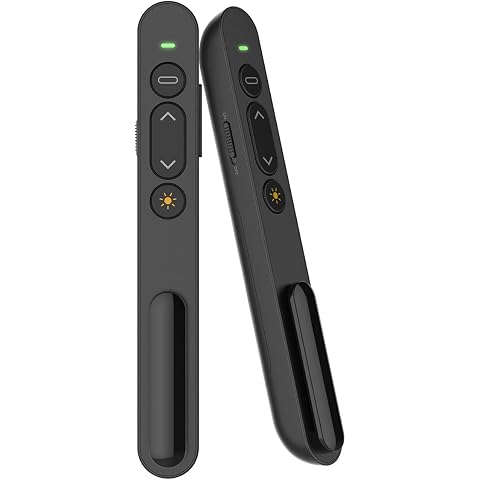
Wireless Presenter, 2.4GHz USB Control Presentation PPT PowerPoint Clicker for Keynote, Laptop, Google Slides - Support Hyperlink and Volume Control(1pcs)
$16.71
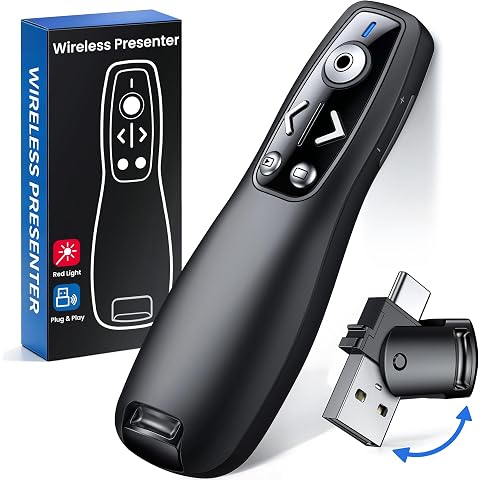
Presentation Clicker Wireless Presenter Remote for PowerPoint, RF 2.4GHz USB Powerpoint Clicker with Hyperlink & Volume Control PowerPoint Slide Advancer for Mac, Computer, Laptop
$17.63
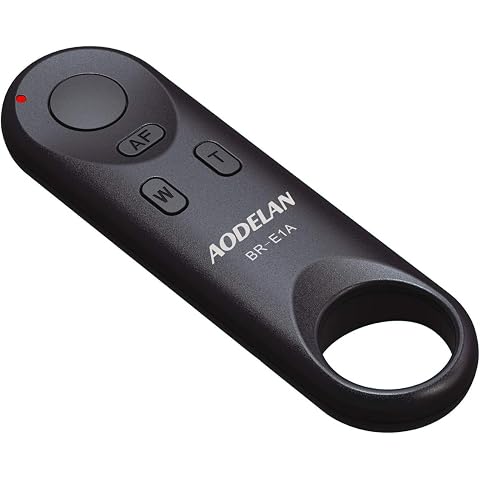
AODELAN Wireless Remote Control for Canon EOR RP, EOS R, R5, R6, M50, 90D | 6D Mark II, M6 Mark II,77D, 850D, 800D, 200D, 250D, EOS Rebel SL2, Rebel T7i, PowerShot SX70 HS, G7 X Mark III, G5 X Mark II
$39.99
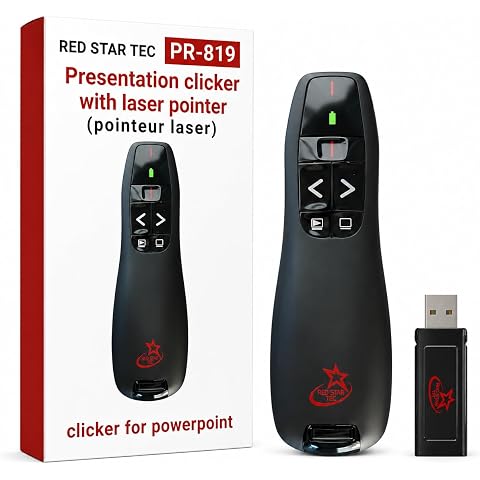
Red Star Tec Wireless Powerpoint and Keynote Presentation Remote Clicker PR-819 (Black, 1 Pack)
$23.18
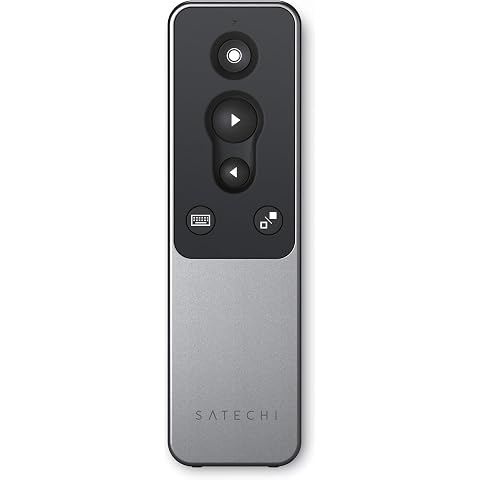
Satechi R1 Wireless Presenter for PowerPoint & Keynote | Bluetooth presentation remote, for MacBook, iPad, iPad mini, Mac mini, iMac
$43.40
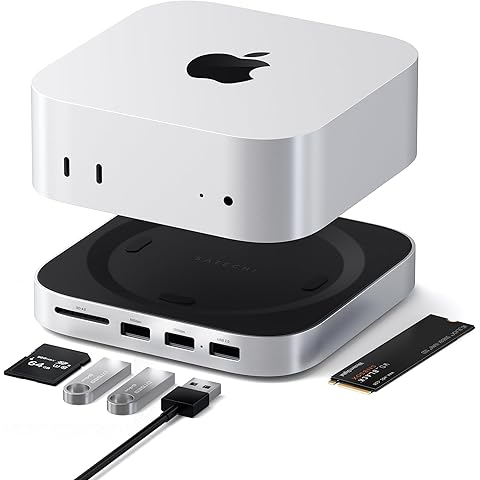
Satechi Mac mini M6, M5 Pro, M4 Hub & Stand with NVMe SSD Enclosure, Silver | 2 USB-A ports up to 10 Gbps, USB-A data port, SD card reader, optimized self-cooling
$87.49
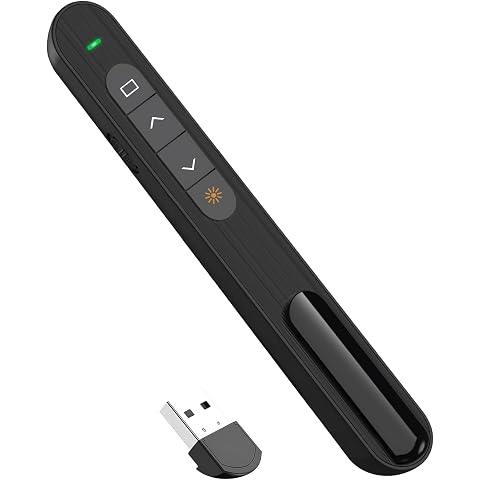
Presentation Clicker for Powerpoint Presentations, Presenter,VRAJJTY Power Point Slide Clickers for Open Hyperlinks & Volume Control (USB A)
$12.31
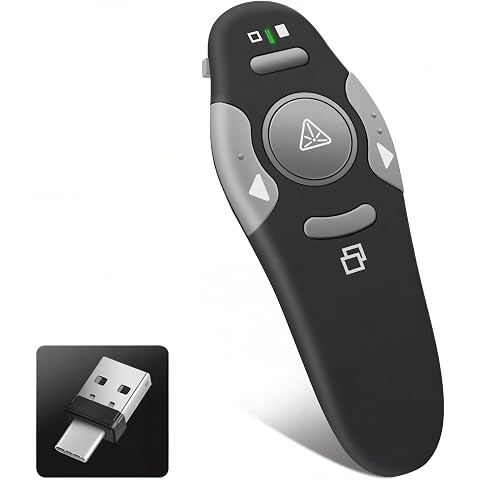
KUIYN USB-c Presentation Clicker Remote,Wireless Presenter,Red Pointer | 2.4GHz PowerPoint Clicker,Slide Advancer for Classroom,Office,Meeting,Support Mac/ Windows/Laptop/PPT,Teacher must Haves
$16.14
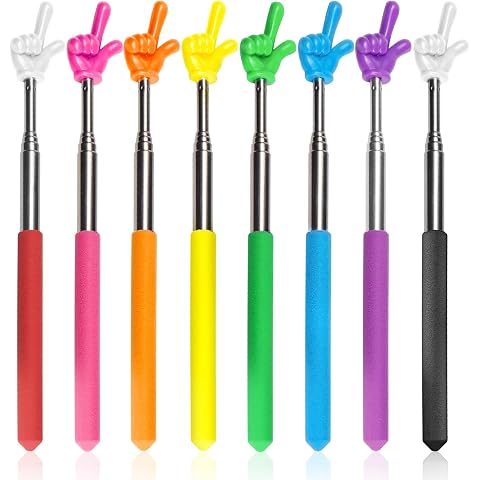
Bagentry 8 Pcs Teacher Pointer Stick for Classroom, Extendable Pointer Finger, Telescoping Hand Pointer, Retractable Pointing Stick Reading Aid for Presentation Whiteboard
$13.99