 1 / 6
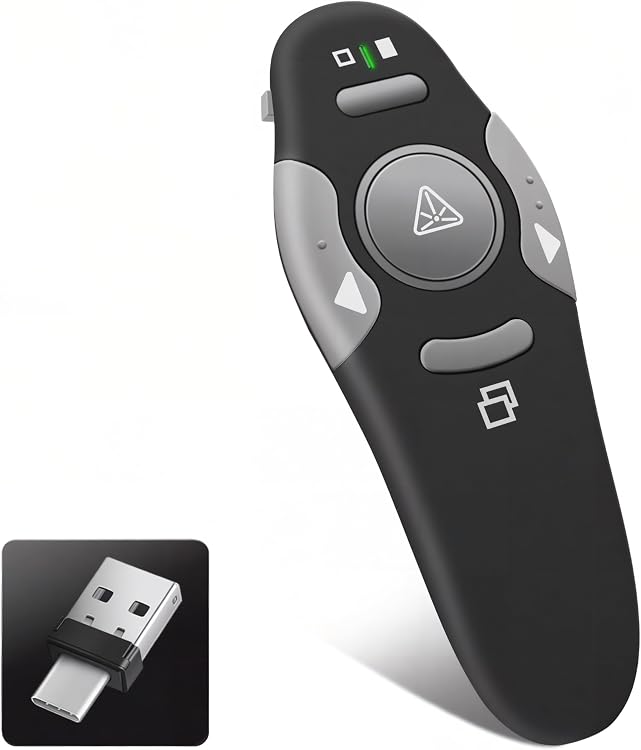
Kuiyn K100 Presentation Clicker with Red Pointer
K100: Kuiyn KUIYN Presentation Clicker is a compact wireless presenter with slide controls and a red pointer. Its listing describes a receiver with USB-A and USB-C connectors, which may suit presenters switching between compatible computers and tablets, but the listed battery is not included.
At a glance
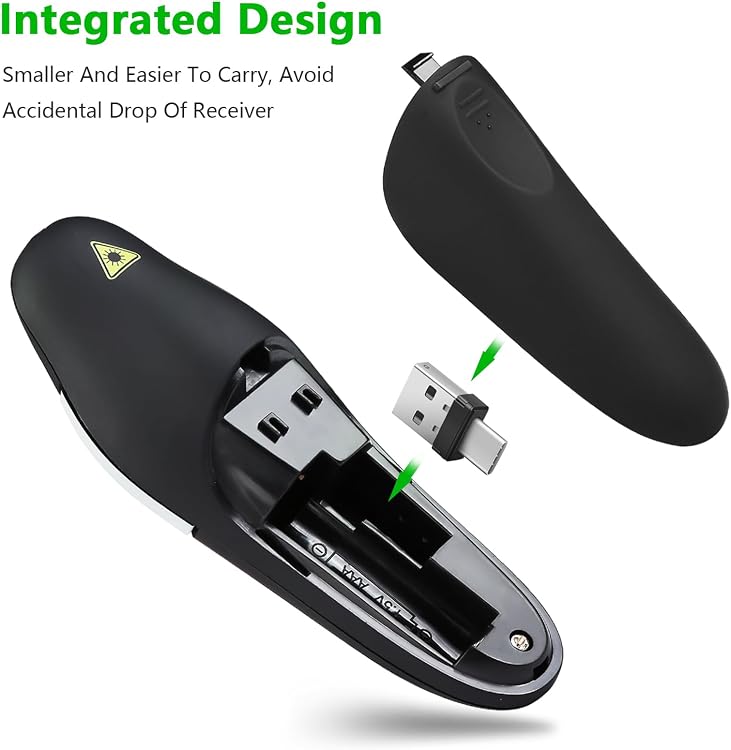
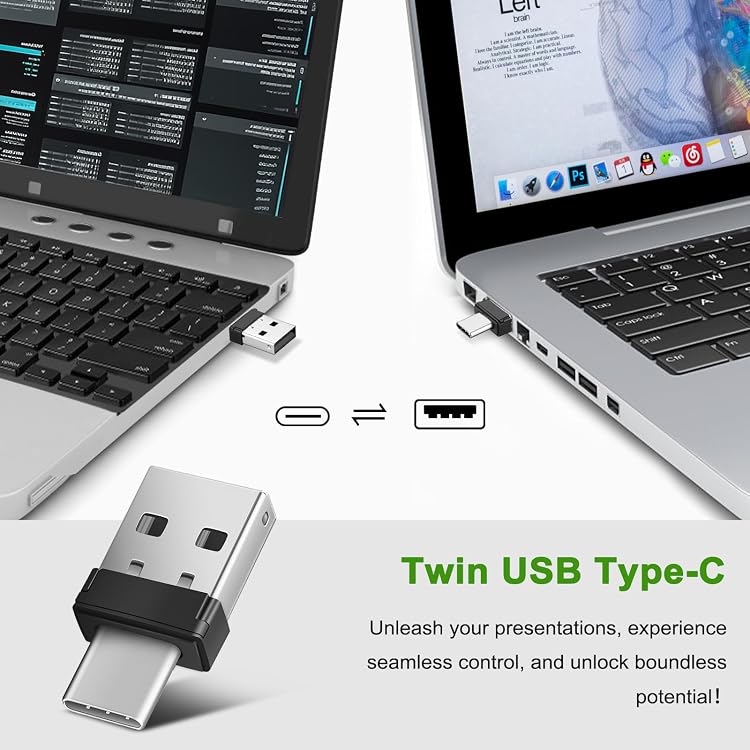
- The listing describes a 2-in-1 receiver with USB-A and USB-C connectors, stored in the battery compartment.
- Page up and page down controls are described for advancing through presentation material.
- A red pointer is listed, with the seller advising that it is clearest on projection surfaces rather than LED or LCD screens.
- The listing claims plug-and-play operation and compatibility with Windows, macOS and Linux.
Pros and cons
Pros
- Combined USB-A and USB-C receiver may reduce the need for a separate adapter on compatible devices.
- Compact listed dimensions suit carrying in a presentation kit.
- The listing specifies a red pointer and dedicated slide-navigation controls.
Cons
- The required AAA battery is stated as not included.
Technical specifications
16 specifications| Brand | Kuiyn |
|---|---|
| Model | KUIYN Presentation Clicker |
| Wireless connection listed | Radio Frequency |
|---|---|
| Control methods listed | Radio frequency control |
| Wireless technology | 2.4GHZ RF Technology |
| Wireless range listed | Up to 328 ft(in an Open Environment up to 100 Meters) |
| Supported devices | Laptops, iPads, Smart Boards, Presentation Electronic Whiteboards, Projectors |
| Compatible interface | USB 1.1/USB2.0/USB3.0 |
| Battery type | AAA |
|---|---|
| Battery requirement listed | 1 A batteries required. |
| Power supply mode | 1*AAA Battery (Not included) |
| Sleep current | <20uA |
| Pointer output | 1 MW |
|---|---|
| Laser category | Class 3R |
| Dimensions listed | 10.16 x 2.54 x 0.99 cm; 50 g |
|---|
| Operating system compatibility listed | Universal Compatibility with Windows 7 or Later, Mac OS 10.10 or Later, PowerPoint, Keynote, PDF, Google Slides and Prezi |
|---|
What to know before buying
Listing details to confirm
Listing details are inconsistent or unconfirmed: the title calls this a USB-C clicker while feature text describes a two-connector USB-A and USB-C receiver, and battery details say both “1 A batteries required.” and one AAA battery. The listed model name is KUIYN Presentation Clicker while other text calls the remote K100B, so confirm the selected version and receiver before purchase. Pointer visibility may be reduced on LED or LCD screens, and the seller advises avoiding direct eye exposure.
Who is it for?
A good fit for
- Teachers and presenters who want a small remote for advancing slides from across a room.
- Buyers using a compatible device with either USB-A or USB-C and presentation software listed by the seller.
Less suited to
- Buyers who need an included battery or a pointer intended to show clearly on LED or LCD displays.
- Anyone who requires guaranteed compatibility with a specific device or operating system without checking the selected model.
Customer reviews on Amazon
- 5 stars
65% 65% - 4 stars
15% 15% - 3 stars
9% 9% - 2 stars
3% 3% - 1 star
8% 8%
Customer feedback describes the remote as useful for presentations and college instruction, with positive comments about setup and compact size. Concerns include durability, while reliability, quality, clicking performance and compatibility are described as mixed. These experiences matter for a compact RF presenter whose claimed plug-and-play convenience still depends on the receiver and system working together. Aggregate ratings lean positive overall but do not resolve those individual trade-offs.
Positive themes
- Customers report usefulness for presentations and college instruction.
- Feedback highlights straightforward setup and compact size.
Negative themes
- Customer feedback includes concerns about durability.
Mixed feedback
- Customers report mixed experiences with reliability, quality, clicking performance and compatibility.
Frequently asked questions
Does the clicker include a battery?
No. The feature listing says it requires one AAA battery and that the battery is not included, though another battery field is worded inconsistently.
What receiver connectors are listed?
The features describe one receiver with both USB-A and USB-C connectors. Since the product title emphasizes USB-C, confirm the selected listing includes the two-connector receiver.
Can the red pointer be used on any display?
The listing says pointer clarity may be reduced on LED and LCD screens and recommends projection surfaces. It also advises avoiding direct eye exposure.
What is the wireless range?
The listing claims up to 100 metres in an open environment. Actual range in a room is not established by the supplied information.
Alternative options
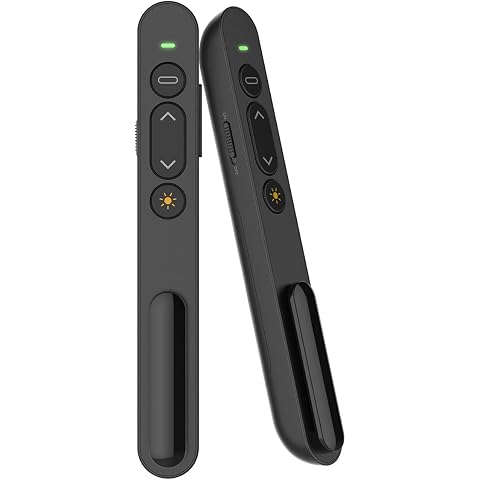
Wireless Presenter, 2.4GHz USB Control Presentation PPT PowerPoint Clicker for Keynote, Laptop, Google Slides - Support Hyperlink and Volume Control(1pcs)
$16.71
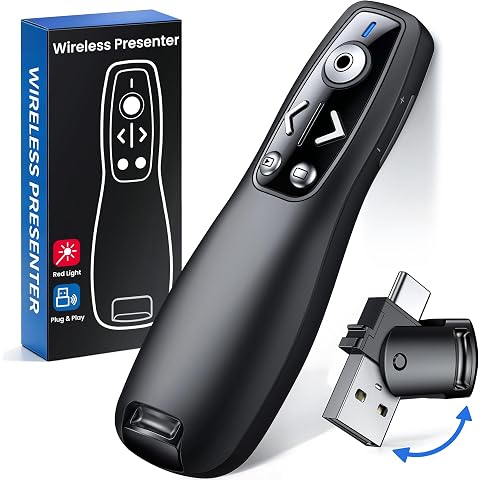
Presentation Clicker Wireless Presenter Remote for PowerPoint, RF 2.4GHz USB Powerpoint Clicker with Hyperlink & Volume Control PowerPoint Slide Advancer for Mac, Computer, Laptop
$17.63
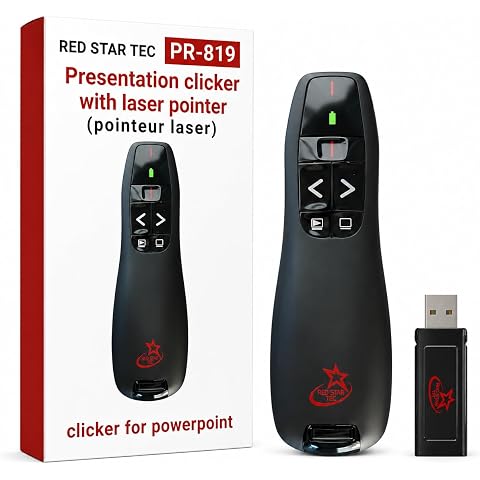
Red Star Tec Wireless Powerpoint and Keynote Presentation Remote Clicker PR-819 (Black, 1 Pack)
$31.99
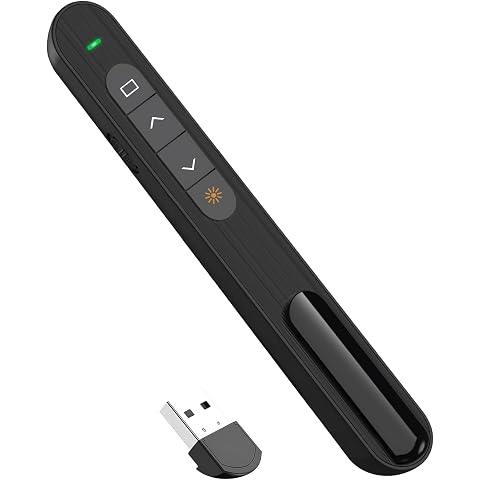
Presentation Clicker for Powerpoint Presentations, Presenter,VRAJJTY Power Point Slide Clickers for Open Hyperlinks & Volume Control (USB A)
$12.31
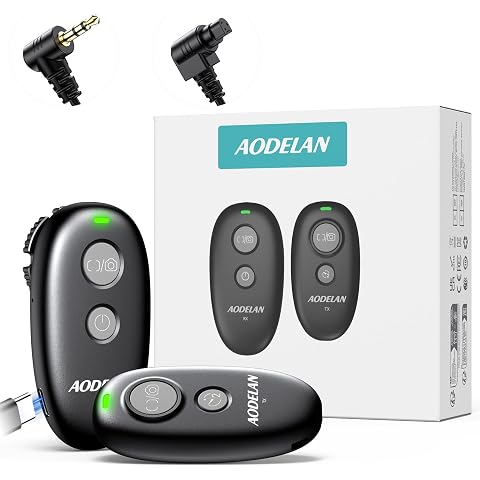
Aodelan for Canon Rechargeable Wireless Camera Remote Shutter Release | Wired Remote Control for Canon Rebel T7, T6, T3i, EOS R5, R6 II, R7, R8, R10, RP, 200D(SL2), 250D(SL3), 6D Mark II, 7D Series
$39.99
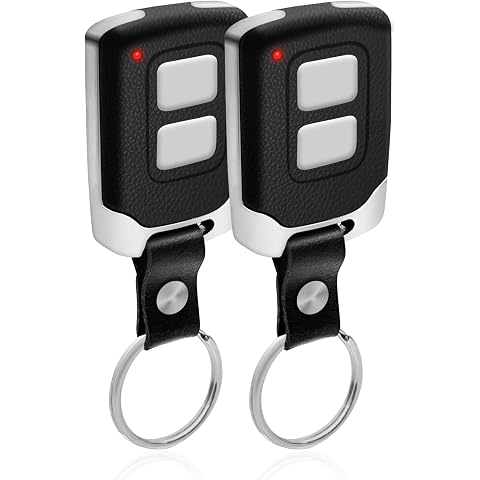
2 for Chamberlain LiftMaster Craftsman Universal Garage Door Opener Remote | 3-Year Warranty, Model 893MAX 893LM 891LM 371LM 971LM, Not Support Security+3.0 White Learn Button or Dip Switch Opener
$18.85
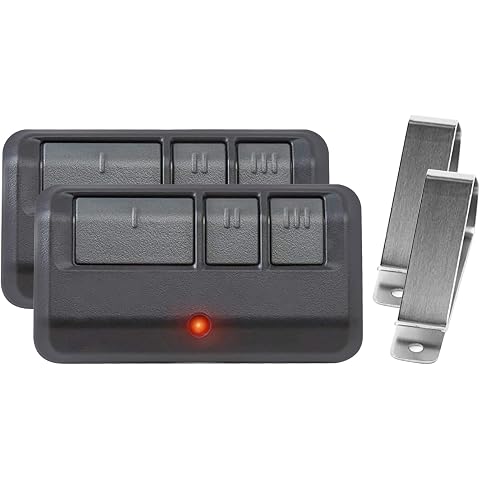
2 for LiftMaster Chamberlain Craftsman Universal Garage Door Opener Remote | 3-Year Warranty, Compatible 893Max 893LM 891LM 371LM 971LM 81LM, Not Support Security+3.0 White Learn Button or Dip Switch
$18.75
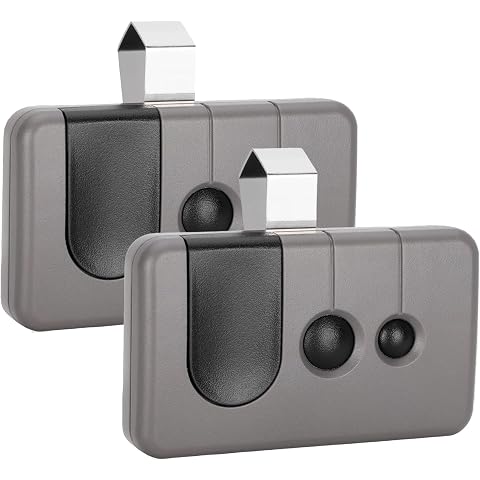
2 for Sears Craftsman Chamberlain LiftMaster Garage Door Opener Remote | Only Compatiable with Purple Learn Button (2006-2013), Replace139.53753 53753 HBW2028 371LM 373LM 950CD 953D
$21.99
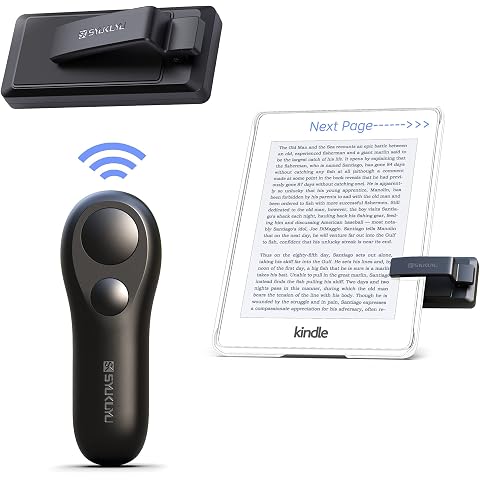
SYUKUYU RF Remote Control Page Turner for Kindle Reading Ipad Surface Comics, iPhone Android Tablets Reading Novels Taking Photos
$35.99
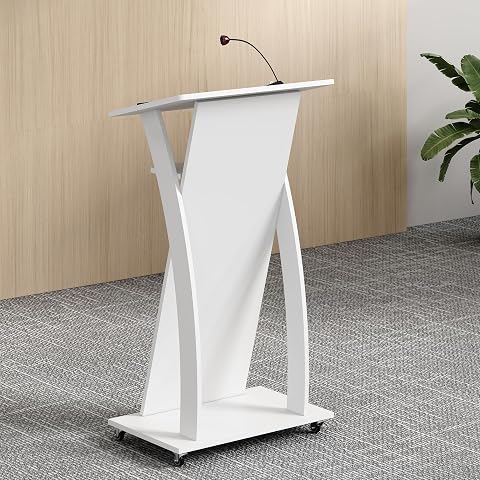
Xibolai Wooden Podium Stand Wheeled Lectern White Color 16MM Wood Board Elegant Design with Storage Wooden Pulpit for Restaurants Churches Seminars and Schools
$181.66
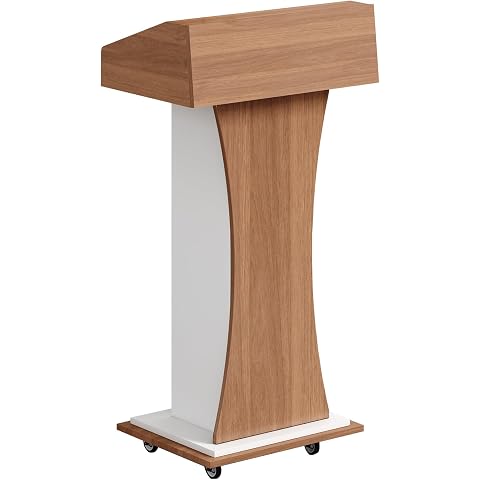
xibolai Mobile Wooden Podium Stand with Lockable Wheels Modern Presentation Blockboard Lectern Black Walnut Color with Storage Shelves for Office, Church, Classroom, Conference Room
$238.04
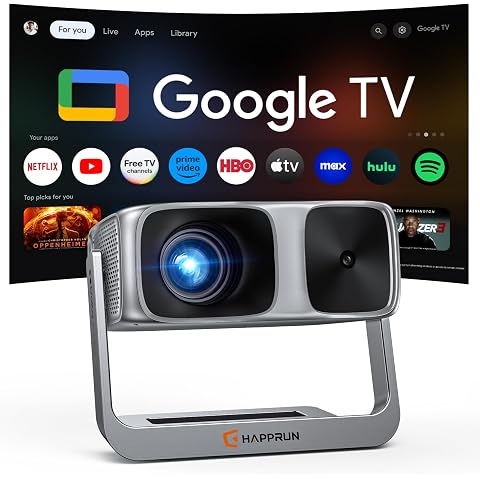
HAPPRUN 2500 ANSI Outdoor Projector with Official Google TV, 4K Decoding | Dolby Audio, 10K+ Apps, AI Auto Focus, 270° Stand,Smart Projector with WiFi and Bluetooth, Movie Projector for Indoor/Outdoor
$427.49