 1 / 7
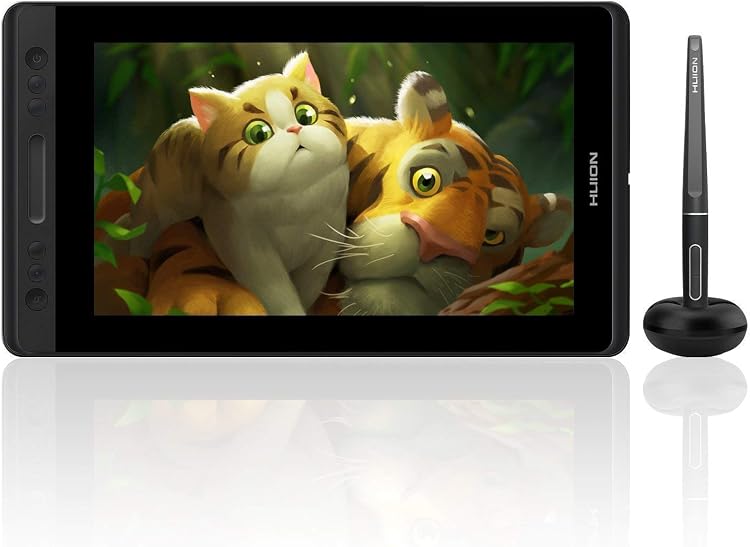
HUION Kamvas Pro 13 Pen Display, 13-inch LCD
HUION Kamvas Pro 13 is a pen display for drawing, editing and handwritten annotation when connected to a computer. Its 13-inch screen, battery-free pen and included stand suit a compact desk setup, but it is not a standalone tablet.
At a glance
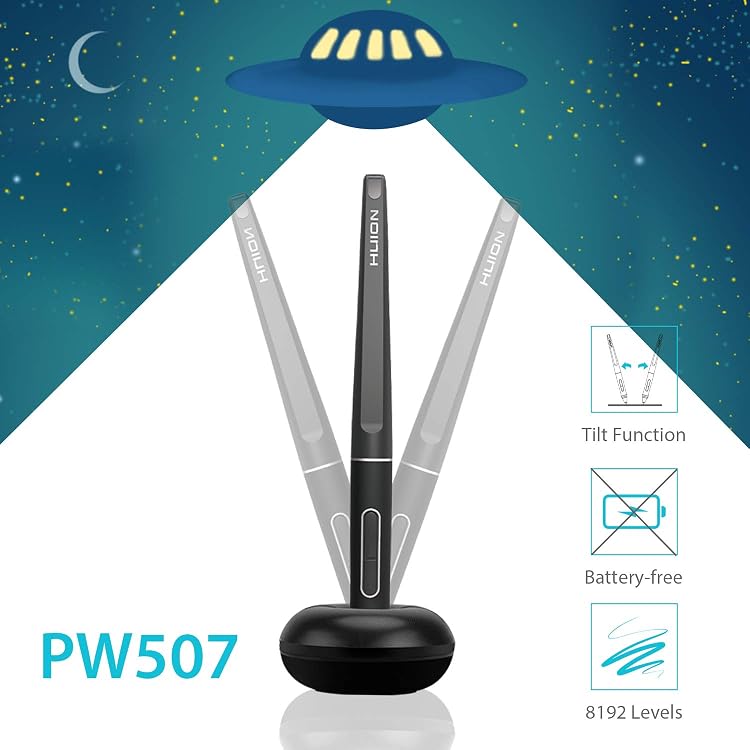
- The listing describes a full-laminated anti-glare glass panel and a battery-free PW507 pen with tilt recognition.
- Four express keys and a touch bar can be configured as drawing shortcuts.
- The product must connect to a computer, and the listing describes HDMI and USB connections for setup.
Pros and cons
Pros
- Battery-free pen avoids charging the stylus.
- Compact 13-inch display and included stand support a contained drawing workspace.
- Shortcut keys and a touch bar provide on-device controls.
Cons
- It cannot operate as a standalone computer or tablet and requires a connected computer.
Technical specifications
12 specifications| Brand | HUION |
|---|---|
| Model | Kamvas Pro 13 |
| Screen size | 13 inches |
|---|---|
| Display technology | LCD |
| Native resolution | 1920x1080 |
| Active surface area | 15.2 square inches |
| Colour gamut claim | 120% sRGB |
| Pressure sensitivity | 8192 levels |
|---|---|
| Tilt recognition claim | ±60 levels |
| Shortcut controls | 4 express keys and 1 touch bar |
| Connection listed | USB |
|---|---|
| Operating systems listed | Linux,Windows |
What to know before buying
Listing details to confirm
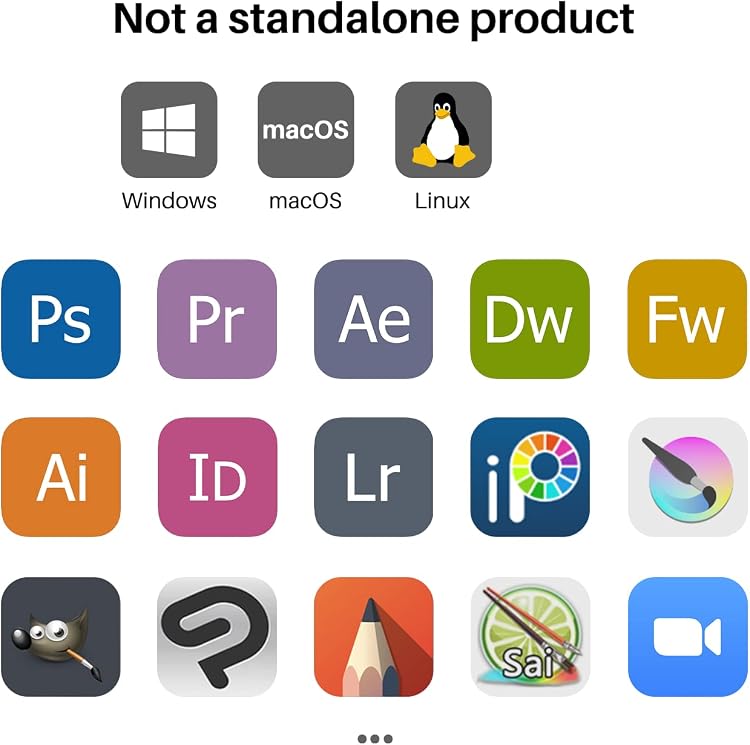
Listing details are inconsistent: the title says 13.3 inches while technical details say 13 inches, and the title's 120% sRGB claim is not repeated consistently. Compatibility descriptions vary across Linux, Windows, macOS and ChromeOS, while the technical operating-system field lists only Linux and Windows. The cable and power-adapter package claims also differ, so confirm the selected listing and your computer's ports before purchase. The connection guidance specifies HDMI and USB, with an adapter needed for computers without those ports.
What’s in the box
- KAMVAS Pro 13 drawing monitorCheck selected pack
- PW507 digital pen / stylusCheck selected pack
- 3-in-1 cableCheck selected pack
- Power adapter and plugsCheck selected pack
- StandIncluded
- Pen holderIncluded
- 10 pen nibsCheck selected pack
- Nib clipCheck selected pack
- Cleaning clothIncluded
- Quick Start GuideIncluded
Check which accessories are included in your selected pack before buying.
Who is it for?
A good fit for
- Digital artists wanting a compact screen-based drawing surface connected to a computer.
- Teachers or students who want to write or annotate digital material during online instruction.
- Users with compatible drawing software who prefer a battery-free pen and physical shortcut controls.
Less suited to
- Anyone seeking a standalone tablet or a display that works without a computer.
- Buyers who need a larger drawing surface or cannot connect through the required ports.
Customer reviews on Amazon
- 5 stars
64% 64% - 4 stars
22% 22% - 3 stars
7% 7% - 2 stars
4% 4% - 1 star
3% 3%
Customer feedback highlights perceived overall quality, display colours and straightforward setup, with positive comments on performance and price relative to quality. Experiences are mixed on calibration, compatibility and customizability. Those concerns matter for buyers relying on precise pen alignment or a particular computer and software setup, so check compatibility and calibration options for the intended configuration.
Positive themes
- Customers report positive impressions of overall quality, display quality and setup.
Mixed feedback
- Feedback describes mixed experiences with calibration, compatibility and customizability.
Frequently asked questions
Can the Kamvas Pro 13 work on its own?
No. The listing says it must be connected to a computer to work.
What connection does it use?
USB is listed, and the setup guidance calls for available HDMI and USB ports. You may need an adapter if your computer lacks them.
Is the stylus rechargeable?
The listing describes the PW507 stylus as battery-free.
Which operating systems are supported?
The technical details list Linux and Windows, while other listing text also mentions macOS and ChromeOS. Confirm support for your computer and software before buying.
Alternative options
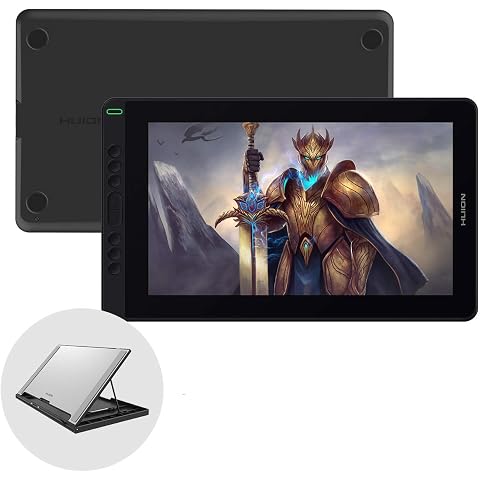
HUION Graphic Drawing Tablet Kamvas 13 Pen Display Tilt Function Battery-Free Stylus 8192 Pen Pressure 13.3inch with Adjustable Stand, for Remote Working, Online Education
$249.99
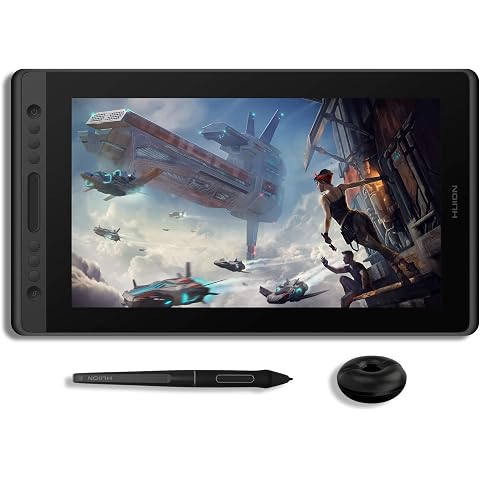
HUION KAMVAS Pro 16 Graphics Drawing Tablet with Screen, 15.6inch | Full-Laminated Graphics Monitor, Battery-Free Stylus Tilt Pen, 8192 Pressure, Adjustable Stand, 6 Hot Keys Touch Bar
$324.72
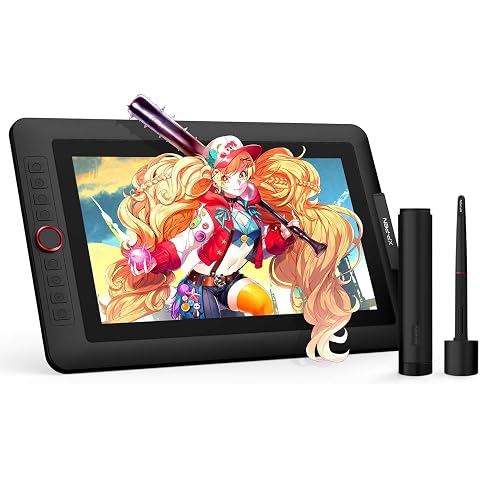
XPPen Artist 13.3 Pro v2 Drawing Tablet with Screen, Full-Laminated Display | Drawing Tablet , 16384 Pen Pressure Levels, 8 Shortcut Keys & Red Dial, Adjustable Stand, 125% sRGB, PC/Mac/Android
$263.99
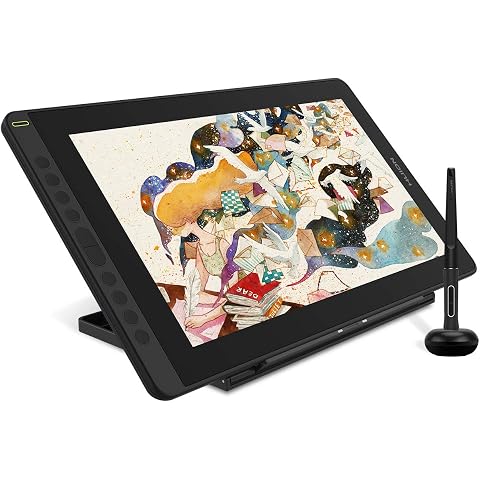
2021 HUION Drawing Tablet KAMVAS 16 Graphic Pen Display with Screen, Black | 15.6inch Full-Laminated Screen, Battery-Free Stylus Tilt, 10 Press Keys, Full-Featured Type C Cable and an Adjustable Stand
$314.49
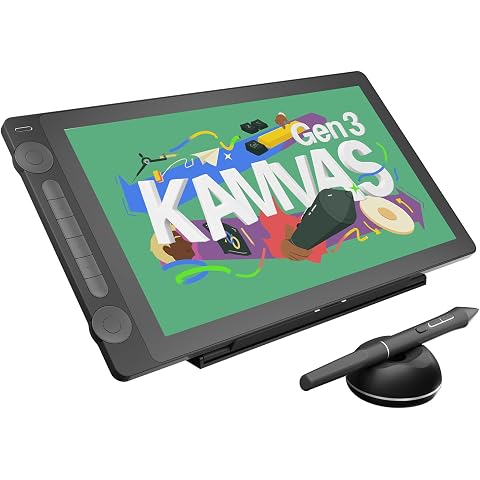
HUION KAMVAS 16 (Gen 3) Drawing Tablet with Screen, 2.5K QHD Art Tablet | 15.8 inch Full Laminated Anti-Sparkle Glass, 99% sRGB, PenTech 4.0, 16384 Pen Pressure, Dual Dials for Mac, PC, Android
$530.09
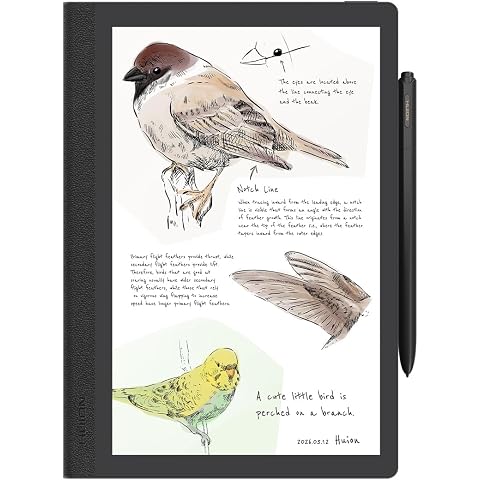
HUION Note E Digital Notebook, 8.4" Notepad with Battery-Free Magnetic Pen | Anti-Glare Screen, Android 15, Bluetooth, Folio Cover, Notepad for Meeting/Drawing/Reading/Sketching/Study
$449.99
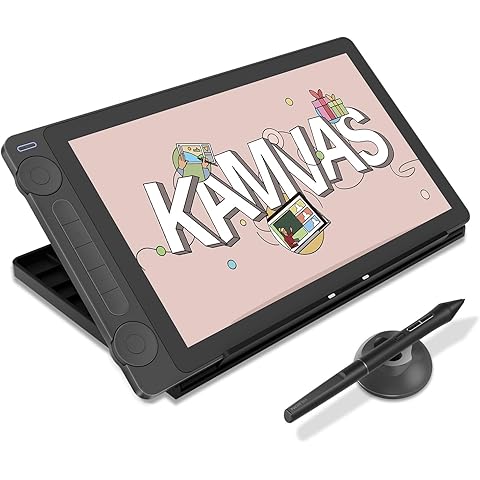
HUION Kamvas 13 (Gen 3) Drawing Tablet with Screen, 13.3" Full-Laminated | Full-Laminated Art Tablet, Anti-Sparkle Canvas Glass, 99% sRGB, PenTech 4.0, 16384 Pen Pressure, Dual Dial
$291.56
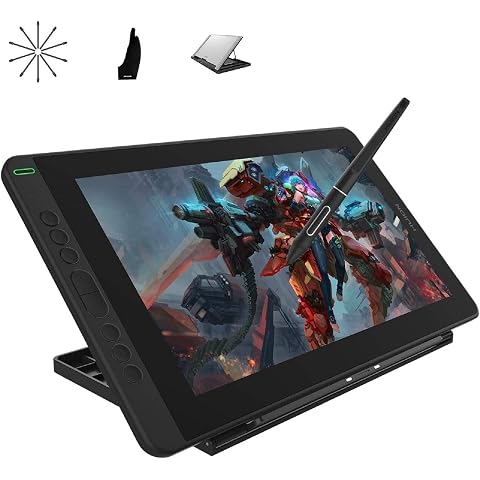
HUION Kamvas 13 Graphics Drawing Tablet with Screen, 13.3 inch | Tilt Function, Battery-Free Stylus, 8192 Pen Pressure, Adjustable Stand, for Remote Working, Online Education
$255.19
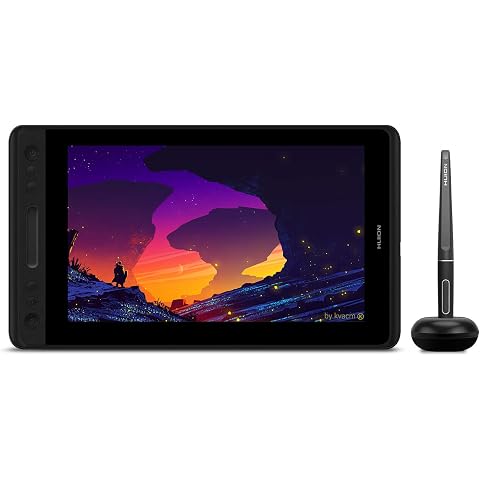
HUION Graphic Drawing Tablet with Screen Kamvas Pro 12 Full-Laminated Pen Display Tilt Function Battery-Free Stylus 8192 Pen Pressure, Compatible with Chromebook, Windows, Mac and Linux
$179.54
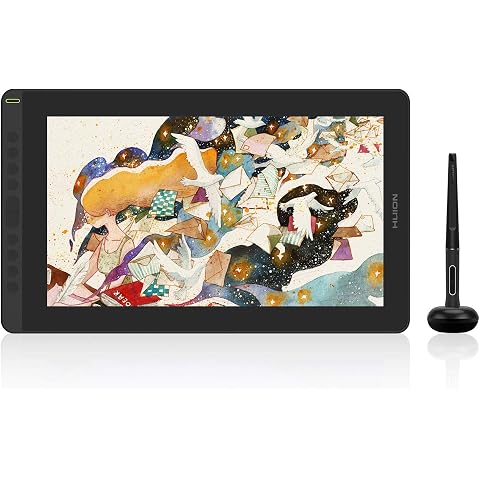
2021 HUION Drawing Tablet KAMVAS 16 with Full-Laminated Screen Battery-Free Sylus Tilt 10 Press Keys Full-Featured Type C Cable,15.6inch Pen Display (Black)
$305.10
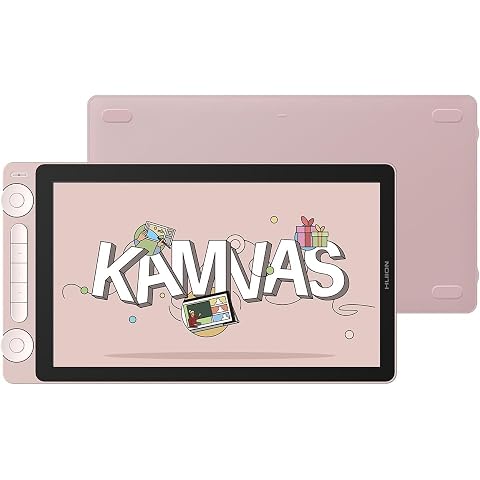
HUION Kamvas 13(Gen 3) Drawing Tablet with Screen,Full-Laminated Art Tablet | 13.3" Full-Laminated Art Tablet, Anti-Sparkle Canvas Glass, 99% sRGB, PenTech 4.0, 16384 Pen Pressure, Dual Dial
$284.24
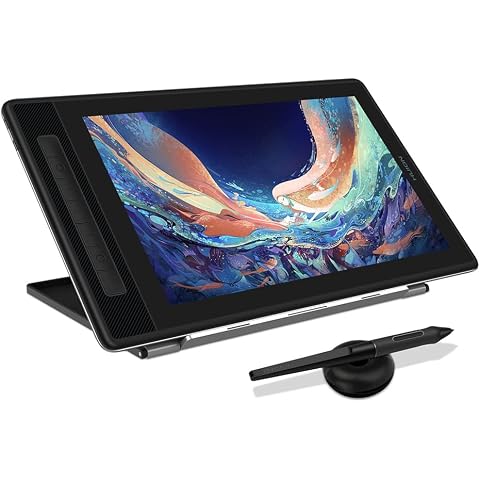
HUION Kamvas Pro 13 2.5K QHD Drawing Tablet Graphics Monitor, 13.3inch | Pen Display with Screen, QLED Full Lamination, 99% sRGB, Battery-Free Stylus, Windows, Mac, Android, Linux
$395.12