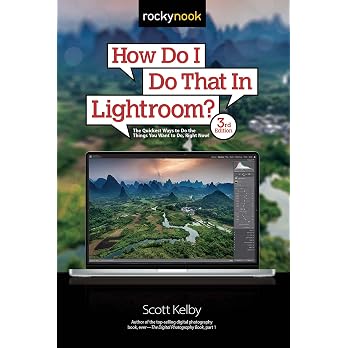
How Do I Do That In Photoshop? (2nd Edition)
Edition: How Do I Do That In Photoshop? is Scott Kelby’s quick-reference guide to finding practical editing steps in Photoshop. Its topic-based chapters cover tools, Camera Raw, masking, layers, image adjustments, printing and effects, with each page focused on a single task.
At a glance
- Organizes quick instructions by Photoshop topic, including layers, masking, Camera Raw and printing.
- The listing describes over 250 tips, tricks and techniques.
- Each page is described as covering one topic, aimed at finding a specific setting, shortcut or procedure.
Reference price: $49.80
Price checked: Nov 13, 2026
View offerAhead of Black FridayExplore the selectionOften bought together

Pros and cons
Pros
- Broad topic coverage includes common editing tasks as well as Camera Raw masking, sharpening and print preparation.
- The one-topic-per-page format is intended to make it easier to look up a specific task than to work through extended theory.
Cons
- This is positioned as a practical how-to reference rather than a theory-focused or in-depth conceptual course.
Technical specifications
8 specifications| Edition | 2nd |
|---|---|
| Publisher | Rocky Nook |
| Publication date | Nov. 21 2023 |
| Language | English |
| Print length | 312 pages |
| ISBN-13 | 978-1681989259 |
| Weight listed | 612 g |
|---|---|
| Dimensions | 15.24 x 1.91 x 22.86 cm |
Who is it for?
A good fit for
- Photoshop users who want a nearby lookup book for specific tools, settings and editing steps.
- Readers seeking practical guidance across image adjustments, layers, masking, effects and printing.
Less suited to
- Readers looking primarily for detailed theory or extended, multi-step conceptual instruction.
Customer reviews on Amazon
- 5 stars
76% 76% - 4 stars
13% 13% - 3 stars
3% 3% - 2 stars
7% 7% - 1 star
1% 1%
Customer feedback describes the book as a useful, easy-to-follow reference and reports that it is easy to read. That assessment fits its stated single-topic lookup format and broad Photoshop coverage. The rating distribution is mostly five-star, though lower-star ratings are also present, so experiences are not uniformly positive.
Positive themes
- Customers describe it as a handy, useful reference and say it is easy to follow and read.
Frequently asked questions
What topics does the book cover?
The listed chapters cover Photoshop navigation and tools, Camera Raw and its AI-powered masking tools, cropping and resizing, layers, image adjustments, adding or removing elements, printing, effects and sharpening.
Is this mainly a theory book?
No. The listing presents it as a practical, task-focused guide to which controls and settings to use, rather than a book centred on theory.
What edition and language is listed?
The listing specifies the 2nd edition in English, with 312 pages.
Alternative options
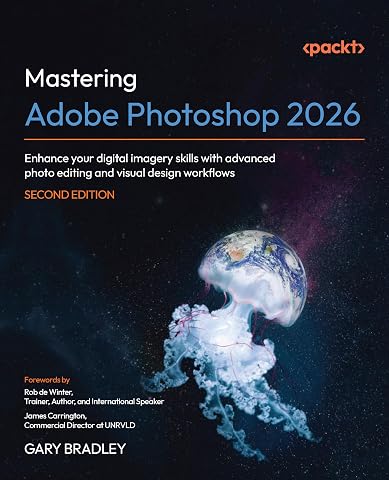
Mastering Adobe Photoshop 2026: Enhance your digital imagery skills with advanced photo editing and visual design workflows
$91.99
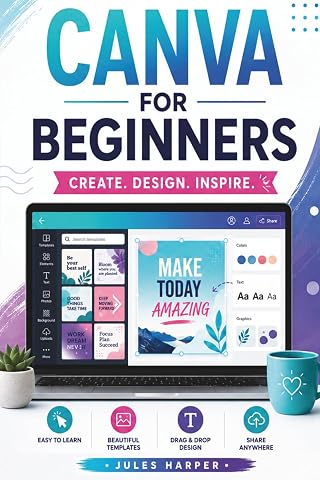
Canva For Beginners: A Step-by-Step Guide to Master Canva’s Tools and Graphic Design With Confidence, Even If You’re Just Getting Started
$22.16
GIMP 3.0 USER GUIDE FOR BEGINNERS: Complete Setup, Editing & Digital Art Guide For Clarity, Professionalism, and Broad Audience Fit.
$25.98

First You, Then the Rest: 120 Sessions of Uncomfortable Truths to Stop Being Walked Over, Put Yourself First and Finally Hold Your Head High
$20.82

Adobe Lightroom Classic 2025 Made Simple: Master Digital Photography Editing Organization And Creative Workflow With Step By Step Guidance To Transform Raw Images Into Stunning Visual Stories
$33.47

Wooden Gift Projects For Beginners: Create Beautiful, Personalized Pieces in Just One Weekend with Basic Tools, Simple Skills, and Step-by-Step Guidance – Perfect for Crafting Heartfelt Presents
$24.86
Adobe Photoshop 2024 Guide For Beginners: Unleashing Creativity | Mastering Photoshop 2024 | A Step-by-Step Manual for Absolute Beginners From Basic to Advanced
$27.15

SONY A7RV USER GUIDE: A practical mirrorless camera walkthrough for setup, autofocus, exposure, video recording, file transfer, and confident creative shooting.
$25.94
LIGHTBURN USER GUIDE 2026: Step by Step Laser Setup, Artwork Creation, Cut Settings, Troubleshooting, and Confident Machine Control
$25.94

LUMINAR NEO USER GUIDE: Practical image editing walkthroughs for organizing pictures enhancing portraits replacing backgrounds and preparing final files
$26.01