 1 / 7
iVANKY FusionDock Max 2 Thunderbolt 5 Dock, 23-in-1
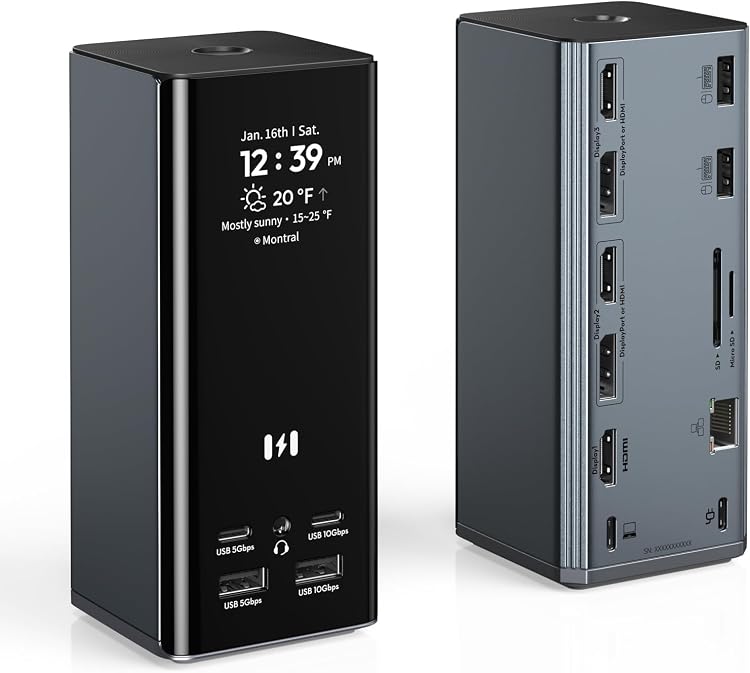
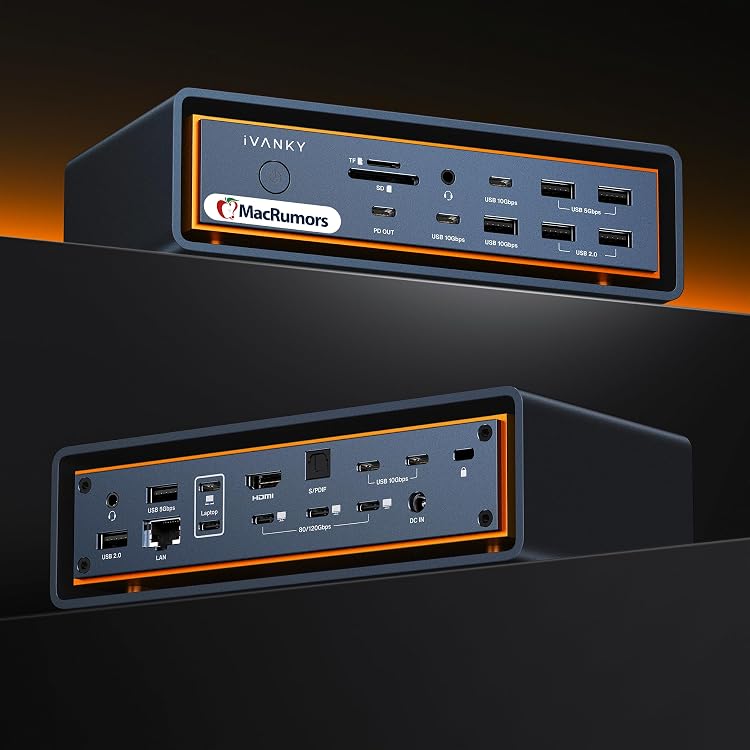
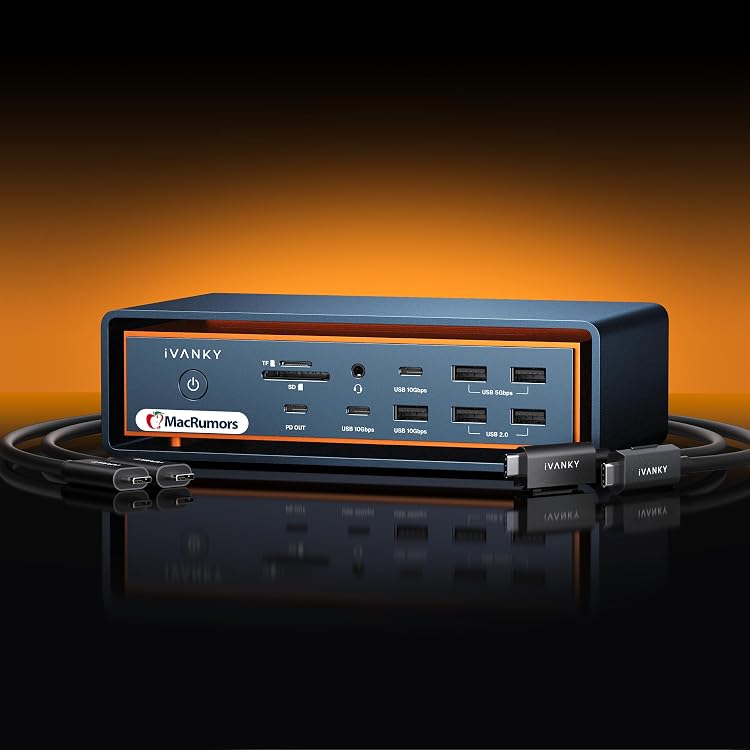
The iVANKY FusionDock Max 2 is a 23-in-1 Thunderbolt 5 dock intended for Apple silicon Macs, with a broad port selection, multi-display support and up to 140W laptop charging. Its compatibility is unusually narrow: the listing says it works with M-series Macs only and requires two Thunderbolt connections to the same Mac for full functionality.
At a glance
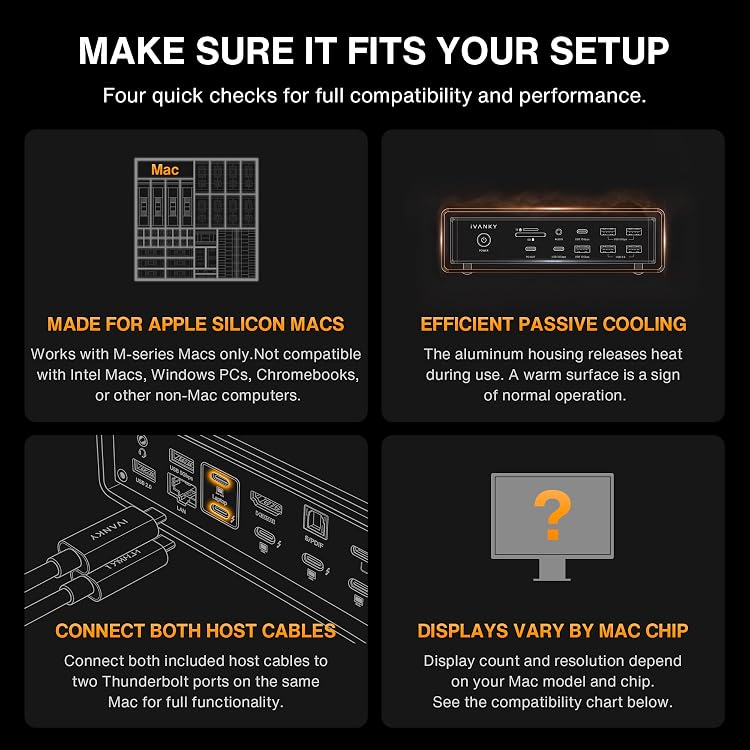
- Designed for M-series Macs only, and the listing excludes Intel Macs, Windows PCs, Chromebooks and other non-Mac computers.
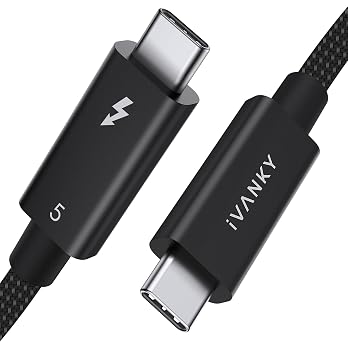
- Requires both included host cables to connect to two Thunderbolt ports on one Mac for full functionality, and supports one Mac at a time.
- Display capacity depends on the Mac chip, with the listing describing up to three displays for some configurations and up to four for M5 Max.
- Passive cooling uses the metal enclosure as a heat-spreading surface, so the chassis may feel warm during use.
Reference price: $599.99
Price checked: Nov 23, 2026
View offerBlack Friday weekExplore the selectionOften bought together
Pros and cons
Pros
- Ten USB ports and a stated total of 23 ports offer many connections for peripherals and external displays.
- The listing claims up to 140W laptop charging and up to 30W for PD USB-C devices.
- The stated passive, fanless cooling design avoids internal fan noise.
Cons
- Compatibility is restricted to Apple silicon Macs, limiting its usefulness in mixed-computer or Windows setups.
- Full functionality uses two Thunderbolt ports on the same Mac, occupying more host connections than a single-cable dock.
Technical specifications
18 specifications| Brand | IVANKY |
|---|---|
| Compatible devices | Apple silicon Macs with M-series chips |
| Minimum required operating system | Mac OS 15 Sequoia |
| Operating system | macOS |
| Colour | Midnight Blue (Max 2) |
| Number of ports | 23 |
|---|---|
| Total USB ports | 10 |
| Listed data transfer rate | 120 gigabits_per_second |
| Hardware interface | Ethernet, HDMI, Thunderbolt, USB 3.0, USB Type C |
| Dock charging claim | This dock features a 240W power adapter, enabling efficient charging of laptops up to 140W and PD USB-C devices up to 30W |
| USB transfer claim | Equipped with 10*USB ports, which can support up to 10Gbps data transfer |
| Card reader claim | The SD/TF 4.0 card slot can support up to 312Mb/s |
| Ethernet claim | RJ45 Gigabit Ethernet port can maintain a smooth and stable 2.5Gbps Ethernet connection |
| Display support by Mac chip | M1–M4 Max: up to 3 via 2 Thunderbolt (TB) ports (6K@60Hz each) + HDMI (4K@60Hz); NOT via 3 TB ports. M5 Pro: up to 3×6K@60Hz via 3 TB ports, or 2 TB + HDMI. M5 Max: up to 4 via 3 TB + HDMI or 3 TB + one daisy-chained Thunderbolt display. M1–M4 Pro/M4–M5 base: up to 2×6K@60Hz; M1–M3 base: 1×6K@60Hz. |
|---|
| Weight listed | 2.77 kg |
|---|---|
| Listed dimensions | 24.5 x 18.8 x 12.4 cm; 2.77 kg |
| Cooling feature | Silent Passive Cooling |
| Warranty description | 2 years |
|---|
What to know before buying
Listing details to confirm
The listing's display descriptions are not fully consistent: the title and feature highlight claim triple 6K at 60Hz, while detailed support varies by chip and includes a four-display claim for M5 Max. Check the exact Mac chip and display connection arrangement before buying. The product details also describe the Ethernet port as both Gigabit and 2.5Gbps, and its 120Gbps transfer wording is not fully consistent with another claim of 3*120Gbps Thunderbolt ports. The stated 23-in-1 total and interface list do not enumerate every port. The listing says the dock gets warm under load, while customer feedback also reports heat.
Who is it for?
A good fit for
- Owners of a compatible M-series Mac who need many USB connections and a high-capacity desktop dock.
- Mac users whose chip-specific display support matches the monitors and connection layout they plan to use.
Less suited to
- Windows, Chromebook, Intel Mac and other non-M-series computer users.
- Buyers who need a dock to switch between multiple computers or want full functionality through a single host port.
Customer reviews on Amazon
- 5 stars
72% 72% - 4 stars
14% 14% - 3 stars
3% 3% - 2 stars
4% 4% - 1 star
7% 7%
Customer feedback highlights functionality, connectivity and build quality, with some users appreciating the ability to connect several screens. Other feedback reports that the dock gets hot, while views on reliability and value are mixed. That makes the broad port and display claims relevant for a multi-monitor Mac desk, but the reported heat and differing reliability experiences are worth weighing, especially in sustained use. The listing itself also says warmth under load is expected with its passive cooling design.
Positive themes
- Customers praise functionality and connectivity, including connecting monitors and accessories.
- Some customers praise the build quality.
Negative themes
- Some customers report that the dock gets quite hot during use.
Mixed feedback
- Customer views on reliability and value for money are mixed.
Frequently asked questions
Which computers does the FusionDock Max 2 support?
The listing specifies Apple silicon Macs with M-series chips and says it is not compatible with Intel Macs, Windows PCs, Chromebooks or other non-Mac computers.
Does this dock connect to a Mac with one cable?
For full functionality, the listing instructs users to connect both included host cables to two Thunderbolt ports on the same Mac. It supports one Mac at a time.
How many displays can it drive?
That depends on the Mac chip and connection layout. The listing describes different limits across M-series models, ranging from one display on M1–M3 base models to as many as four for M5 Max. Confirm the stated arrangement against your specific Mac.
How much power can it provide?
The listing claims laptop charging up to 140W and PD USB-C device charging up to 30W, using a 240W power adapter.
Does the dock have a fan?
The listing describes passive cooling with no internal cooling fan and says the enclosure may feel warm as it moves heat outward.
Alternative options
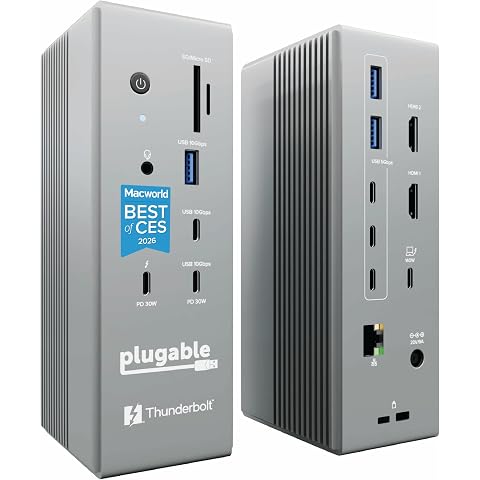
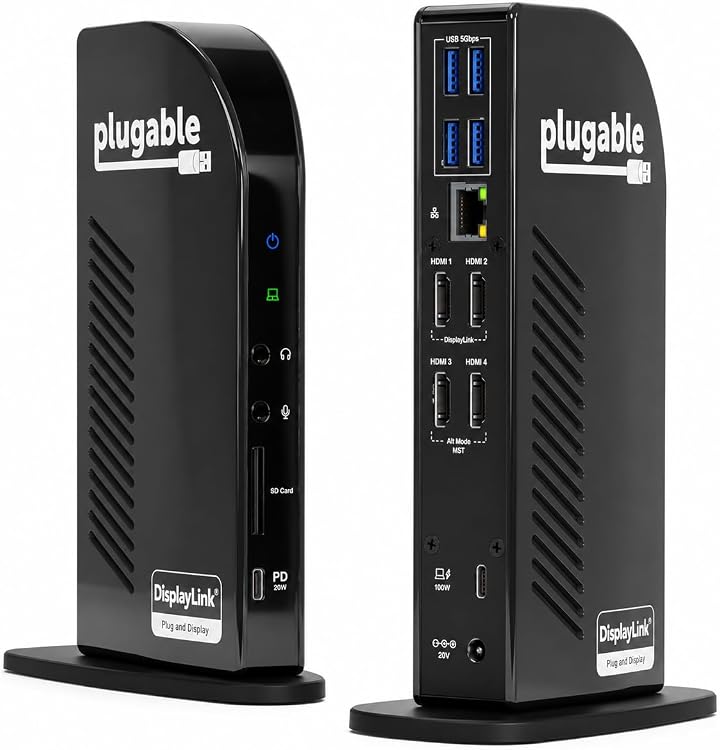
Plugable Thunderbolt 5 Dock: Dual HDMI 2.1 Up to 8K 60Hz / 4K 144Hz, 140W | 16-in-1 140W Laptop Charging, 2.5GbE, Fanless Driverless TAA Compliant Docking Station for MacBook Pro/Air & Windows TBT-UDH2
$499.95
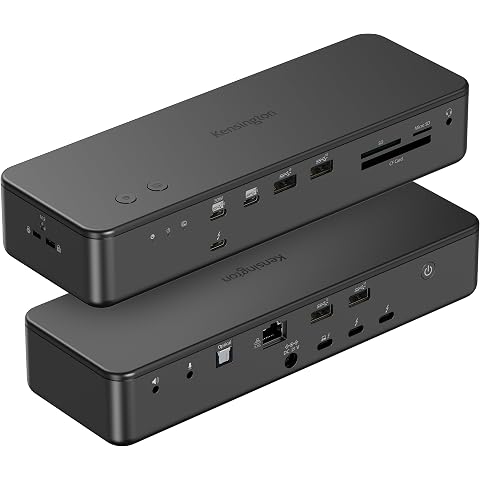
Kensington EQ Pro Thunderbolt™ 5 Dock Designed for MacBook, Optimized for M-Series Pro/Max Models, 140W PD, 80Gbps Data Transfer, Built-in and Lockable PCle M.2 SSD Slot for Quick Storage Expansion
$583.28
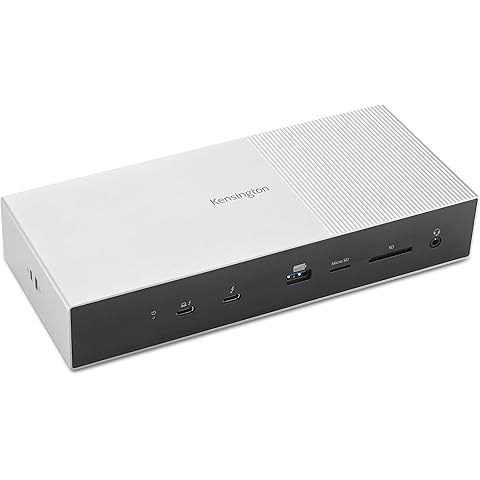
Kensington SD5000T5 EQ Thunderbolt 5 Triple 4K Docking Station,120Gbps Bandwidth, 3 x 4K144Hz or 2 x 8K60Hz, 80Gbps Transfer Speed, 140W PD, SD/Micro SD Card Reader, 2.5G Ethernet, audio jack K35201NA
$342.99

eufy 2026 New Omni E35 Robot Vacuum and Mop, Allergy Friendly, 35,000 Pa | HydroJet Self-Cleaning Roller Mop, Hot Wash & Dry, Edge Cleaning, Al Obstacle, 0% Tangling, for Stains, Pet Hair, Carpet
$1,189.99
EF ECOFLOW DELTA 3 Max Portable Power Station, 2048Wh, 3400W X-Boost, Home | Ultra-Fast 0-80% Charging in 1.13 Hr, 2400W LiFePO4 Battery, Solar Generator for Backup & RV Camping (Solar Panel Optional)
$989.00
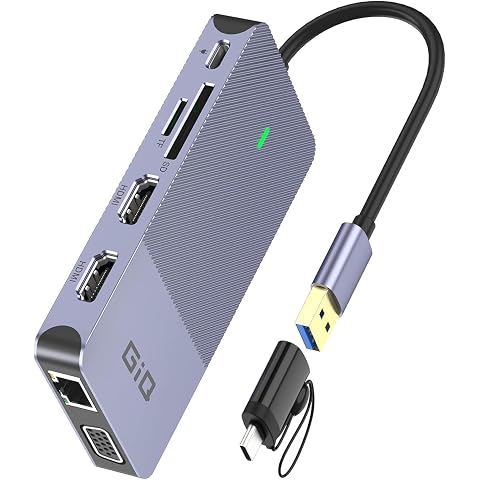
USB 3.0 Docking Station Dual Monitor,2*HDMI HUB Displaylink Dock for Laptop | with Ethernet,Cardreader,Triple Display HDMI Splitter Extend Vga C Adapter for MacBook OS M1-M5 Neo,Windows,dell,hp,computer
$92.79
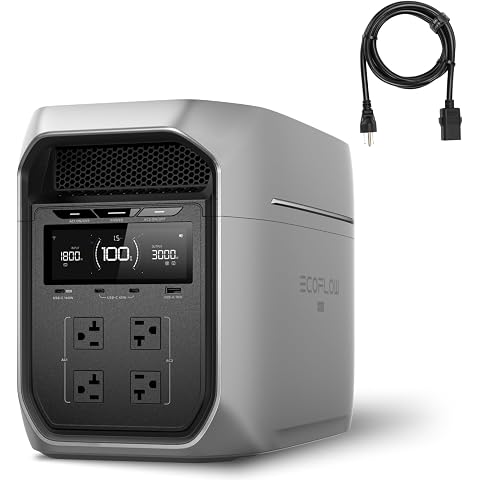
EF ECOFLOW Portable Power Station DELTA 3 Max Plus &AC Cable 2048Wh Battery | LiFePO4 Solar Generator(Solar Panel Optional), 3000W Max Output, Fast 0–80% Recharge in 64mins, for Home Backup & RV Camping
$1,399.00
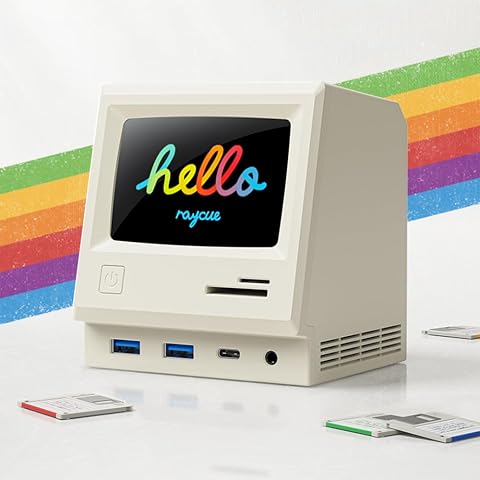
RayCue 128K SE Docking Station Triple Monitor, Digital Clock/Photo Frame,13-in-1 USBC Dock Triple 4K Display for MacBook Windows, 3 HDMI, USB C Data, Ethernet, Audio, 5 USBA Ports, 45W Power Adapter
$89.99
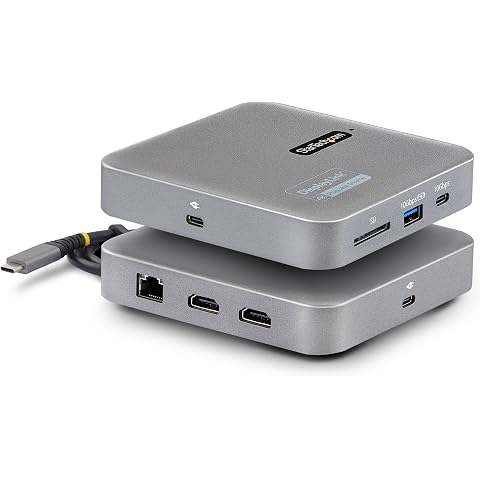
StarTech.com 7-in-1 USB C DisplayLink Dual Monitor Docking Station, Dual 4K 60Hz HDMI
$167.99
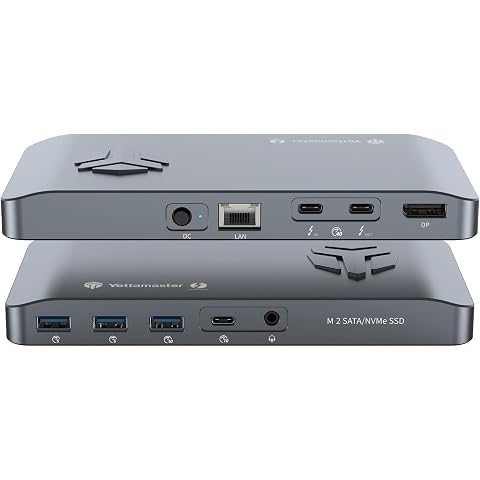
Yottamaster Thunderbolt 3 Dock with M.2 SSD Enclosure, 40Gbps Transfer | 10 in 1 Docking Station Single 8K/Dual 4K Monitors for TB3/4/USB 4 Laptop(TB3, DP, 4xUSB, RJ45, 120W Power Adapter, Audio)
$129.98
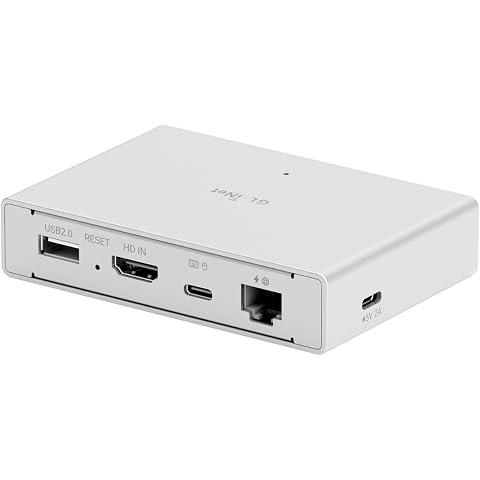
GL.iNet Comet PoE Remote KVM GL-RM1PE with Tailscale 4K Streaming | PoE and Type-C dual power supply, 32GB built-in eMMC, remote BIOS reinstall, USB interface for ATX and Fingerbot, 4K at 30FPS
$128.79
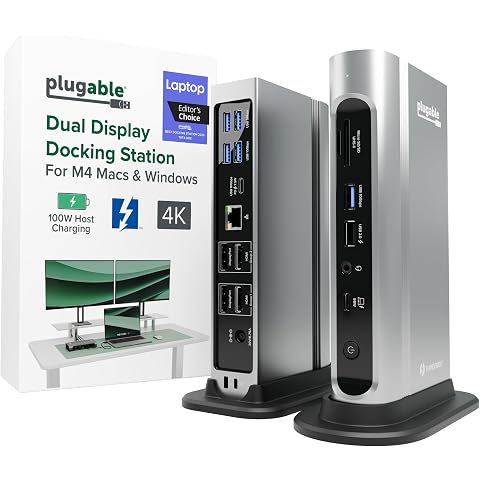
Plugable 16-in-1 Thunderbolt 4 Dock – Dual 4K Monitors, 100W Charging | For M5 MacBook Air/Pro Windows & USB4, 2X HDMI, 2X DisplayPort, 2.5G Ethernet, 7X USB, MicroSD / SD Card Reader, Driverless
$324.56