 1 / 7
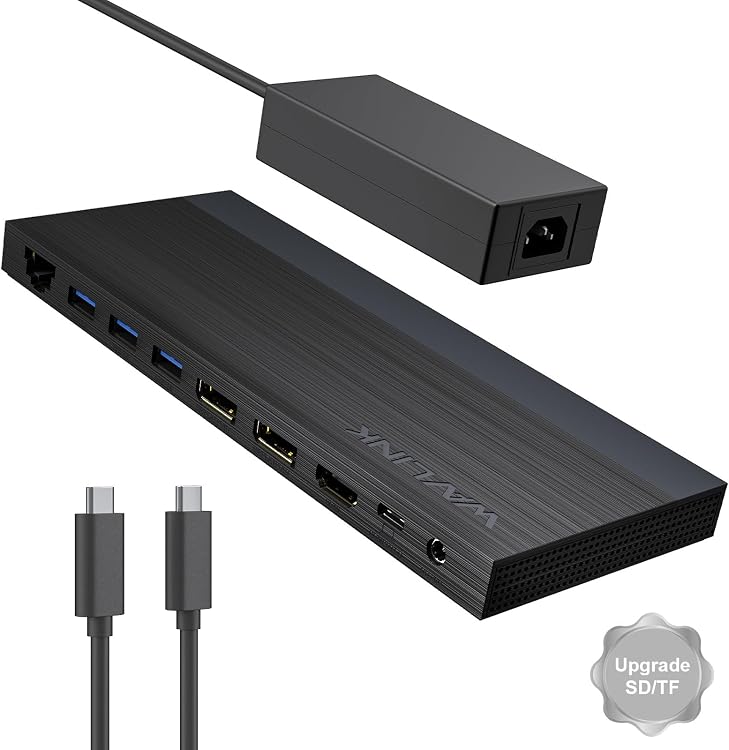
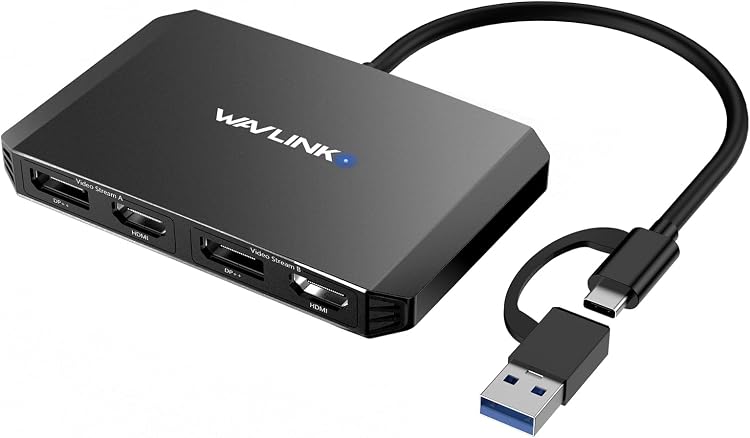
WAVLINK UG69DH2 USB 3.0/USB-C DisplayLink Dual-Display Adapter
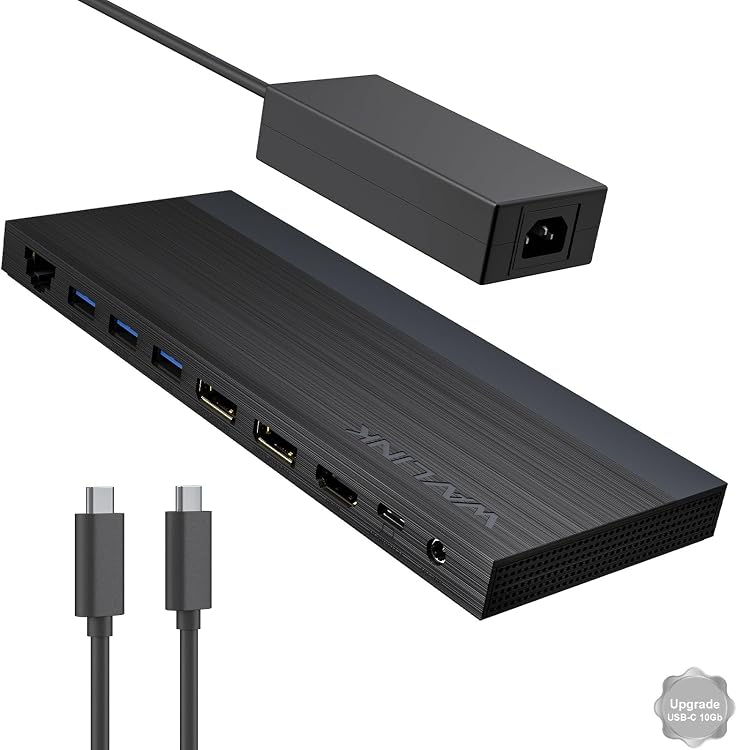
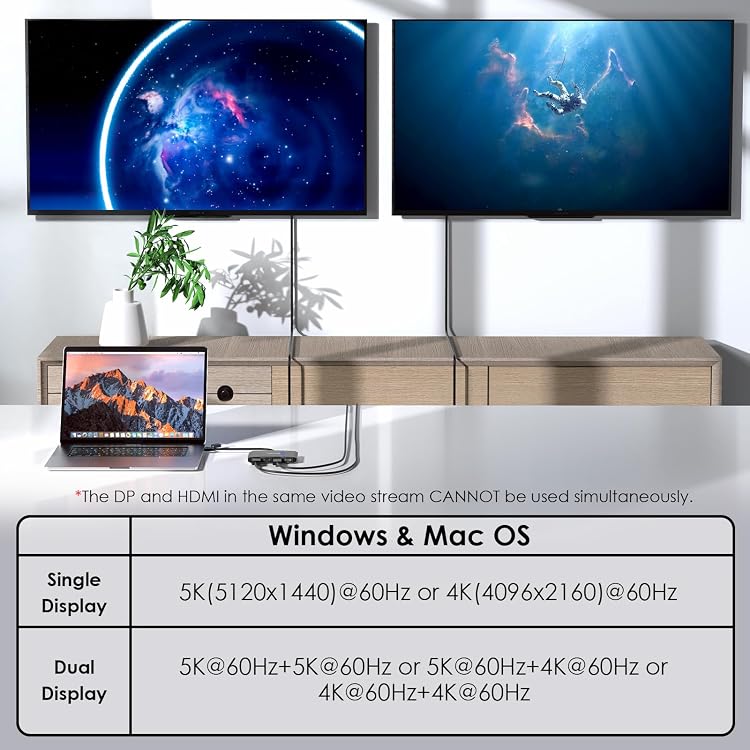
Dual-Display: The WAVLINK UG69DH2 is a USB 3.0/USB-C DisplayLink adapter for adding external displays to a compatible computer. Its listing claims support for two HDMI/DisplayPort monitors, but notes that the DP and HDMI outputs in the same video stream cannot be used simultaneously, so confirm the desired connection arrangement before buying.
At a glance
- Single USB 3.0 connection, with a hybrid USB 3.0/USB-C cable listed.
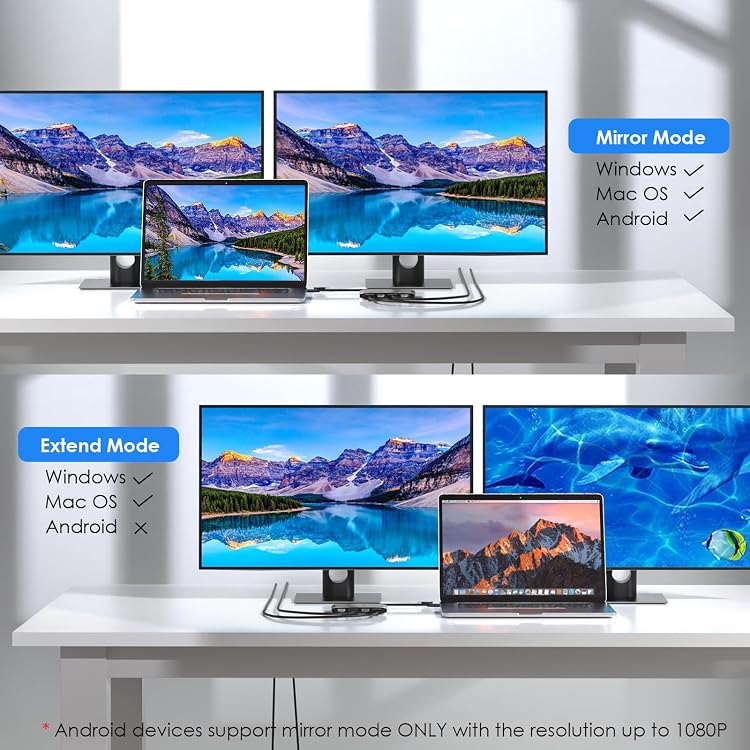
- Manufacturer claims dual displays up to 5120x1440@60Hz, with extending or mirroring modes.
- Driver installation is required, so this is not plug-and-play despite the listing's feature wording.
- The listing says it is suited to office tasks, not gaming or graphics-intensive work.
Reference price: $85.70
Price checked: Nov 24, 2026
View offerBlack Friday weekExplore the selectionOften bought together
Pros and cons
Pros
- Supports a dual external-display setup for compatible systems and workloads.
- The listing says no additional power source is required for the adapter.
- Compact listed cable length of 90mm/3.5in may help limit desk cable clutter.
Cons
- Does not support playback of HDCP-protected content, including the listed streaming and Blu-ray examples.
- Driver installation is required, adding setup steps and a software dependency.
- The manufacturer says it may not suit gaming or graphics-intensive work.
Technical specifications
15 specifications| Brand | WAVLINK |
|---|---|
| Model | UG69DH2 |
| Host interface | USB 3.0 |
|---|---|
| USB ports | 6 |
| Listed operating system | macOS 10.14-13.x |
| Minimum required operating system version | Mac OS 10.14 Mojave |
| Compatible devices | Monitors |
| Maximum stated dual-display resolution | up to dual 5120x1440@60Hz |
|---|---|
| USB 2.0 resolution claim | 5120x1440@60Hz/4096x2160@60Hz |
| Display modes | Mirror/extend/rotation/clamshell mode for choosing |
| Android display limitation | Android devices support mirror mode ONLY with the resolution up to 1080P. |
| Colour | Black |
|---|---|
| Enclosure material | Plastic |
| Dimensions listed | 10 x 7 x 1 cm; 180 g |
| Cable length | 90mm/3.5in |
What to know before buying
Listing details to confirm
Listing details are contradictory or inconsistent: the title and specifications describe a USB 3.0/USB-C adapter, while the features say plug-and-play but also explicitly require a driver, and the dual-monitor claims conflict with the note that DP and HDMI in the same video stream cannot be used simultaneously. The listing also varies between USB 2.0 resolution claims and a separate dual-display maximum, so confirm the exact output arrangement and resolution for your host and displays before purchase. macOS support is listed as 10.14-13.x or later in one place, while another field names 10.14-13.x. Android is limited to mirror mode at up to 1080P, and Mac users must grant DisplayLink Manager screen-recording permission.
Who is it for?
A good fit for
- People seeking extra displays for office work such as documents, spreadsheets and web browsing.
- Users with a supported Windows, macOS, Chrome OS, Android, Ubuntu or HarmonyOS device who can install DisplayLink software.
Less suited to
- Gaming or graphics-intensive workflows, based on the manufacturer's stated usage limits.
- Playback of HDCP-protected video content.
- Linux, Unix, iOS or iPadOS devices, which the listing says are unsupported.
Customer reviews on Amazon
- 5 stars
70% 70% - 4 stars
14% 14% - 3 stars
6% 6% - 2 stars
7% 7% - 1 star
3% 3%
Customer feedback reports ease of setup and use, perceived build quality, image clarity and usefulness for connecting external monitors, including with an M1 MacBook. These reports are customer impressions, not confirmation of compatibility or the listed resolution claims. The overall rating distribution is mostly positive but includes a notable minority of lower ratings, and the feedback supplied does not explain their reasons. For buyers, the key practical checks remain driver setup, the stated HDCP restriction and the conflicting output details.
Positive themes
- Customers report easy setup and use.
- Customers describe the build as solid and say the adapter provides clear images.
- Customers report using it with separate external monitors, including an additional monitor with an M1 MacBook.
Frequently asked questions
Does the WAVLINK UG69DH2 work without installing software?
No. The listing says driver installation is required, so it is not plug-and-play.
Can it play protected streaming video?
The manufacturer says it does not support HDCP-protected content, including examples such as Netflix, Prime, iTunes, Hulu and Blu-ray.
Can both HDMI and DisplayPort be used at the same time?
The listing describes support for two HDMI/DisplayPort monitors but also says DP and HDMI in the same video stream cannot be used simultaneously. Confirm the output arrangement supported by your setup.
Is it suitable for Android?
The listing names Android compatibility but limits Android devices to mirror mode at up to 1080P.
Alternative options
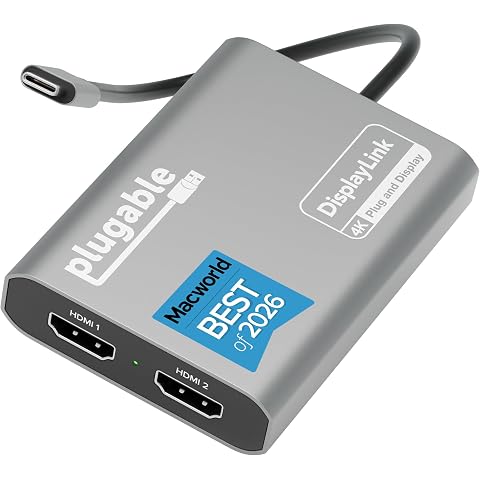
Plugable USB C to HDMI Adapter, Dual Monitor 4K 60Hz | For Apple Mac M1/M2/M3/M4/M5/Neo, DisplayLink Multiple Displays for Thunderbolt Macbook or iMac, Driver Required USBC-6950M
$149.99
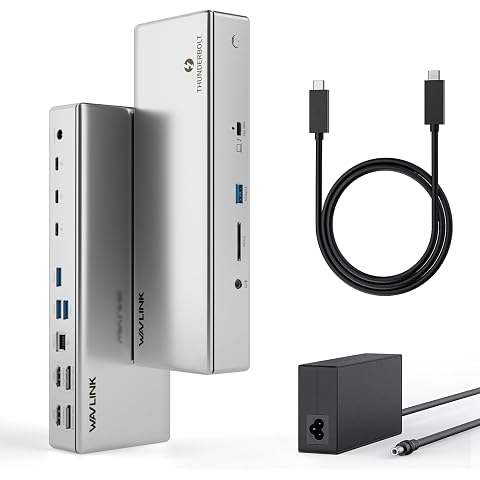
WAVLINK Thunderbolt 4 Dock, TB4 and DisplayLink Integration Technology | 3 X 40Gbps TB4, Dual HDMI&DP, Quad 4K@60Hz, 98W PD IN, 2.5G RJ45 Ethernet, 312 MB/s SD V4.0, 10Gbps USB-A, Driver Needed
$209.00
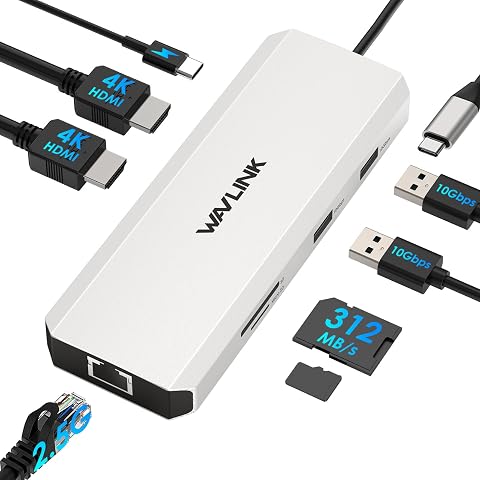
Laptop Docking Station, WAVLINK Docking Station Dual HDMI | Dual 4K@60Hz, 125W PD IN, 2.5G Ethernet, 2×USB-A 10Gbps, SD 4.0 312MB/s, Compatible with Windows ONLY
$40.00
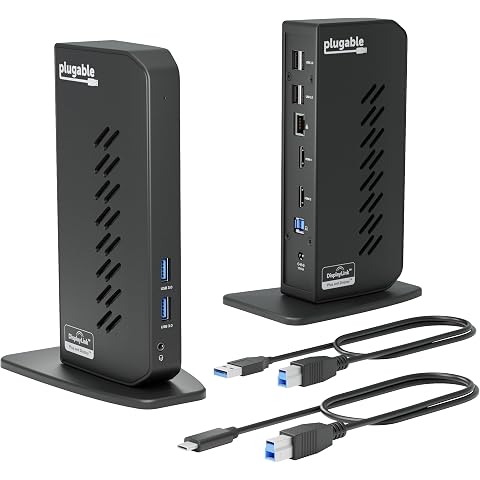
Plugable Dual 1080p HDMI Universal Docking Station | For USB-C & USB 3.0 Laptop, 10 Ports, Windows/ChromeOS Plug & Play, macOS Driver Required (UD-3900Z)
$139.99
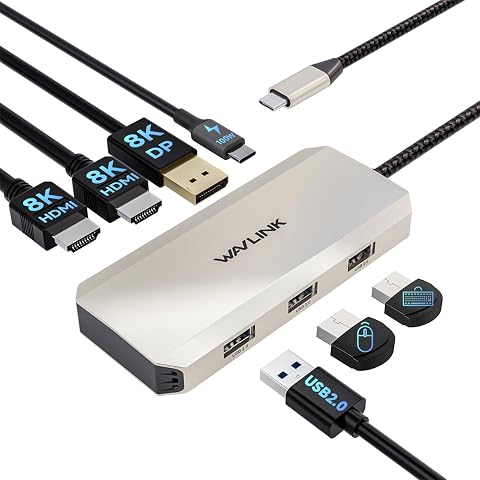
Laptop Docking Station,WAVLINK Triple Monitors Dock,Dual HDMI, DisplayPort | 100W PD in, 3×USB-A 2.0 for Mouse/Keyboard,Compatibility for with Dell/HP/Lenovo,Windows Only
$28.49
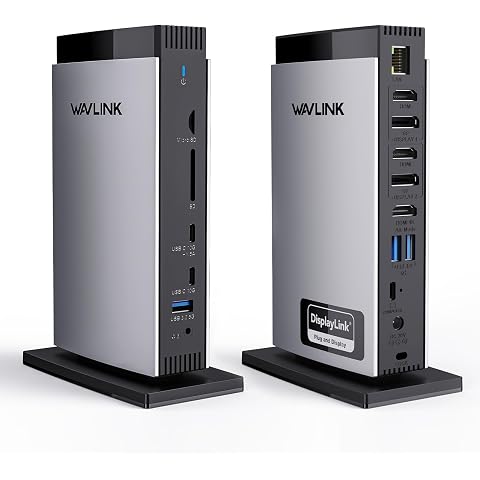
WAVLINK DisplayLink Docking Station 3 Monitors With 130WPD Power Adapter, USB C Laptop Dock for M1/M2/M3/M4/Mac and Windows, Thunderbolt 4/3 (3 HDMI, 2 DP, Gigabit Ethernet, Audio, SD/TF, 5 USB Ports)
$159.20
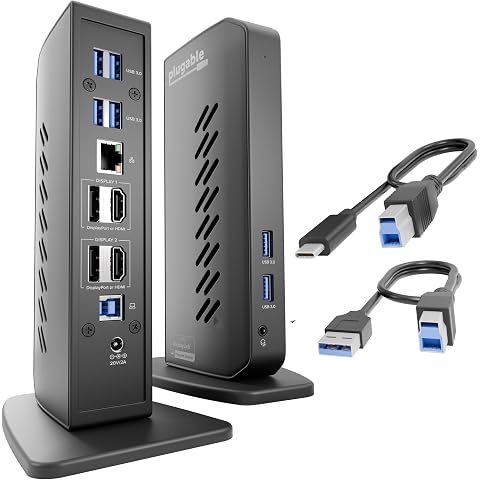
Plugable Dual DisplayPort & HDMI Docking Station, USB 3.0 & USB-C | Laptop Dock for Dual Monitors, DisplayLink, Mac (Driver Required), ChromeOS & Windows, Gigabit Ethernet, Audio UD-6950Z
$206.99
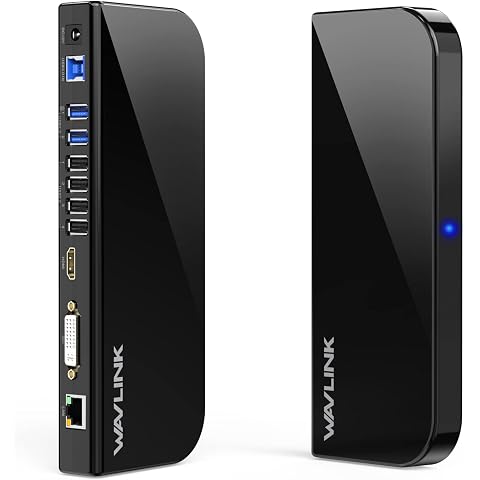
WAVLINK USB 3.0 Universal Docking Station, Dual Video Monitor Display DVI & HDMI & VGA to 2048x1152, Gigabit Ethernet, Audio Mic in, 6xUSB Ports for Laptop, Ultrabook and PCs
$89.76
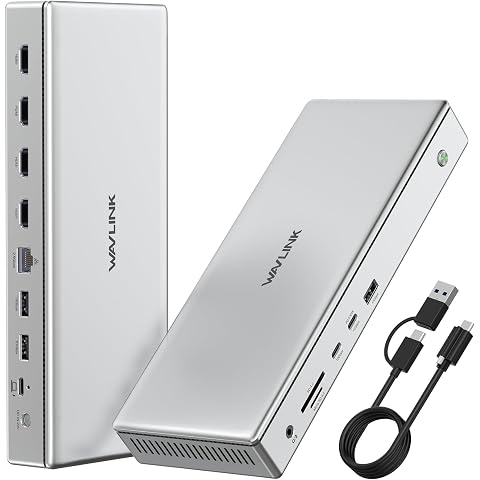
WAVLINK DisplayLink Quad 4K HDMI Docking Station 4 Monitor, 2.5Gb Ethernet | Pro 4 Displays Dock for Mac(M1-M5/Neo) & Windows Laptops, Powered by DL7400, PD 100W, 2.5GbE, 10Gbps USB – Driver Required
$299.99
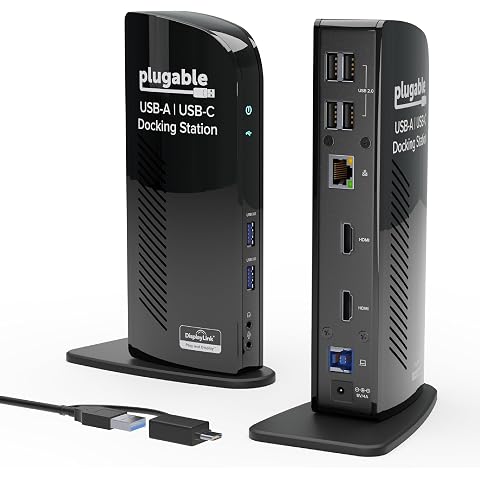
Plugable USB 3.0 Universal Laptop Docking Station, Dual HDMI Monitor | for Windows and Mac (Driver Required), USB 3.0 or USB-C, 2x HDMI, Gigabit Ethernet, Audio, 6 USB Ports UD-3900
$127.45
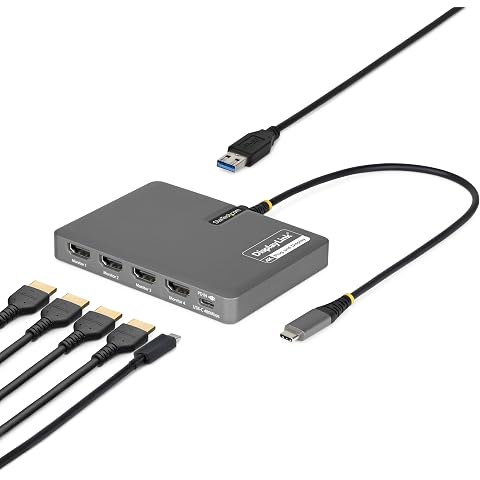
StarTech USB-C to Quad HDMI 4K60 Workstation Dock, 140W PD Passthrough, USB for Keyboard and Mouse, Windows, Mac M1-M5, USB4, Thunderbolt Laptops, DisplayLink DL7400, TAA
$186.54
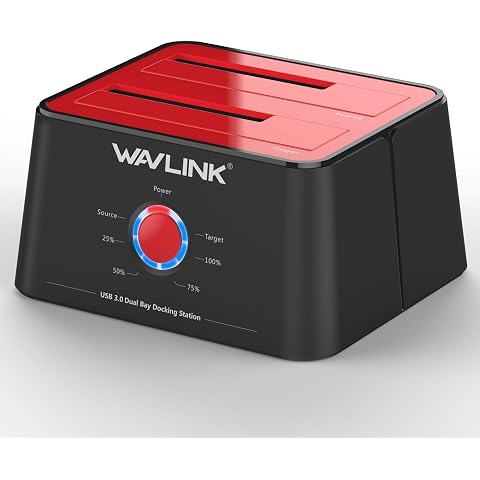
WAVLINK USB 3.0 to SATA Dual-Bay Hard Drive Docking Station 16TB×2 for 2.5 inch/3.5 Inch HDD,SSD Support Offline Clone/Backup/UASP Functions
$35.62