 1 / 7
AV Access iDock B30 KVM Docking Station, 3 Computers and 2 Monitors
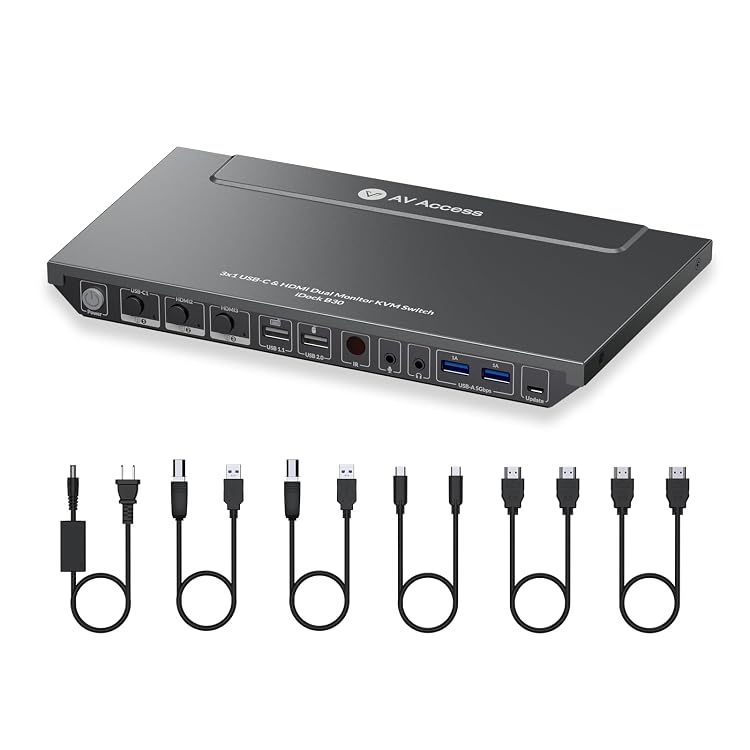
v AV Access Station: AV Access iDock B30 combines KVM switching and docking to share two monitors and peripherals across up to three computers. Its advertised dual-display and laptop-charging capabilities have important connection and operating-system conditions to check before buying.
At a glance
- Listing describes sharing two monitors, a keyboard, mouse and other peripherals among up to three computers.
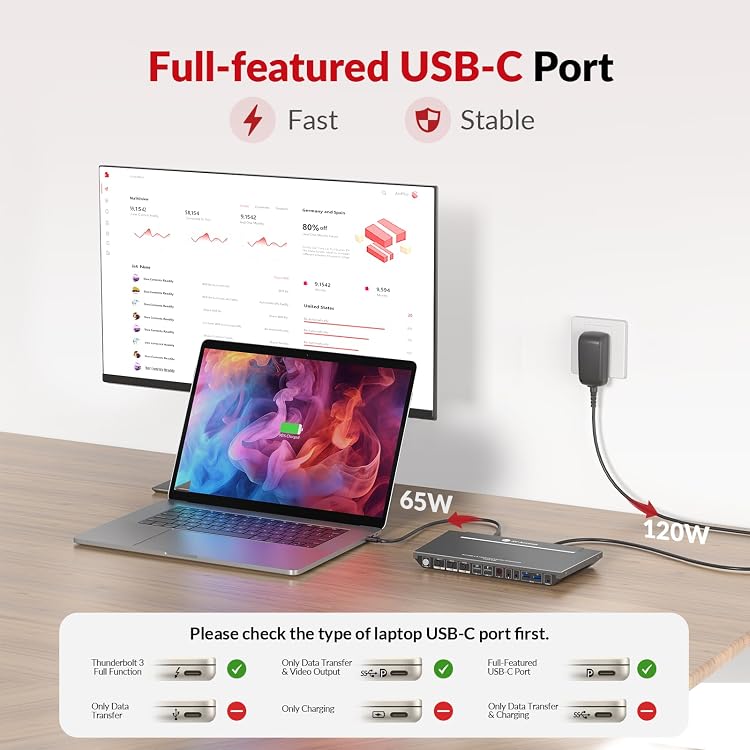
- Advertised dual-monitor output is up to 4K at 60 Hz, with USB-C laptop charging up to 65 W.
- Three USB 3.0 ports are listed for shared peripherals, with stated transfer speeds up to 5Gbps.
- Switching is described via front-panel button, IR remote or keyboard hotkey.
Reference price: $479.00
Price checked: Nov 23, 2026
View offerBlack Friday weekExplore the selectionOften bought together
Pros and cons
Pros
- Combines KVM switching and docking functions for a multi-computer workspace.
- The listing offers several switching methods and three shared USB 3.0 ports.
- USB-C input is advertised to carry dual-display video, data and up to 65 W laptop charging.
Technical specifications
8 specifications| Brand | v AV Access |
|---|---|
| Model | iDock B30 |
| Wireless connection listed | Ethernet |
|---|---|
| Control methods listed | Remote |
| Mounting types listed | Surface Mount |
|---|---|
| Dimensions listed | 27 x 14.3 x 2.7 centimetres |
| Weight listed | 2 kg |
| Material listed | Metal |
|---|
What to know before buying
Listing details to confirm
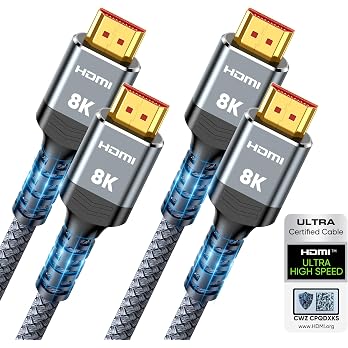
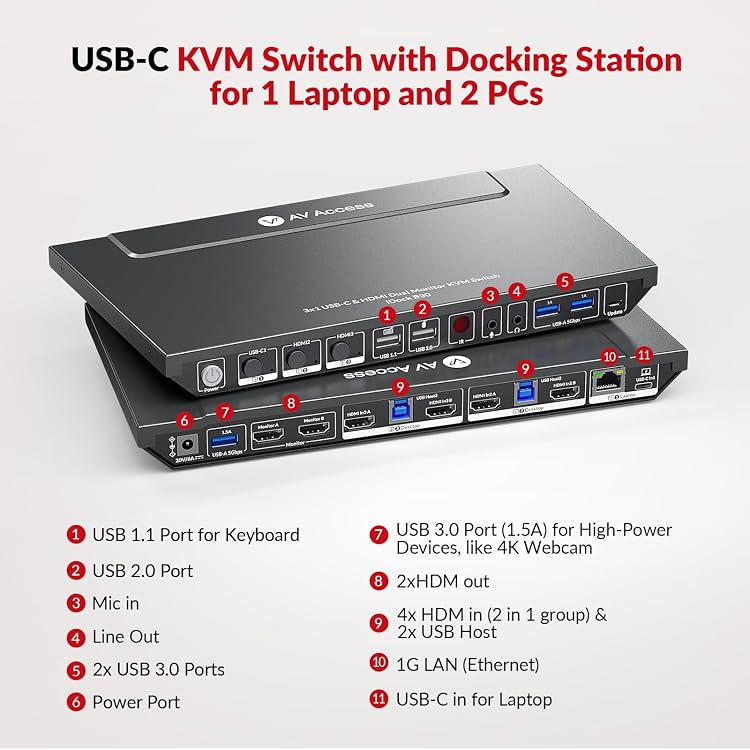
Listing specifications are inconsistent: general details list USB-C, HDMI and LAN connectors, while feature text describes DisplayPort 1.4a over USB-C and four HDMI inputs for desktop PCs. Confirm the exact supported computer connections and included cables before purchase. On Mac OS, the listing says USB-C MST is unsupported and both displays show duplicated content. Keyboard hotkey switching requires the keyboard in the USB 1.1 port. The listing also names Ethernet as a wireless connection, which does not establish wireless networking. Its 4K@60Hz, 144Hz at 2560×1440 and 240Hz at 1080p claims are stated as different output modes, not simultaneous guarantees.
Who is it for?
A good fit for
- People who need to switch shared displays and peripherals among up to three computers.
- Laptop users seeking a USB-C dock that the listing says can provide dual-monitor video and up to 65 W charging, subject to compatibility.
Less suited to
- Mac users who require two independent extended displays over the listed USB-C MST connection.
- Buyers who need confirmed wireless networking or a clearly verified set of host ports and cables.
Customer reviews on Amazon
- 5 stars
60% 60% - 4 stars
15% 15% - 3 stars
9% 9% - 2 stars
8% 8% - 1 star
8% 8%
Customer feedback describes positive experiences with quality, functionality, the remote control and responsiveness, while reports about connectivity, setup, compatibility and value are mixed. For a three-computer, dual-monitor workspace, those mixed points matter because the listing's connection details and Mac display limitation may affect setup. Ratings are mostly five-star but include lower-star ratings too, so they do not establish a uniform experience.
Positive themes
- Customers report positive impressions of quality and functionality.
- The remote control and responsiveness receive positive mentions.
Mixed feedback
- Customer experiences vary on connectivity, setup, compatibility and value for money.
Frequently asked questions
How many computers and monitors can the iDock B30 share?
The listing describes sharing two monitors and peripherals across up to three computers. It outlines four HDMI inputs for two desktop PCs or a USB-C input for one laptop, but the connection details are inconsistent, so confirm your intended setup.
Does it support two extended displays on a Mac?
The listing says Mac OS does not support USB-C MST on this device and that two duplicate contents will be displayed. Check compatibility if you need separate extended displays.
How can you switch between computers?
The feature description lists a front-panel button, IR remote and keyboard hotkey. It says the keyboard must be connected to the USB 1.1 port for hotkey switching.
What laptop charging and display modes are advertised?
The listing claims up to 65 W charging through USB-C and dual 4K@60Hz output. It separately lists up to 2560×1440@144Hz and 1080p@240Hz, so treat these as mode-specific claims and check compatibility with your equipment.
Alternative options
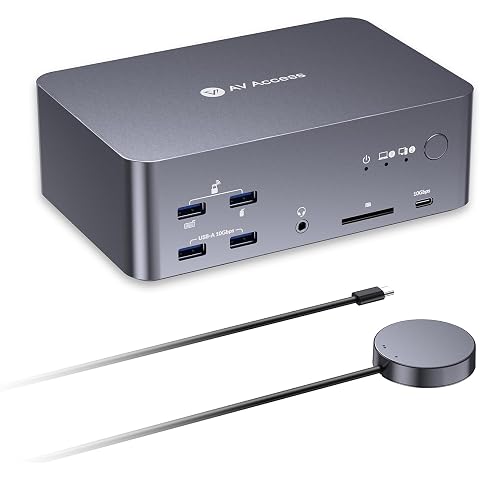
AV Access 8K KVM Switch 3 Monitors 2 Computers, Laptop + Desktop KVM Dock | 100W PD, GbE, 2xUSB 3.2 10Gbps USB C Hub, SD Reader & Remote Switcher for HP, Dell, Chromebook, PC, and More
$368.80
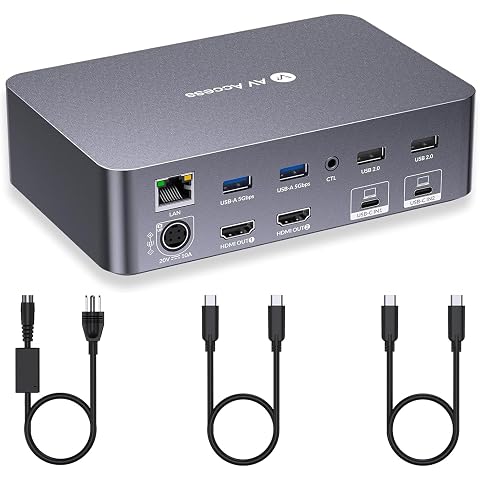
AV Access KVM Switch Dock 2 Monitors 2 Laptops, 2 USB C MST Ports | 4K KVM Switch Dual HDMI Monitor, 60W PD for Each PC, 1G Ethernet, EDID Emulation,Ideal for Home Office & Gaming
$361.99
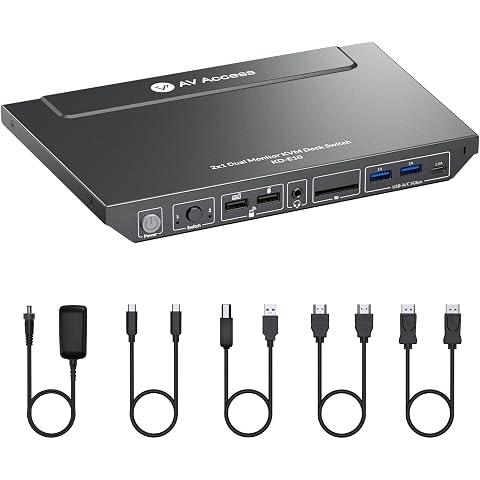
AV Access KVM Switch with Docking Station for Laptop & Desktop | 100W Charging, 4K@60Hz Dual Monitor HDMI, 3xUSB 3.0, USB C, 1G Ethernet, EDID Support, SD, 3.5mm AUX Audio
$201.44
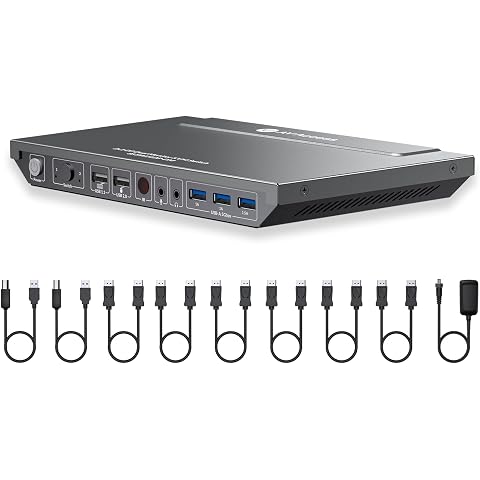
AV Access 8K KVM Switch 2 Monitors 2 Computers DisplayPort 8K@60Hz 4K165Hz | DP KVM Switch Dual Monitors with USB 3.0 Ports, Audio, Fast Hotkey or IR Remote Switch, with 6 DP Cables
$176.53
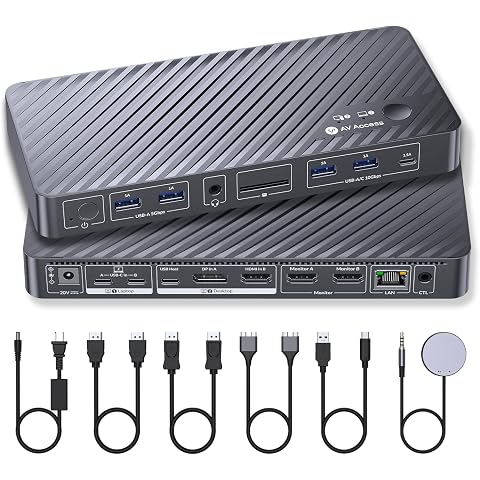
AV Access KVM Switch Docking Station for MacBook, 1 Laptop 1 Desktop | USB C KVM Switch 2 Monitors 2 Computers, 4K Dual HDMI Displays, Ethernet, 100W Power Delivery, Edid Emulation
$330.64
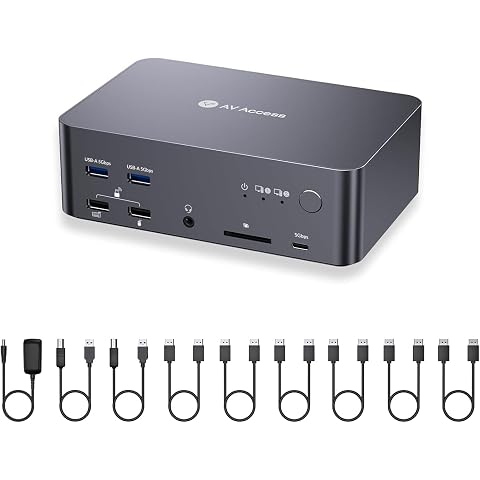
AV Access 8K DisplayPort KVM Docking Station 3 Monitors 2 PCs, 6 DP Cables | 3xUSB 3.0 Hub, GbE, 8K@60Hz 4K@165Hz KVM Switch Triple Monitors 2 Desktops, SD, Audio, All-Aluminum, for HP, Dell(iDock D23)
$265.04
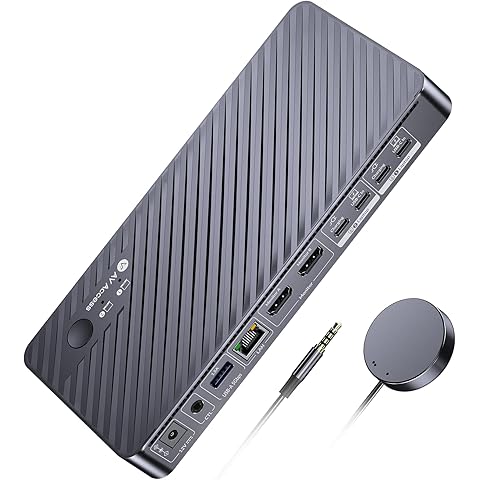
AV Access Docking Station KVM Switch 2 Monitors 2 Laptops,2 USB C MST Ports | 4K KVM Switch Dual Monitor, 100W PD for Each PC, 1G Ethernet, EDID Emulation, Ideal for Home Office & Gaming
$220.41
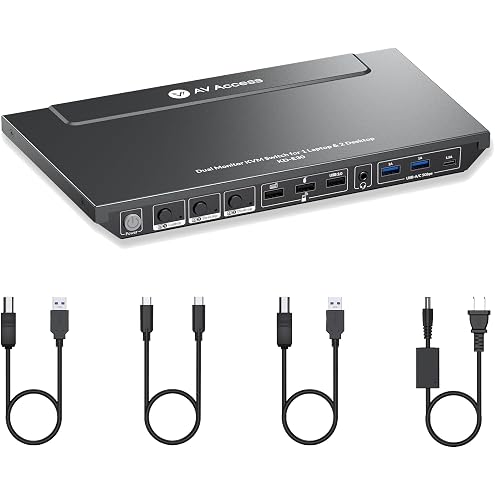
AV Access Docking Station KVM Switch 1 Laptop &2 Desktop PCs | Dual 4K@60Hz Monitors, EDID Emulation, 100W Charging, 1G Ethernet,High Refresh Rates,Ideal for Gaming, Office & Creative Work
$257.56
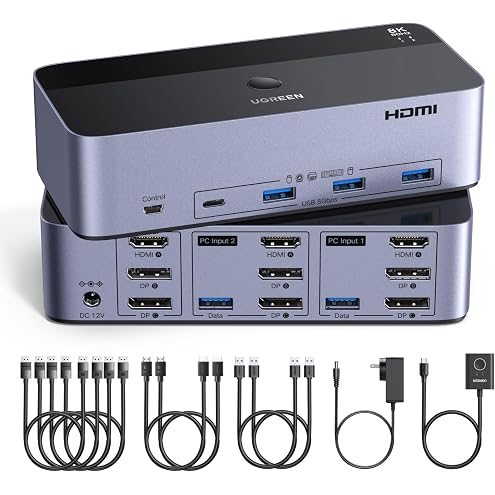
UGREEN 8K@60Hz HDMI Displayport KVM Switch 3 Monitors 2 Computers 4K@240Hz | Aluminum with 4 USB 3.0 Ports for 2 Computers Share 3 Monitors with 4 DP 2 HDMI 2 USB Cables, Power Adapter, Controller
$139.99
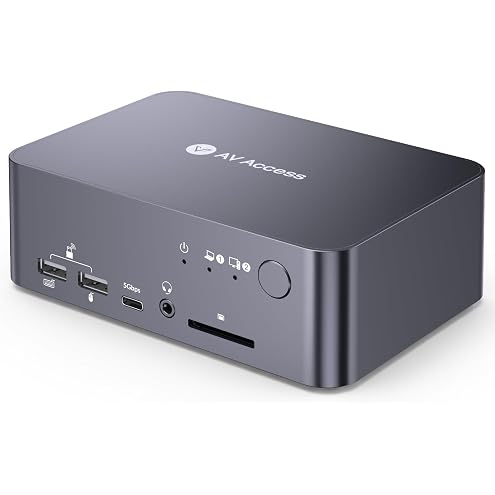
AV Access KVM Switch Docking Station for a Laptop and Desktop Dual Monitor | 1G Ethernet, EDID, 4K60Hz, 5xUSB 3.0 Hub, Audio, SD, 60W Charging for Dell, HP, Lenovo Laptop, for Home Office
$262.19
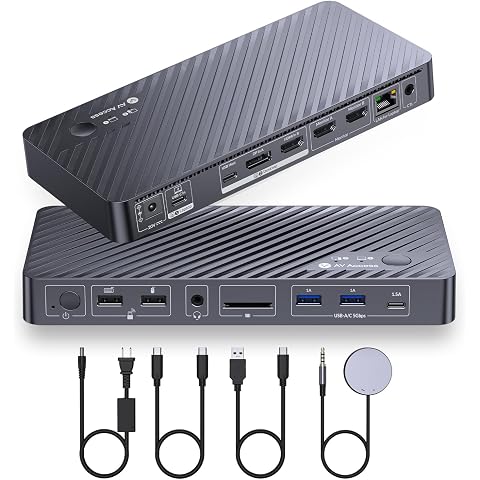
AV Access kVM Docking Station 2 Monitors 2 PCs with 1G Ethernet,EDID,65W PD | 5xUSB-A, USB C Hub, 4K@60Hz HDMI & DisplayPort USB C KVM Switch Dual Monitor Laptop & Desktop, Audio, SD, Remote Switch
$276.99
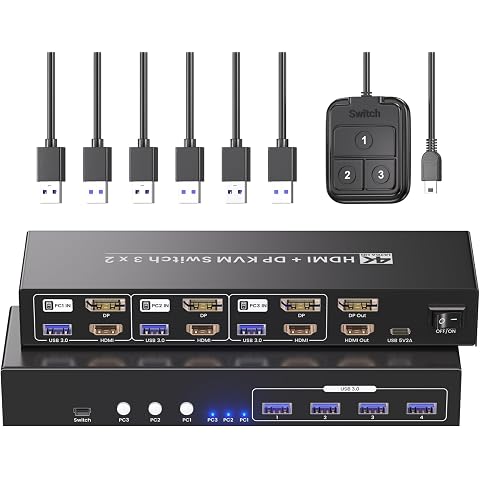
4K@60Hz HDMI KVM Switch 3 Monitors 3 Computers with 4 USB 3.0 Hub
$149.99