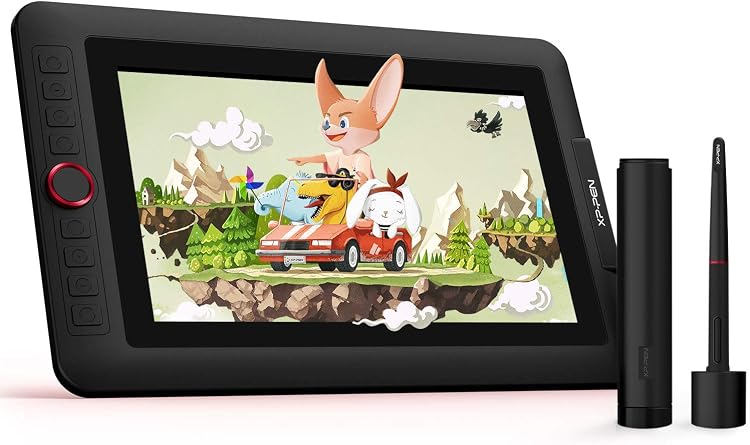
 1 / 7
XP-Pen Artist 12 Pro 11.6-inch Drawing Tablet with Screen
Tablet: XP-Pen Artist 12 Pro is an 11.6-inch pen display for drawing directly on screen, connected to a computer rather than used on its own. Its compact work area, pressure-sensitive stylus and shortcut controls suit sketching and annotation, while the cable connection and computer requirement shape where it fits best.
At a glance
- Draw directly on the display, but connect it to a desktop or laptop to use it.
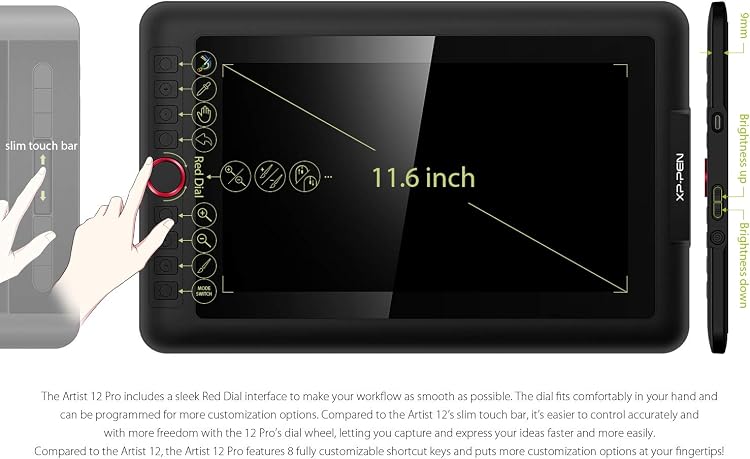
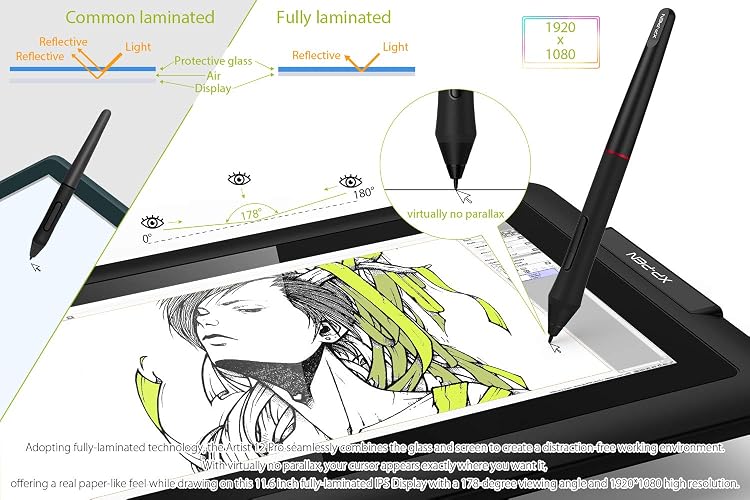
- The listing describes a fully laminated screen intended to reduce the visible gap between pen tip and cursor.
- A pressure-sensitive, battery-free stylus and tilt support are presented for varied strokes and shading.
- Eight customizable shortcut keys and a red dial offer on-device workflow controls.
Pros and cons
Pros
- An on-screen drawing surface makes direct pen-to-image work possible, rather than drawing on a separate pad while looking at a monitor.
- Customizable shortcut keys and a dial can provide quick access to frequently used commands.
- Listed support for multiple operating systems gives buyers several computer-platform options.
Cons
- The display is not standalone and requires a connected computer.
- The 11.6-inch drawing area is relatively compact for buyers who prefer more room for detailed work.
Technical specifications
10 specifications| Brand | XP-Pen |
|---|---|
| Model | Artist 12 Pro |
| Screen size | 11.6 inches |
|---|---|
| Screen technology listed | IPS |
| Connection listed | 3 in 1 cable |
|---|---|
| Pen pressure sensitivity | 8192 levels |
| Dimensions listed | 35.2 x 22.5 x 1.3 cm; 1.5 kg |
|---|---|
| Weight listed | 1500 g |
| Operating systems listed | Windows 10/8/7 (32/64bit), Mac OS X 10.10 and higher |
|---|---|
| Other stated support | Linux is supported now! |
What to know before buying
Listing details to confirm
The listing calls out IPS display technology and a 3 in 1 cable, but its technical fields label that connection as wireless despite describing a computer-connected cable setup. Dimensions also differ between entries, and screen-size and active-surface entries are not clearly distinguished. Confirm the exact display, connection and physical dimensions for the selected listing. A computer with suitable ports is needed, and an adapter may be required.
What’s in the box
- Cleaning clothIncluded
- GloveIncluded
- USB cableIncluded
- StylusCheck selected pack
- Adjustable standCheck selected pack
- Pen holderCheck selected pack
Check which accessories are included in your selected pack before buying.
Who is it for?
A good fit for
- Artists and learners who want to draw or annotate directly on a compact screen connected to a computer.
- People who value customizable shortcut controls and a dial during drawing or design work.
- Teachers who want to write or annotate digital material on a computer-connected pen display.
Less suited to
- Anyone seeking a standalone tablet that works without a computer.
- Buyers who need a large drawing surface or a simple cable-free setup.
Customer reviews on Amazon
- 5 stars
66% 66% - 4 stars
14% 14% - 3 stars
8% 8% - 2 stars
3% 3% - 1 star
9% 9%
Customer feedback highlights ease of setup, a screen size that meets expectations, and satisfactory drawing and pen-pressure experiences. Cable management draws criticism, while reports about functionality and screen quality vary. Those points matter for a computer-connected display that uses a multi-part cable setup and a compact work area. Aggregate ratings also lean positive overall, but they do not explain individual experiences or settle the mixed feedback.
Positive themes
- Customers describe the tablet as easy to use, with setup viewed favourably.
- Feedback reports satisfaction with screen size, drawing experience and pen-pressure response.
Negative themes
- Customer feedback includes disappointment with cable management.
Mixed feedback
- Customers report mixed experiences with functionality and screen quality.
Frequently asked questions
Can the Artist 12 Pro work without a computer?
No. The listing says it must connect to a desktop or laptop to work.
What screen size is listed?
The product details list an 11.6-inch screen. The listing also uses 11.6 inches for active surface area, so those entries do not clarify whether the usable drawing area is identical to the screen size.
What should I know about connecting it?
The listing describes a 3 in 1 cable and says the computer needs HDMI and USB ports. It notes that an adapter may be needed if those ports are unavailable, and a USB power connection may be needed if the computer cannot supply enough power.
Which operating systems are listed?
The specifications list Windows 10/8/7 (32/64bit) and Mac OS X 10.10 and higher. The product description separately says Linux is supported, so check current driver support for your computer before purchase.
Alternative options
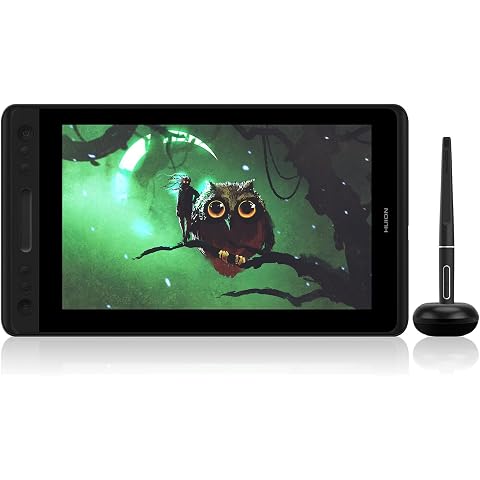
HUION KAMVAS Pro 12 Digital Drawing Tablet with Screen | Full Laminated Graphics Display, Battery-Free Stylus, 8192 Pen Pressure, Tilt Touch Bar, 11.6inch
$189.52
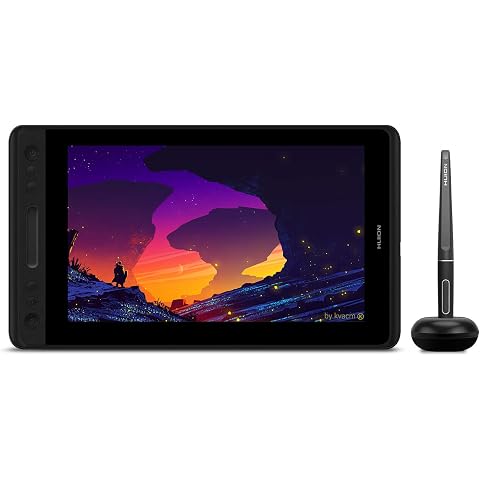
HUION Graphic Drawing Tablet with Screen Kamvas Pro 12 Full-Laminated Pen Display Tilt Function Battery-Free Stylus 8192 Pen Pressure, Compatible with Chromebook, Windows, Mac and Linux
$179.54
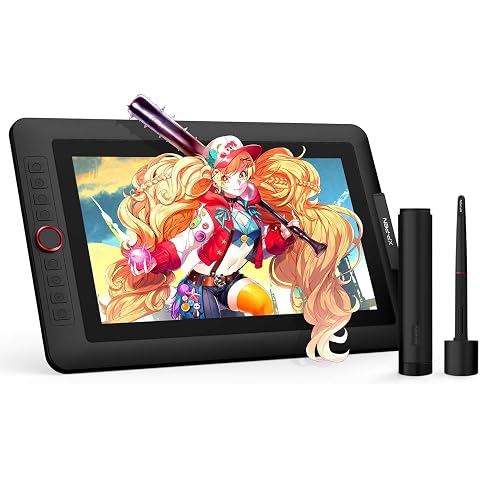
XPPen Artist 13.3 Pro v2 Drawing Tablet with Screen, Full-Laminated Display | Drawing Tablet , 16384 Pen Pressure Levels, 8 Shortcut Keys & Red Dial, Adjustable Stand, 125% sRGB, PC/Mac/Android
$263.99
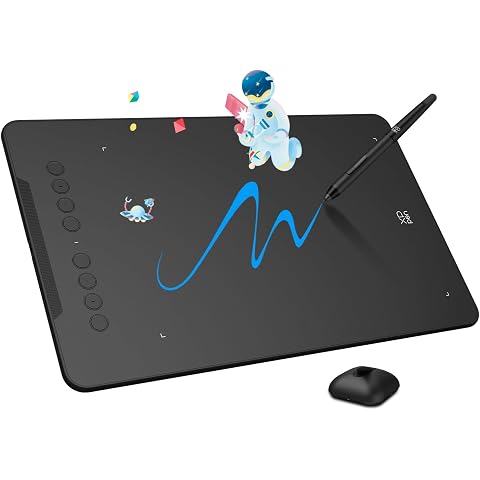
XP-Pen Deco 01 V3 Drawing Tablet, 10x6.25 Inch, 16384 Levels Pressure | Graphic Tablet, Battery-Free Stylus with Tilt Function, 8 Shortcut Keys, Compatible with PC, Chromebook, Android, MAC
$49.99
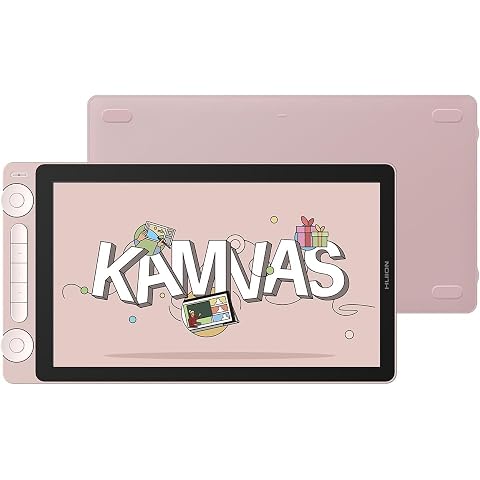
HUION Kamvas 13(Gen 3) Drawing Tablet with Screen,Full-Laminated Art Tablet | 13.3" Full-Laminated Art Tablet, Anti-Sparkle Canvas Glass, 99% sRGB, PenTech 4.0, 16384 Pen Pressure, Dual Dial
$284.24
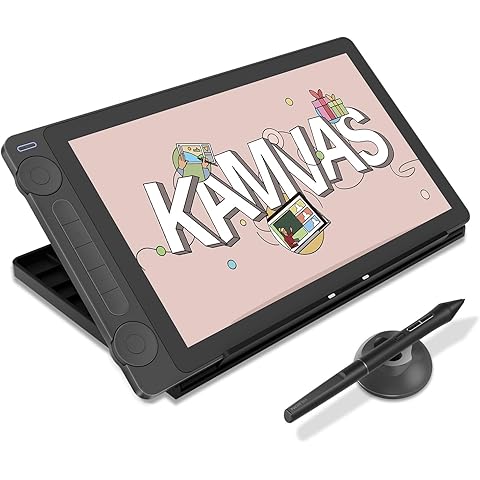
HUION Kamvas 13 (Gen 3) Drawing Tablet with Screen, 13.3" Full-Laminated | Full-Laminated Art Tablet, Anti-Sparkle Canvas Glass, 99% sRGB, PenTech 4.0, 16384 Pen Pressure, Dual Dial
$291.56
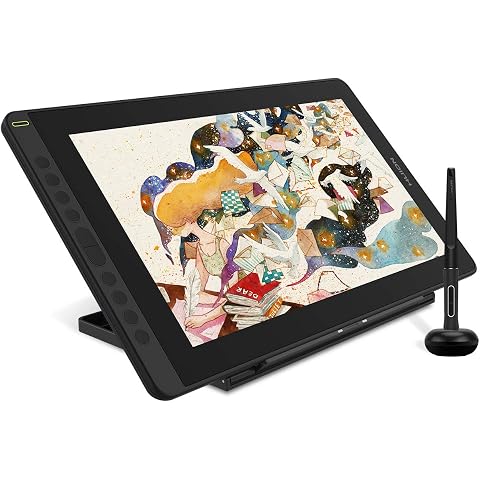
2021 HUION Drawing Tablet KAMVAS 16 Graphic Pen Display with Screen, Black | 15.6inch Full-Laminated Screen, Battery-Free Stylus Tilt, 10 Press Keys, Full-Featured Type C Cable and an Adjustable Stand
$314.49
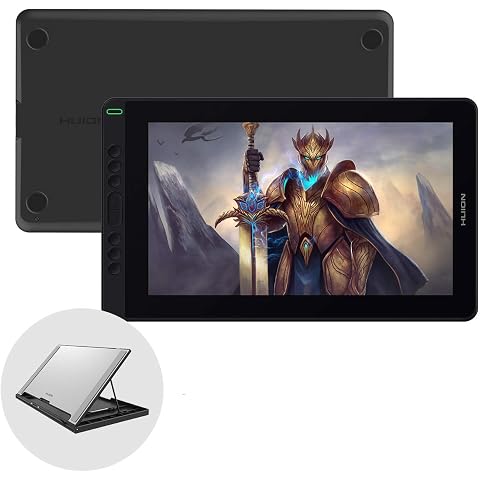
HUION Graphic Drawing Tablet Kamvas 13 Pen Display Tilt Function Battery-Free Stylus 8192 Pen Pressure 13.3inch with Adjustable Stand, for Remote Working, Online Education
$249.99
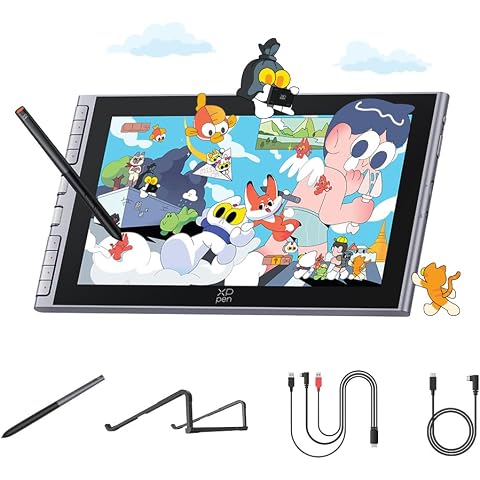
XPPen Artist 12 3rd 11.9" Drawing Tablet with Screen - 16384 Pressure X4 Chip Stylus, 99% sRGB Pro Gamut with OSD, Full-Laminated Anti-Fingerprint Etched Glass, for Android PC Professional Art
$239.99
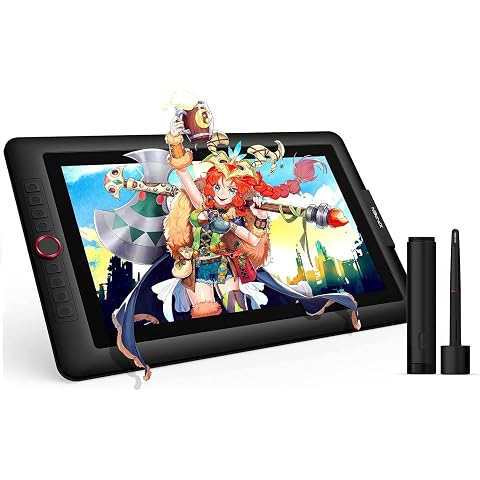
XP-PEN Artist15.6 Pro v2 Drawing Tablet Pen Display Graphics Monitor with Screen, 16384 Levels Pen Pressure Full-Laminated Technology, 8 Shortcut Keys Work for PC Mac Linux Android
$351.99
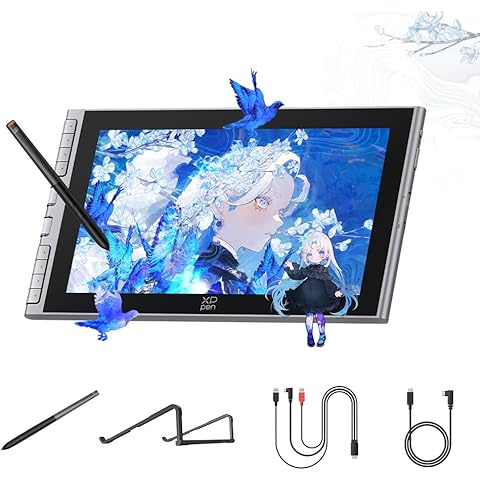
XPPen Artist 12 3rd 11.9" Drawing Tablet with Screen, Silver | 16K Pressure X4 Smart Chip Magnetic Stylus, Full-Laminated Anti-Glare Etched Glass, One-Cable Connection
$239.99
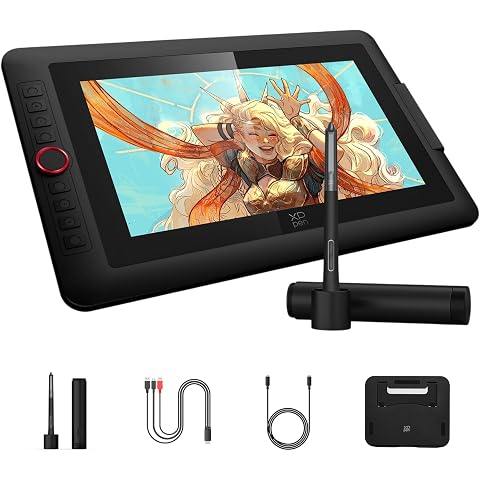
XPPen Artist 13.3 Pro V2 Drawing Tablet with Screen,125% sRGB Graphic Tablet for 13.3" Full-Laminated Art Tablet with Anti-Glare Glass, Dial for PC, Mac, Android, Linux Black,16384 Pen Pressure
$279.99