 1 / 7
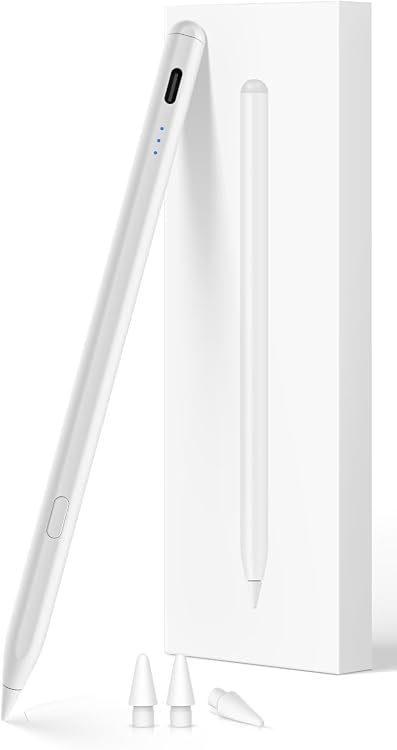
KEEPRO iPen-E iPad Stylus with Tilt Sensitivity and USB-C Charging
USB-C Charging: KEEPRO iPen-E is a rechargeable stylus for compatible iPads, with tilt sensitivity, Bluetooth shortcuts and a claimed full charge in 30 minutes. It supports drawing and note-taking but does not offer pressure sensitivity, so buyers who need pressure-controlled brush strokes should look elsewhere.
At a glance
- Tilt sensitivity is intended to support shading and varied strokes when drawing or sketching.
- Bluetooth connection enables the one-click undo shortcut and an iPad battery-status display. Basic pen use is also described as possible without Bluetooth.
- USB-C charging is claimed to reach a full charge in 30 minutes, with up to 10 hours of continuous use stated.
Often bought together
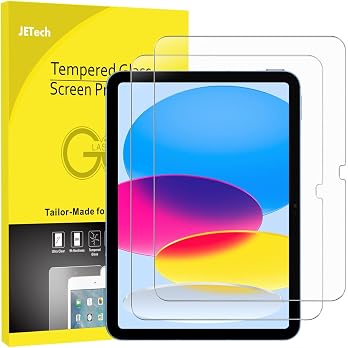
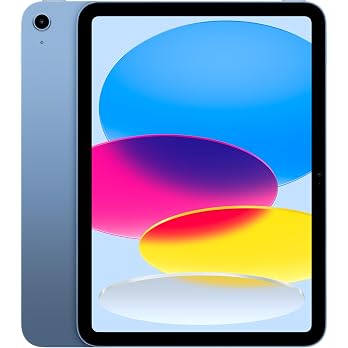
Pros and cons
Pros
- Tilt sensitivity suits sketching, colouring, note-taking and PDF markup.
- The undo shortcut and battery-status display are available after Bluetooth pairing.
- Basic pen use does not require a Bluetooth connection.
Cons
- No pressure sensitivity, which limits pressure-based changes to line weight or brush response.
Technical specifications
13 specifications| Brand | KEEPRO |
|---|---|
| Model | iPen-E |
| Tilt sensitivity | Tilt sensitivity |
|---|---|
| Pressure sensitivity | NO pressure sensitivity |
| Wireless charging | does not support wireless charging |
| Charging time | 30 minutes |
|---|---|
| Charge to 80% | 15 minutes |
| Continuous use | up to 10 hours of continuous use |
| Standby battery life | 90 days |
| Auto shutoff | 5 minutes of inactivity |
| Dimensions listed | 16.5 x 1 x 1 centimetres |
|---|---|
| Material listed | Aluminum |
| Colour | White |
What to know before buying
Listing details to confirm
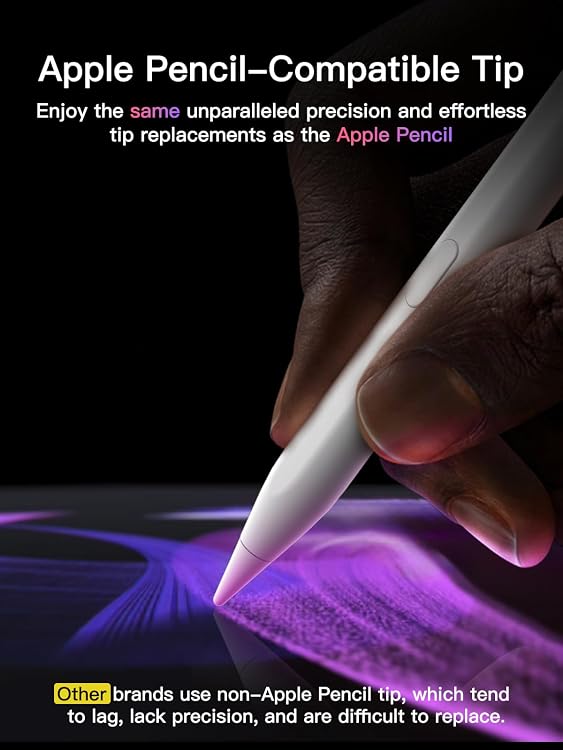
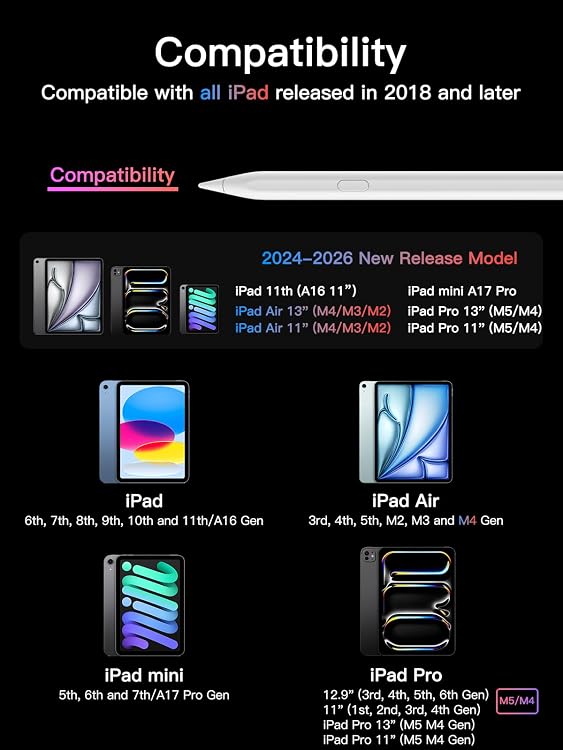
The listing details are inconsistent about the battery and dimensions: one entry specifies a D battery, while the feature text describes USB-C charging, and two dimension entries give different measurements. The stated charging and use times are manufacturer claims. Confirm the iPad model and included tips before buying, as the title says 2018–2026 compatibility and the feature text names extra replacement tips, but the provided compatibility list is specific and the package contents are not explicit.
What’s in the box
- StylusCheck selected pack
- 3 extra tipsCheck selected pack
Check which accessories are included in your selected pack before buying.
Who is it for?
A good fit for
- iPad owners who want a tilt-sensitive pen for notes, markup or sketching and can confirm their model is supported.
- Buyers who want a one-click undo shortcut and battery status through Bluetooth, while retaining basic pen use without pairing.
Less suited to
- Artists who rely on pressure-sensitive strokes or brush control.
- Buyers expecting wireless charging or confirmed compatibility with an iPad model not named in the supplied list.
Customer reviews on Amazon
- 5 stars
74% 74% - 4 stars
14% 14% - 3 stars
4% 4% - 2 stars
2% 2% - 1 star
6% 6%
Customer feedback highlights ease of setup and use, battery life and magnetic attachment as positives. Opinions are mixed on connectivity, writing performance and durability. For buyers choosing this pen for routine notes or markup, those mixed reports matter alongside the listed Bluetooth-dependent shortcut and the lack of pressure sensitivity, particularly if reliable pairing or nuanced drawing is important.
Positive themes
- Customers describe setup and use as easy.
- Customers praise battery life and magnetic attachment.
Mixed feedback
- Customer opinions are mixed on connectivity.
- Customer opinions are mixed on writing performance.
- Customer opinions are mixed on durability.
Frequently asked questions
Does the KEEPRO iPen-E support pressure sensitivity?
No. The listing says it has tilt sensitivity but no pressure sensitivity, so pressure-based stroke variation is not supported.
Can I use the pen without Bluetooth?
The listing says basic pen use works without Bluetooth. The undo shortcut and iPad battery-status display require a Bluetooth connection.
How long does charging take?
The listing claims a full charge takes 30 minutes and a charge to 80% takes 15 minutes. It also claims up to 10 hours of continuous use.
Which iPads are compatible?
The listing names iPads from 2018 onward and provides a model and generation list. Check your exact model against that list before ordering.
Alternative options
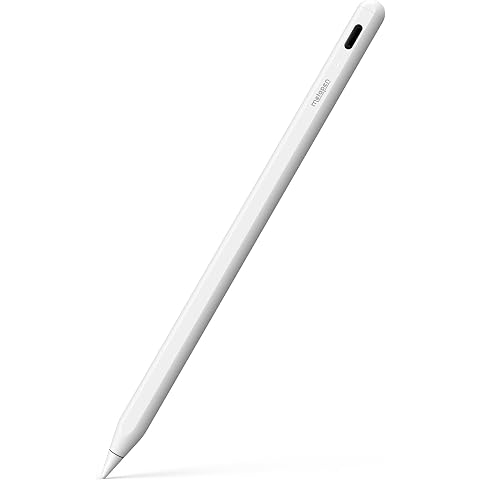
Metapen A8 V4 Pencil for iPad 2018-2026, Palm Rejection, 4-Min Fast Charge | Stylus Pen for iPad 10th/11th/9th/8th/7th/6th, Pro 11/12.9/13", Air 3/4/5/M2/M3/M4, mini 5/6/7
$17.59
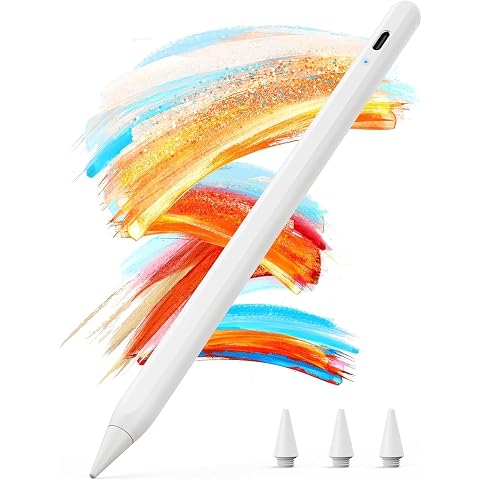
Stylus Pen for iPad 2018-2025,2X Fast Charging,Palm Rejection,Tilt Sensitivity,Pencil for Apple iPad Compatible with iPad 6/7/8/9/10/11,iPad Air 3/4/5/M2/M3, iPad Pro 11"/12.9"/M4, iPad Mini 5/6/7
$21.99
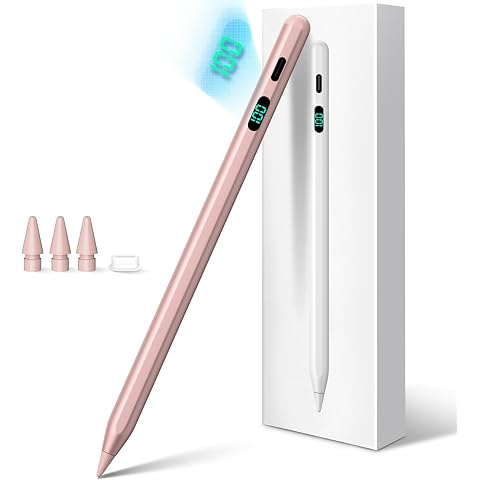
Stylus Pen for iPad 2026-2018 with LED Power Display Fast Charge | Palm Rejection Pencil for iPad 10/9/8/7/6th,11th A16,Air 11/13 M2/M3/M4,Pro 11/13 M4,Pro 12.9",Air 5/4/3,Mini 7/6/5
$17.59
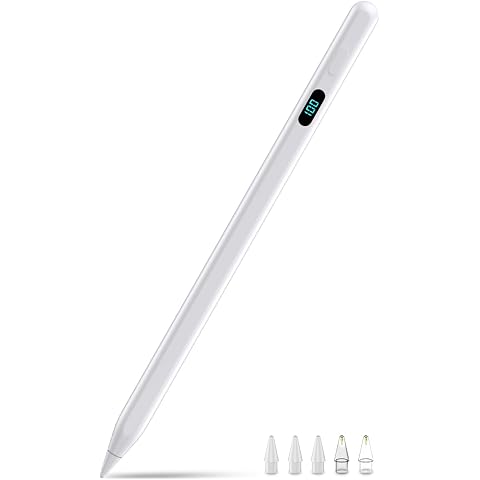
Pencil for iPad with Magnetic&5 Extra Tips,USB-C Faster Charge,Stylus Pen Compatible with iPad 6-11th/A16,Air M4/M3/M2/3-5th,Pro M5/M4/11/12.9/13inch,Mini 5th-7th/A17Pro(White)
$17.76
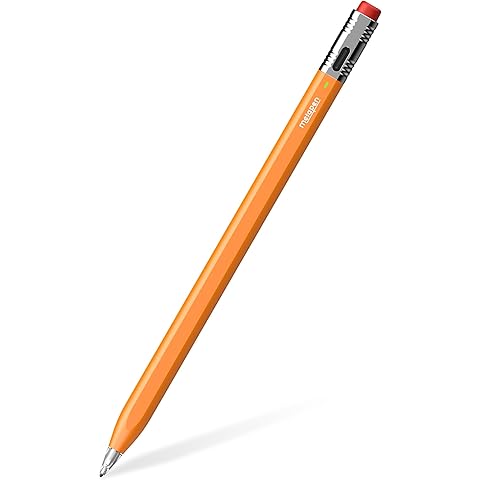
Metapen Air 8 pro X Pencil for iPad 2018-2026, Ultra-Quiet, Fast Charging | Palm Rejection Stylus Pen for iPad a16/11/10/9/8/7/6th Gen, Pro 12.9/11/13“M4, Air 3/4/5/M2/M3/M4, Mini 5/6th
$34.19
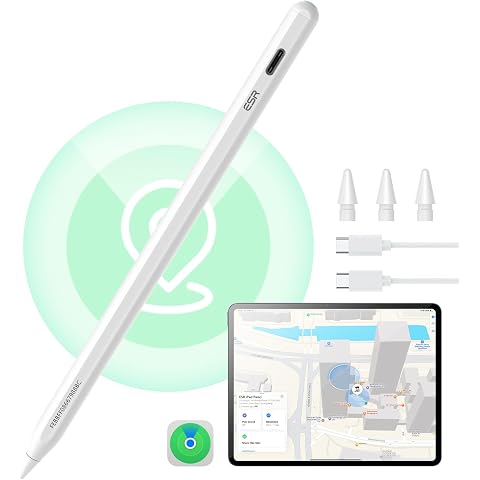
ESR Geo Digital iPad Pencil for iPad 2018-2026, Find My, Easy Shortcuts | Work with Apple Find My, for iPad (A16) /10/9/8 Gen & Air 13/11 & Pro 12.9/13/11 & Mini 8/7/6/5, White (No Wireless Charging)
$39.09
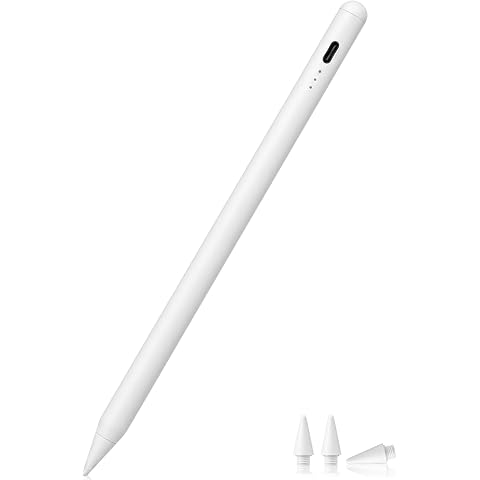
Stylus Pen Compatible with iPad (2018-2026 Models), USB-C Fast Charging Pencil, Pixel-Perfect Tilt Sensitivity for iPad 11/10/9/8/7/6/A16, iPad mini 7/6/5, iPad Air M3/2 11"/13"/5/4/3
$11.69
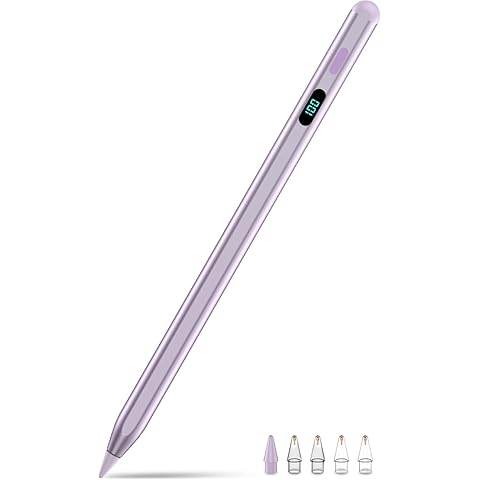
Pencil for iPad with Magnetic&5 Extra Tips,USB-C Faster Charge,Stylus Pen Compatible with iPad 6-11th/A16,Air M4/M3/M2/3-5th,Pro M5/M4/11/12.9/13inch,Mini 5th-7th/A17Pro(Purple)
$21.24
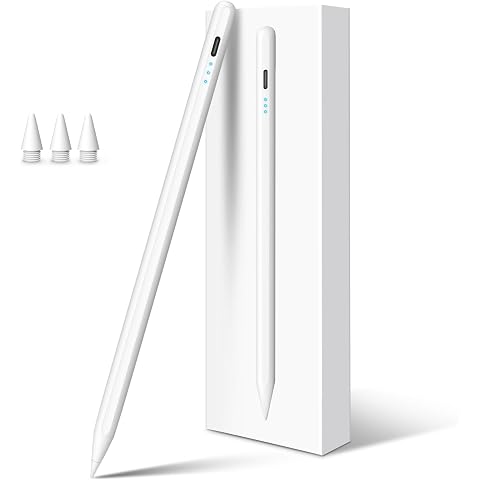
DIGIROOT Fast Charge iPad Pencil 2026-2018, Palm Rejection Tilt Sensitivity | stylus for iPad 11/10/9/8/7/6, ipad Air 5/4/3/M3/M2, ipad Pro M4/12.9"/11", iPad mini 7/6/5
$15.19
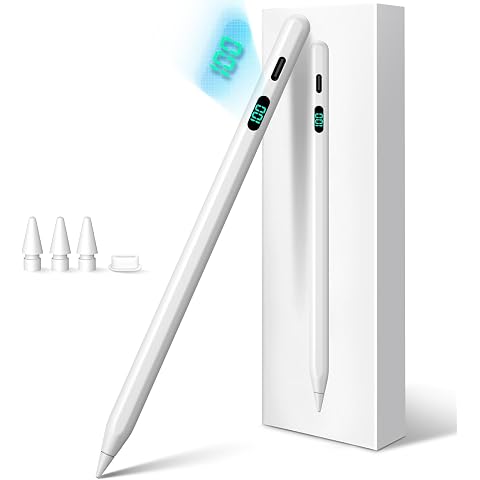
Stylus Pen for iPad 2026-2018 with LED Power Display Fast Charge | Palm Rejection Pencil for iPad 10/9/8/7/6th,11th A16,Air 11/13 M2/M3/M4,Pro 11/13 M4,Pro 12.9",Air 5/4/3,Mini 7/6/5
$17.09
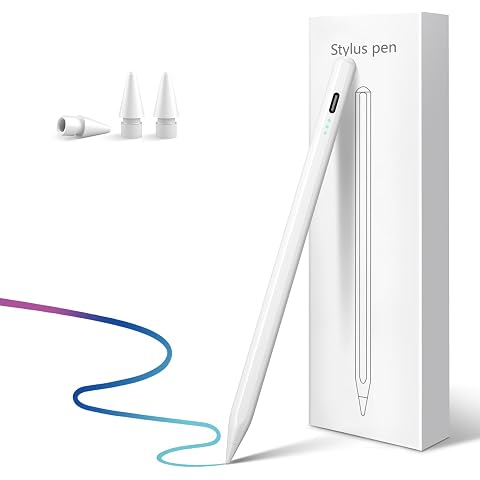
Stylus Pen for iPad 2026-2018 with 13 mins Fast Charge,Tilt Sensor | Palm Rejection Pencil for iPad 10/9/8/7/6th,11th A16,Air 11/13" M2/M3,Pro 11/13" M4/M5,Pro 12.9",Air 5/4/3,Mini 7/6/5
$15.99
5-Pack Touch Stylus and Tether Replaces for Zebra TC70 TC72 TC75 TC77
$25.66