 1 / 7
Elgato Prompter 9-inch Teleprompter with Built-in Screen
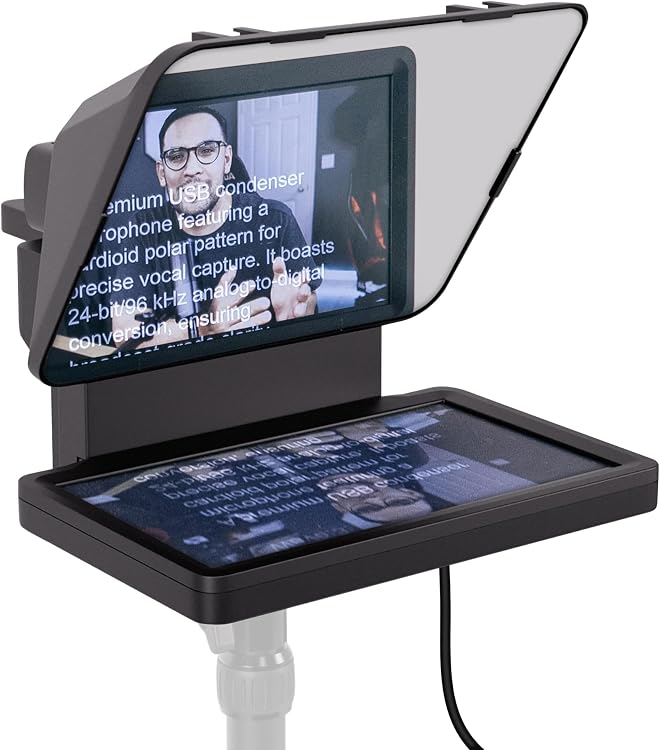
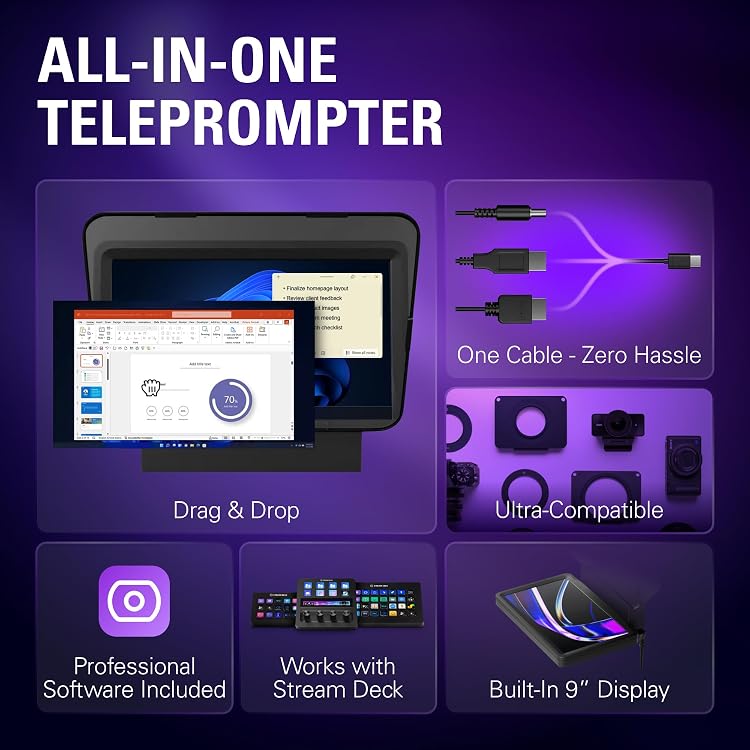
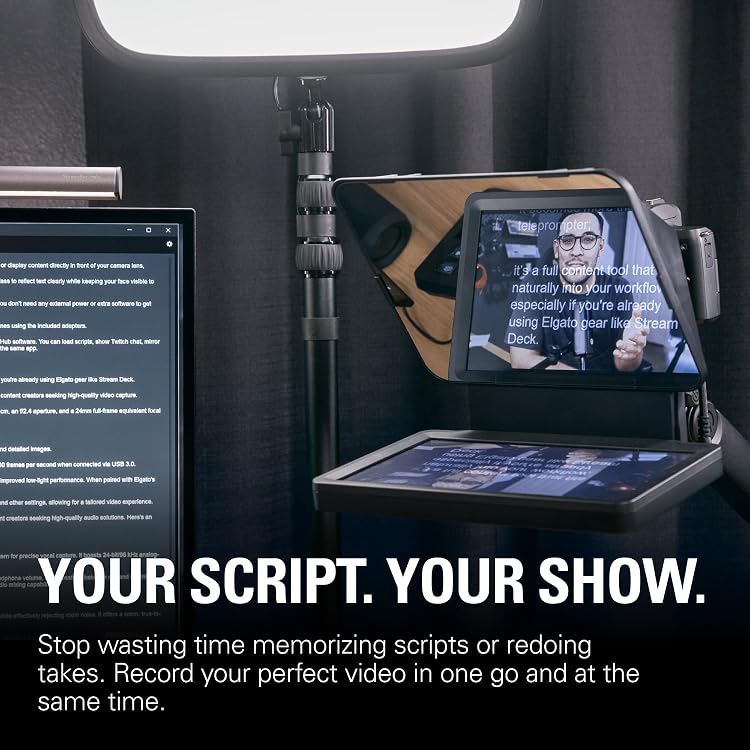
Elgato Prompter is a camera teleprompter with a built-in screen for scripts, chat or video-call windows, so you can read while looking toward the camera. It connects to a PC or Mac and is controlled with desktop software rather than a third-party mobile app.
At a glance
- Built-in display can show scripts, chat or other windows without a separate phone or tablet screen.
- The listing describes the display as usable like a monitor by moving a window or app onto it.
- Camera Hub provides controls for script formatting and scrolling, and the display can also be controlled with Stream Deck.
- The listing says it supports cameras including wide-lens setups and includes step-up rings in several sizes.
Reference price: $379.99
Price checked: Nov 16, 2026
View offerAhead of Black FridayExplore the selectionOften bought together
Pros and cons
Pros
- Built-in screen avoids relying on a separate phone or tablet as the prompting display.
- Multiple uses include reading scripts, Twitch chat and viewing windows during Zoom or Teams calls.
- Desktop control and optional Stream Deck control fit workflows centred on a PC or Mac.
- Voice Sync is described as adjusting script scrolling to speech, including pauses when you go off-script.
Cons
- The built-in display is 9 inches with a resolution of 1024 x 600 px, which may be limiting for buyers who want a larger or sharper prompting screen.
- Smartphone mounting requires a third-party adapter with a 1/4” thread mount.
Technical specifications
11 specifications| Brand | Corsair |
|---|---|
| Model | 20WAD9901 |
| Display | 9", 1024 x 600 px |
|---|---|
| Interface | USB-C |
| Step-up rings | 49, 52, 55, 58, 62, 67, 72, 77, 82 mm |
|---|---|
| Smartphone mounting | Requires third-party adapter with 1/4” thread mount |
| Supported systems | Windows 11 (64-bit) or newer, Intel or AMD CPU / macOS 13.3 or newer, Intel or Apple CPU / USB 3.0 Type A / Android 11 or newer |
|---|---|
| Additional software | DisplayLink software required on Mac (free to download) / DisplayLink Presenter software required on Android (free to download) |
| Dimensions listed | 28.19 x 22.4 x 21.89 cm; 689.46 g |
|---|---|
| Dimensions with universal bracket | W 224 x H 219 x D 282 mm / W 8.88 x H 8.62 x D 11.10 in (with universal bracket) |
| Weight without accessories | 690 g | 1.52 lb (without accessories) |
What to know before buying
Listing details to confirm
The listing gives conflicting size and weight details: 28.19 x 22.4 x 21.89 cm and 689.46 g in product details, versus W 224 x H 219 x D 282 mm with a universal bracket and 690 g without accessories in technical specifications. Confirm the configuration and measurements before planning a tight camera or desk setup. The listing also names USB 3.0 Type A among system requirements while describing the product interface as USB-C, so check the required host connection and any adapter needs. It describes wide camera compatibility, but does not confirm fit for every camera and lens combination.
Who is it for?
A good fit for
- Video creators who want to read a script while keeping their gaze near the camera.
- Streamers who want to view chat while addressing the camera.
- People on video calls who want to keep notes or windows near the camera.
- PC or Mac users who prefer desktop-controlled prompting and may use Stream Deck.
Less suited to
- Buyers who need a large, high-resolution display for prompting.
- People who need a smartphone-ready mount in the box or do not want to source a separate adapter.
Customer reviews on Amazon
- 5 stars
71% 71% - 4 stars
11% 11% - 3 stars
6% 6% - 2 stars
5% 5% - 1 star
7% 7%
Customer feedback reports straightforward setup and smooth workflow integration, with positive comments about usefulness and value. Experiences with build quality are mixed, and scripting functionality draws criticism. That matters especially for buyers relying on software controls for reading or pacing scripts. The listing describes Camera Hub and Voice Sync features, but those claims do not establish that every customer finds the scripting workflow suitable.
Positive themes
- Customers describe setup as straightforward and the accessory as handy in their workflow.
- Feedback includes positive perceptions of its value and usefulness.
Negative themes
- Some customer feedback expresses dislike of the scripting functionality.
Mixed feedback
- Customer feedback is mixed on build quality.
Frequently asked questions
Does the Elgato Prompter need a separate phone or tablet screen?
The listing describes a built-in display for scripts, chat and other windows, so a separate phone or tablet screen is not required as the prompting display.
What is the display resolution?
The listed display is 9", 1024 x 600 px. It is not described as a Full HD display.
Can it mount a smartphone?
The listing says smartphone mounting requires a third-party adapter with a 1/4” thread mount. It does not establish that this adapter is included.
What software is needed?
The listing describes Camera Hub for script and display controls. DisplayLink software is required on Mac and DisplayLink Presenter software is required on Android.
Alternative options
Elgato 4K S Capture Card for PS5, Xbox Series X/S, Switch 2 | 4K60 capture, 1440p120 or 1080p240 passthrough, HDR10 support, Near-zero latency, USB-C, Analog audio input
$219.99
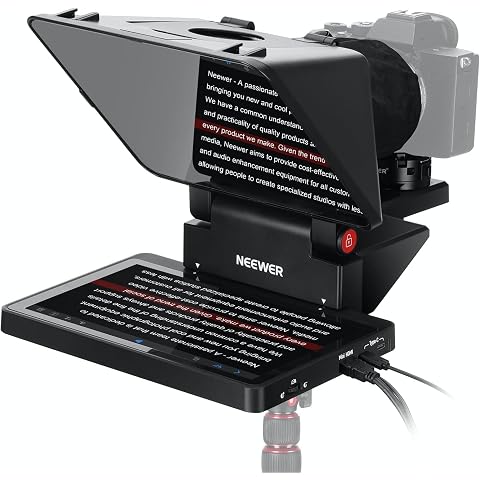
NEEWER 2 in 1 Teleprompter 11 Inch with Monitor for Windows MacOS, X11 | Supports Screen Mirroring, Portable Prompter for Camera Mobile Phone Webcam, for YouTube Twitch Live Streaming Conference
$289.49
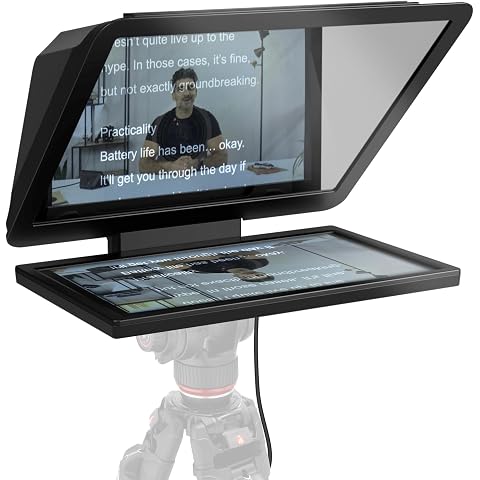
Elgato Prompter XL, Full-Sized Teleprompter, Removable | 15.6-inch detachable Full HD display, Doubles as conferencing monitor, Fits DSLR, mirrorless, studio cameras, USB-C 3.2
$779.99
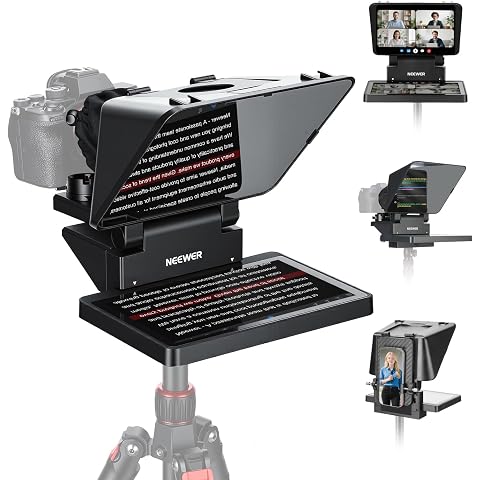
NEEWER X11 2 in 1 Teleprompter 11" with Monitor, Supports Screen Mirroring | Portable Prompter for Camera Phone Webcam, Compatible with Windows MacOS, for YouTube Twitch Live Streaming Video Conference
$279.99
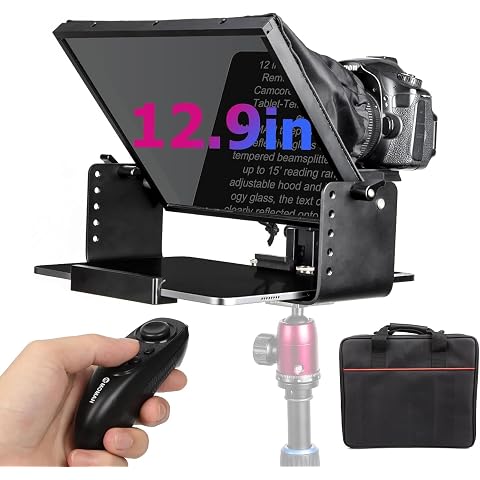
Moman Teleprompter, MT12 Metal Prompter Kit 12 inch for 12.9inch iPad Tablets with APP Remote Control for DSLR Camera Camcorder Smartphone Mobile, Tablet-Teleprompter-Autocue-Camera-Prompting(12inch)
$159.00
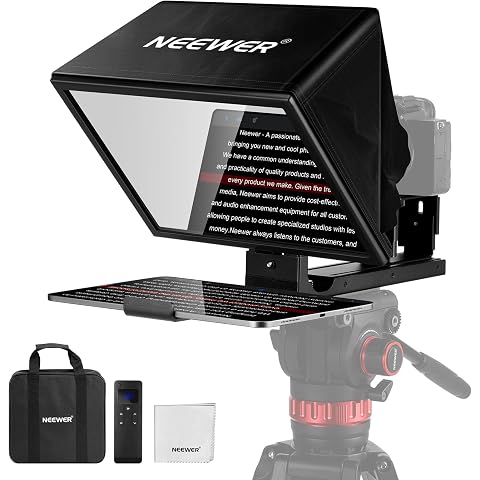
NEEWER Basics X12B Aluminum Alloy Teleprompter 12" for Tablet DSLR Camera | Compatible with iPad, Bluetooth, No Assembly, Remote & App Control, Compatible with iOS Android, Black, for Streaming
$149.99
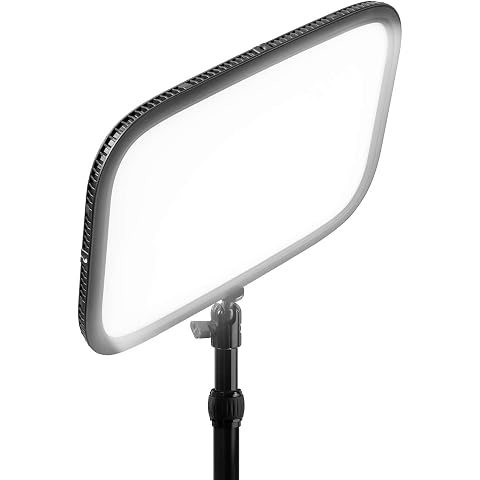
Elgato Key Light, Professional 2800 Lumens Studio Light | Wi-Fi enabled app control, 2900-7000K color temperature, 160 OSRAM LEDs, Opal glass diffusion, Desk clamp included
$229.99
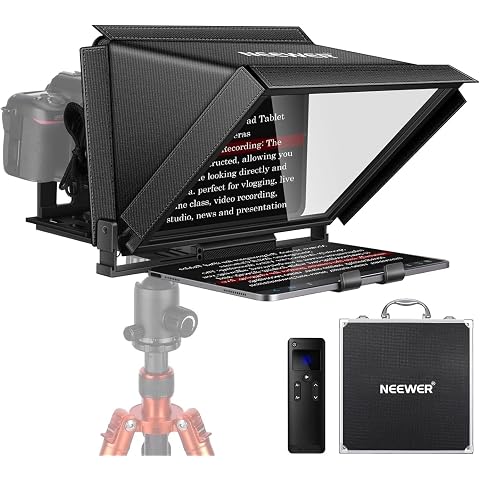
NEEWER X12 14 Inch Aluminum Alloy Teleprompter for iPad Tablet Camera | With Remote Control, Carry Case, APP Compatible with iOS/Android, for DSLR, Online Teaching, Vlogger, Live Streaming
$179.99
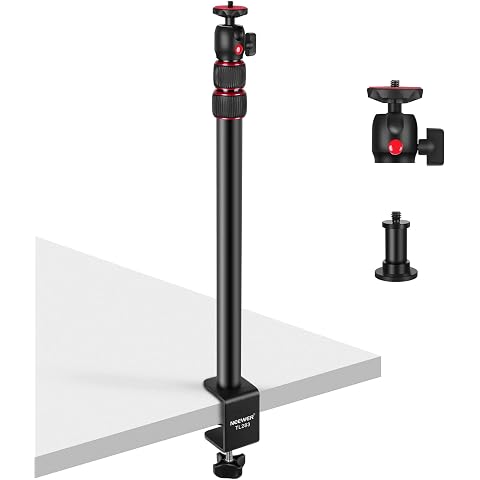
NEEWER Extendable Camera Desk Mount with Ball Head, 17"-40", TL283(RED) | Adjustable Table Light Stand, 1/4" Screw & C Clamp, for DSLR Camera, Ring Light, Live Stream, Vlog, Max Load: 6.6lb/3kg
$37.79
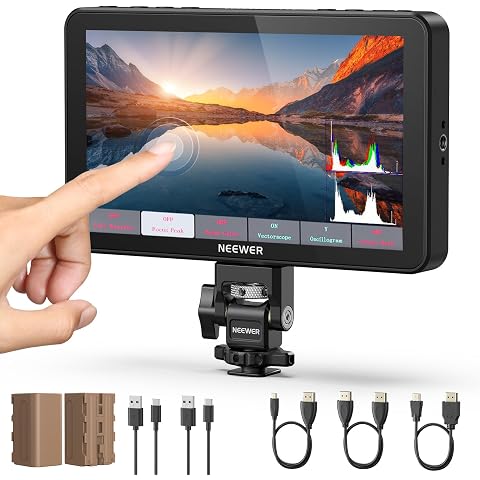
NEEWER F700 7" Camera Field Monitor, 2000nit HD 1920x1080 Touch Screen | IPS, 3D LUT, 4K HDMI Loop in/Out, Peak Focus DSLR Video Assist HDR Waveform, Cold Shoe Mount, 2 Batteries NP-F750 & Cable
$379.99
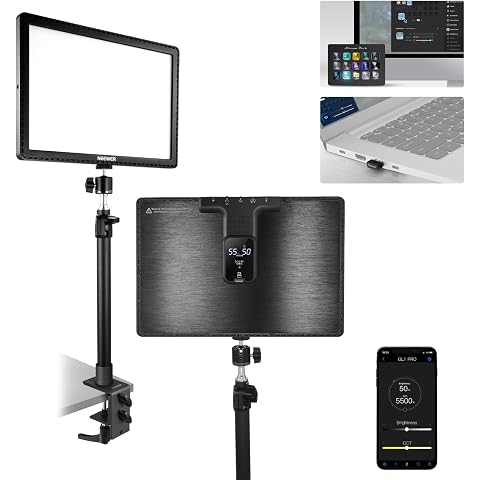
NEEWER 15.5" LED Streaming Key Light, Clamp on Desk Panel, GL1 PRO Black | Video Lighting Gaming Recording Zoom Call, CRI97+, 2.4G PC/Mac iOS/Android APP Control, Compatible with Elgato Stream Deck
$155.99