Power Supplies
Products · Power Supplies
8 active deals
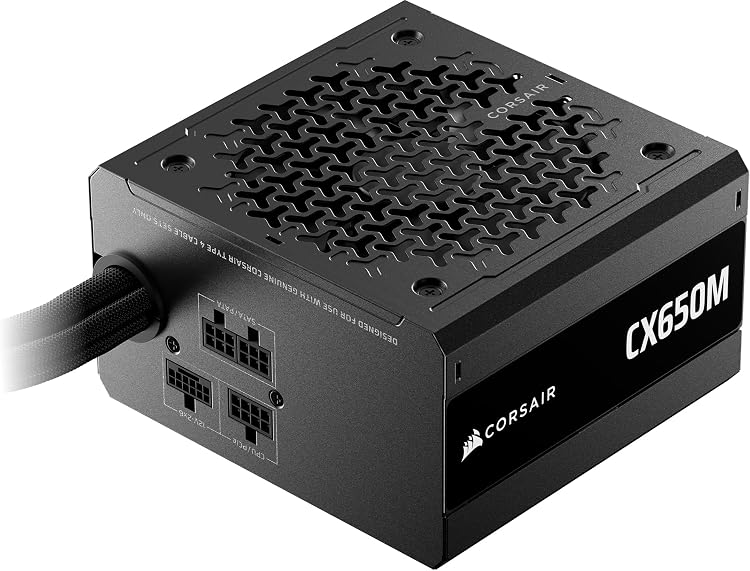
Corsair CX650M (2025) 650W ATX Power Supply

Corsair CX750M 750W ATX Power Supply with 12V-2x6 Cable
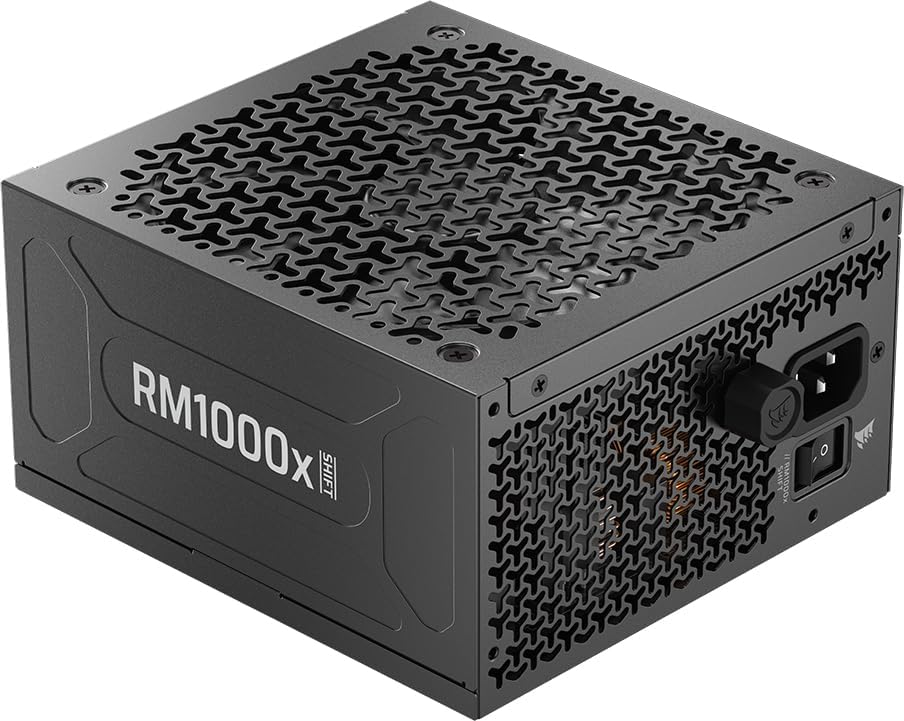
Corsair RM1000x SHIFT 1000W ATX Power Supply
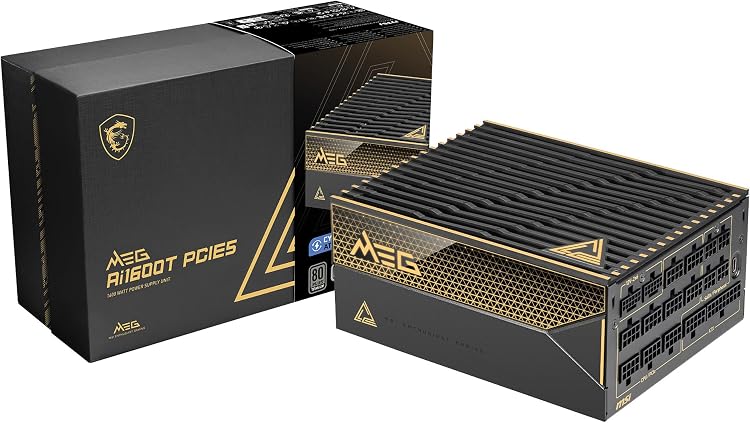
MSI MEG Ai1600T PCIE5 1600W ATX Power Supply
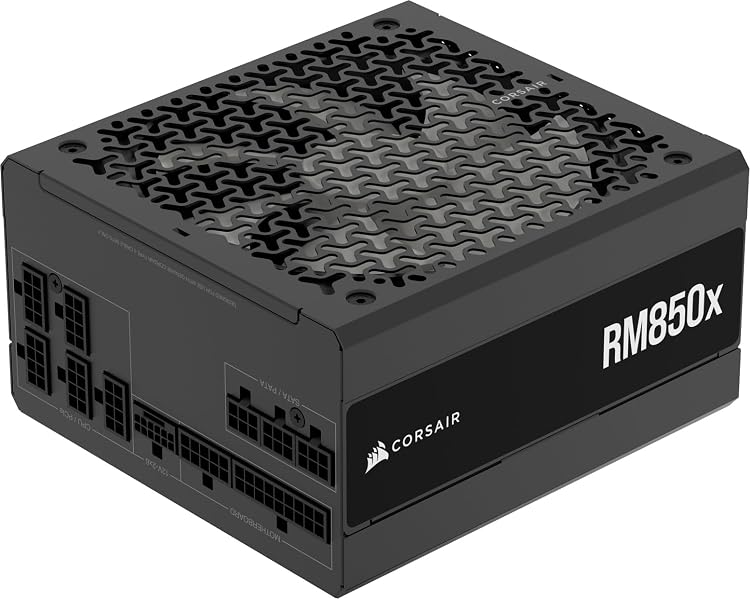
Corsair RM850x 850W ATX 3.1 Fully Modular Power Supply
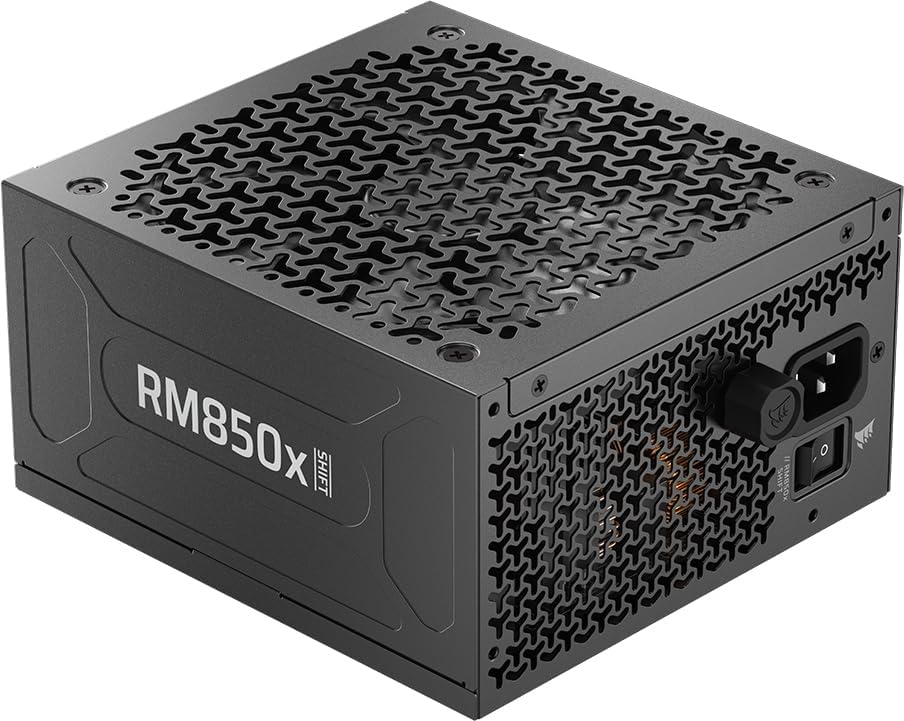
Corsair RM850x SHIFT 2025 850W ATX Power Supply

Corsair HX1500i 1500W ATX 3.1 Power Supply
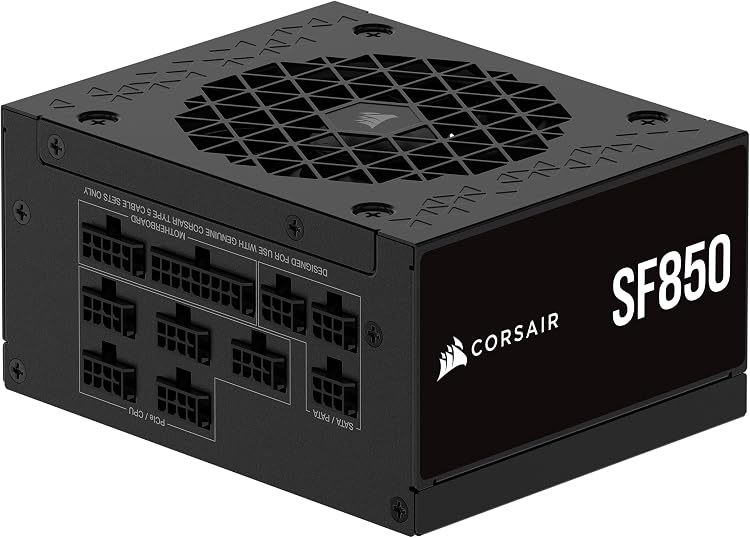
Corsair SF850 850W 80 PLUS Platinum SFX Power Supply
Top deals in Power Supplies
Big discounts across a variety of models and stores.
MSI MEG Ai1600T PCIE5 1600W ATX Power Supply
Corsair CX650M (2025) 650W ATX Power Supply
Corsair RM850x 850W ATX 3.1 Fully Modular Power Supply
Corsair CX750M 750W ATX Power Supply with 12V-2x6 Cable
Corsair RM1000x SHIFT 1000W ATX Power Supply
Corsair SF850 850W 80 PLUS Platinum SFX Power Supply
Corsair HX1500i 1500W ATX 3.1 Power Supply
PC power supplies: choose capacity, connectors and credible quality
A power supply feeds every component, but choosing one is not a search for the biggest wattage. It must handle your system's load, provide suitable connections and fit with its cables attached. These are internal PC supplies; laptop chargers serve a different purpose and cannot be treated as interchangeable products.
Estimate load without adding unrelated figures
Start with the CPU, graphics card and other components, checking manufacturer recommendations and consumption under relevant workloads. A processor's thermal figures do not always represent maximum consumption. Allow for brief high demands and specific planned upgrades rather than an enormous reserve for imaginary changes. Available continuous output and electrical behaviour matter more than a peak rating. An undersized supply can restrict the configuration, but oversizing does not make the computer faster or guarantee better construction.
An efficiency label does not describe all aspects of quality
Efficiency describes how much incoming energy reaches the computer under particular conditions. It does not independently establish regulation, electrical noise, protective features or longevity. Look for documentation and technical assessments of the exact model, not conclusions about a similarly named series. Confirm stated protections and warranty conditions. When estimating running costs, consider hours and typical load: an efficiency difference means something different for a continuously operating server than for a PC used only occasionally.
Check dimensions and cables before choosing modularity
Establish whether the case needs ATX, SFX or another format, including length and room to connect cables. Count connectors for motherboard, CPU, graphics card and peripherals. A modular supply lets you fit only necessary cables, helping organisation, but cables from another supply are not interchangeable based on appearance. Their electrical pin arrangements may differ even within one brand. Use only cables explicitly confirmed compatible with that model, and do not improvise with adapters.
Consider noise, history and safe replacement
Check fan behaviour at a load similar to yours; a semi-passive mode does not mean permanent silence. Case orientation and ventilation matter too. A used unit with an unknown history requires caution, particularly without original cables or documentation. Do not open the supply or attempt internal repairs: dangerous stored energy may remain after disconnection. If compatibility or replacement is uncertain, consult a technician and include the cost of that assistance before making your purchase.