Computer Cases
Products · Computer Cases
7 active deals
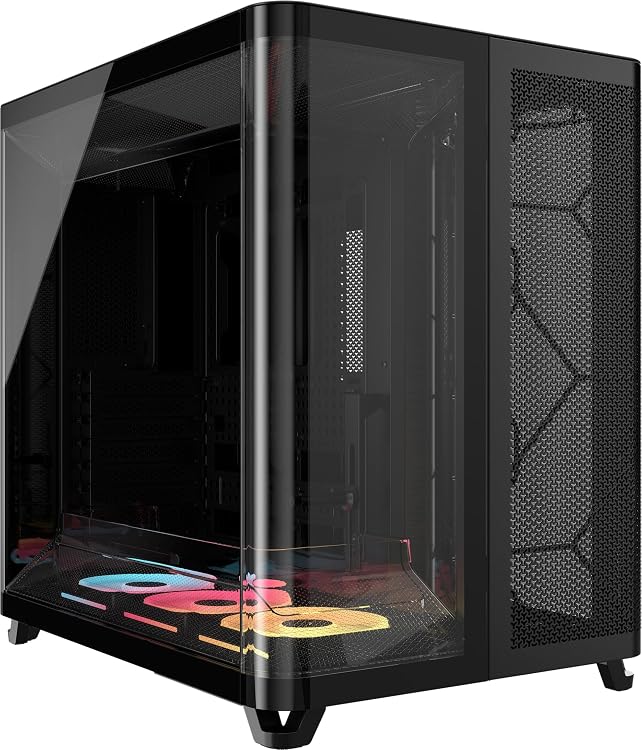
Corsair AIR 5400 LX-R RGB iCUE LINK Triple-Chamber Mid-Tower PC Case
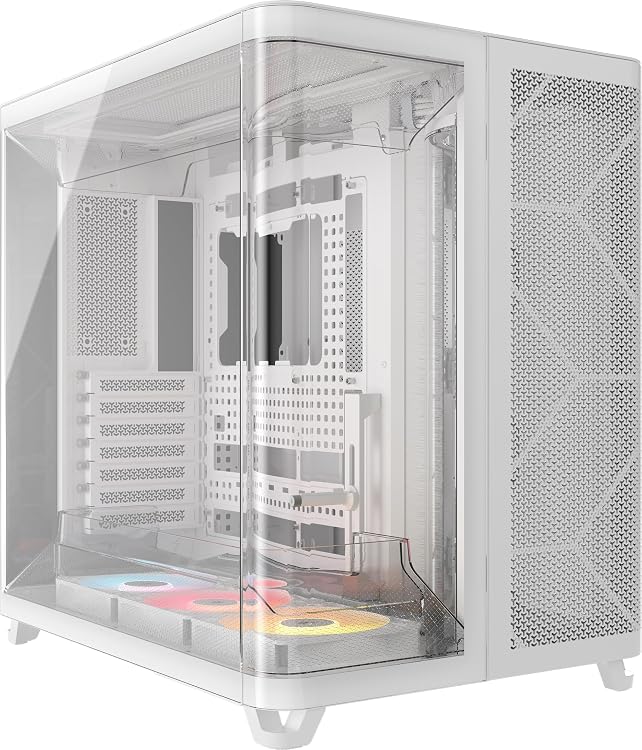
Corsair AIR 5400 RS-R ARGB White Triple-Chamber Mid-Tower Case

Corsair FRAME 4000D RS Mid-Tower PC Case with 3 RS PWM Fans
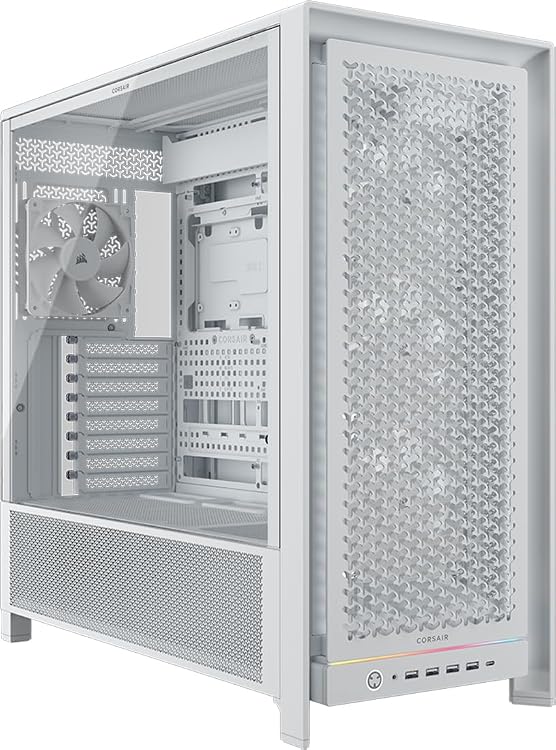
Corsair FRAME 5000D RS White Mid-Tower PC Case
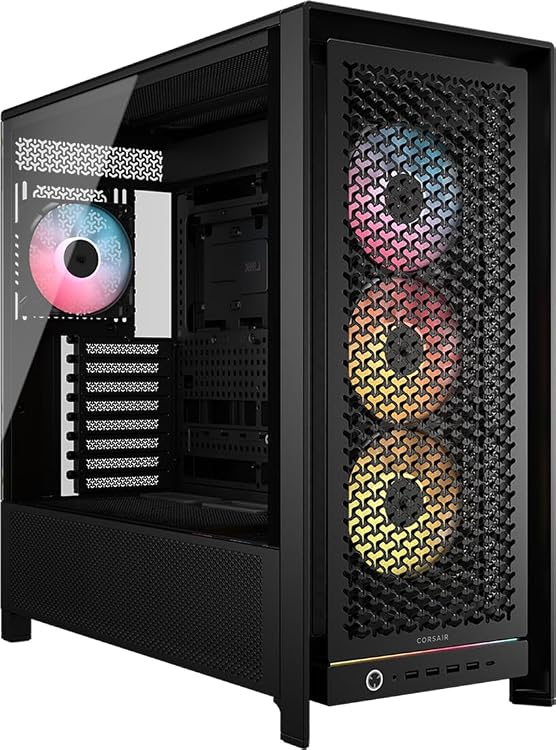
Corsair FRAME 5000D RS ARGB Mid-Tower PC Case
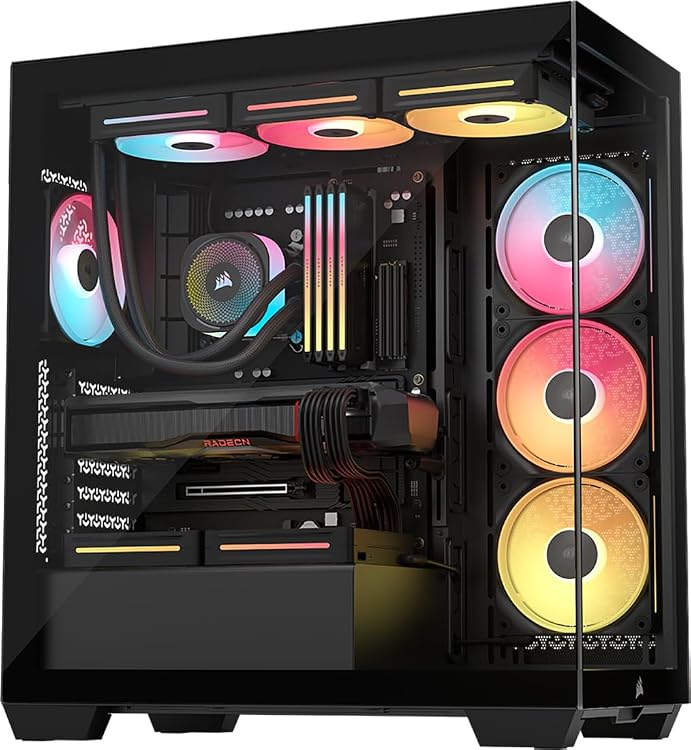
CORSAIR 3500X LX-R RGB iCUE LINK Mid-Tower PC Case
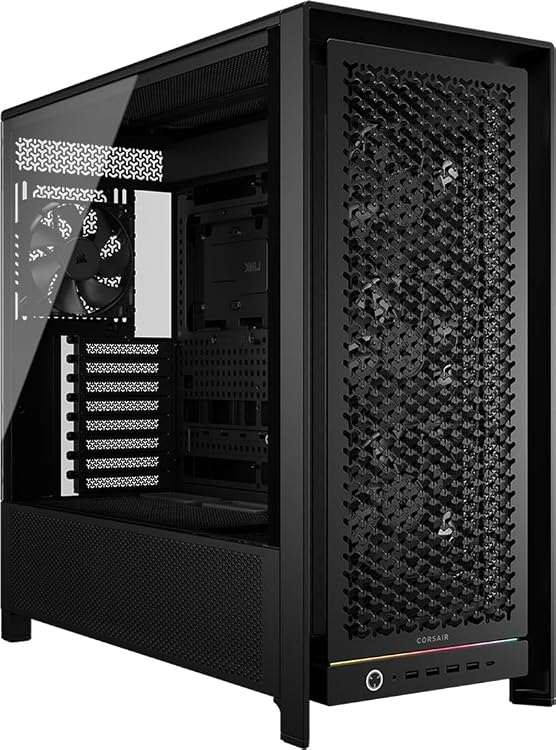
Corsair FRAME 5000D RS Mid-Tower PC Case
Top deals in Computer Cases
Big discounts across a variety of models and stores.
Corsair FRAME 5000D RS ARGB Mid-Tower PC Case
Corsair FRAME 5000D RS Mid-Tower PC Case
CORSAIR 3500X LX-R RGB iCUE LINK Mid-Tower PC Case
Corsair FRAME 4000D RS Mid-Tower PC Case with 3 RS PWM Fans
Corsair AIR 5400 RS-R ARGB White Triple-Chamber Mid-Tower Case
Corsair AIR 5400 LX-R RGB iCUE LINK Triple-Chamber Mid-Tower PC Case
Computer cases: choose usable space, airflow and access
The case does not calculate or store data, but it determines how easy the computer is to build, clean and modify. An attractive chassis can be awkward if it occupies too much room or packs components tightly together. Choose around its location and the parts it must accommodate, rather than a front-view photograph.
Measure the location and access routes
Consider width, depth and height, as well as space for rear cables, opening panels and reaching ports. Under a desk, a top-mounted button might be accessible while an air intake sits against a wall. A compact case saves desk area but may require specific component formats. Check whether you can move it for cleaning and get it through doors or out of shelves. Exterior dimensions alone do not reveal how much usable space remains inside.
Verify clearances for the complete build
Check motherboard and power-supply formats, cooler height, and graphics-card length and thickness. Maximum dimensions may change once fans, radiators or internal brackets are fitted. Read the conditions attached to those figures rather than assuming every maximum is available simultaneously. Check cable space behind the motherboard and access to connectors. A chassis accepting your graphics card may block a slot you need or make its power connection difficult to reach once the system is assembled.
Separate air access from fan quantity
Numerous fans do not compensate for restricted front intakes. Examine where air enters and leaves, and how filters are removed. An open surface can help airflow but lets more sound escape and requires attention to dust. Closed panels may improve acoustic isolation at the expense of airflow. Check which fans are included, how their speed is controlled and whether additional accessories are needed; promotional photographs do not always show the equipment actually supplied with the case.
Value the features you will use after assembly
Removable filters, accessible screws and easily opened panels matter whenever you clean or replace a part. Glass displays the interior but adds weight and needs careful handling; it does not improve cooling by itself. Check front connectors and motherboard compatibility alongside included accessories. If you expect to move the computer, consider weight, grip and internal retention. These products are chassis for building computers, not luggage or protective carrying cases for transporting a finished system.