Consoles & Virtual Reality
Explore Consoles & Virtual Reality by subcategory and find the deals you are looking for.
Subcategories

Products · Consoles & Virtual Reality
3 active deals
Consoles and virtual reality: choose a system that fits your home
A console and a virtual-reality headset can both offer appealing games, but they make different demands on the room and the player. The useful question is not which device is most powerful, but which experience fits your space and what additional equipment it needs.
A shared screen or an individual viewpoint
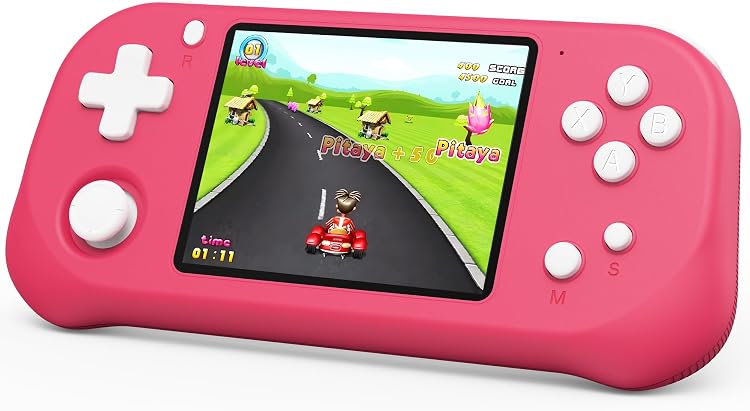
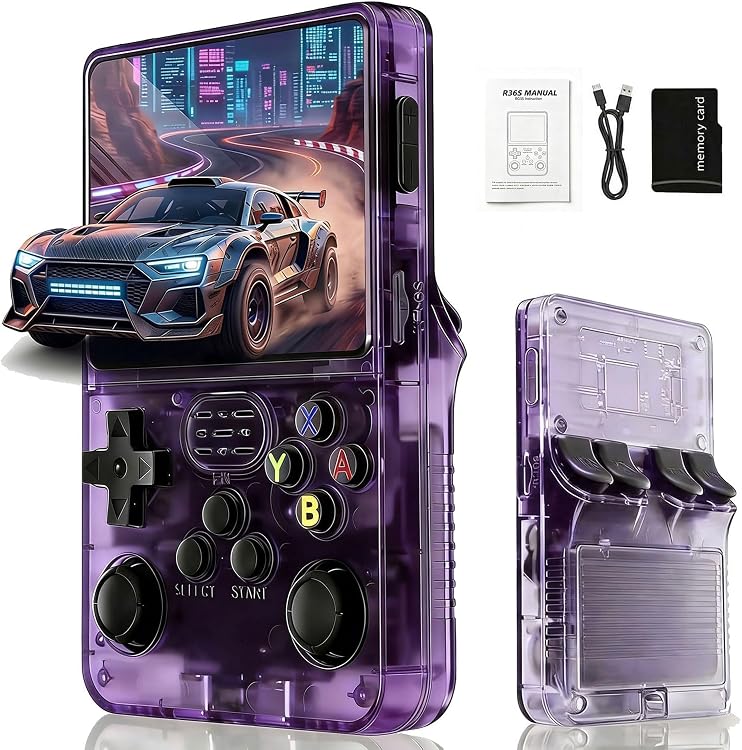
For playing from the sofa while other people watch, a console connected to a television is often the most straightforward choice. A handheld console supplies its own screen and portability, although the smaller image and built-in controls change the experience. Virtual reality places the display in front of your eyes and usually means users take turns. Being able to show the headset view on another screen does not automatically make a VR game support local multiplayer.
Establish what works without another system
Check whether a headset works independently or needs a compatible console or computer; a familiar connector is not enough. Verify the supported hardware model and included components. For consoles, check whether the package contains a controller, power supply and necessary connections. If you will keep your television, examine its inputs and the features it actually supports. This category covers home and handheld consoles, not gaming laptops that run computer games.
Available space can rule out an option
A console needs stable placement and ventilation according to its instructions, rather than being packed tightly between objects. With VR, distinguish seated, standing and moving experiences: they do not all require the same space. Check how the play area is marked and whether your intended titles support that arrangement. Headset fit, use with glasses and controller handling need to work for you. Stop using the device if a trial causes discomfort; a resolution figure cannot guarantee comfort.
Price a starting setup, not every possible upgrade
Build the budget around two or three intended games and the equipment essential to use them. VR may call for specific controllers or fit accessories. A second console controller matters only if your games support it and you will use it. Check available storage, download needs and any paid services. A more expensive version is worth considering when it adds something demonstrably useful for your situation, not merely more bundled accessories or a claim of a superior experience.