 1 / 7
XP-Pen MNP1095 10.95-inch Standalone Drawing Tablet
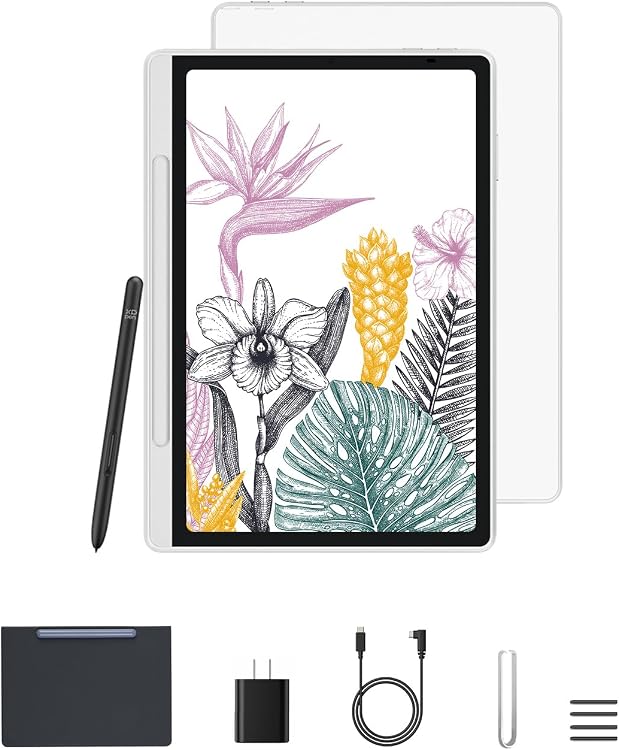
XP-Pen MNP1095 is a standalone Android drawing tablet for sketching, handwritten notes and reading. Its listing combines a 10.95-inch LCD with 16,384 pressure levels and a 90Hz refresh-rate claim, though customer feedback is mixed on battery life and app compatibility.
At a glance
- Listing describes an X-Paper display with AG nano-etching intended to add a paper-like drawing feel.
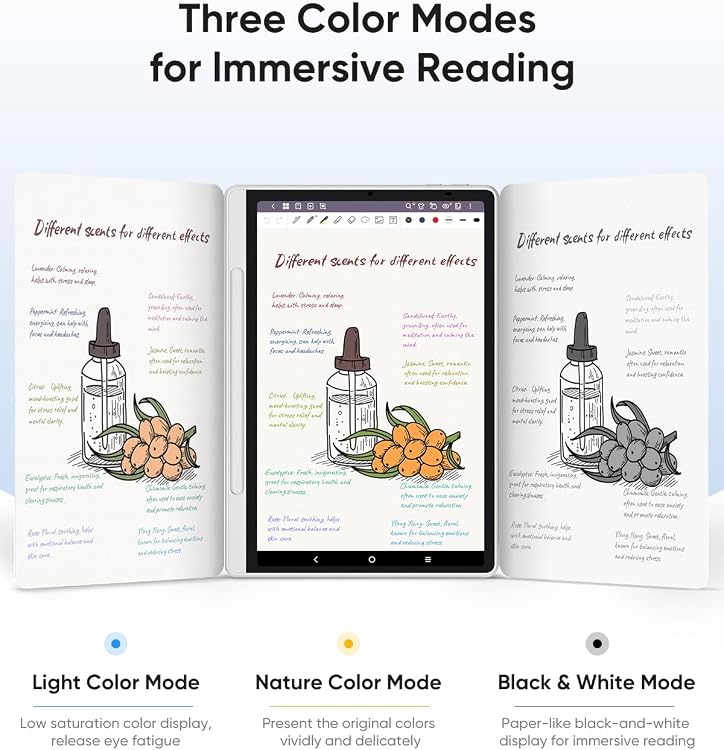
- Three modes are described for annotating, sketching and reading.
- The manufacturer lists Android 14, a pre-installed XPPen Notes app and access to Google Play apps.
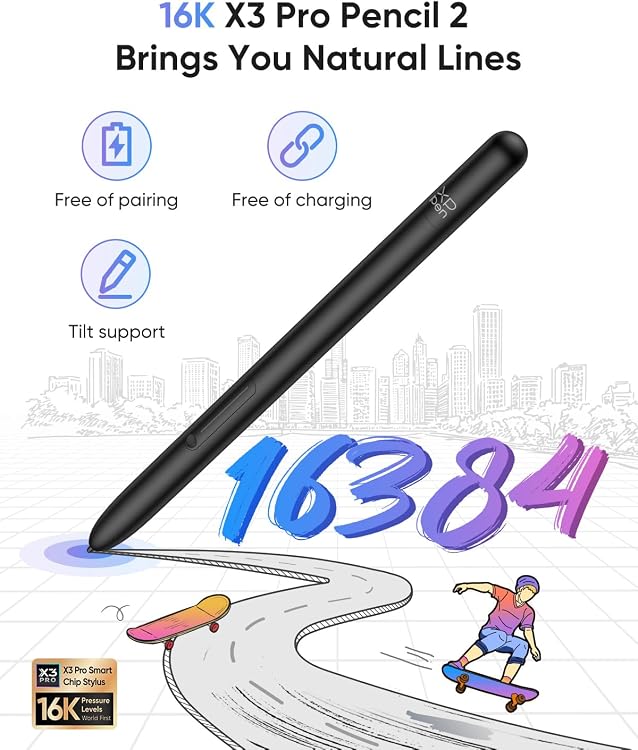
- The listing claims a battery-free stylus, TÜV-certified low blue light and anti-glare technology.
Reference price: $599.99
Price checked: Nov 20, 2026
View offerBlack Friday weekExplore the selectionPros and cons
Pros
- Standalone Android operation is intended for drawing, note-taking, PDF annotation and reading without relying on a separate computer.
- The claimed 16,384 pressure levels and paper-like screen surface are relevant to users who want varied pen strokes and a less glassy drawing feel.
- Multiple display modes support switching between colour sketching, note annotation and monochrome-style reading.
Cons
- The 10.95-inch screen offers less working area than a larger drawing display, which may constrain detailed projects or extensive document layouts.
- Customer feedback reports mixed experiences with battery life and app compatibility, so those aspects may matter for long sessions or app-specific workflows.
Technical specifications
14 specifications| Brand | XP-Pen |
|---|---|
| Model | MNP1095 |
| Screen size | 10.95 inches |
|---|---|
| Display type | LCD |
| Native resolution | 1920 x 1200 pixels |
| Refresh rate | 90Hz |
| Pressure sensitivity | 16384 levels |
|---|---|
| Operating system | Android 14 |
| Colour modes | 3 color modes |
| Colours in Natural Mode | 16.7 million colors |
| Connection listed | USB |
|---|
| Weight listed | 1.61 kg |
|---|---|
| Thickness | 7mm |
| Weight in feature claim | 495g |
What to know before buying
Listing details to confirm
Listing details are inconsistent: the title claims a 90Hz refresh rate while the feature text also calls it a 90Hz display, but other detailed specifications do not confirm it, and the listed weight of 1.61 kg conflicts with the feature claim of 495g. USB is listed as the connection without clarifying whether it describes a port or wireless connection. Confirm the selected listing's details, including weight and refresh rate, before purchase.
Who is it for?
A good fit for
- Students wanting a standalone device for notes, PDF annotation and reading, subject to app compatibility.
- Sketchers who prefer a stylus and a textured, anti-glare screen claim over a conventional glossy drawing surface.
- Buyers who want an Android tablet with multiple display modes and a pre-installed note app.
Less suited to
- Artists who need a larger drawing area or whose workflow depends on confirmed compatibility with particular apps.
- Buyers who need a dependable published weight or battery-life expectation before choosing a portable tablet.
Customer reviews on Amazon
- 5 stars
78% 78% - 4 stars
9% 9% - 3 stars
6% 6% - 2 stars
3% 3% - 1 star
4% 4%
Customer feedback is positive about general functionality, screen quality and the drawing experience, with some users finding the screen pleasant for drawing. Feedback is mixed on battery life and app compatibility. Those concerns are practical for a standalone Android tablet used for extended sessions or app-specific work, while the listing's screen and pressure-sensitivity claims describe features rather than proving customer satisfaction.
Positive themes
- Customers praise the tablet's functionality and screen quality.
- Customers report a favourable drawing experience.
Mixed feedback
- Customer feedback is mixed on battery life.
- Customer feedback is mixed on app compatibility.
Frequently asked questions
Does the XP-Pen MNP1095 need a computer to draw?
The listing describes it as standalone and says it runs Android 14 with Google Play app downloads, so it is intended to support drawing without a separate computer.
What is included in the package?
The listing's built-in media field names a stylus, but there is no explicit package inventory in the supplied details. Check the selected listing for the confirmed contents.
Is the tablet lightweight?
The listing gives conflicting weights: 1.61 kg in the technical details and 495g in a feature claim. Confirm the actual weight with the selected listing before buying.
What should I know about app compatibility and battery life?
Customer feedback describes mixed experiences with both. The supplied information does not establish which apps or usage patterns are affected, so consider your specific workflow.
Alternative options
XPPen Magic Drawing Pad Standalone Drawing Tablet, X3 Pro Stylus, 12.2 inch | No Computer Needed, 16384 Pressure Levels, Paper-Like Screen, 8GB + 256GB, Portable for Artists
$699.99
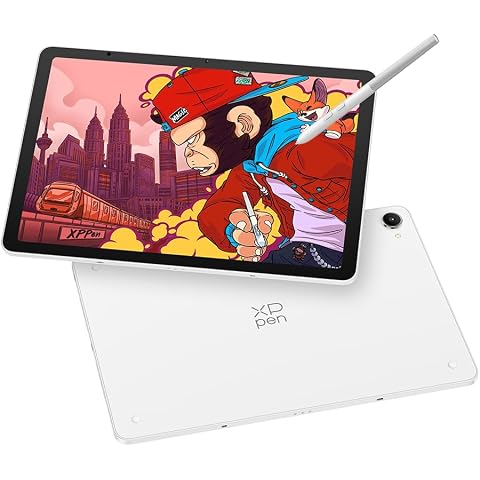
XPPen Magic Pro 13 Standalone Drawing Tablet 3K Display with 16K X4 Stylus | 12.95" Magic Pro Drawing Pad No Computer Needed with 8GB RAM/256GB Storage, 120Hz Refresh Rate, Android 16, Nano-etched Glass
$1,099.99
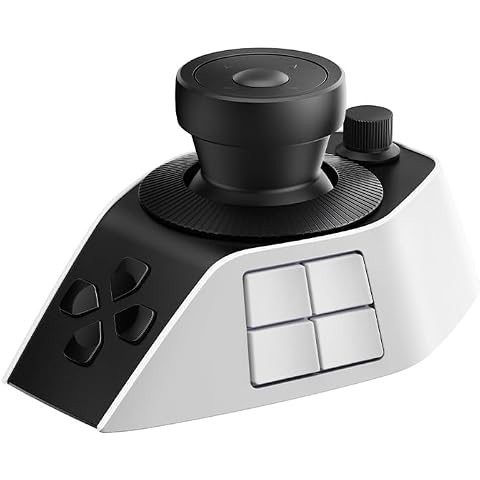
XPPen Pilot Pro Video Editing Console Wireless Controller, Drawing Bluetooth Controller Macro Keyboard with All-Way Joystick, 19 Buttons, Tri-Rotary, 24H Battery for DaVinci Resolve,Mac/PC
$199.99
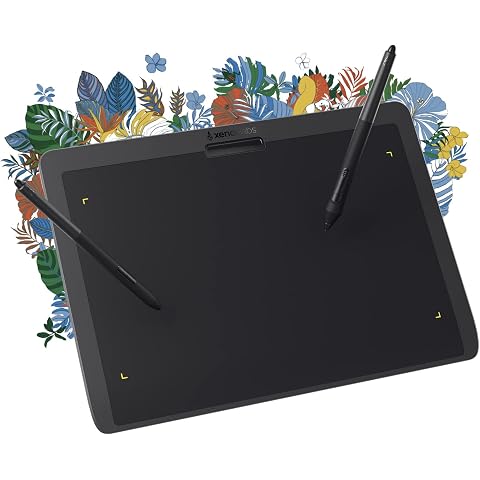
XENCELABS Drawing Tablet Medium, 10 x 6 inch Wireless Graphic Tablet, Pen Tablet with 2 Battery-Free Stylus, 8192 Levels Pressure for Windows Mac Linux, Black
$266.99
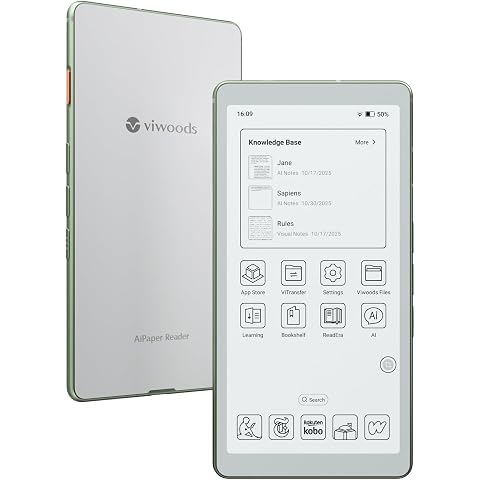
VIWOODS AiPaper Reader 6.13" Android E Ink Pocket eReader, 4G, 300 PPI | Front light, physical page-turn keys, Quick Refresh and Play Store apps keep reading smooth from commute to night.
$399.99
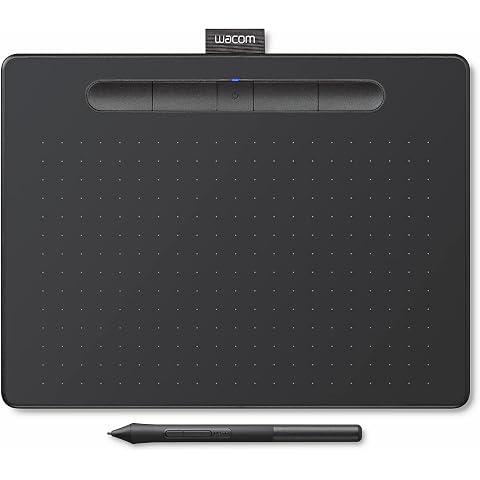
Wacom Intuos Medium Bluetooth Graphics Drawing Tablet, Portable for Teachers, Students and Creators, 4 Customizable ExpressKeys, Compatible with Chromebook Mac OS Android and Windows - Black
$158.99
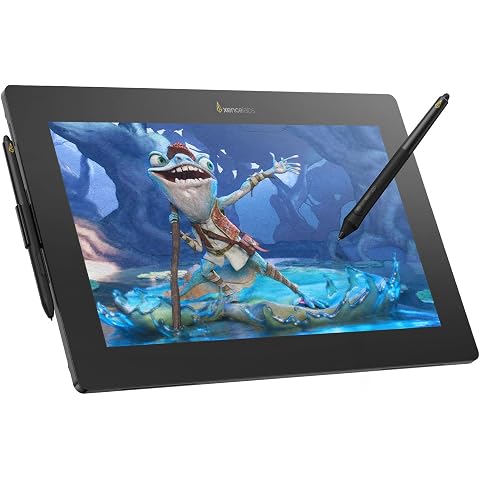
XENCELABS Pen Display 16 Lite, 4K OLED Drawing Tablet with Screen, Portable Graphic Drawing Display with 2 Battery-Free Pens for Windows/macOS/Linux
$856.00
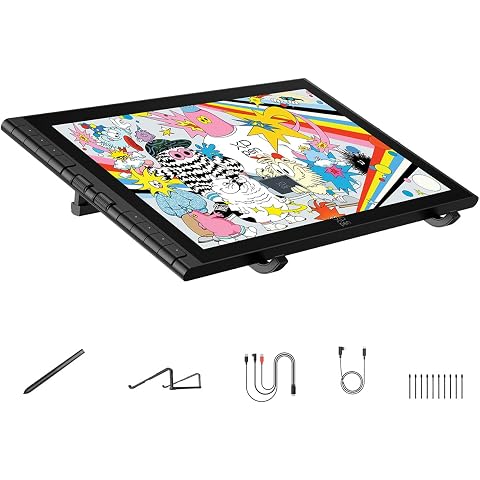
XPPen Artist 16 3rd Drawing Tablet with Screen, 15.4" Pen Display | 16K Pressure X4 Smart Chip Stylus, 2 Scroll Wheels & 8 Hotkeys, Foldable Stand, Compatible with Mac/Win/Android
$439.99
Dragon Touch 21.5" Digital Calendar Chore Chart, White | 1080P Full HD, Interactive Touchscreen, Wall Calendar, Smart Family Planner, Wall & Desk Mountable
$365.99
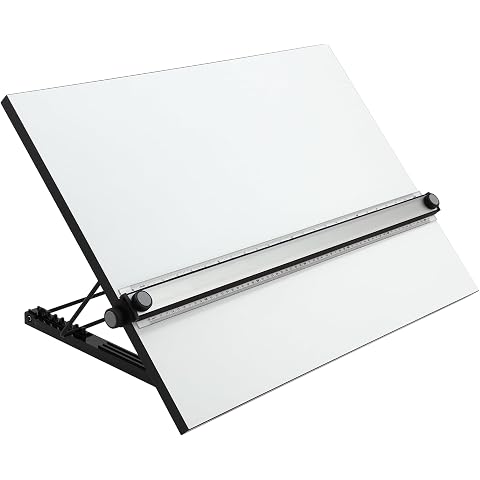
Acurit Multi-Angled 16"x21" PXB Drawing Board with Parallel Motion Bar | Portable Tabletop Workspace for Architects & Engineers, Laminated Surface with Ruler for Drawing, Drafting & Painting
$245.72
2-Pack Screen Protector for Onn 10.1 Inch Tablet 2024 Model (100135925) | Tempered Glass 9H Hardness, Anti-Scratch, Bubble-Free Installation, HD Clear
$17.98
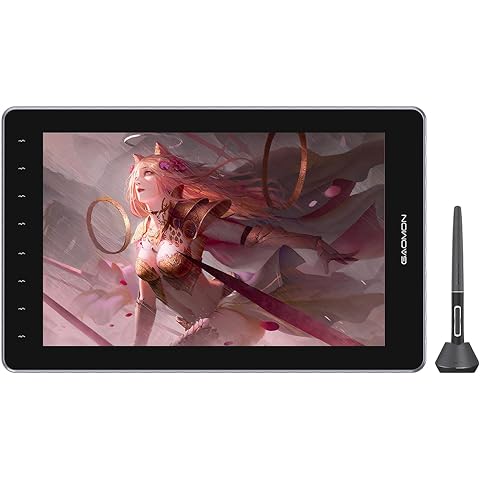
GAOMON Drawing Tablet with Screen PD1610 2.5K QHD Full-Laminated Anti-Glare Pen Display with 16:10 Aspect Ratios 120% sRGB - Graphics Drawing Tablet with 8 Touch Keys and Adjustable Stand
$525.90