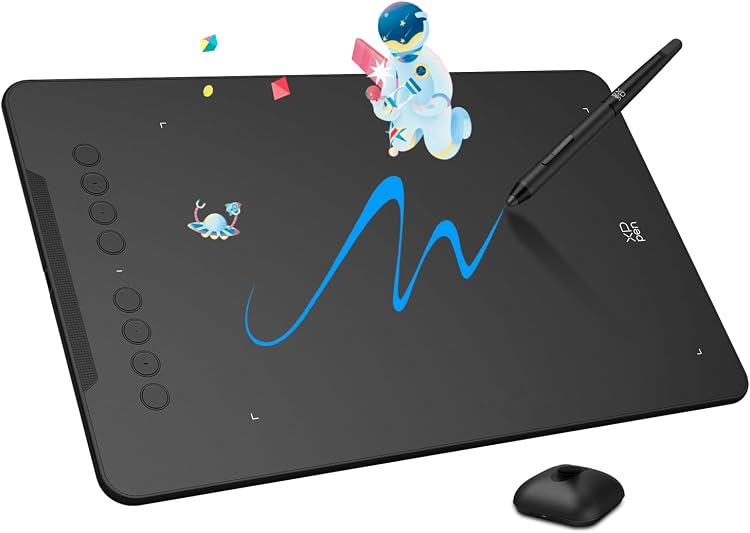
 1 / 7
XP-Pen Deco 01 V3 Drawing Tablet, 10 × 6.25 in, 16,384-Level Pressure
Level Pressure: The XP-Pen Deco 01 V3 is a USB-connected graphics tablet with a 10 × 6.25-inch active drawing area, a battery-free stylus and eight shortcut keys. It is a screenless drawing surface for compatible computers and Android devices, so artwork appears on the connected device rather than on the tablet itself.
At a glance
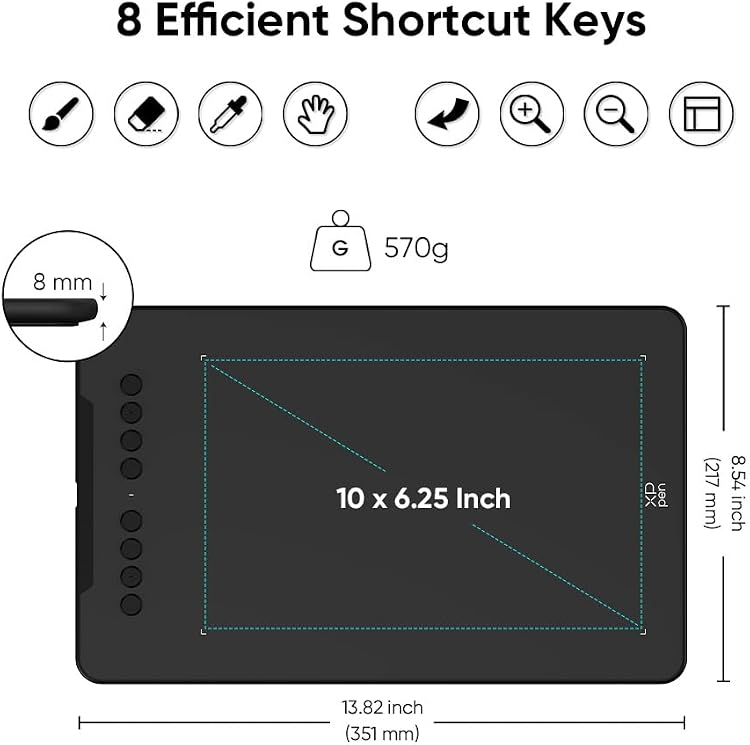
- 10 × 6.25-inch active drawing area provides room for illustration, photo editing or notes.
- The listing claims 16,384 pressure levels and tilt support up to 60 degrees for pressure- and tilt-aware brush tools.
- Battery-free stylus does not require charging, according to the listing.
- Eight programmable shortcut keys can be assigned workflow functions.
- Listed compatibility includes Windows, Mac and Android devices, with Android drawing-app examples provided.
Pros and cons
Pros
- Large active surface for a non-display graphics tablet.
- Battery-free stylus and programmable shortcut keys reduce the need for pen charging and repeated keyboard commands.
- Android support may suit drawing on a compatible phone or tablet as well as computer use.
Cons
- It is a graphics tablet rather than a pen display, so the listing does not describe a built-in drawing screen.
- The listed connection is USB, which means buyers should confirm the intended device supports the required wired connection.
Technical specifications
14 specifications| Brand | XP-Pen |
|---|---|
| Model | DECO01V3 |
| Screen size listed | 10 inches |
|---|---|
| Screen technology listed | LCD |
| Pressure sensitivity | 16384 levels |
|---|---|
| Tilt | up to 60 degrees |
| Shortcut keys | 8 programmable hot keys |
| Stylus | Battery-free |
| Connection listed | USB |
|---|---|
| Operating systems | Android 6.0 and above, MAC OS X 10.10 and above, Windows 10/8/7 |
| Compatible devices | Android, Mac, Windows |
| Dimensions listed | 35.05 x 21.59 x 0.76 cm; 570 g |
|---|---|
| Weight listed | 570 g |
| Active area | 10 x 6.25-inch |
What to know before buying
Listing details to confirm
The listing gives an LCD screen type and 10-inch screen size, but describes a graphics tablet with a 10 × 6.25-inch active area, so it is unclear whether those screen fields describe an actual display. Confirm the model and display arrangement before buying. The listing also gives two slightly different overall dimensions, 35.1L x 21.7W centimetres and 35.05 x 21.59 x 0.76 cm, while both weight entries state 570 g. Its box details only claim a stylus rather than providing an explicit package inventory, so check the selected listing for included accessories.
What’s in the box
- StylusCheck selected pack
Check which accessories are included in your selected pack before buying.
Who is it for?
A good fit for
- Artists and illustrators who want a broad screenless drawing surface for a connected computer.
- Users who want a battery-free pen and programmable shortcut keys for drawing workflows.
- Android users whose device and chosen drawing app meet the listed compatibility requirements.
Less suited to
- Buyers who want to draw directly on a built-in screen.
- People needing confirmed compatibility with an operating system or connection not listed here.

Customer reviews on Amazon
- 5 stars
71% 71% - 4 stars
16% 16% - 3 stars
7% 7% - 2 stars
2% 2% - 1 star
4% 4%
Customer feedback is generally favourable about perceived quality, functionality, ease of setup and use, and size. Customers also report mixed experiences with line quality, button responsiveness and child-friendliness. Those concerns matter for buyers relying on consistent pen strokes or shortcut controls, while the listing's pressure sensitivity and programmable keys describe claimed features rather than proving how they perform for each user.
Positive themes
- Customers praise perceived quality, functionality and ease of use.
- Some customers appreciate the tablet's size and consider it worthwhile for the price.
Mixed feedback
- Customer opinions are mixed about line quality, button responsiveness and suitability for children.
Frequently asked questions
Does the Deco 01 V3 have a screen for drawing?
The listing calls it a graphics tablet and gives an active drawing area, but also lists LCD and a 10-inch screen size. Those display details are unclear, so confirm that the selected model matches your expectation for a screenless tablet or pen display.
Does its stylus need charging?
The listing describes the stylus as battery-free and says it requires no charging.
Which devices and operating systems are listed as compatible?
The listing names Android 6.0 and above, Mac OS X 10.10 and above, and Windows 10/8/7. It also specifies USB connectivity, so check your device's connection support.
How large is the drawing surface?
The listed active area is 10 x 6.25-inch.
Alternative options
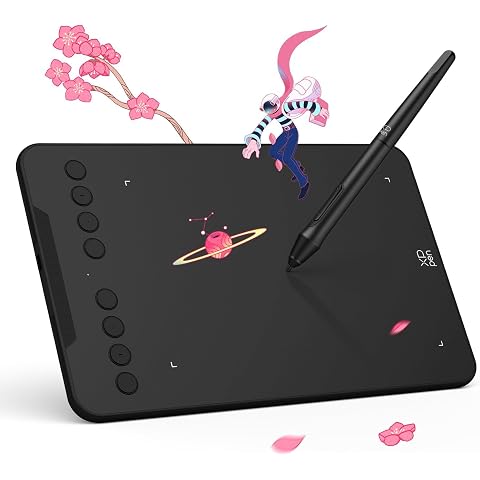
XPPen Graphics Drawing Tablet - 7x4 inch Deco Mini 7 Digital Drawing Pad with 8 Shortcut Keys and 8192 Levels Pressure Sensitivity Battery-Free Stylus for Remote Working and Teaching Online Classes
$43.99
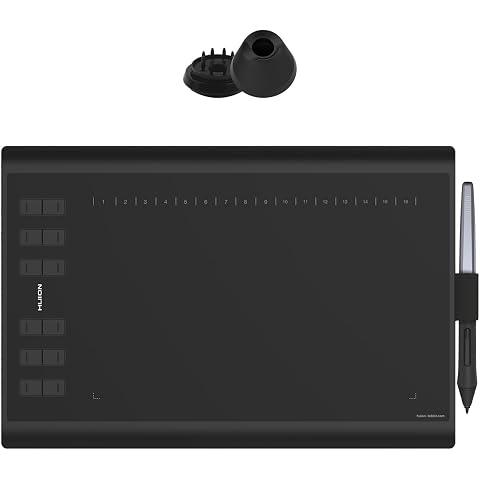
Drawing Tablet HUION Inspiroy H1060P Graphics Tablet, 10x6.25 inch | Drawing Pad with 8192 Pressure Sensitivity, Battery-Free Stylus, Compatible with PC, Chromebook, Android, Mac
$46.16
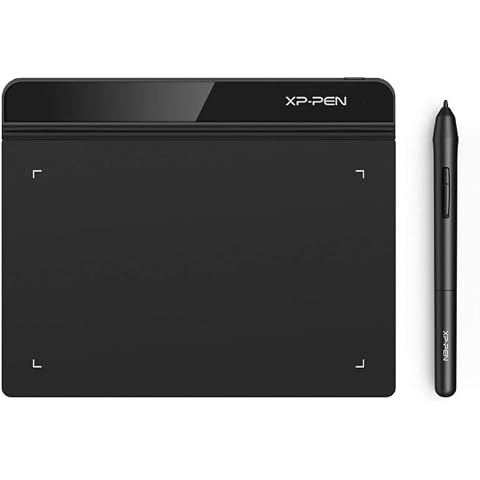
XP-Pen StarG640 6x4 Inch Ultrathin Tablet Drawing Tablet Digital Graphics Tablet Battery-Free Stylus for OSU Game and Teaching Online Classes -Rev B
$35.19
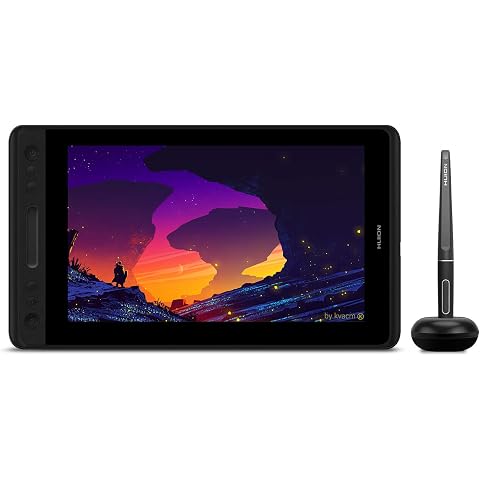
HUION Graphic Drawing Tablet with Screen Kamvas Pro 12 Full-Laminated Pen Display Tilt Function Battery-Free Stylus 8192 Pen Pressure, Compatible with Chromebook, Windows, Mac and Linux
$179.54
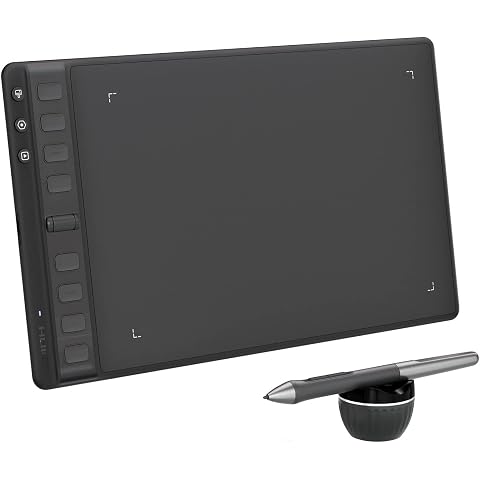
HUION Drawing Tablets Inspiroy 2 M with Scroll Wheel 8 Customized Keys | Battery-Free Stylus,Works with Mac, PC & Moible, 9 * 5 inch- Black
$79.99
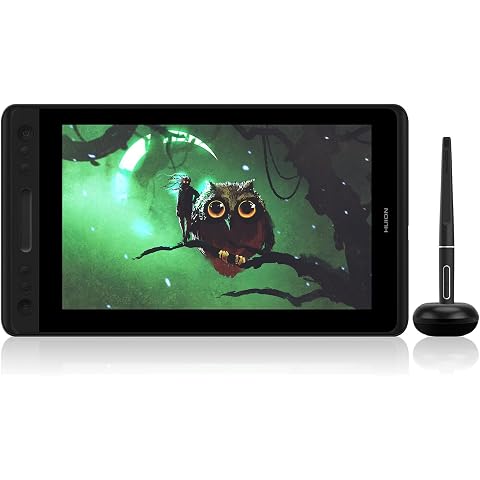
HUION KAMVAS Pro 12 Digital Drawing Tablet with Screen | Full Laminated Graphics Display, Battery-Free Stylus, 8192 Pen Pressure, Tilt Touch Bar, 11.6inch
$189.52
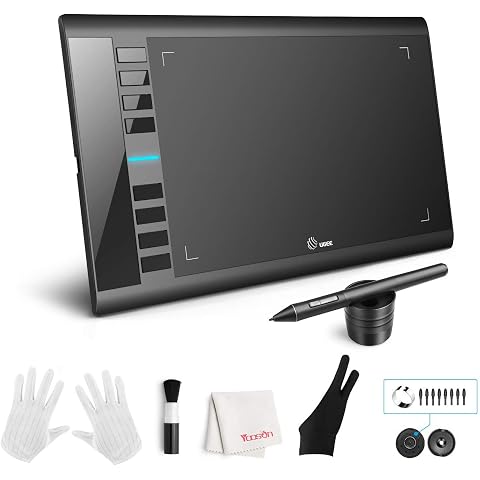
Ugee M708 Drawing Tablet, 10x6in 3D Digital with 8192 Level Batery Free Tilt Pen, 8 Hot Keys,Art,Design,Creation Tablet for PC with Windows 11/10/8/7, Mac OS 10.10 or Above
$59.99
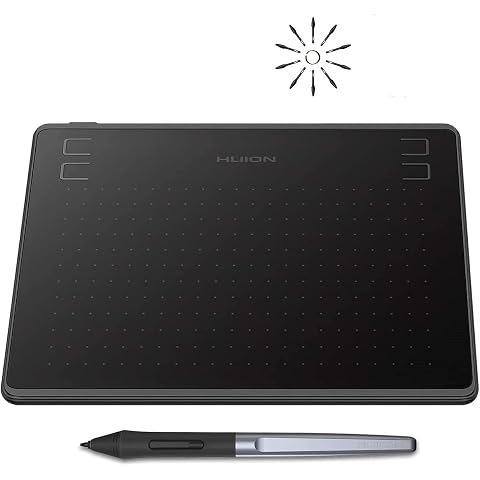
HUION HS64 Graphics Drawing Tablet with Battery-Free Stylus PW100 for Android Windows Mac Linux
$34.19
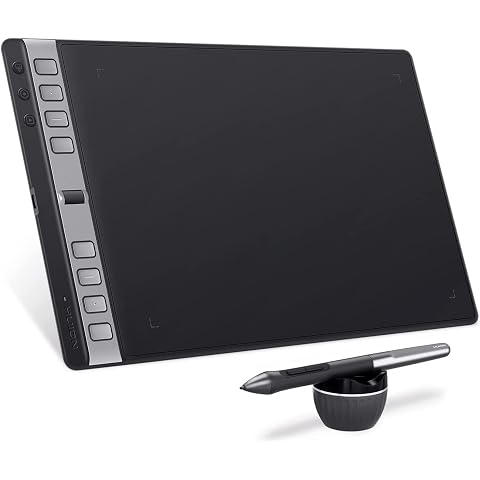
HUION Drawing Tablets Inspiroy 2 L with Scroll Wheel, 10 * 6 inch-Large | Scroll Wheel, 8 Customized Keys, Battery-less Stylus, Works with Mac, PC & Mobile
$110.49
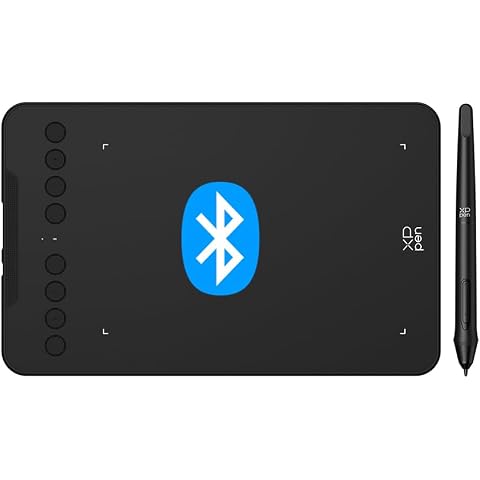
XPPen Bluetooth Graphics Drawing Tablet - Deco mini7W v2 with 16384 Battery Stylus, 7"x 4.37" Art Pen Tablet, Digital Art Tablet Supports 16384 Levels, Digital Painting Pad
$67.99
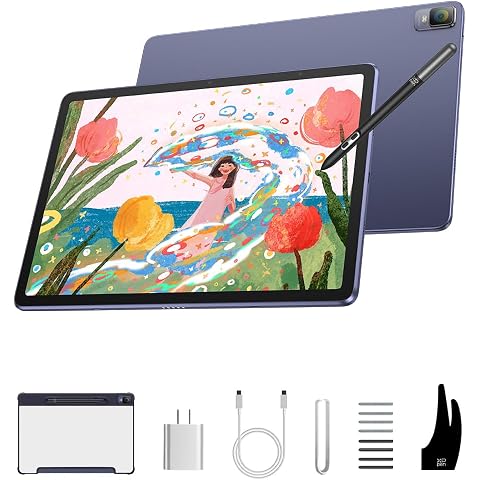
XPPen Magic Drawing Pad Standalone Drawing Tablet, X3 Pro Stylus, 12.2 inch | No Computer Needed, 16384 Pressure Levels, Paper-Like Screen, 8GB + 256GB, Portable for Artists
$636.49
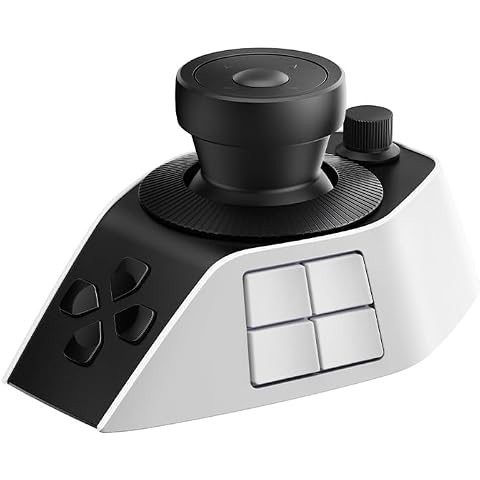
XPPen Pilot Pro Video Editing Console Wireless Controller, Drawing Bluetooth Controller Macro Keyboard with All-Way Joystick, 19 Buttons, Tri-Rotary, 24H Battery for DaVinci Resolve,Mac/PC
$199.99
Products with discounts that might interest you
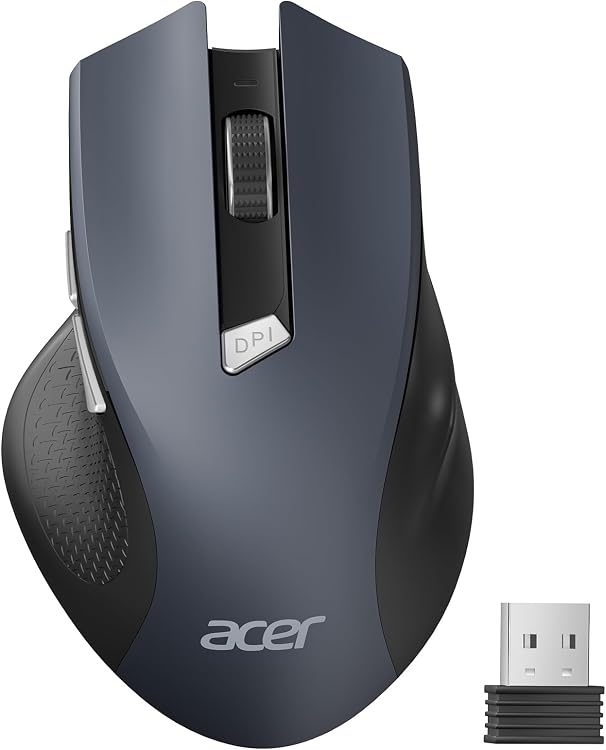
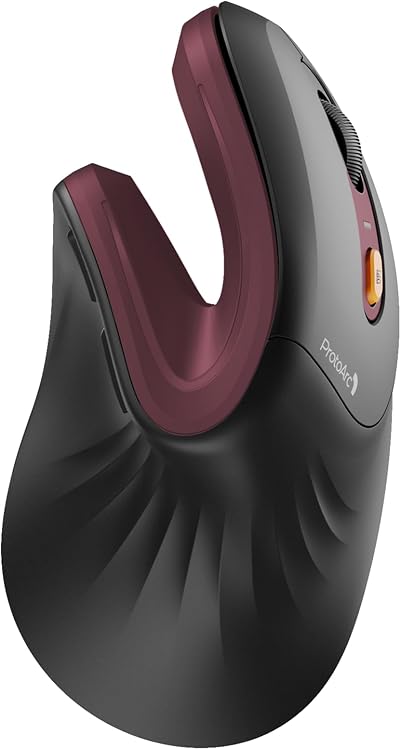
Offer details
- The Prime savings offer is conditional on Amazon Prime eligibility.