 1 / 7
XP-Pen Deco 01 Drawing Tablet, 16,384-Level Pressure
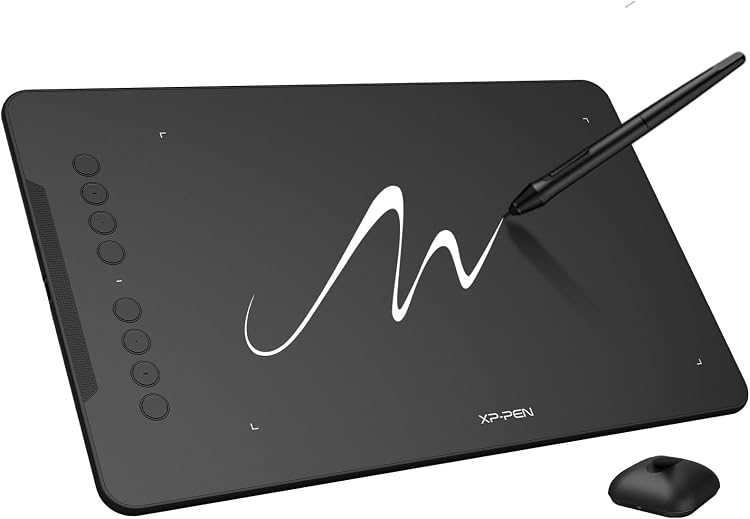
Level Pressure: The XP-Pen Deco 01 is a USB-connected graphics tablet for drawing on a compatible computer or Android device. Its listing describes a battery-free stylus and eight customizable shortcut keys, but the page mixes Deco 01 details with claims naming other Deco variants, so confirm the selected model before purchase.
At a glance
- The listing describes a battery-free stylus with 16,384 pressure levels, so no pen charging is claimed.
- Eight customizable express keys include a one-click pen-to-eraser toggle in the feature description.
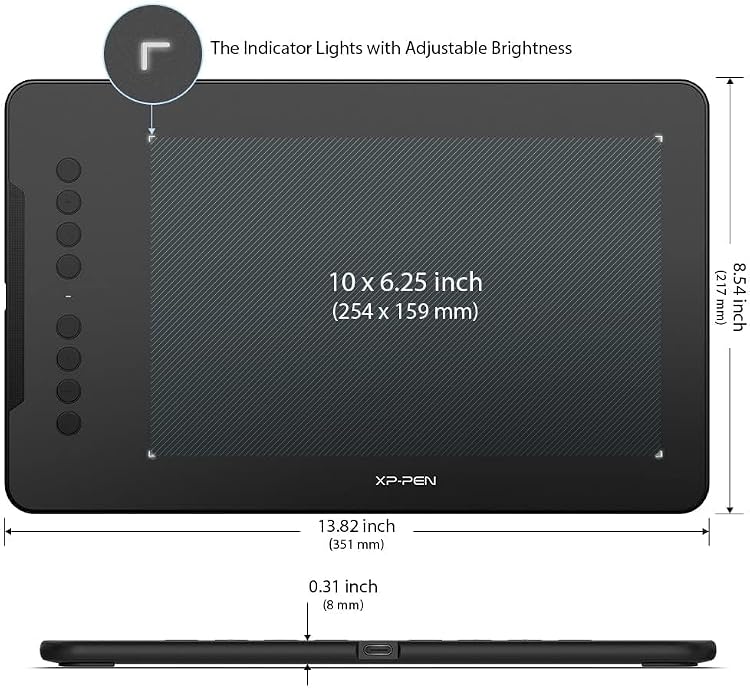
- A stated 10 x 6.25 inch working area offers space for drawing and other pen input.
- The listing says it is designed for right- and left-handed use.
Reference price: $99.99
Price checked: Nov 22, 2026
View offerBlack Friday weekExplore the selectionPros and cons
Pros
- Battery-free stylus avoids charging the pen.
- Customizable shortcut keys can put drawing commands within reach.
- Customer feedback reports easy setup and positive experiences with pen pressure.
Technical specifications
11 specifications| Brand | XP-Pen |
|---|---|
| Model | Deco 01 |
| Screen size listed | 10 inches |
|---|---|
| Screen technology listed | LCD |
| Connection listed | USB |
|---|---|
| Pen pressure | 16384 levels |
| Shortcut keys | 8 fully customizable express keys |
| Dimensions and weight listed | 35.1 x 21.7 x 0.8 cm; 1 kg |
|---|---|
| Weight listed | 1000 g |
| Working area claimed | 10 x 6.25 inch |
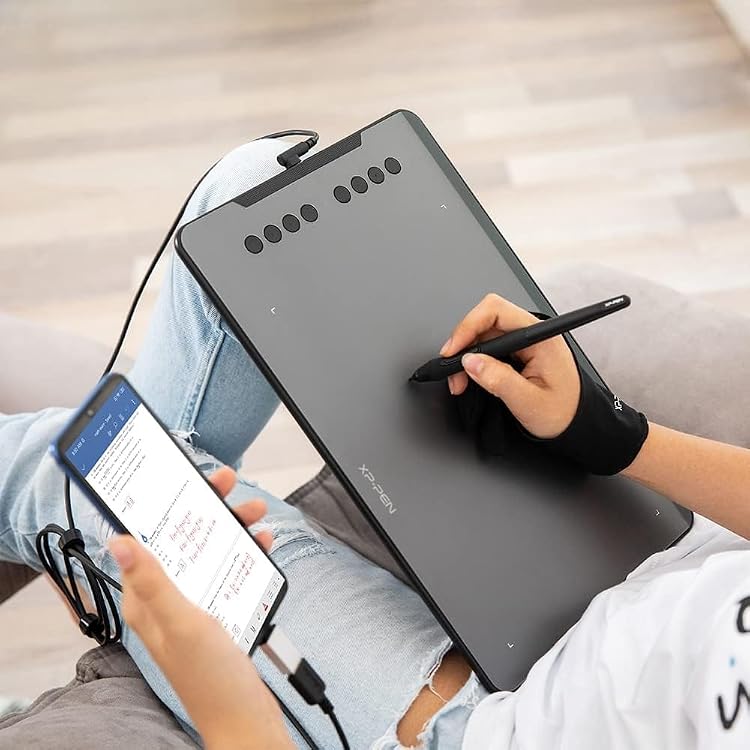
| Operating systems claimed | Windows 11/10/8/7, MAC OS X 10.10 or above and Android 6.0 or above and Chrome OS 88.0.4324.109 or above. |
|---|
What to know before buying
Listing details to confirm
The listing is inconsistent about the tablet identity and specifications: the title says Deco 03, the model field says Deco 01, feature text names Deco 02V3, and other content names Deco 01 V3. The listed LCD, 10-inch screen and 1920x1080 resolution also conflict with the described drawing pad and its 10 x 6.25 inch working area. Treat those display details as unconfirmed and check the exact model and configuration before buying. The page also gives differing compatibility statements, including Android 10 or later in one field and Android 6.0 or above elsewhere. Shortcut keys are said not to work under Chrome OS, and Bluetooth and iPhone/iPad support are explicitly not claimed.
What’s in the box
- Digital penCheck selected pack
- GloveCheck selected pack
- Pen holderCheck selected pack
- StylusCheck selected pack
Check which accessories are included in your selected pack before buying.
Who is it for?
A good fit for
- Digital drawing, sketching or animation on a compatible computer or Android device.
- People who want a battery-free pen and programmable shortcut keys.
- Students or teachers using a graphics tablet for drawing or online education.
Less suited to
- Anyone specifically seeking a drawing display, as the described working area is a tablet input surface and the page's LCD and resolution details are disputed.
- Buyers needing Bluetooth or iPhone/iPad compatibility, which the listing says are unsupported.
- Chrome OS users relying on shortcut keys, which the listing says do not work on that system.
Customer reviews on Amazon
- 5 stars
68% 68% - 4 stars
18% 18% - 3 stars
8% 8% - 2 stars
2% 2% - 1 star
4% 4%
Customer feedback describes the tablet as easy to install and use, with positive reports about pen pressure and its suitability for beginning digital art and animation. Some customers report mixed button and overall responsiveness. Those concerns may matter when relying on the customizable keys or responsive pen input, so consider them alongside the listed shortcut controls and pressure sensitivity, which are product claims rather than proof of customer experience.
Positive themes
- Customers report easy installation and ease of use.
- Customers praise pen pressure and describe it as suitable for beginning digital art and animation.
Mixed feedback
- Customer feedback is mixed about button responsiveness and overall responsiveness.
Frequently asked questions
Does the Deco 01 have a screen for drawing?
The listing describes a working area for pen input, but also gives disputed LCD and resolution specifications. Confirm the exact model and whether it is a screen tablet before buying.
Does the stylus need charging?
The feature description calls the stylus battery-free and says no charging is required.
Can it connect to an iPhone or iPad?
The listing says it does not work with iPhone or iPad and does not support Bluetooth. It claims Android compatibility, though the stated minimum version varies across the page.
Do shortcut keys work with Chrome OS?
The listing says the tablet supports Chrome OS but that shortcuts do not work under Chrome OS.
Alternative options
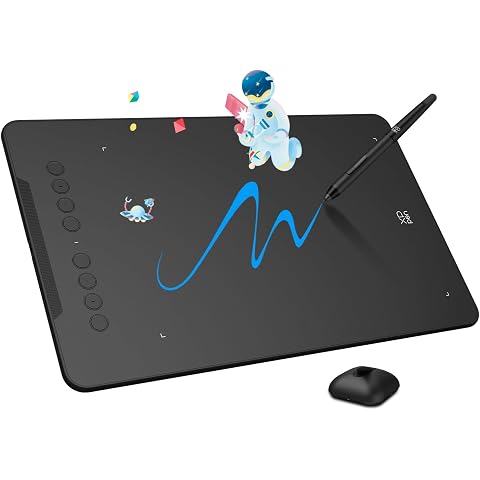
XP-Pen Deco 01 V3 Drawing Tablet, 10x6.25 Inch, 16384 Levels Pressure | Graphic Tablet, Battery-Free Stylus with Tilt Function, 8 Shortcut Keys, Compatible with PC, Chromebook, Android, MAC
$49.99
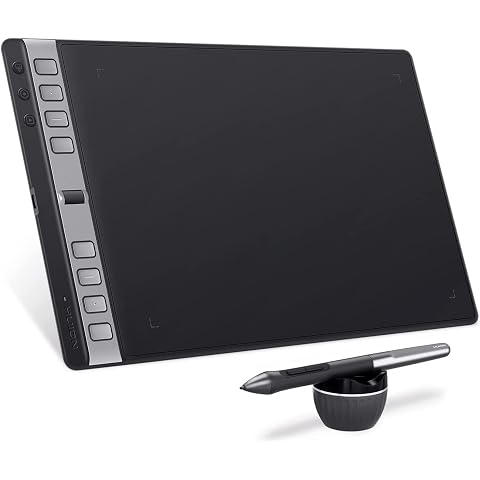
HUION Drawing Tablets Inspiroy 2 L with Scroll Wheel, 10 * 6 inch-Large | Scroll Wheel, 8 Customized Keys, Battery-less Stylus, Works with Mac, PC & Mobile
$110.49
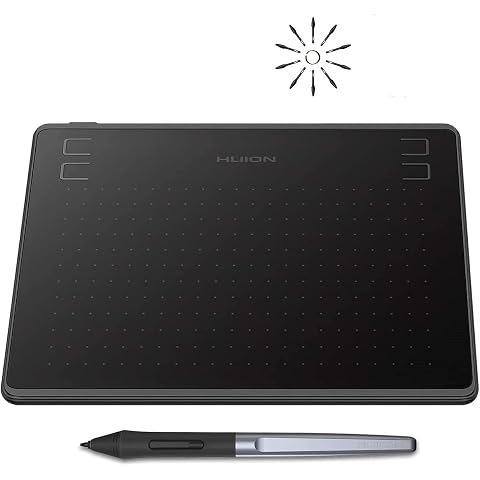
HUION HS64 Graphics Drawing Tablet with Battery-Free Stylus PW100 for Android Windows Mac Linux
$34.19
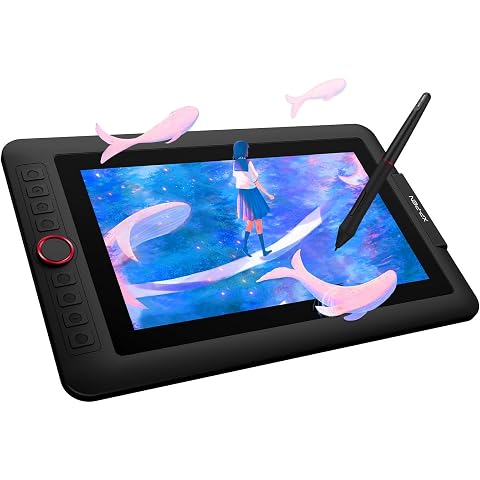
XPPen Artist 12 inch Version Drawing Tablet with Screen 8192 Stylus | Drawing Monitor with Full Laminated Glass, 8 Shortcut Keys & Red Dial Tilt Support, Battery-Free Stylus
$184.79
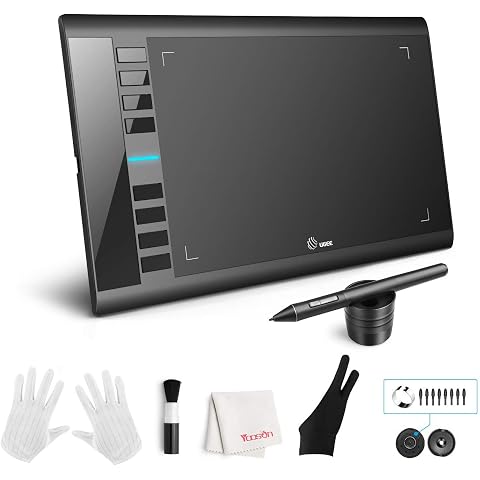
Ugee M708 Drawing Tablet, 10x6in 3D Digital with 8192 Level Batery Free Tilt Pen, 8 Hot Keys,Art,Design,Creation Tablet for PC with Windows 11/10/8/7, Mac OS 10.10 or Above
$59.99
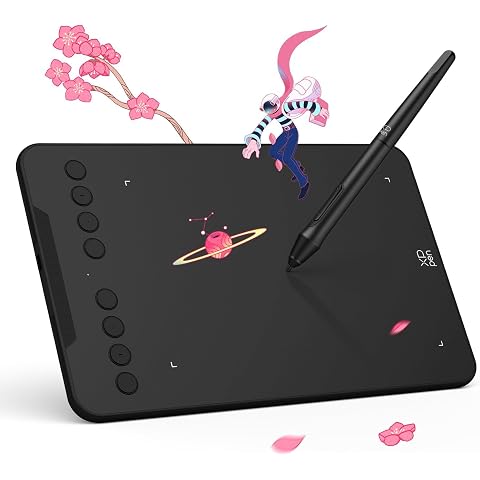
XPPen Graphics Drawing Tablet - 7x4 inch Deco Mini 7 Digital Drawing Pad with 8 Shortcut Keys and 8192 Levels Pressure Sensitivity Battery-Free Stylus for Remote Working and Teaching Online Classes
$43.99
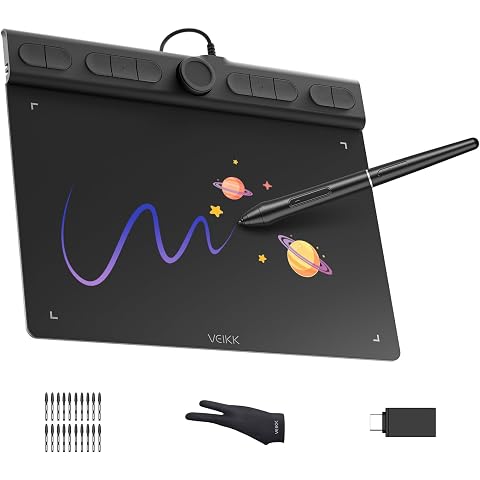
VEIKK VK850 Drawing Tablet,8x5 inch Art Tablet with16384 Pen Pressure | 10 Customized Keys +1 Quick Dial,Battery-Free Stylus,Graphics Tablet for Digital Art,Design,Sketch,Work with Mac,PC & Mobile
$39.99
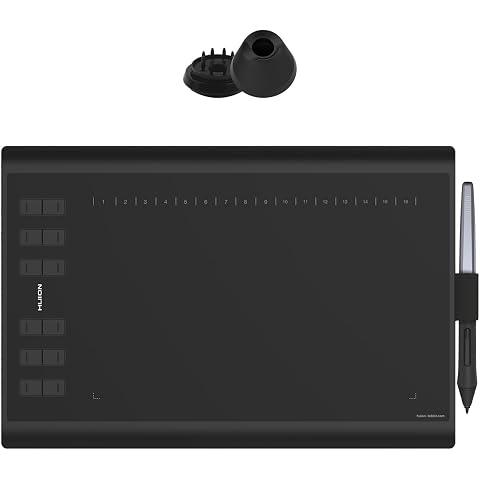
Drawing Tablet HUION Inspiroy H1060P Graphics Tablet, 10x6.25 inch | Drawing Pad with 8192 Pressure Sensitivity, Battery-Free Stylus, Compatible with PC, Chromebook, Android, Mac
$46.16
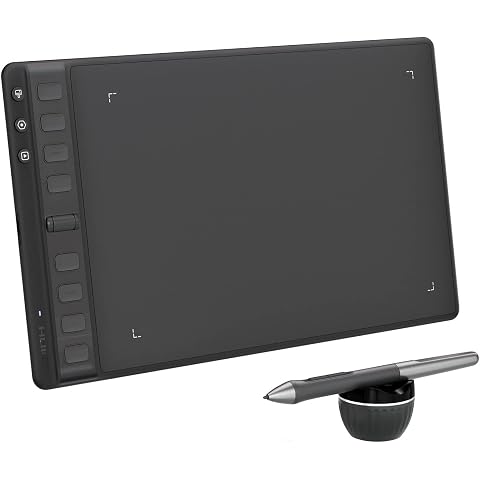
HUION Drawing Tablets Inspiroy 2 M with Scroll Wheel 8 Customized Keys | Battery-Free Stylus,Works with Mac, PC & Moible, 9 * 5 inch- Black
$79.99
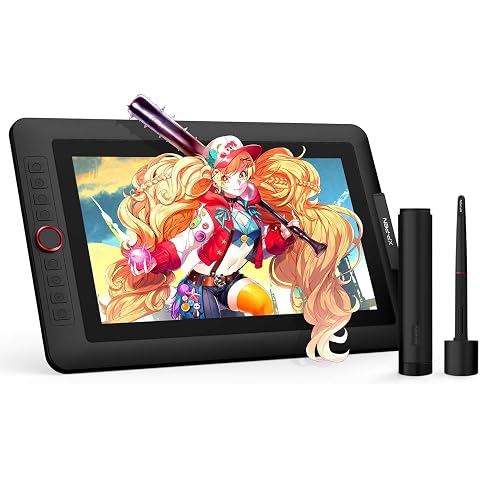
XPPen Artist 13.3 Pro v2 Drawing Tablet with Screen, Full-Laminated Display | Drawing Tablet , 16384 Pen Pressure Levels, 8 Shortcut Keys & Red Dial, Adjustable Stand, 125% sRGB, PC/Mac/Android
$263.99
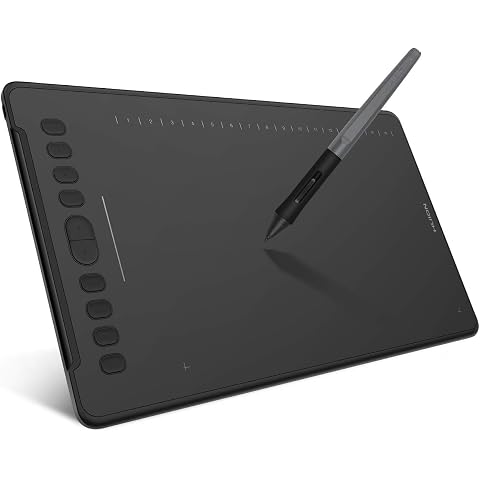
HUION Inspiroy H1161 Graphics Drawing Tablet, Black | Touch Strip, 8192 Pen Pressure, Battery-Free Stylus, 10 Shortcut Keys, Compatible with Android, Windows, and Mac
$75.99
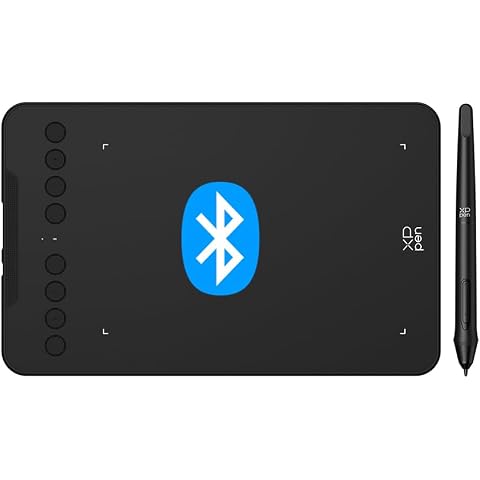
XPPen Bluetooth Graphics Drawing Tablet - Deco mini7W v2 with 16384 Battery Stylus, 7"x 4.37" Art Pen Tablet, Digital Art Tablet Supports 16384 Levels, Digital Painting Pad
$67.99