 1 / 7
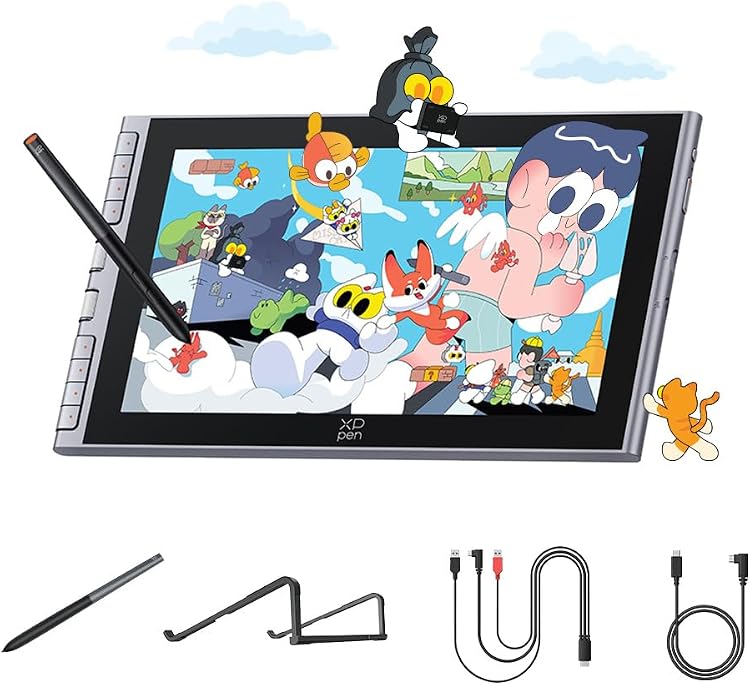
XP-Pen Artist 12 3rd 11.9-inch Drawing Display
XP-Pen Artist 12 3rd is an 11.9-inch pen display for drawing and other computer-based creative work. Its screen, shortcut controls and pressure-sensitive stylus are aimed at artists who want to draw directly on a display, while its connection requirements mean it is not a standalone tablet.
At a glance
- The 11.9-inch, 1920x1080 screen lets you work directly on the drawing surface.
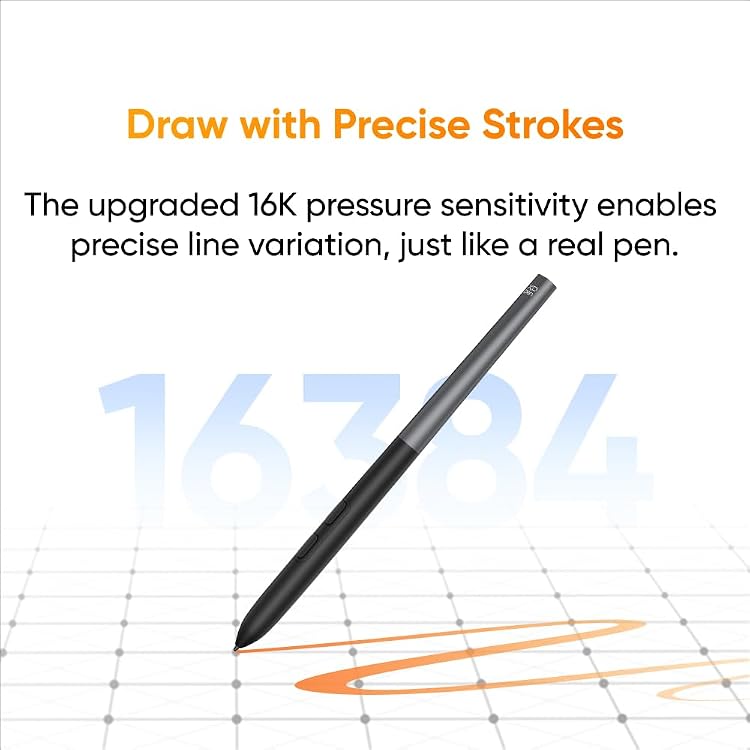
- The listing claims 16,384 pressure levels and an X4-chip stylus.
- Full-laminated etched glass is described as anti-glare and anti-fingerprint.
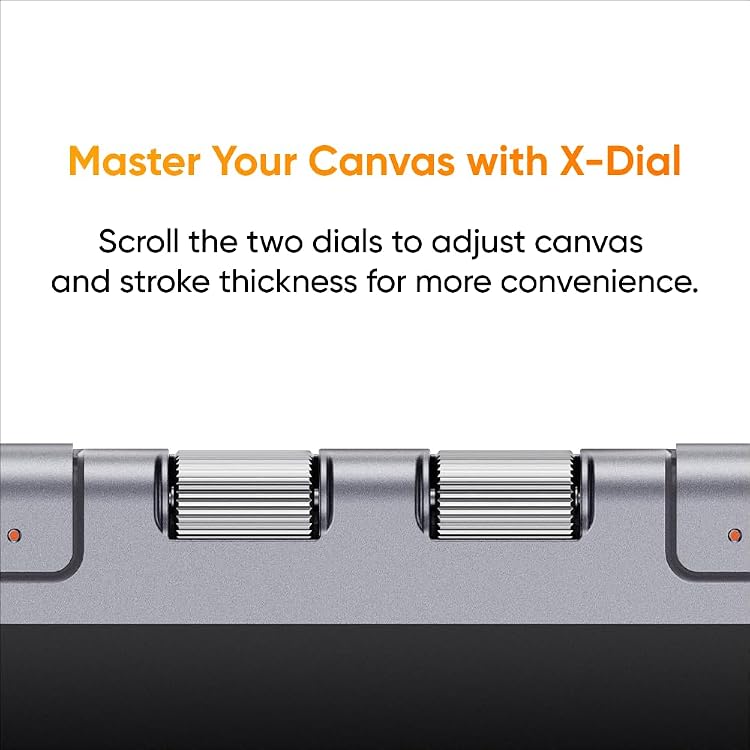
- Dual rollers and eight shortcut keys provide on-device controls for creative workflows.
- The listing names Android, ChromeOS, Linux, Windows and macOS compatibility, but connection requirements vary by setup.
Reference price: $299.99
Price checked: Nov 21, 2026
View offerBlack Friday weekExplore the selectionOften bought together
Pros and cons
Pros
- Screen-based drawing combines the pen input surface and image in one device.
- Dual rollers and eight shortcut keys can reduce reliance on keyboard shortcuts for supported applications.
- The advertised 99% sRGB gamut and OSD management offer colour-space controls for creative work.
Cons
- The 11.9-inch display may feel compact for workflows that benefit from a larger drawing area.
- This is a pen display rather than a standalone tablet, so it needs a connected host device to work.
Technical specifications
11 specifications| Brand | XP-Pen |
|---|---|
| Model | Artist 12 3rd |
| Screen size | 11.9 inches |
|---|---|
| Native resolution | 1920x1080 |
| Colour gamut claim | 99% sRGB |
| Pressure sensitivity | 16384 levels |
|---|---|
| Stylus technology | X4 Smart Chip Technology |
| Connection listed | USB |
|---|---|
| Operating systems listed | Android 10.0 or later, ChromeOS 88 or later, Linux, Windows 7 or later, macOS 10.13 or later |
| Dimensions | 30.2L x 30.2W centimetres |
|---|---|
| Colour | Grey |
What to know before buying
Listing details to confirm
Listing details are inconsistent about connection and use: a product description says the display must connect to a computer via HDMI and USB, while other claims mention USB-C and direct Android connection. It is also described as a single-cable option, so check the required ports and cable arrangement for your device before buying. The stylus is claimed as included, but the keyboard/control listing is not a clear package inventory. Stylus weight is stated as both 712g and 719g in separate claims.
What’s in the box
- X4 stylusCheck selected pack
- Keyboard or control deviceCheck selected pack
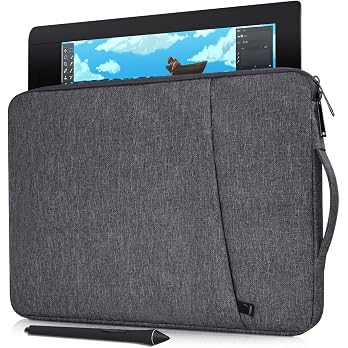
Check which accessories are included in your selected pack before buying.
Who is it for?
A good fit for
- Digital artists and students who want to draw on a compact screen connected to a computer or compatible Android device.
- Illustrators who may benefit from pressure-sensitive input, roller controls and shortcut keys.
- Users doing annotation, photo editing or creative work on a supported host system.
Less suited to
- Anyone seeking a standalone Android drawing tablet that works without a connected computer or compatible device.
- Buyers who need a large canvas or have not confirmed compatible ports and connection cables for their setup.
Customer reviews on Amazon
- 5 stars
79% 79% - 4 stars
14% 14% - 3 stars
3% 3% - 2 stars
2% 2% - 1 star
2% 2%
Aggregate ratings are predominantly five-star, with a smaller spread across lower star categories. That suggests broadly favourable overall ratings, but ratings alone do not establish what customers liked or identify particular drawbacks. For buyers, the listed screen size and host-device connection requirements are practical points to assess independently of the rating pattern.
Frequently asked questions
Does the Artist 12 3rd work by itself?
No. The product description says it is a pen display that must connect to a computer, and is not a standalone device. Other listing claims mention direct Android connection, so confirm the specific connection requirements for your device.
What screen resolution does it list?
The listed native resolution is 1920x1080, with an 11.9-inch screen.
Which operating systems are listed as compatible?
The listing names Android 10.0 or later, ChromeOS 88 or later, Linux, Windows 7 or later and macOS 10.13 or later. Confirm the connection method and application compatibility for your setup.
What controls are described?
The feature description lists two roller wheels and eight tactile shortcut keys. The box contents are not established by that feature description.
Alternative options
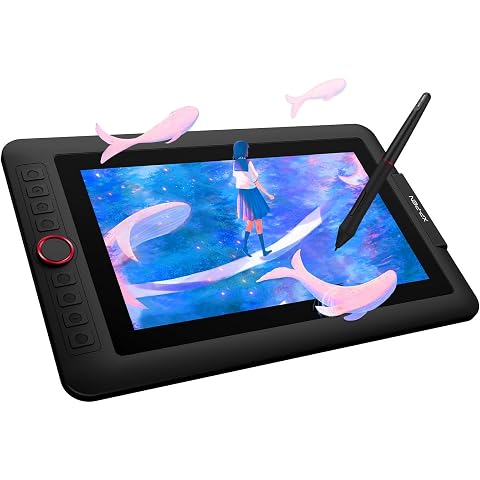
XPPen Artist 12 inch Version Drawing Tablet with Screen 8192 Stylus | Drawing Monitor with Full Laminated Glass, 8 Shortcut Keys & Red Dial Tilt Support, Battery-Free Stylus
$184.79
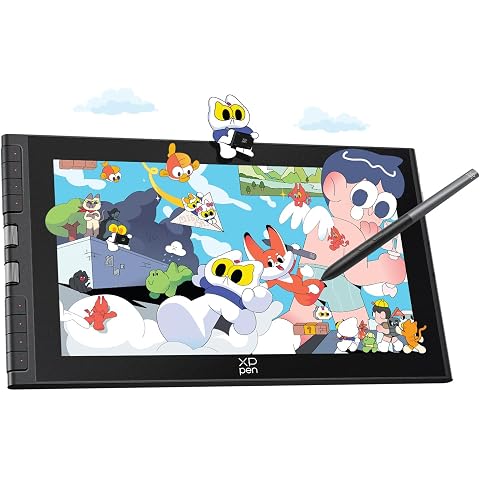
XP-Pen Artist 12 3rd Drawing Tablet with Screen | Portable Graphic Pen Display Tablet, X4 Stylus 16384 Pen Pressure, 99% sRGB Fully-Laminated Display
$239.99
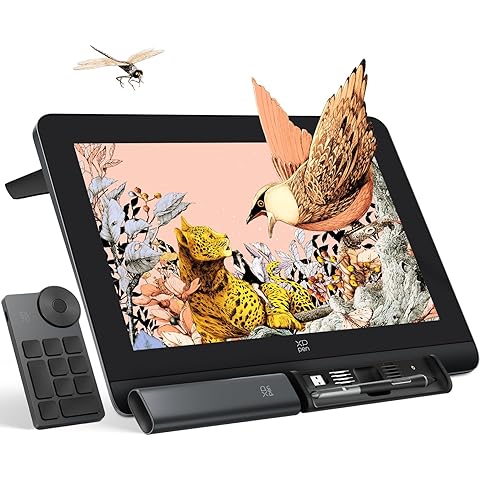
XPPen Artist Pro 16 Gen2 Drawing Tablet with Screen, 2.5K QHD | Graphic Tablet, 16384 Pressure Levels X3 Pro Battery-Free Stylus 159% sRGB with ACK05 Mini Keydial,16‘’
$499.99
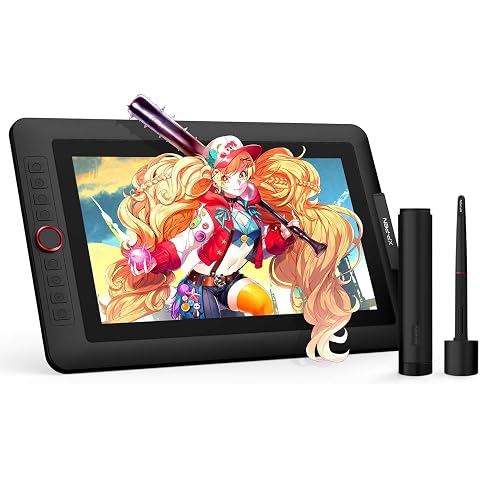
XPPen Artist 13.3 Pro v2 Drawing Tablet with Screen, Full-Laminated Display | Drawing Tablet , 16384 Pen Pressure Levels, 8 Shortcut Keys & Red Dial, Adjustable Stand, 125% sRGB, PC/Mac/Android
$263.99
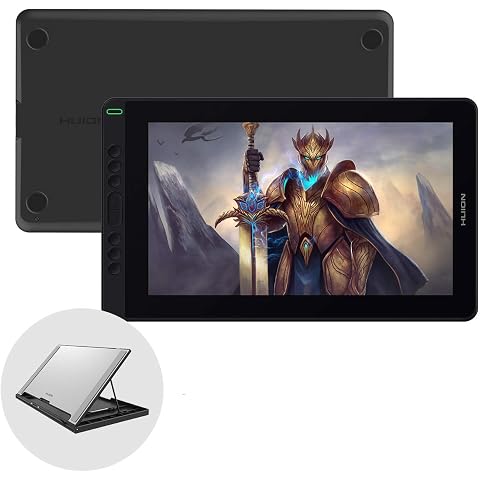
HUION Graphic Drawing Tablet Kamvas 13 Pen Display Tilt Function Battery-Free Stylus 8192 Pen Pressure 13.3inch with Adjustable Stand, for Remote Working, Online Education
$249.99
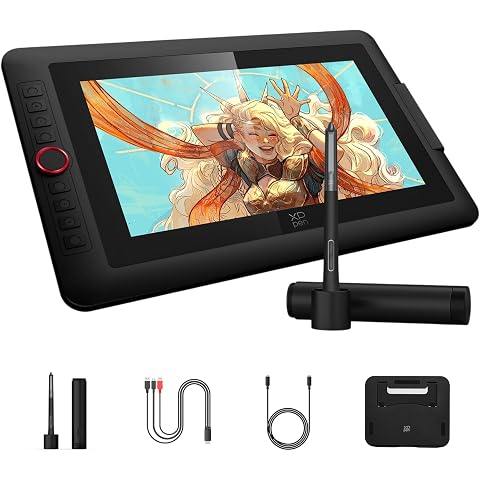
XPPen Artist 13.3 Pro V2 Drawing Tablet with Screen,125% sRGB Graphic Tablet for 13.3" Full-Laminated Art Tablet with Anti-Glare Glass, Dial for PC, Mac, Android, Linux Black,16384 Pen Pressure
$279.99
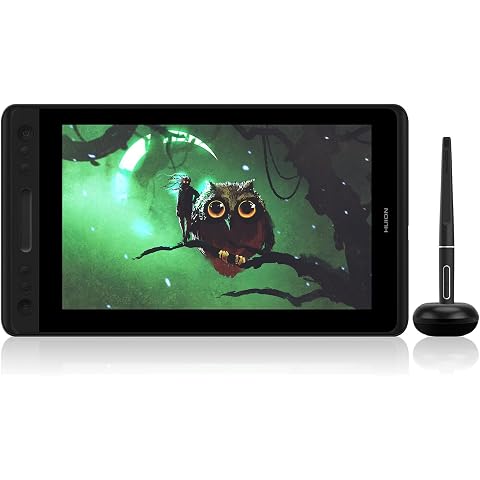
HUION KAMVAS Pro 12 Digital Drawing Tablet with Screen | Full Laminated Graphics Display, Battery-Free Stylus, 8192 Pen Pressure, Tilt Touch Bar, 11.6inch
$189.52
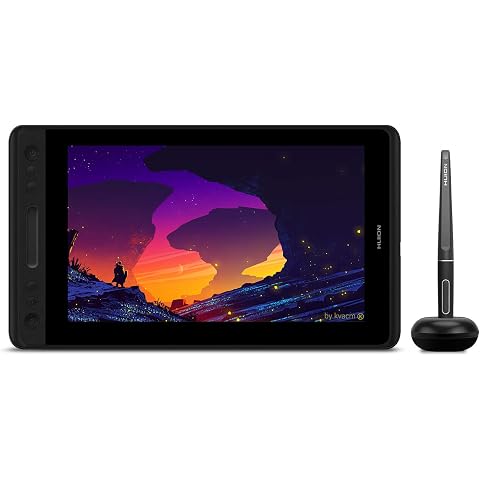
HUION Graphic Drawing Tablet with Screen Kamvas Pro 12 Full-Laminated Pen Display Tilt Function Battery-Free Stylus 8192 Pen Pressure, Compatible with Chromebook, Windows, Mac and Linux
$179.54
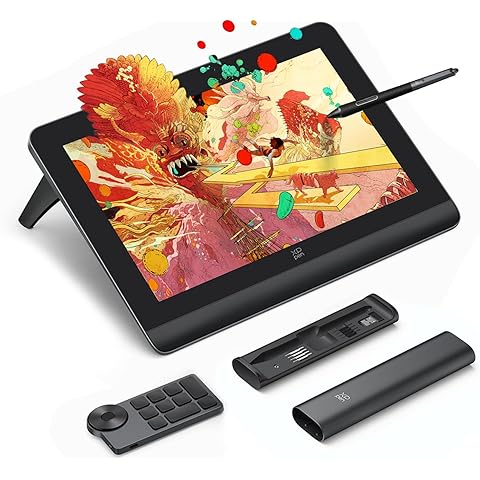
Drawing Tablet with Screen - XPPen Artist Pro 14 Gen2 16:10 Full-Lamination Monitor, 16384 Pressure Levels 123% SRGB Graphic Display with Stand and Bluetooth Keydial for Digital Sketch Illustration
$439.99
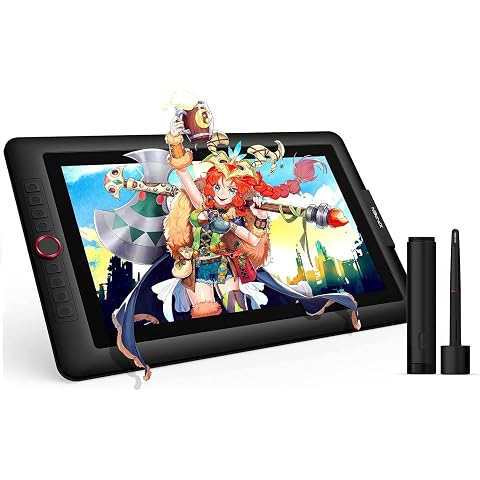
XP-PEN Artist15.6 Pro v2 Drawing Tablet Pen Display Graphics Monitor with Screen, 16384 Levels Pen Pressure Full-Laminated Technology, 8 Shortcut Keys Work for PC Mac Linux Android
$351.99
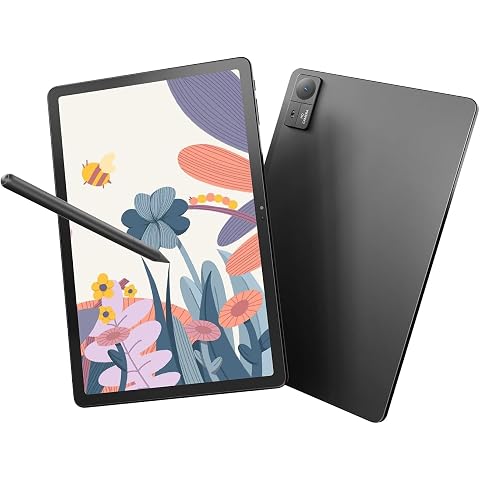
HUION Kamvas Slate 11 Standalone Drawing Tablet, 11-inch Digital Art Tablet | Android 14 No Computer Needed, 90Hz Refresh Rate, Anti-Glare Full-Laminated Screen, 8GB+128GB 1TB Expand
$397.46
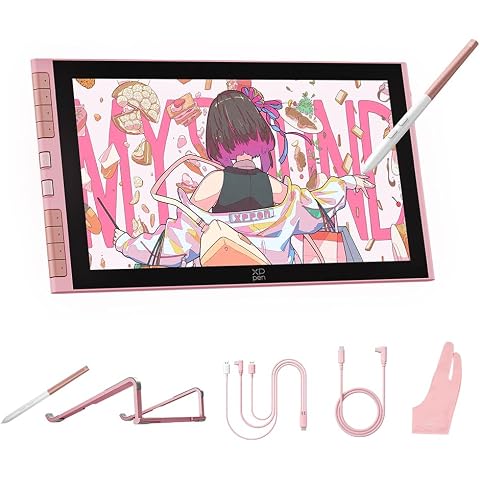
XPPen Artist 12 3rd 11.9" Drawing Tablet with Screen, Pink | X4 Stylus 16384 Pen Pressure, Full-Laminated Anti-Glare Glass Pen Display for Digital Art, Animation, Artists, Beginners
$279.99