 1 / 7
VRAJJTY Presentation Clicker, USB-A Receiver
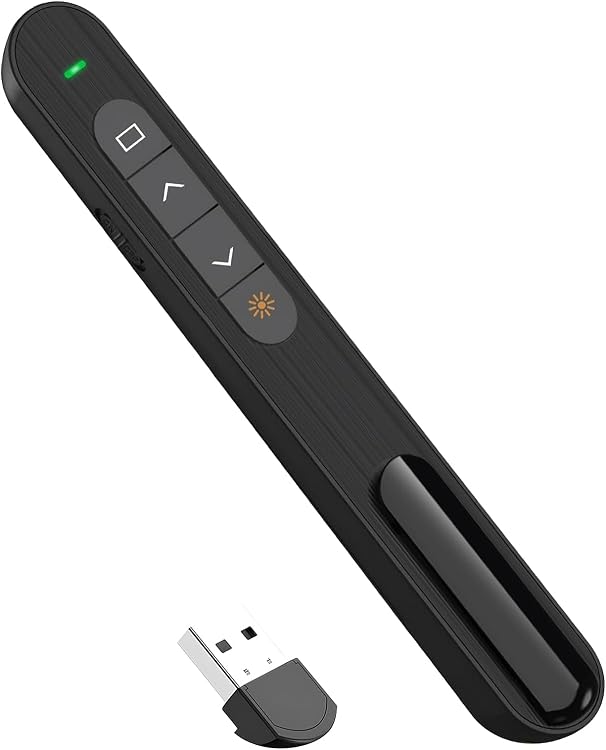
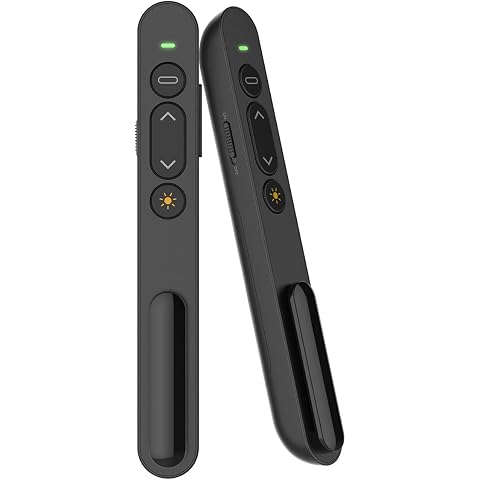
USB-A: The VRAJJTY presentation clicker is a wireless remote for advancing slides and operating basic presentation functions from a compatible computer. Its compact design and stored USB receiver suit presenters who want to move away from the computer, while the listing does not specify wireless range or battery type.
At a glance
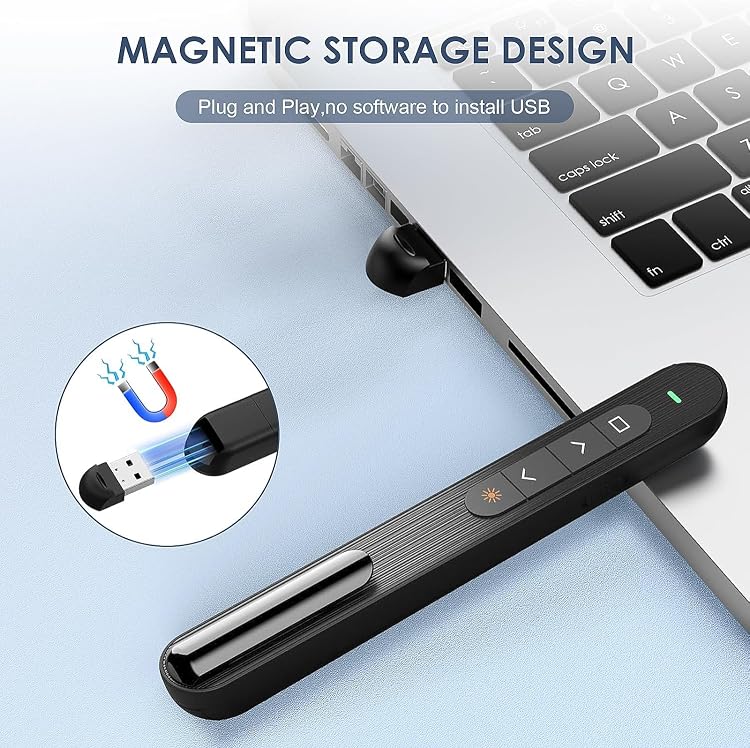
- Plug-and-play operation is claimed, with no driver required.
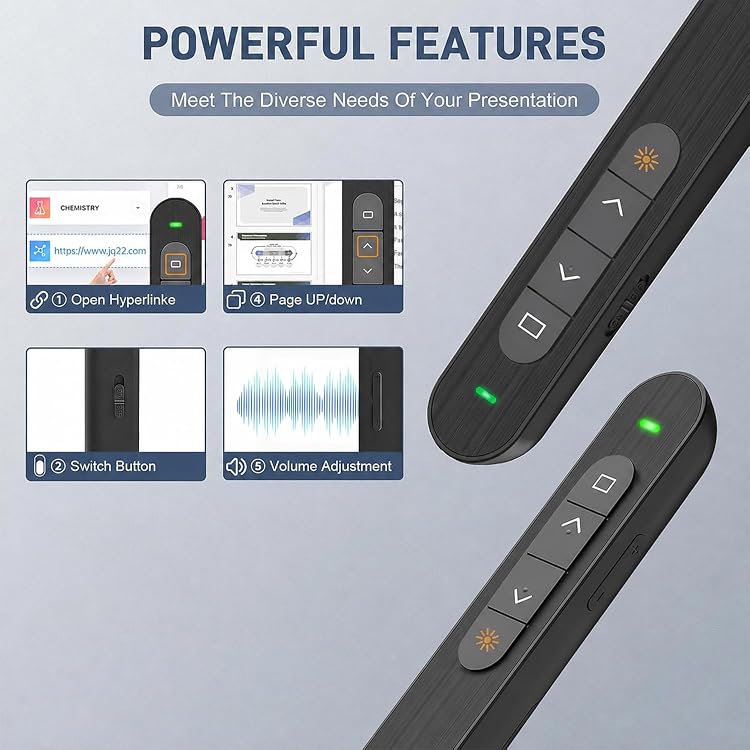
- Basic controls include page up and page down, and the title also claims hyperlink and volume control.
- A dimpled button design is intended to make controls easier to locate by touch.
- The receiver is described as storing inside the remote for transport.
Pros and cons
Pros
- A stored receiver reduces the chance of misplacing the small USB dongle during travel.
- The listing names several common presentation and productivity applications, including PowerPoint, Keynote and Google Slides.
Technical specifications
8 specifications| Brand | VRAJJTY |
|---|---|
| Model | 3599ae01-03f9-46a2-95bf-87160a577dde |
| Connector type | Radio Frequency |
|---|---|
| Compatible devices | Personal Computer |
| Operating systems claimed | Windows 2003, XP, Vista, 7, 8, 10, Mac OS, Linux. |
| Supported software claimed | Keynote, Google Slides, MS Word, Excel, PowerPoint/PPT etc. |
| Parcel dimensions and weight | 14.9 x 3 x 1.8 cm; 30 g |
|---|---|
| Number of items | 1 |
What to know before buying
Listing details to confirm
The title specifies USB A, while the connector detail calls the connection Radio Frequency. The listing does not state wireless range, battery type or battery life, so confirm these details and compatibility with the selected computer before buying. The stated parcel measurements include packaging, not necessarily the remote alone.
Who is it for?
A good fit for
- Teachers, lecturers and meeting presenters who want to advance slides without staying beside the computer.
- Buyers using a computer with a suitable USB-A connection who need basic presentation controls.
Less suited to
- Buyers who need a specified wireless range, battery runtime or confirmed USB-C compatibility.
- Presenters seeking a documented laser pointer, since the principal listing does not substantiate that feature.
Customer reviews on Amazon
- 5 stars
74% 74% - 4 stars
11% 11% - 3 stars
7% 7% - 2 stars
3% 3% - 1 star
5% 5%
Customer feedback describes convenient plug-and-play use, easy controls, computer connectivity and usefulness for classroom presentations. A strong share of ratings are five-star, but lower ratings are also present, and the available evidence does not explain those differences. The reported ease of use is relevant for basic slide advancing, while it does not confirm the listing's specific compatibility claims or resolve the USB connection details.
Positive themes
- Feedback summary highlights ease of use and convenient plug-and-play operation.
- Customers are reported to appreciate computer connectivity and classroom use.
Frequently asked questions
Does the clicker work without installing a driver?
The listing claims plug-and-play operation with no driver required. Compatibility is also claimed for several operating systems and applications, but the exact setup is not detailed.
Does it include a laser pointer?
A laser pointer is not established by the principal listing details. Do not assume one is included based on the customer feedback summary.
What receiver connection does it use?
The title says USB A, while the connector detail says Radio Frequency. Confirm the selected listing and your computer's available port before purchase.
Are batteries included?
The supplied package information does not identify a battery or state whether one is included.
Alternative options
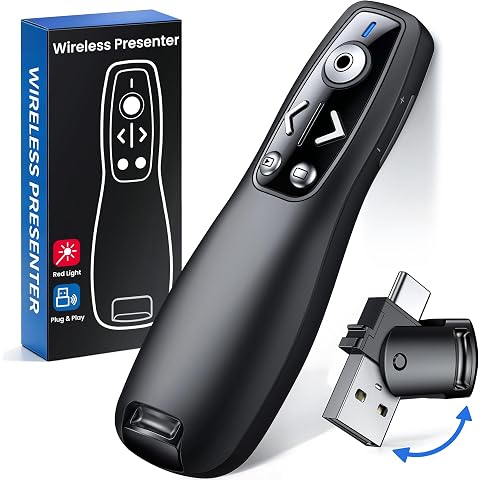
Wireless Presenter, 2.4GHz USB Control Presentation PPT PowerPoint Clicker for Keynote, Laptop, Google Slides - Support Hyperlink and Volume Control(1pcs)
$16.71
Presentation Clicker Wireless Presenter Remote for PowerPoint, RF 2.4GHz USB Powerpoint Clicker with Hyperlink & Volume Control PowerPoint Slide Advancer for Mac, Computer, Laptop
$17.63
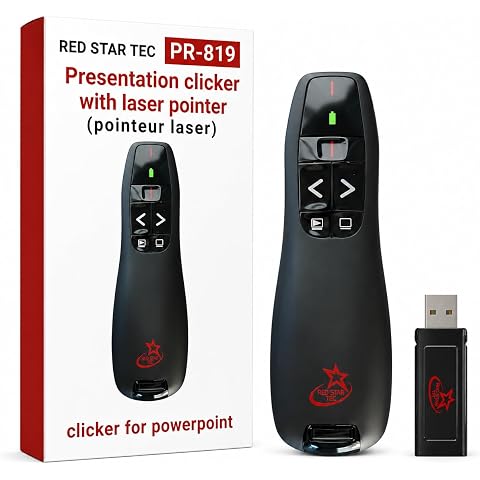
Red Star Tec Wireless Powerpoint and Keynote Presentation Remote Clicker PR-819 (Black, 1 Pack)
$23.18
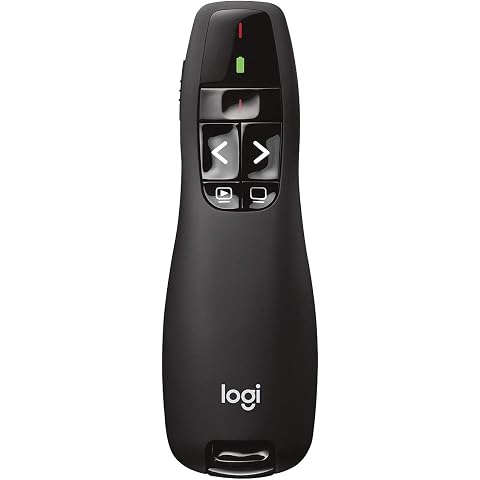
Logitech Wireless Presenter R400 PowerPoint Clicker with Laser Pointer | PowerPoint clicker, presentation remote, ideal for slideshows, intuitive controls
$39.98
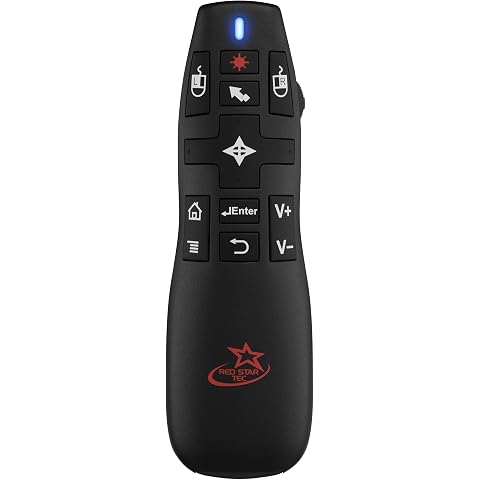
Red Star Tec PR-820 Air Mouse Presentation Remote, PowerPoint, Keynote
$79.00
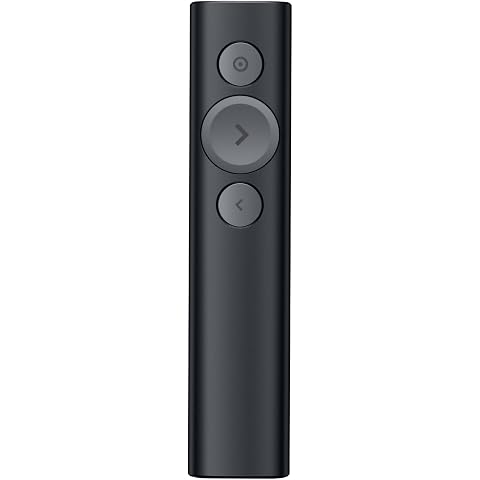
Logitech Spotlight Presentation Remote Universal Wireless Clicker - Black | Universal wireless laser pointer, advanced digital highlighting, 30 m range, quick charging
$139.54
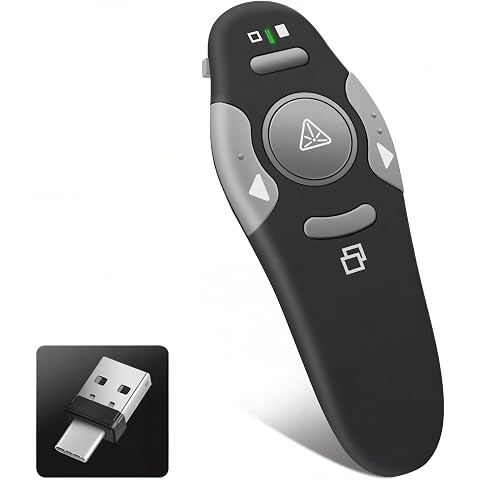
KUIYN USB-c Presentation Clicker Remote,Wireless Presenter,Red Pointer | 2.4GHz PowerPoint Clicker,Slide Advancer for Classroom,Office,Meeting,Support Mac/ Windows/Laptop/PPT,Teacher must Haves
$16.14
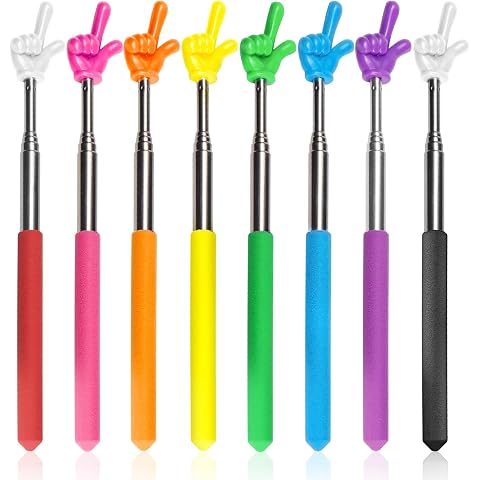
Bagentry 8 Pcs Teacher Pointer Stick for Classroom, Extendable Pointer Finger, Telescoping Hand Pointer, Retractable Pointing Stick Reading Aid for Presentation Whiteboard
$13.99
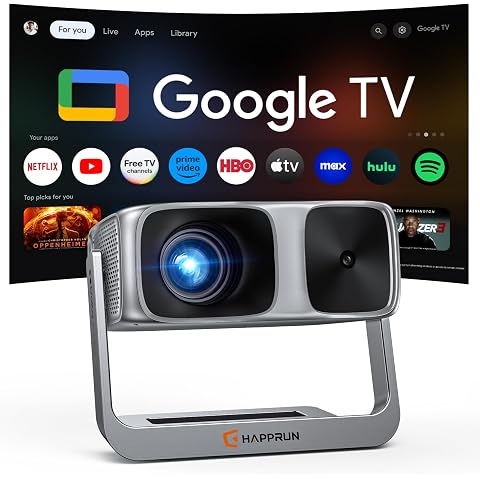
HAPPRUN 2500 ANSI Outdoor Projector with Official Google TV, 4K Decoding | Dolby Audio, 10K+ Apps, AI Auto Focus, 270° Stand,Smart Projector with WiFi and Bluetooth, Movie Projector for Indoor/Outdoor
$427.49
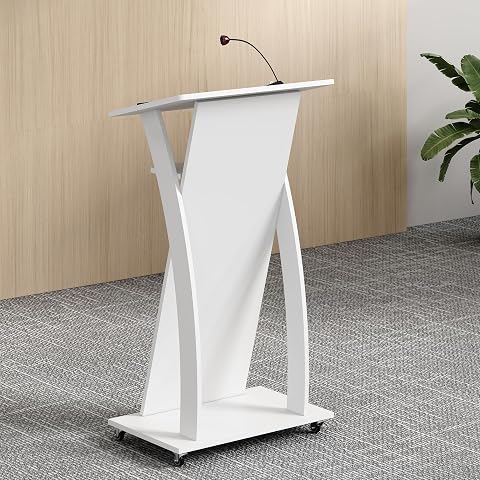
Xibolai Wooden Podium Stand Wheeled Lectern White Color 16MM Wood Board Elegant Design with Storage Wooden Pulpit for Restaurants Churches Seminars and Schools
$181.66
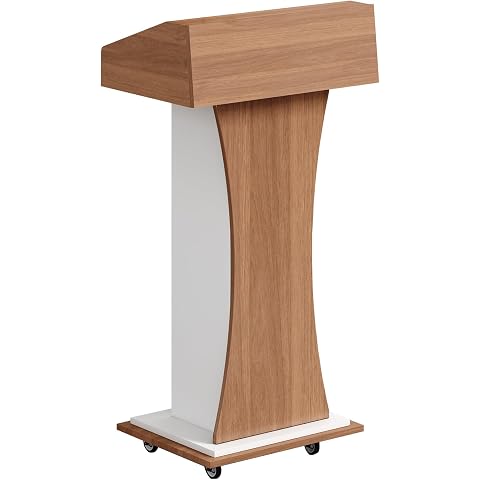
xibolai Mobile Wooden Podium Stand with Lockable Wheels Modern Presentation Blockboard Lectern Black Walnut Color with Storage Shelves for Office, Church, Classroom, Conference Room
$238.04
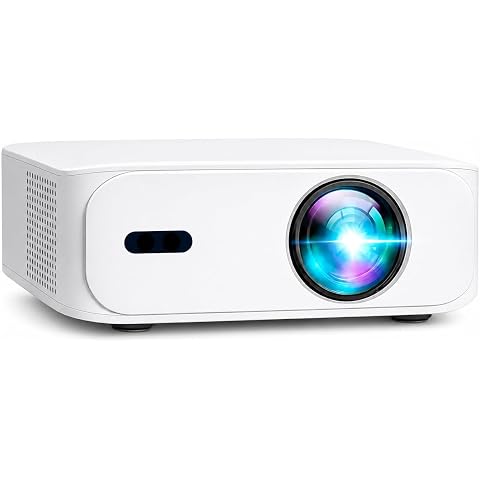
【Projector Screen, Mount & 3D Glasses Included】 Boss Projector A5 Android 1080p Full HD Projector, 4000 Lumens, Auto Keystone & Auto Focus, WiFi & Bluetooth, Home Theater & Gaming Projector
$289.00