 1 / 7
TJCXELE Dual-Monitor DisplayPort KVM Switch, 8K@60Hz, USB 3.0
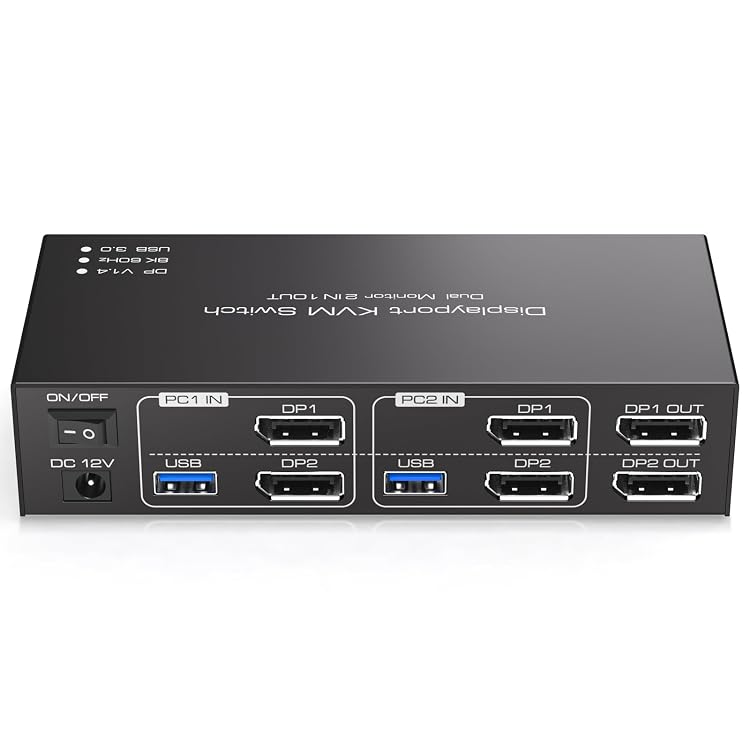
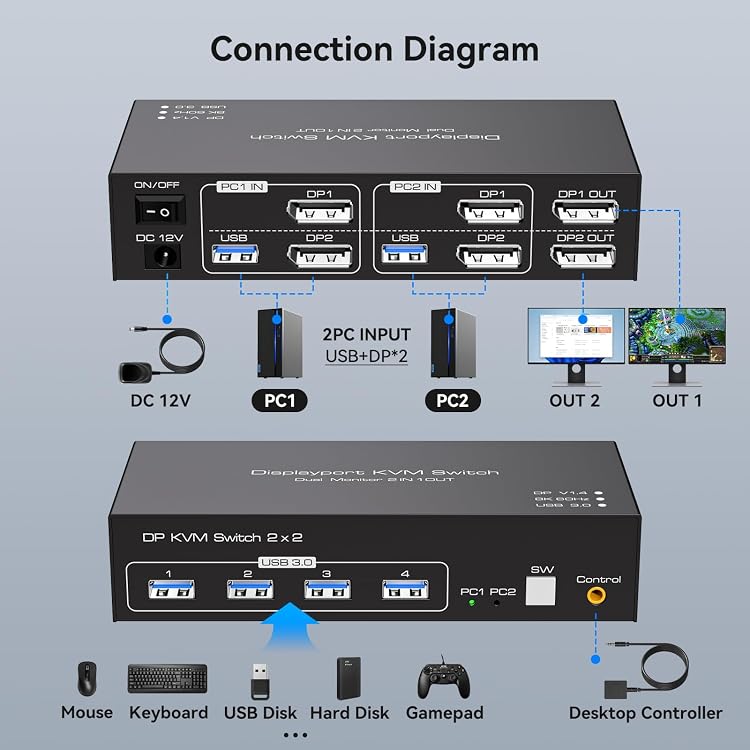
The TJCXELE DisplayPort KVM Switch is listed for sharing two monitors and up to four USB devices between two computers. Its claimed 8K@60Hz ceiling depends on the computers, monitors and cables supporting that mode, and dual-monitor output requires two DisplayPort connections from the same computer.
At a glance
- Switches shared display and USB-device access between two computers, with two monitors and up to four shared USB devices claimed.
- Extended mode can show different content across the two displays, while copy mode mirrors the same image.
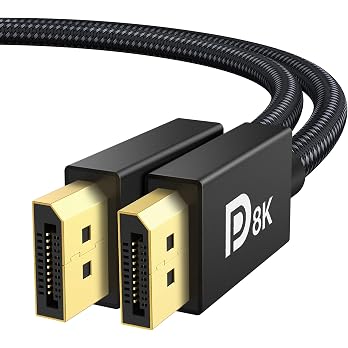
- The listing claims DisplayPort 1.4 support up to 8K@60Hz, conditional on compatible computers, monitors and cables.
- Switching is described through a panel button or wired extension button. Hotkey switching is not supported.
- The listing says external power supports USB devices, but notes that the power provided by a PC may not support devices such as hard drives.
Often bought together
Pros and cons
Pros
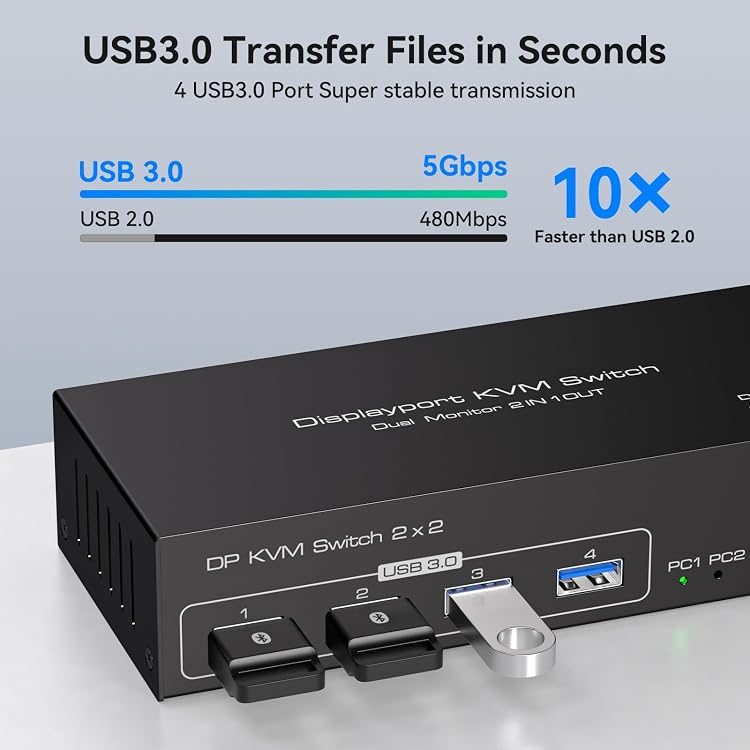
- Four USB 3.0 ports allow up to four peripherals to be shared between the computers.
- Extended and copy modes offer distinct dual-display setups when the connected computer supports multi-display.
- Both panel-button and wired-button switching are listed, allowing the switch to be placed away from the main work area.
Cons
- Each computer needs two DisplayPort ports for the stated dual-monitor setup, which may rule out systems with only one suitable output.
- Keyboard hotkey switching is not supported.
Technical specifications
19 specifications| Brand | TJCXELE |
|---|---|
| Material | Aluminum |
| Colour | White |
| Dimensions listed | 20.2 x 15 x 5.6 centimetres |
| Display input type | displayport |
|---|---|
| USB ports | 4 USB 3.0 ports |
| Claimed maximum display mode | 8K@60Hz |
| Display modes | Extended & Copy Mode |
| USB transmission rate claim | 5Gbps |
| USB compatibility | USB 2.0 |
| Control methods listed | Push Button |
|---|---|
| Keyboard shortcuts | Keyboard shortcuts (hotkeys) toggles are not supported. |
| Operating voltage | 12 volts |
|---|---|
| Current rating | 1 A |
| Mounting types listed | Panel Mount |
| Compatible devices listed | PC, laptop, Apple TV, PS3/PS4, Xbox |
|---|---|
| Operating systems listed | Windows/Vista/XP and Mac OS, Linux and Unix |
| Dual-monitor connection requirement | To output to two monitors, the DP1 and DP2 ports must be connected to the same computer. |
| Multi-display requirement | Please make sure your computer supports multi-display and each connected computer requires 2 DP ports |
What to know before buying
Listing details to confirm
Listing details are inconsistent or unconfirmed: the explicit contents list names only the KVM switch, while feature text claims a 12V adapter and mentions keyboard and mouse as USB devices without confirming they are included. The listing also gives 20.2 x 15 x 5.6 centimetres as dimensions but separately reports 20.2 x 15 x 5.6 cm; 10 g, so the weight and exact dimensional record are unclear. Confirm kit contents and the applicable display and USB configuration before purchase. The 8K@60Hz claim depends on the full connected setup, and the listed dual-monitor arrangement requires two DisplayPort ports per computer.
What’s in the box
- KVM switchIncluded
- 12V power adapterCheck selected pack
- KeyboardCheck selected pack
- MouseCheck selected pack
Check which accessories are included in your selected pack before buying.
Who is it for?
A good fit for
- People switching two DisplayPort-equipped computers between a shared pair of monitors and USB peripherals.
- Users whose computers support multi-display and who want either extended desktop space or a mirrored display.
- Setups where switching by a panel or wired button is suitable and keyboard hotkeys are not required.
Less suited to
- Computers without two DisplayPort outputs when using the stated two-monitor arrangement.
- Buyers who require keyboard-shortcut switching or need confirmed inclusion of a power adapter and peripheral accessories.
Customer reviews on Amazon
- 5 stars
72% 72% - 4 stars
15% 15% - 3 stars
4% 4% - 2 stars
4% 4% - 1 star
5% 5%
Aggregate ratings lean positive, with most ratings in the five-star category, but a smaller share fall in the one- and two-star categories. No written feedback is available here to explain those differences, so the ratings do not establish how well the claimed dual-display, resolution or USB functions work in a particular setup.
Frequently asked questions
Can it switch two monitors between two computers?
The listing describes sharing two monitors between two computers. For dual-monitor output, it says DP1 and DP2 must connect to the same computer, and each computer requires two DisplayPort ports.
Does it support extended and mirrored displays?
The listing claims extended mode for separate content across two monitors and copy mode for the same image on both. The computer must support multi-display.
Is 8K at 60Hz guaranteed?
No. 8K@60Hz is a listing claim, and the source says the computers, monitors and cables must all support 8K and high refresh rates.
Can I switch with keyboard hotkeys?
No. The listing says hotkey switching is not supported. It describes a panel button and a wired extension button.
Are a power adapter and keyboard or mouse included?
The explicit included-components field lists only the KVM switch. Feature text claims a 12V adapter, and mentions keyboard and mouse as devices that can connect, but their inclusion is not confirmed. Check the selected listing's package details.
Alternative options
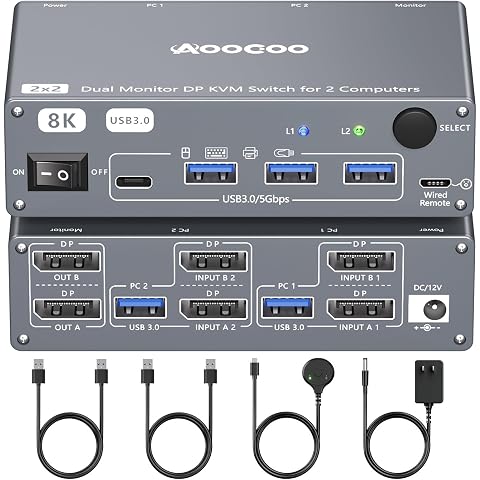
Displayport KVM Switch 2 Computers 2 Monitors, 8K@60Hz/4K@240Hz Dual Monitor KVM Switch for 2 PCs Share 2 Monitors, with 4 USB3.0 Ports, USB Cables and Power Adapter
$78.99
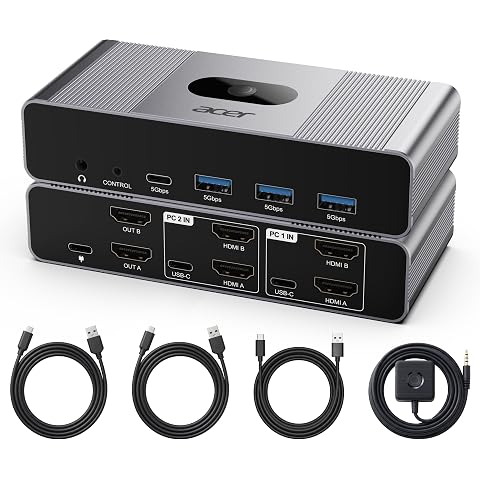
Acer Dual Monitor HDMI KVM Switch 2 Computers, 4K@60Hz, 4 USB 3.0 Ports | Extended dual display for Mac/PC. Features 4 ultra-fast USB 3.0 ports, Audio out & Wired remote for the ultimate WFH setup
$79.99
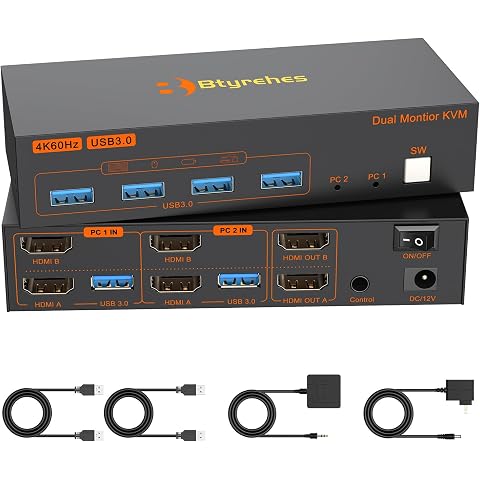
4K HDMI KVM Switch 2 Monitors 2 Computers,Dual Monitors KVM Switcher | 4K@60Hz,Support Extended/Copy Mode Share 4 USB 3.0 Hub with 2 USB Cables,Controller Suitable Office Gaming Meeting Plug&Play
$64.97
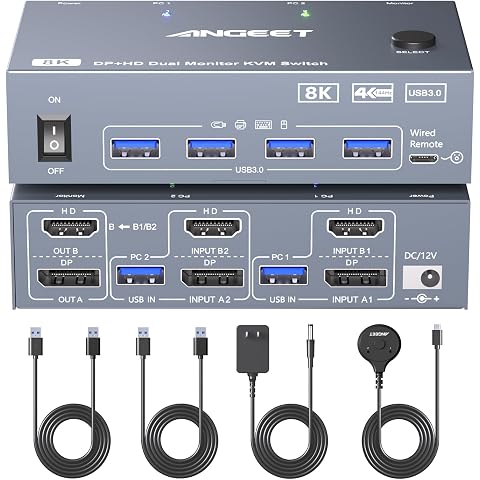
KVM Switch 2 Monitors 2 Computers 8K@60Hz, 4K@144Hz, ANGEET HDMI and Displayport Dual Monitor KVM Switch with 4 USB 3.0 Port for Keyboard Mouse Printer, with Wired Remote, Power Adapter and USB Cable
$78.99
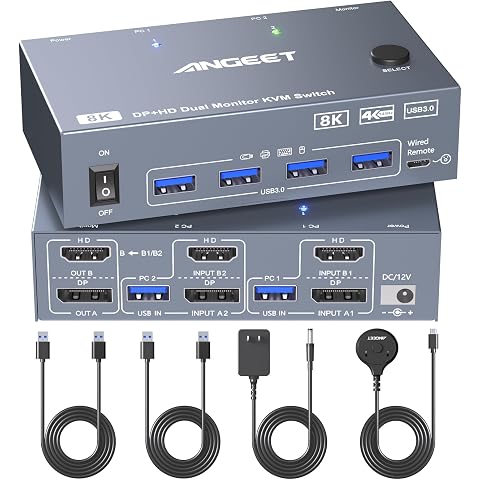
KVM Switch 2 Monitors 2 Computers Displayport HDMI 8K@60Hz 4K@144Hz | 8K Dual Monitor KVM Switch with 4 USB 3.0 Ports for Keyboard Mouse,Wired Remote,12V Adapter and USB Cable Included, Aluminum
$78.99
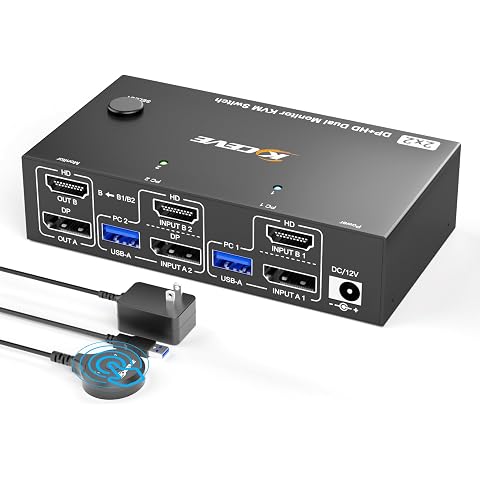
8K@60Hz HDMI+Displayport KVM Switch 2 Monitors 2 Computers,USB 3.0 KVM Swtiches Dual Monitor for 2 Computer Share 2 Monitor and 4 USB Ports,with Wired Remote,12V Power Adapter and USB Cables
$78.99
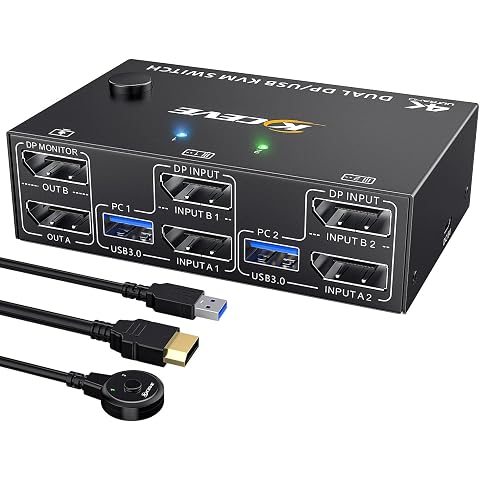
MLEEDA Displayport KVM Switch 2 Monitors 2 Computers 8K@30Hz 4K@144Hz, USB 3.0 Dual Monitor KVM Switch 2 Computers Share 2 Monitors and 4 USB 3.0 Port, Wired Remote and 4 Cables Included
$85.99
Itramax DisplayPort Cable for Laptop 3.3FT/1M 2Pack,8K 60Hz DP1.4 Male Cord | Male Ultra High Speed Cord for PC/TV/Gaming Monitor/Dual Monitors,Support HBR3 of 32.4Gbps,4K@144Hz,2K@165Hz,1080P@240Hz,1.2
$13.99
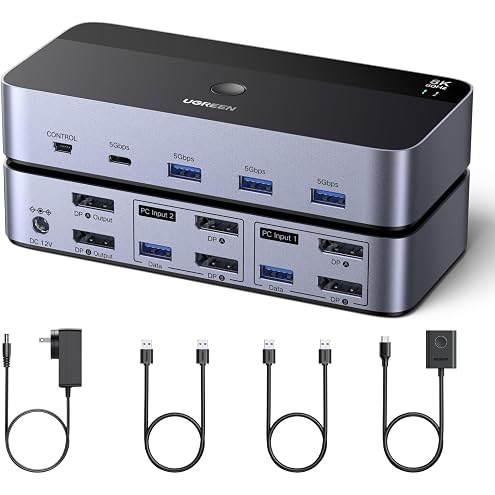
UGREEN 8K@60Hz 4K@240Hz 144Hz Displayport KVM Switch 2 Monitors 2 Computers | 4 USB 3.0 Ports for 2 Computers Share Dual Monitors Keyboard Mouse Printer with 2 USB Cables Power Adapter Controller
$95.99
UGREEN 8K@60Hz Active DisplayPort to HDMI Unidirectional Cable 4K@240Hz | DP 1.4 to HDMI 2.1 Cord HDR, HDCP2.3, DSC1.2a, 32.4Gbps Braided Compatible with Monitor, Dell, HDTV, AMD NVIDIA, 6FT
$28.99
WARRKY 4K DisplayPort to HDMI Cable 3.3FT, Uni-Directional [Metal Case] | Display Port Source to HDMI Screen, 1080P@120Hz DP Computer to HDMI Monitor Cord Fit for Nvidia, AMD, HP, Dell, Asus, Lenovo
$15.99
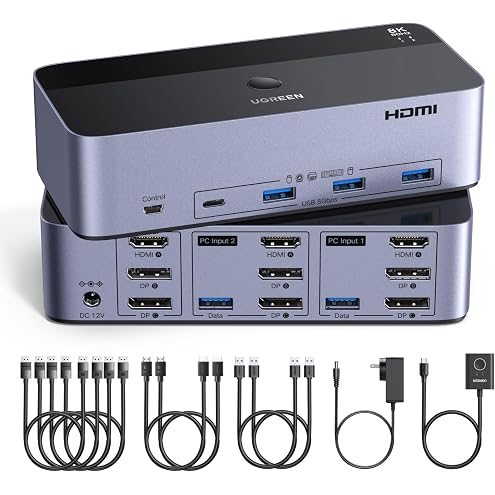
UGREEN 8K@60Hz HDMI Displayport KVM Switch 3 Monitors 2 Computers 4K@240Hz | Aluminum with 4 USB 3.0 Ports for 2 Computers Share 3 Monitors with 4 DP 2 HDMI 2 USB Cables, Power Adapter, Controller
$139.99