 1 / 6
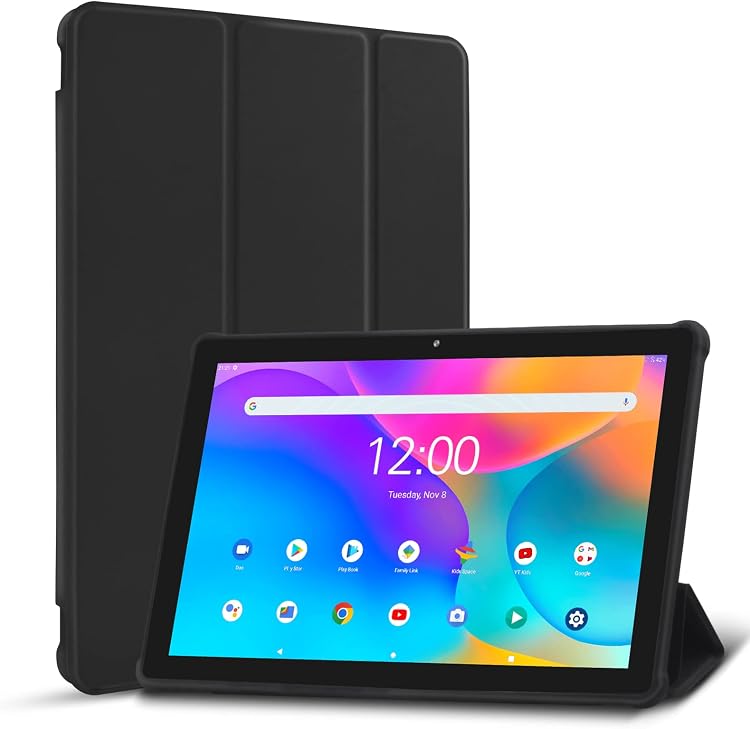
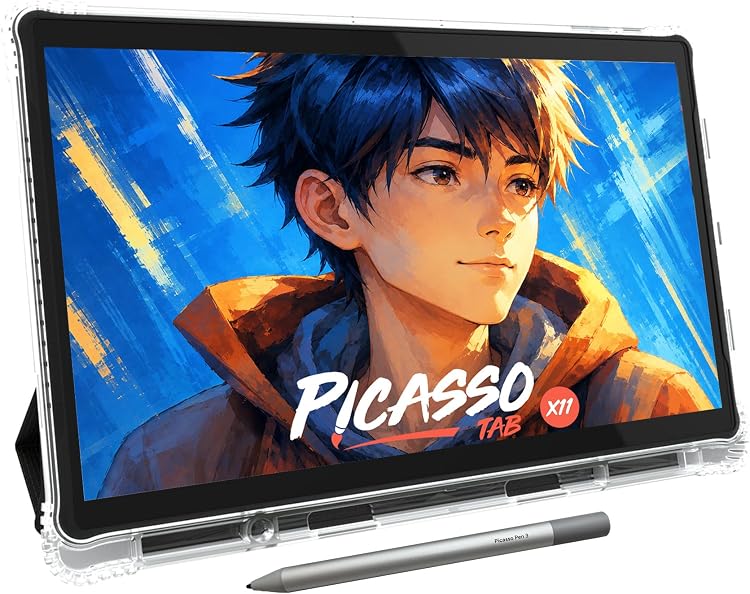
PicassoTab X11 11-inch Standalone Drawing Tablet
PicassoTab X11 is an 11-inch standalone drawing tablet intended for drawing without a separate computer. The listing describes a 4096-level pressure stylus and drawing apps, though conflicting display, operating-system and dimension details make some specifications worth confirming before purchase.
At a glance
- Standalone operation is presented as a way to draw without connecting a computer.
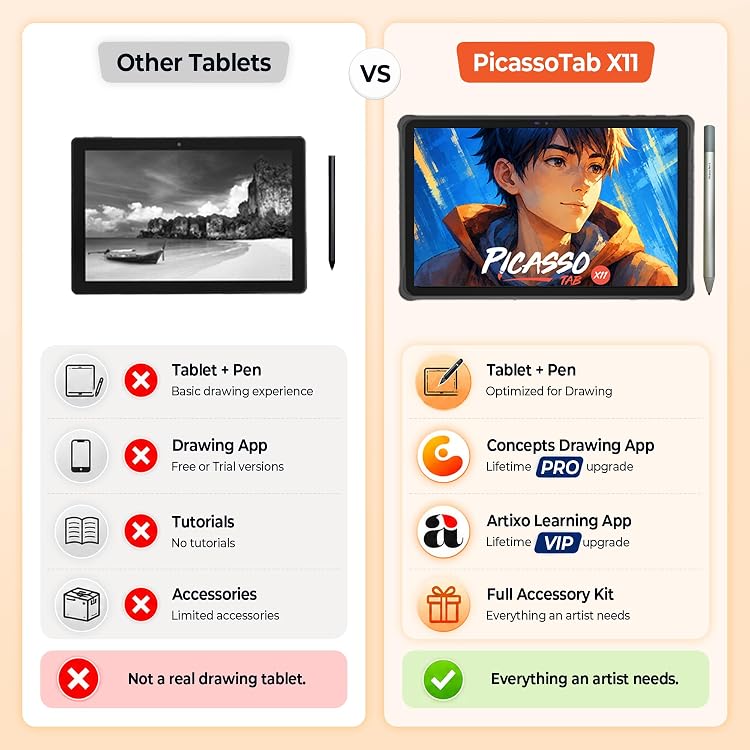
- The listing claims a laminated, anti-glare display and 4096-level pressure stylus.
- Preloaded creative apps and beginner-oriented tutorials are described, with app upgrades included among the claimed extras.
Reference price: $329.95
Price checked: Nov 19, 2026
View offerAhead of Black FridayExplore the selectionBuying guides

Pros and cons
Pros
- Standalone use may suit drawing away from a desk or computer setup.
- A 4096-level pressure stylus and included creative apps are aimed at sketching, illustration and animation.
Cons
- Customer feedback includes reports of charging problems, a practical concern for a tablet intended for portable use.
Technical specifications
11 specifications| Brand | PicassoTab |
|---|---|
| Model | X11 |
| Screen size | 11 inches |
|---|---|
| Screen technology listed | LCD |
| Wireless connection listed | Wi-Fi |
|---|---|
| Pen pressure sensitivity | 4096 levels |
| Operating system listed | Custom Graphics Tablet OS |
|---|---|
| Processor listed | Octa Core MTK8183 2 GHz/Core |
| RAM listed | 6 GB DDR4 |
| Storage listed | 128 GB disk, can be upgraded with 1TB of micro-SD card for file storage |
| Dimensions listed | 27.94 x 27.94 x 0.1 cm; 1.59 kg |
|---|
What to know before buying
Listing details to confirm
Listing details are contradictory or inconsistent: native resolution is given as 2560x1440 while another technical section says 2000x1200, and the system is described both as Custom Graphics Tablet OS and Android 13. Dimensions also differ slightly between entries, and a separate compatibility listing names laptops, desktops, tablets and smartphones despite standalone positioning. Confirm the selected listing's display, OS, dimensions and intended connection use before buying.
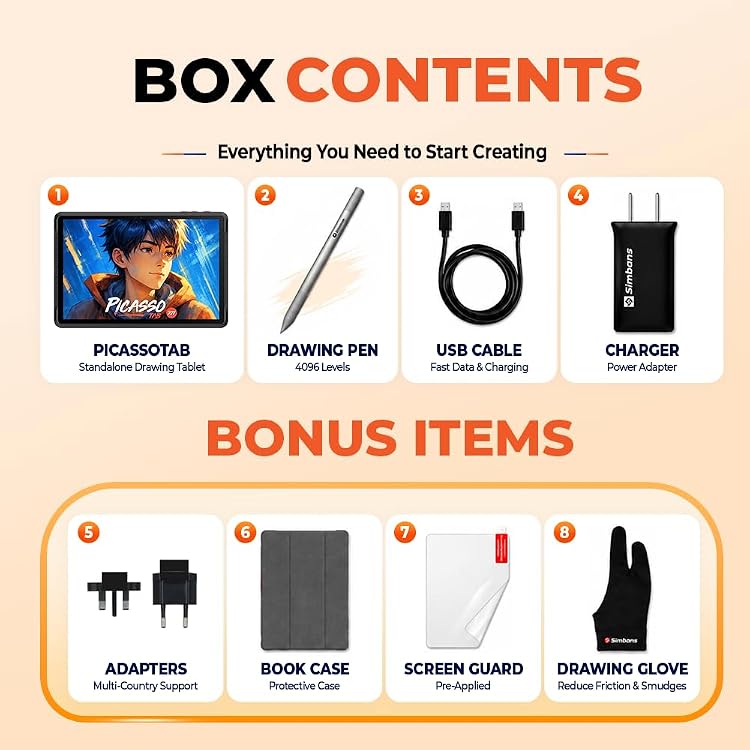
What’s in the box
- StylusCheck selected pack
- CaseCheck selected pack
- Drawing gloveCheck selected pack
- Power adapter or charger with adaptorsCheck selected pack
- Screen protectorCheck selected pack
- ManualCheck selected pack
Check which accessories are included in your selected pack before buying.
Who is it for?
A good fit for
- Artists or students seeking a standalone drawing device with a pressure-sensitive stylus and beginner-oriented tutorials.
- Buyers who want preloaded drawing and animation apps and do not require a computer-connected pen display.
Less suited to
- Buyers who need a clearly confirmed display resolution or operating-system version before purchase.
- Anyone for whom dependable charging is essential, given customer reports of charging issues.
Customer reviews on Amazon
- 5 stars
65% 65% - 4 stars
16% 16% - 3 stars
7% 7% - 2 stars
3% 3% - 1 star
9% 9%
Customer feedback reports positive experiences with drawing and animation, alongside concerns about charging and mixed views on reliability, value and app availability. Those concerns matter for a portable standalone device that depends on its own power and apps. Aggregate ratings lean positive overall, but do not establish charging performance or resolve the mixed comments.
Positive themes
- Customers describe the tablet as performing well for drawing and animation.
Negative themes
- Some customers report that the tablet stopped charging or charged very slowly.
Mixed feedback
- Feedback is mixed on reliability, value for money and app availability.
Frequently asked questions
Does the PicassoTab X11 need a computer to draw?
The listing presents the X11 as standalone and says no computer connection is needed. It also lists computer and mobile devices as compatible, so confirm whether any specific connection workflow you need is supported.
What resolution does the X11 screen have?
The listing conflicts: one detail gives 2560x1440, while another technical section states 2000x1200. Confirm the selected listing's resolution before buying.
What comes with the tablet?
The listing claims a stylus, case, drawing glove, power adapter and screen protector, along with app upgrades. A separate package description lists the tablet, Picasso Pen, case, screen protector, drawing glove, charger with adaptors and manual, so check the selected listing for the actual bundle.
Alternative options
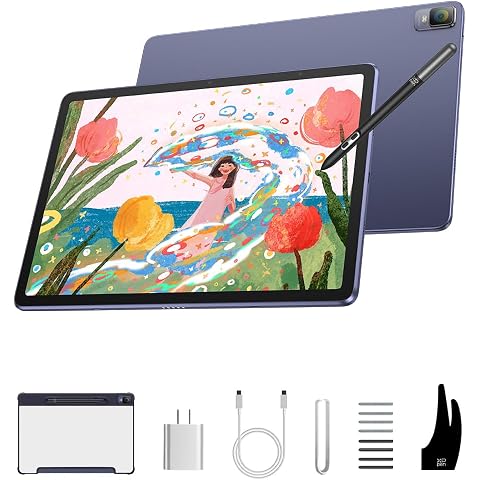
XPPen Magic Drawing Pad Standalone Drawing Tablet, X3 Pro Stylus, 12.2 inch | No Computer Needed, 16384 Pressure Levels, Paper-Like Screen, 8GB + 256GB, Portable for Artists
$636.49
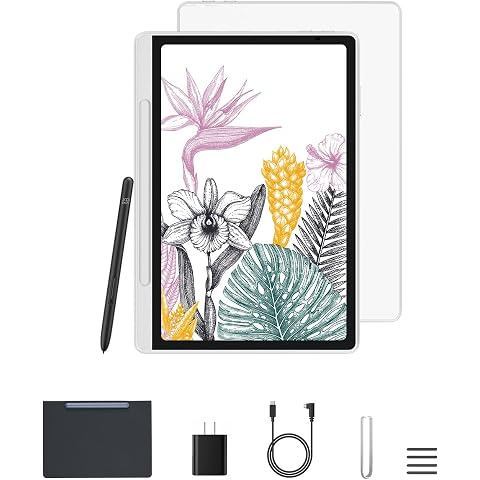
XPPen 10.95" Standalone Drawing Tablet Digital Color Notetaking Magic Note Pad for Sketching, Drawing & Notes 16K Pressure Sensitivity Tilt Support 90Hz Refresh Rate Anti-Glare Screen Android 14
$499.99

PicassoTab 12" Standalone Drawing Tablet, No Computer Needed, Portable -A12 | 6 Bonus Items, 4096 Level Pen, PRO apps, Laminated 2K Screen, Octa-core CPU, 6GB+128GB, Android 15, Designed for PRO Artists
$339.00
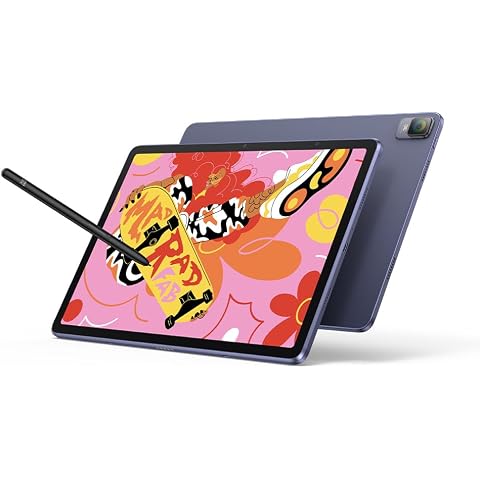
XPPen Magic Drawing Pad Standalone Drawing Tablet Android 14, 12.2 Inch | No Computer Needed, 8GB+256GB (Expandable 1TB), 16384 Pen Pressure Battery-Free Stylus, Portable for Drawing
$664.99
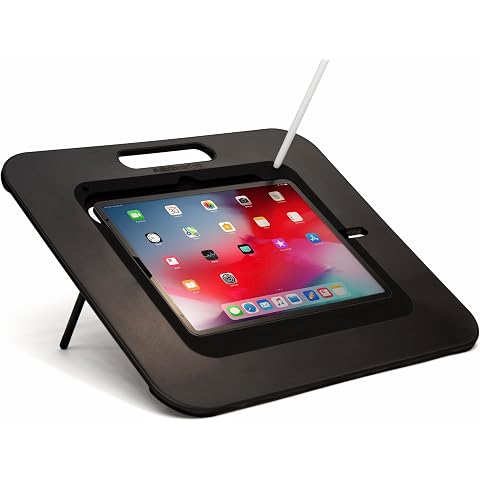
SKETCHBOARD PRO 2 iPad Art Stand (Black, iPad Pro 12.9-inch 3rd-6th Gen/Air 13-inch)
$208.74
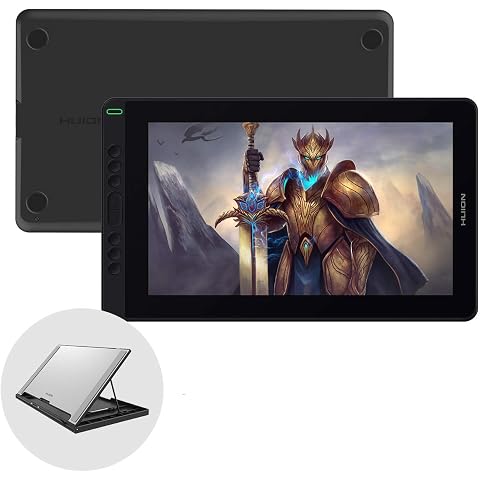
HUION Graphic Drawing Tablet Kamvas 13 Pen Display Tilt Function Battery-Free Stylus 8192 Pen Pressure 13.3inch with Adjustable Stand, for Remote Working, Online Education
$249.99
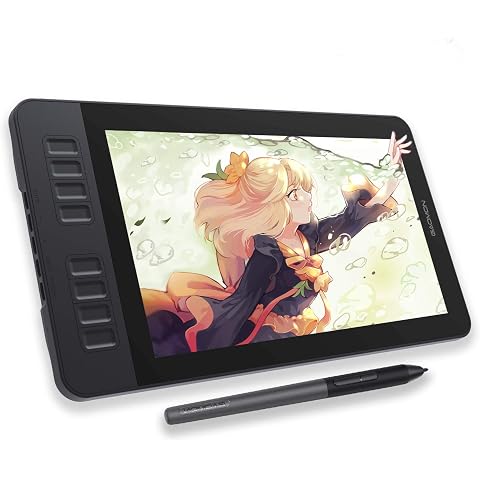
GAOMON PD1161 11.6-inch Drawing Tablet with Screen, Digital Art Tablet | Battery-Free Stylus, Tilt Support, 8 Shortcut Keys for Design, Animation, Photo Editing, Work with Mac, Windows PC
$178.49
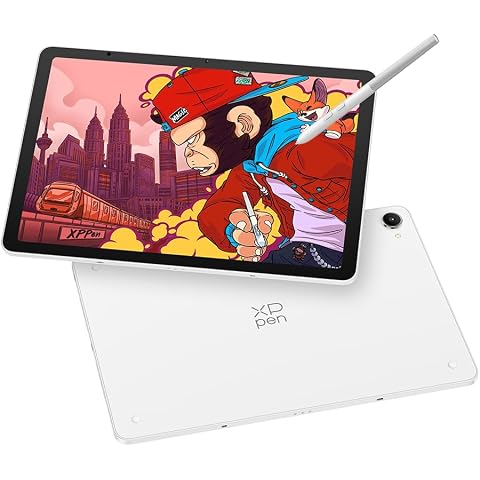
XPPen Magic Pro 13 Standalone Drawing Tablet 3K Display with 16K X4 Stylus | 12.95" Magic Pro Drawing Pad No Computer Needed with 8GB RAM/256GB Storage, 120Hz Refresh Rate, Android 16, Nano-etched Glass
$1,099.99
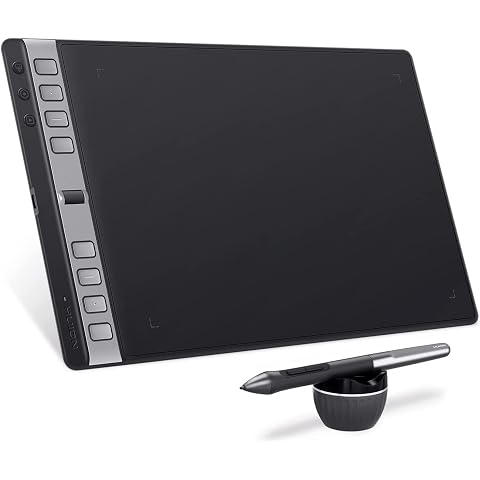
HUION Drawing Tablets Inspiroy 2 L with Scroll Wheel, 10 * 6 inch-Large | Scroll Wheel, 8 Customized Keys, Battery-less Stylus, Works with Mac, PC & Mobile
$110.49
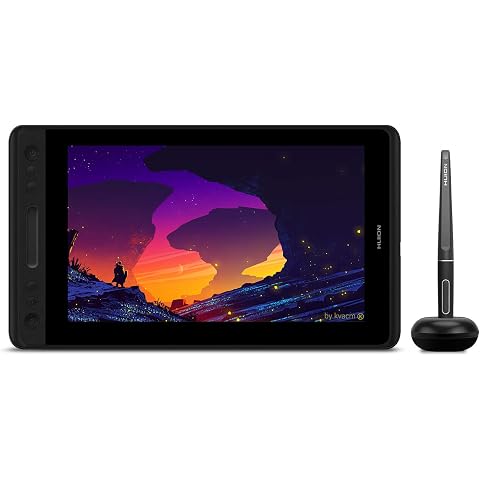
HUION Graphic Drawing Tablet with Screen Kamvas Pro 12 Full-Laminated Pen Display Tilt Function Battery-Free Stylus 8192 Pen Pressure, Compatible with Chromebook, Windows, Mac and Linux
$179.54
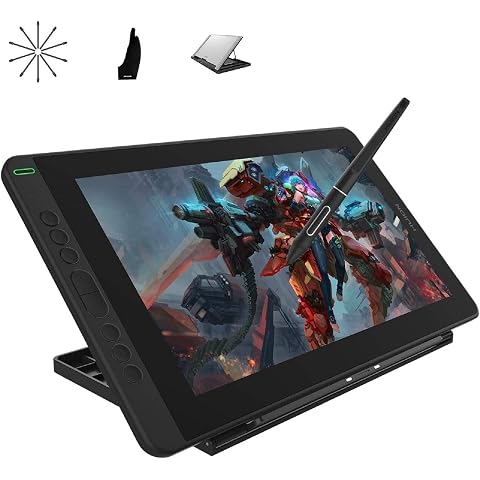
HUION Kamvas 13 Graphics Drawing Tablet with Screen, 13.3 inch | Tilt Function, Battery-Free Stylus, 8192 Pen Pressure, Adjustable Stand, for Remote Working, Online Education
$255.19
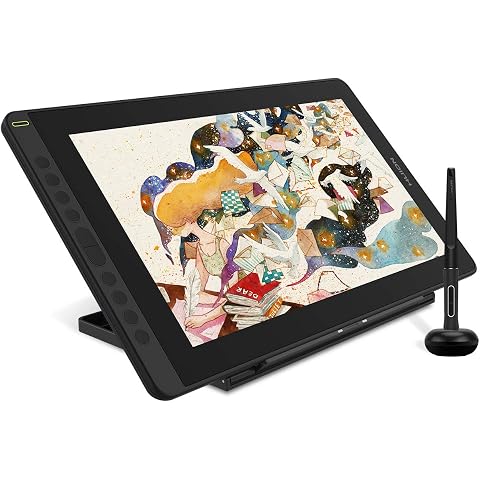
2021 HUION Drawing Tablet KAMVAS 16 Graphic Pen Display with Screen, Black | 15.6inch Full-Laminated Screen, Battery-Free Stylus Tilt, 10 Press Keys, Full-Featured Type C Cable and an Adjustable Stand
$415.99