 1 / 7
Logitech MX Keys S for Mac Wireless Keyboard
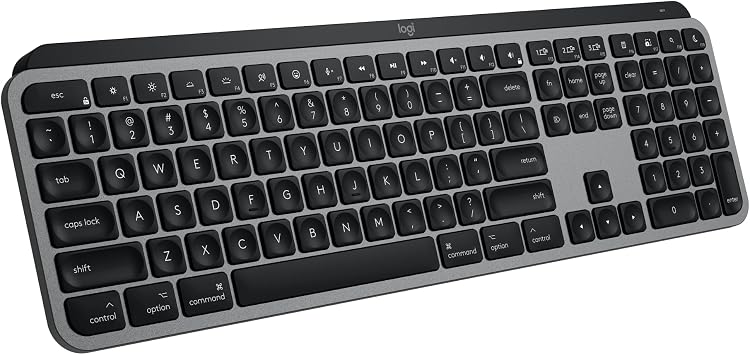
Logitech MX Keys S for Mac is a low-profile wireless keyboard with a Mac-specific layout, adjustable backlighting and Bluetooth pairing for up to three Apple devices. Its listing highlights USB-C charging and Smart Actions, though battery-life figures and some technical details vary across the page.
At a glance
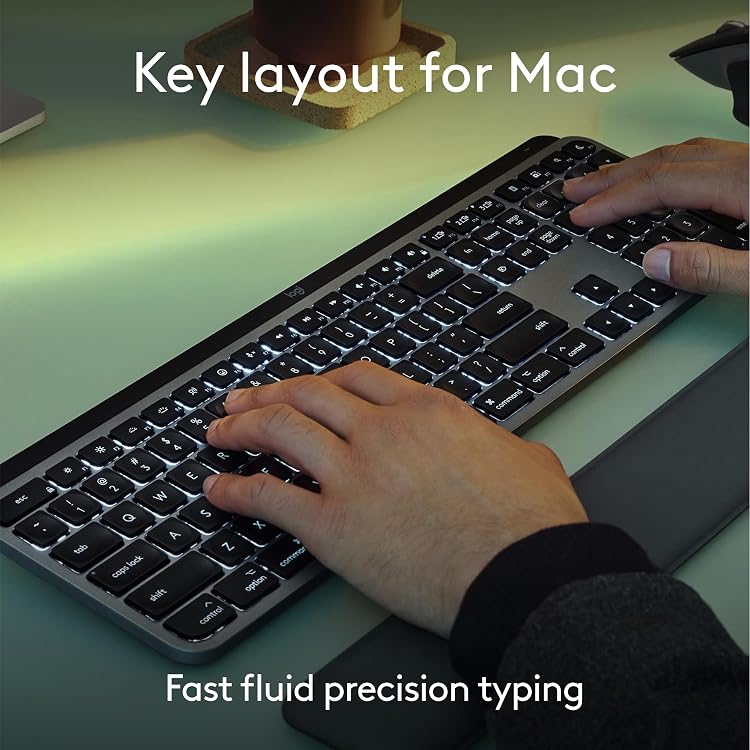
- Mac-specific key layout and Space Grey finish for Apple setups.
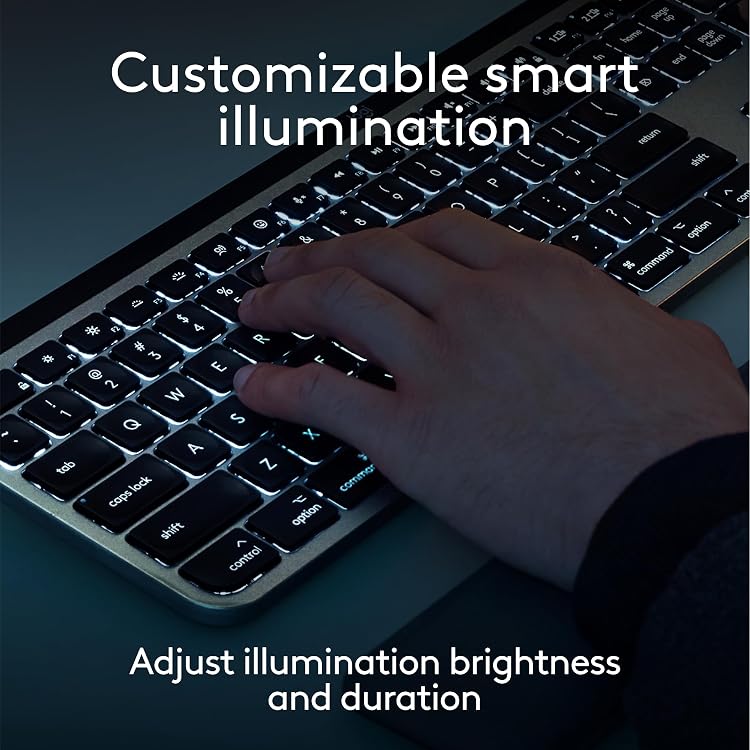
- Backlit keys respond as hands approach and adjust to the environment, according to the listing.
- Bluetooth pairing supports switching among up to three Apple devices.
- Smart Actions can automate multiple tasks with one keystroke, using the Logi Options+ app for macOS.
- USB-C charging is listed, and the package listing names a USB-C to USB-C cable.
Reference price: $169.99
Price checked: Nov 22, 2026
View offerBlack Friday weekExplore the selectionOften bought together
Pros and cons
Pros
- Three-device Bluetooth pairing can suit a desk shared across a Mac, iPad and iPhone.
- The low-profile, backlit design combines automatic illumination with manual customization through Logi Options+.
- Smart Actions offer a way to trigger repeated tasks from a single keystroke, with the companion app.
Technical specifications
13 specifications| Brand | Logitech |
|---|---|
| Model | MX Keys S for Mac |
| Colour | Space Grey |
| Layout | QWERTY |
| Keyboard type | Membrane |
| Number of keys | 104 |
| Wireless connection listed | Bluetooth, Micro USB |
|---|---|
| Device pairing | Work on up to 3 devices on macOS, iPadOS, iOS via Bluetooth Low Energy (2) |
| Power configuration | Battery Powered |
|---|---|
| Battery | Rechargeable Li-Po (1500 mAh) battery |
| Weight listed | 1.09 kg |
|---|
| Operating system | Compatible with macOS, iOS(4), iPadOS(4) operating systems |
|---|---|
| Minimum operating system | Mac OS 10.12 Sierra |
What to know before buying
- Logi Options+ is required for Smart Actions and lighting customization. The listing says Logi Bolt USB receiver is not included and notes it may be needed if FileVault prevents Bluetooth input at Mac startup or reboot.
Listing details to confirm
Listing details are inconsistent: dimensions appear as both 43L x 13.2W x 2.1H centimetres and 43.03 x 13.16 x 2.06 cm, 1.09 kg, and battery life is claimed as 10 days while customer feedback describes charging about monthly. The connection field says Bluetooth, Micro USB, while the product description and included cable indicate USB-C charging. Confirm the selected listing's specifications and expected battery use before buying.
What’s in the box
Included- MX Keys S Keyboard
- USB-C Charging Cable (USB-C to USB-C)
- User Documentation
Who is it for?
A good fit for
- Mac users who want a full-size, low-profile keyboard with a Mac-specific layout.
- People who switch among up to three Apple devices over Bluetooth.
- Users who want backlighting and programmable workflow shortcuts through Logi Options+.
Less suited to
- Buyers who require a clearly specified physical switch type beyond the listing's membrane designation.
- Anyone needing a USB receiver included in the package, the listing says the Logi Bolt receiver is not included.
Customer reviews on Amazon
- 5 stars
73% 73% - 4 stars
8% 8% - 3 stars
6% 6% - 2 stars
6% 6% - 1 star
7% 7%
Customer feedback reports positive impressions of typing feel, keyboard and build quality, battery life and tactile response. Some feedback compares the typing experience favourably with an Apple keyboard. Reliability and connectivity opinions are mixed, which matters for users who depend on consistent Bluetooth switching across devices. These are customer perceptions, while the listing itself claims automatic backlighting, three-device pairing and up to 10 days of battery life.
Positive themes
- Customers describe the typing experience as fluid and precise, with positive comments about tactile feedback and build quality.
- Customer feedback is positive about battery life, with some reporting that charging is infrequent.
Mixed feedback
- Opinions vary on reliability and connectivity.
Frequently asked questions
How many devices can the MX Keys S for Mac pair with?
The listing says it can connect to and switch among up to three Apple devices over Bluetooth Low Energy.
Does it include a USB receiver?
The listing says the Logi Bolt USB receiver is not included. It may be relevant if FileVault prevents Bluetooth input at startup or reboot on a Mac.
What is the stated battery life?
The product highlights claim 10 days on a full charge, while customer feedback describes charging about once a month. Actual use conditions are not specified, so treat those as differing claims rather than a guaranteed runtime.
Does it need software for its shortcut features?
Smart Actions and lighting customization use the Logi Options+ app, which the listing specifies is available for macOS.
Alternative options
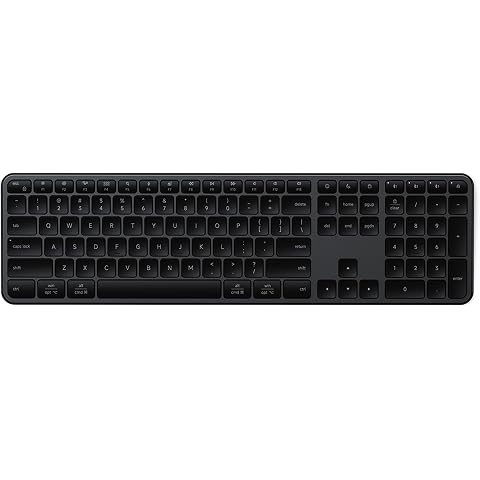
Satechi Slim EX3 Wireless Keyboard, Bluetooth & 2.4 GHz, Space Black | Full-size with numpad, instant OS key remap, rechargeable battery, for macOS, Windows, Android
$69.99
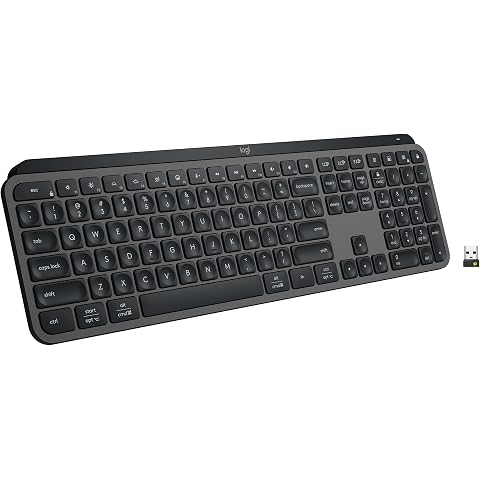
Logitech MX Keys S Wireless Keyboard Low Profile Fluid Precise - Graphite | USB-C rechargeable, 10 days battery, Pairs 3 devices, Smart backlit keys adapt to environment, Logi Bolt USB receiver
$129.99
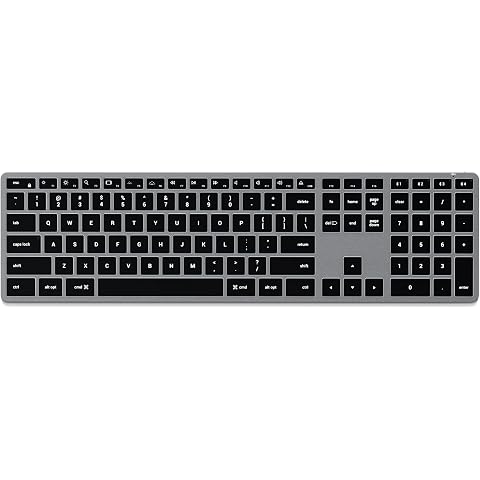
Satechi Slim X3 Bluetooth Backlit Keyboard, Multi-Device Sync, Space Gray | Illuminated keys, for MacBook, iPad, iPad mini, Mac mini, iMac
$83.99
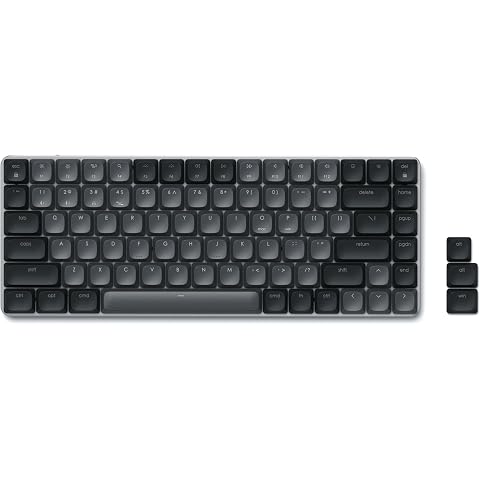
Satechi SM1 75% Mechanical Keyboard, Backlit Bluetooth, Dark Gray/Gray | 84 Keys, Compact Wireless, Gaming, for Mac and Windows
$95.19
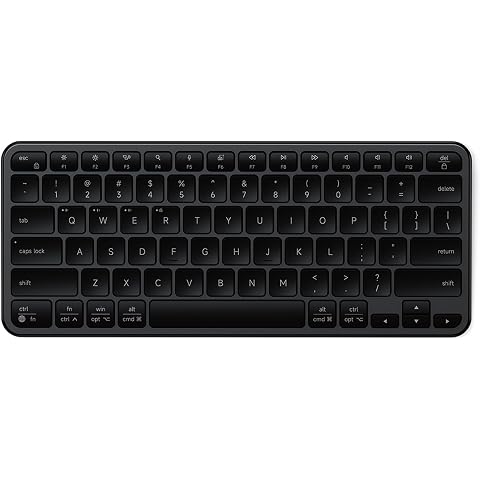
Satechi Slim EX1 Wireless Keyboard, 4-in-1 Connectivity, Space Black | 3 Bluetooth plus 2.4 GHz, instant OS remap, rechargeable battery, for Mac, Windows, Android
$52.49
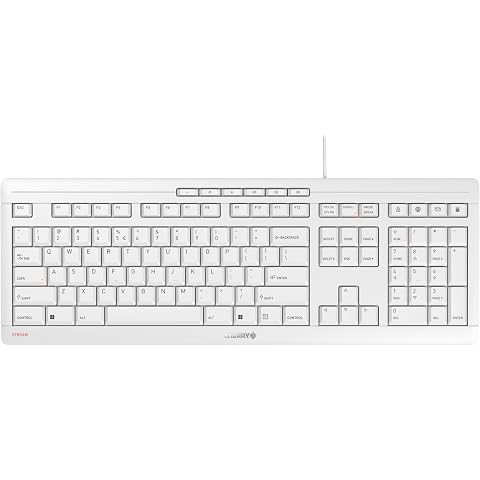
Cherry Stream Keyboard - Wired USB Keyboard - SX Scissors Mechanism - GS Approval - QWERTY – White
$37.10
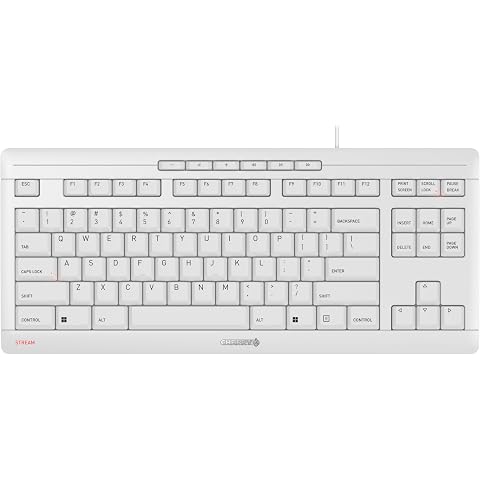
Cherry Stream Keyboard TKL, Wired Keyboard Without Number Pad, Whisper Quiet Keys, Unique Typing Feel, Slim Design, SX Scissor Switches, QWERTY, White-Gray
$28.39
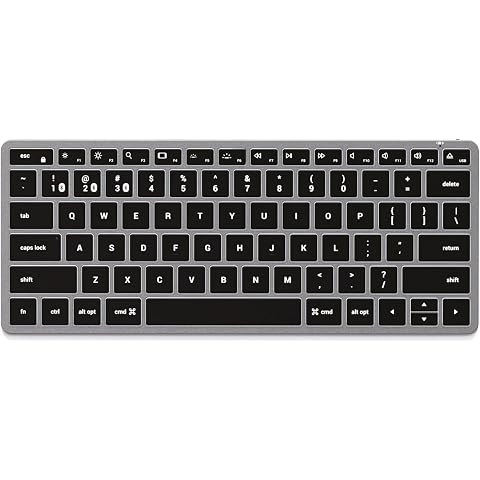
Satechi Slim X1 Bluetooth Backlit Keyboard, Multi-Device Sync, Space Gray | Illuminated keys, for MacBook, iPad, iPad mini, Mac mini, iMac
$62.99
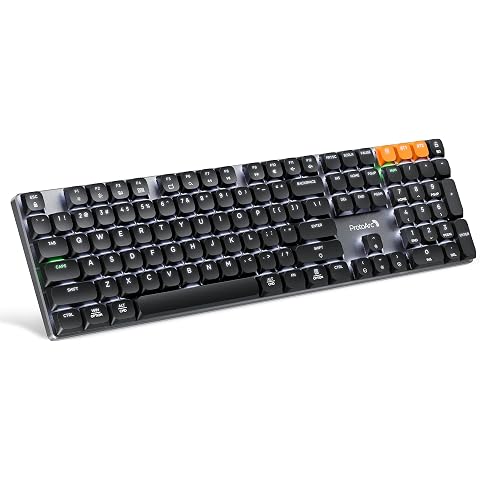
ProtoArc K310 Pro Backlit Bluetooth Mechanical Keyboard, Linear and Quiet | Aluminum Wireless Mechanical Keyboard, 3 Devices Bluetooth & 2.4G, Programmable Keys, Rechargeable, Low Profile, Full Size
$99.99
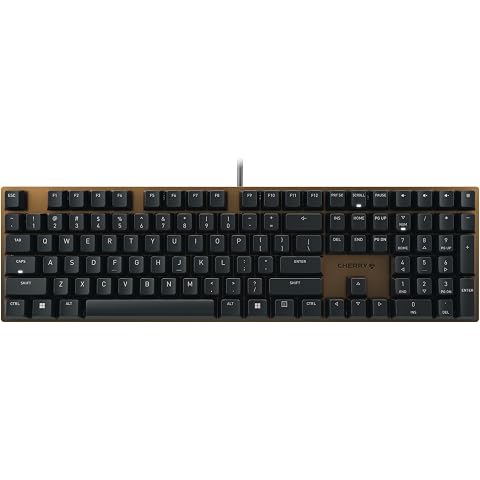
Cherry KC 200 MX Wired Mechanical Office Keyboard MX2A Brown Switches | Modern Design, Aluminum Surface, USB-A Connection, Full Size Keyboard,Black/Bronze, Tactile Switch
$132.95

PUREPLUS DA97-17376B Water Filter Replacement for Samsung HAF-Qin, HAF-Qin/EXP, DA97-08006C, RF23M8070SG, RF23M8070SR, RF23M8090SG, RF23M8090SR, RF23M8570SR, RF23M8590SG Refrigerator, 3Pack
$30.39
Epson RapidReceipt RR-400W Wireless Business Scanner Receipt Organization | ScanSmart AI PRO Technology 2-Sided Scanning 20-Page Auto Feeder for Small Business Receipt Organization
$399.99