 1 / 7
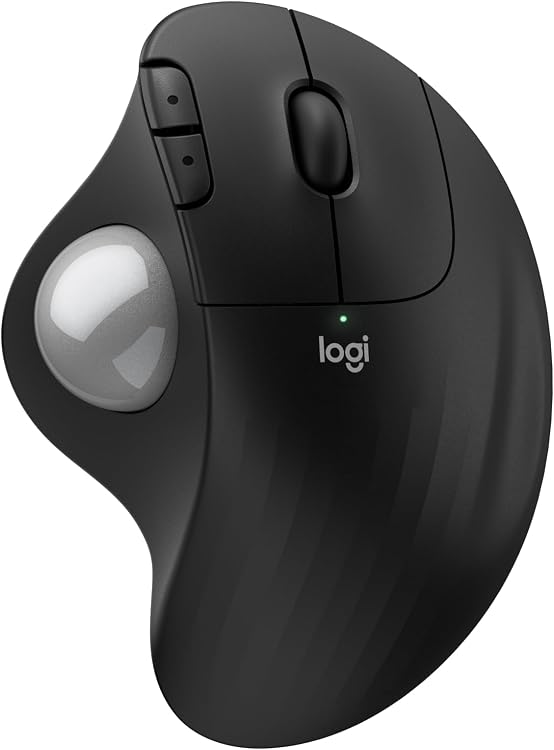
Logitech ERGO M575s Wireless Trackball Mouse
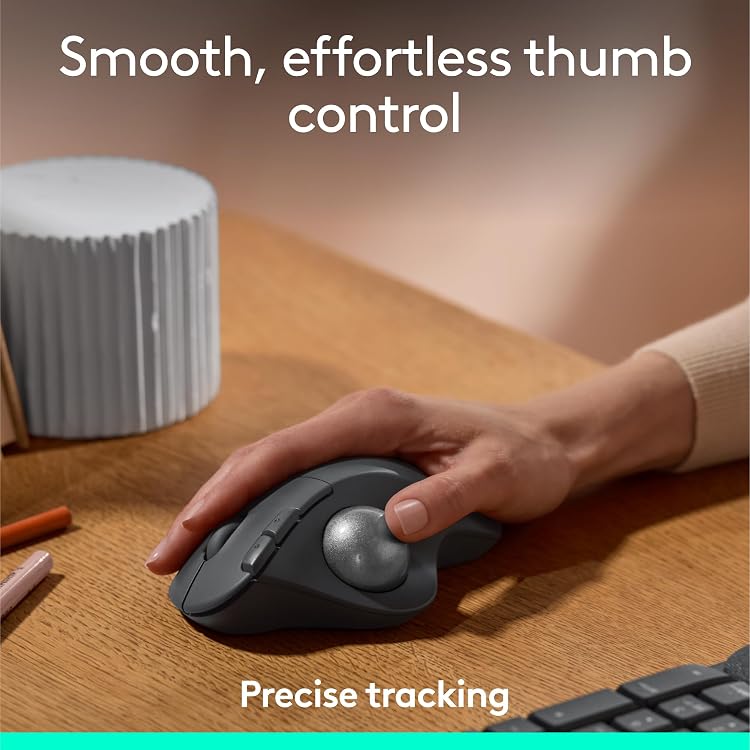
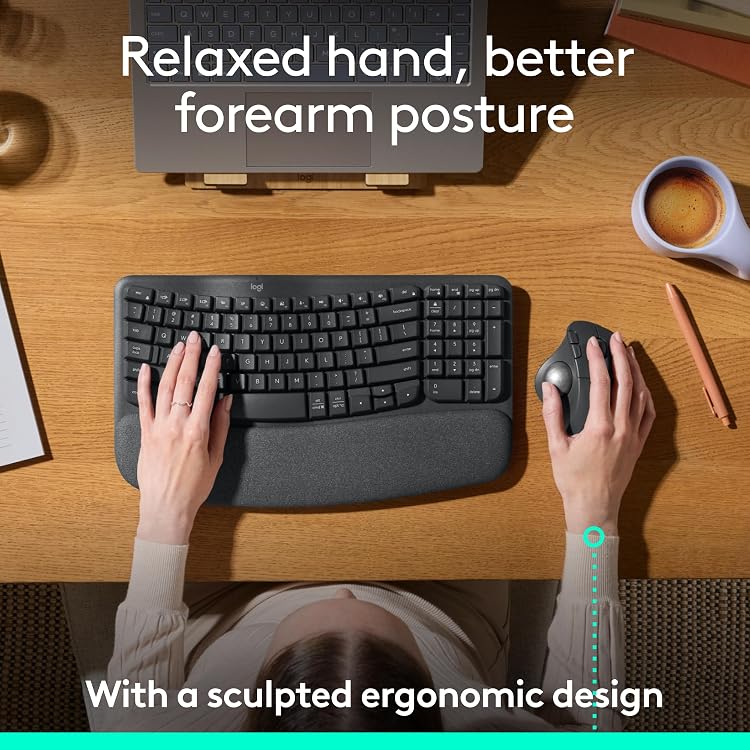
The Logitech ERGO M575s is a wireless trackball mouse that moves the cursor with a thumb-operated ball, so the mouse itself can stay still. Its compact movement needs suit tight desks, while its ergonomic shape and customizable controls are intended for comfortable everyday computer use.
At a glance
- Thumb-operated trackball lets you control the cursor without moving the mouse, useful where desk space is limited.
- Listing claims ergonomic shaping and quieter clicks, with up to 18 months of battery life depending on use and computing conditions.
- Bluetooth or the included Logi Bolt USB receiver are listed connection options.
- The listing describes three customizable buttons and cursor-speed adjustment through Logi Options+.
Reference price: $69.99
Price checked: Nov 26, 2026
View offerBlack Friday weekExplore the selectionOften bought together
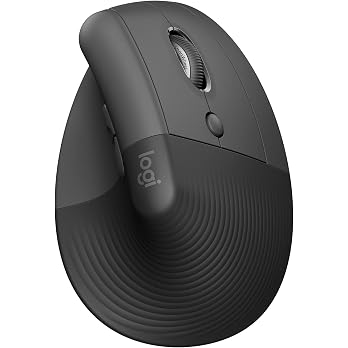
Logitech Lift Vertical Ergonomic Wireless Mouse - Graphite | Connect via Bluetooth or included Logi Bolt USB-A receiver, quiet clicks, 4 of 6 buttons customizable, Windows Mac compatible
$79.99
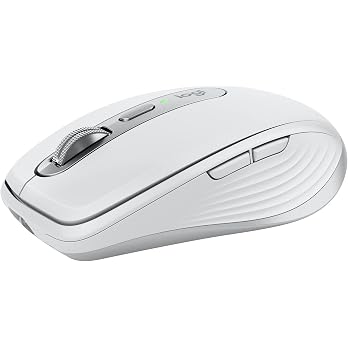
Logitech MX Anywhere 3S Compact Wireless Mouse Fast Scrolling - Pale Grey | MagSpeed Scrolling , 8K DPI Any-Surface, Quiet Clicks, Programmable Buttons, Windows/Mac/Chrome/Linux, USB-C, Bluetooth
$89.99
Pros and cons
Pros
- Trackball operation needs little surface area and can be used on any surface, according to the listing.
- Two wireless connection options and a stated battery life of up to 18 months offer flexible everyday setup.
- Customers report comfort and relief from hand strain, though individual experiences vary.
Cons
- Trackball control uses thumb movement rather than the familiar movement of a conventional mouse, which may take adjustment.
Technical specifications
18 specifications| Brand | Logitech |
|---|---|
| Model | ERGO M575s |
| Colour | Graphite + Silver Ball |
| Model number | 910-007392 |
| Wireless connection listed | Bluetooth, USB |
|---|---|
| Movement detection | Trackball |
| Maximum sensitivity | 2000 dots_per_inch |
| Button quantity | 2 |
| Compatible devices | Personal Computer, Tablet |
|---|---|
| Operating system | Windows, macOS |
| Minimum required operating system version | Windows 10 |
| Power configuration | Battery Powered |
|---|---|
| Battery life listed | 18 months |
| Battery | 1 AA batteries required. (included) |
| Hand orientation | Left |
|---|---|
| Enclosure material | Plastic |
| Weight listed | 0.21 kg |
| Parcel dimensions | 22.12 x 13.82 x 6.2 cm; 210 g |
What to know before buying
Listing details to confirm
Listing details are inconsistent: the table says two buttons while feature text says three customizable buttons, and hand orientation is listed as left despite the ergonomic-use description. Battery life is an up-to figure that may vary. The explicit contents list names customizable buttons and a Logi Bolt receiver, but does not establish whether a keyboard or other suggested setup components are bundled. Confirm the selected listing and controls before purchase.
What’s in the box
- Customizable buttonsIncluded
- Logi Bolt USB receiverIncluded
- AA batteryIncluded
- Keyboard or other suggested setup accessoriesCheck selected pack
Check which accessories are included in your selected pack before buying.
Who is it for?
A good fit for
- People with limited desk space who want cursor control without sliding a mouse around.
- Buyers seeking a thumb-operated trackball with Bluetooth or USB receiver connectivity.
- Users who want to personalize shortcuts through Logi Options+ on supported recent Windows or macOS versions.
Less suited to
- People who prefer conventional mouse movement or do not want to adapt to thumb-controlled tracking.
- Buyers who need an unambiguous button layout or handedness specification without checking the listing first.
Customer reviews on Amazon
- 5 stars
71% 71% - 4 stars
13% 13% - 3 stars
5% 5% - 2 stars
4% 4% - 1 star
7% 7%
Customer feedback describes comfortable use, reduced hand strain and convenient operation, while reports on reliability, smoothness, value and ease of use are mixed. That makes the trackball's low-movement design appealing for compact desks, but buyers should allow for differing experiences with control and day-to-day use.
Positive themes
- Customers report comfort and relief from hand strain.
- Customers describe the mouse as functional and convenient.
Mixed feedback
- Customer feedback is mixed on reliability, smoothness, value for money and ease of use.
Frequently asked questions
Does the ERGO M575s need a large mouse pad?
The listing says cursor control uses the thumb-operated ball without moving the mouse, and that it works on any surface, so it is suited to setups with little spare desk area.
How does it connect?
Bluetooth and USB are listed, and the feature text specifies Bluetooth or the included Logi Bolt USB receiver.
How long does the battery last?
The listing states up to 18 months with an included AA battery. Actual life may vary with user and computing conditions.
How many customizable buttons does it have?
The specifications list two buttons, while feature text claims three customizable buttons. Check the selected listing if button count matters.
Alternative options
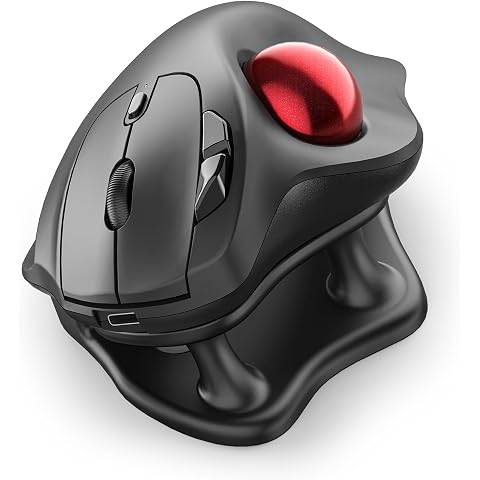
Nulea Wireless Trackball Mouse Ergonomic 21.7 Tilt Stand Thumb Control | Rechargeable mouse with 4 DPI levels,Bluetooth 2.4G connection,3 device switching,precise control,compatible with PC Mac
$35.99
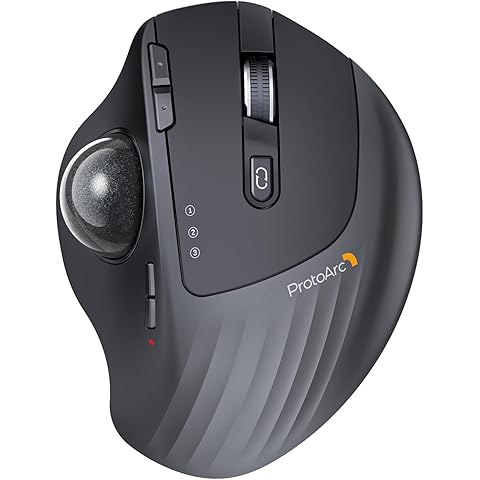
ProtoArc EM01 NL Wireless Trackball Mouse, Rechargeable Thumb Control Mice | 0-20° Adjustable Angle to Reduce Fatigue, 3-Device Bluetooth & 2.4G USB-A for Office Use, Silent Click, Easy to Clean
$49.99
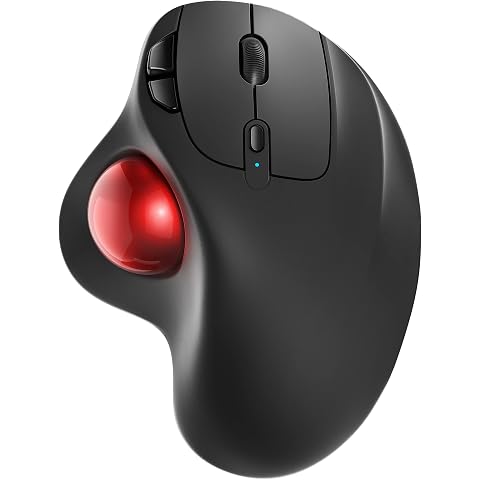
Nulea M501 Wireless Trackball Mouse, Rechargeable Ergonomic, Easy Thumb Control, Precise & Smooth Tracking, 3 Device Connection (Bluetooth or USB Receiver), Compatible for PC, Laptop, Mac(Red)
$33.99
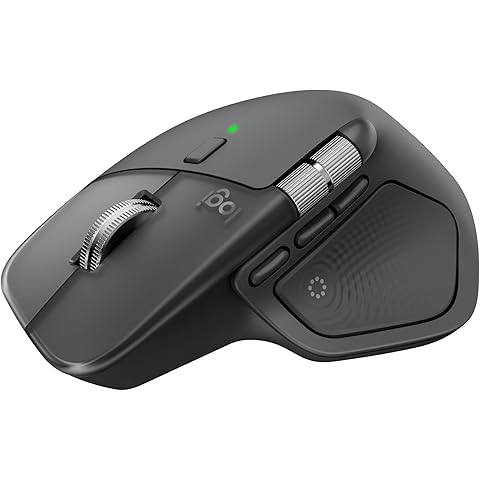
Logitech MX Master 4 Ergonomic Wireless Mouse - Graphite | Advanced performance haptic feedback, Ultra-Fast Scrolling, 8K DPI Any-surface, Quiet Clicks, Windows/MacOS, Wireless, USB-C
$149.99
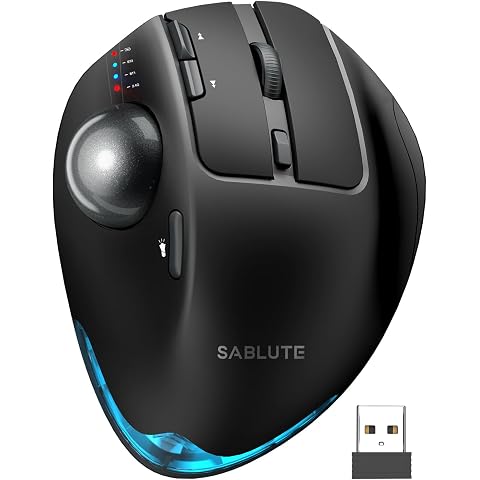
SABLUTE MAM1 Pro Wireless Ergonomic Trackball Mouse Rechargeable | Bluetooth Thumb Control Mouse with 5 Level DPI, Multi-Device Connection, Smooth Precision, for Laptop, PC, Mac, Office Home
$42.49
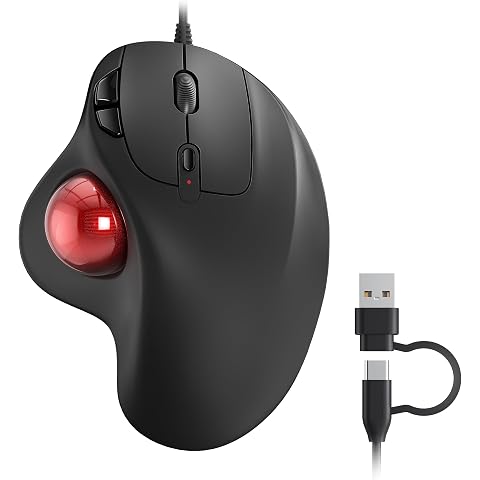
Nulea M509 Trackball Mouse Wired, Ergonomic Design, Easy Thumb Control, Precise & Smooth Tracking, 2-in-1 Interface (Type A &Type C), Compatible for PC, Laptop, Mac, Windows
$25.49
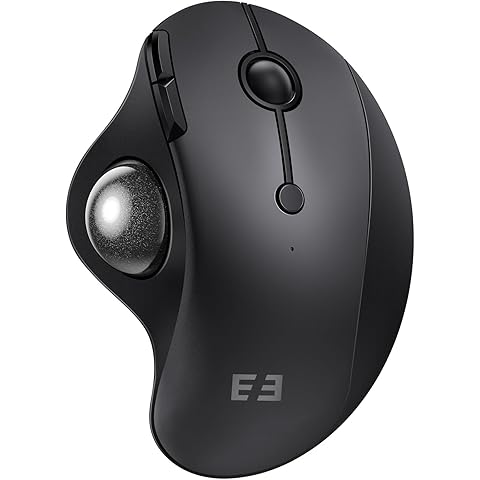
seenda Wireless Trackball Mouse, Ergonomic Bluetooth Rollerball Mouse Rechargeable, 3 Device Connection Optical Mice Adjustable DPI Thumb Control Mice Compatible for PC/Laptop/Windows/Mac - Black
$30.59
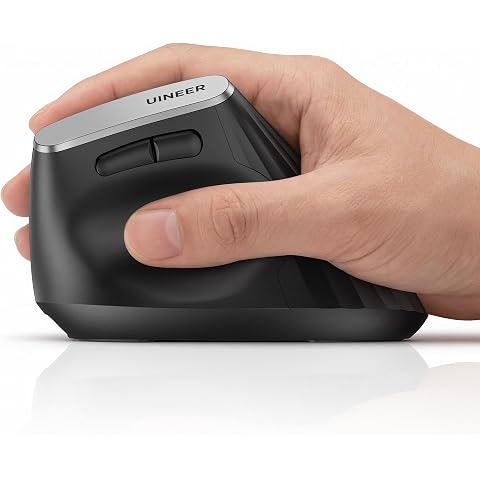
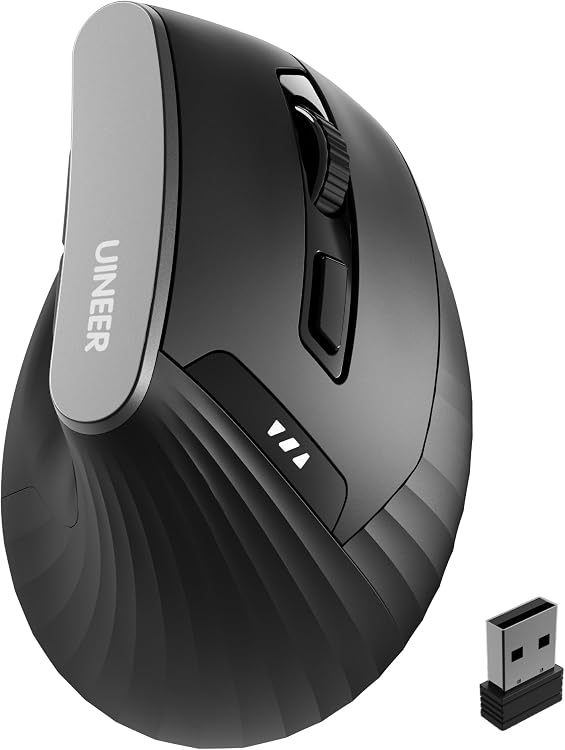
Uineer Vertical Ergonomic Mouse, Wireless Bluetooth Mouse, 3-Device, Quiet | Switch among 3 devices; Side Buttons supports horizontal navigation for documents and spreadsheets.
$26.00
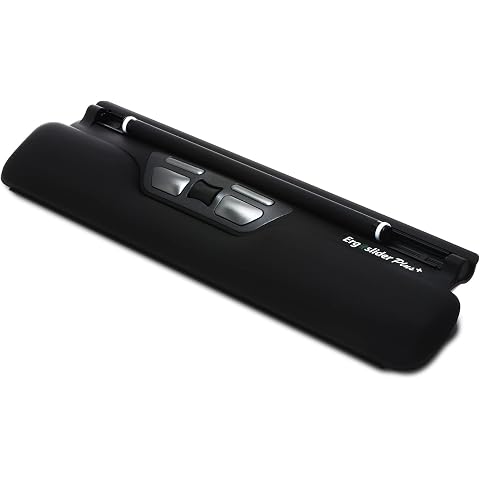
ERGOSLIDER Plus Ergonomic Mouse by FERSGO: USB Plug & Play RollerMouse, Precise & Comfortable Roller Bar Mouse with Wrist Pad The Best Computer Mice Combo - Relieves Wrist & Shoulder Pain from RSI, Carpal Tunnel & Tendinitis (Ergoslider Plus+ SE)
$254.99
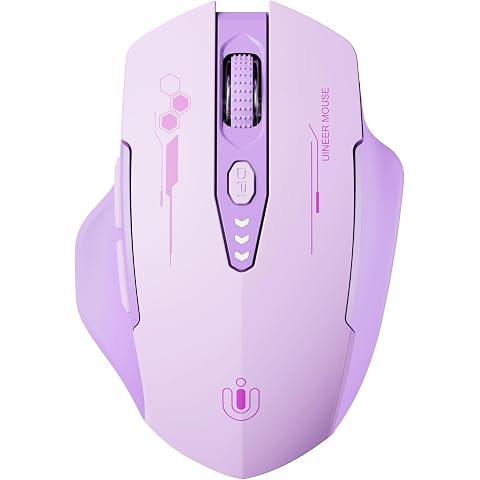
Uineer Bluetooth Mouse, Tri-Mode Wireless, Rechargeable, 3-Device Switch | Dual Bluetooth plus 2.4G connectivity, 3-device switching and a visible rechargeable battery level.
$21.99
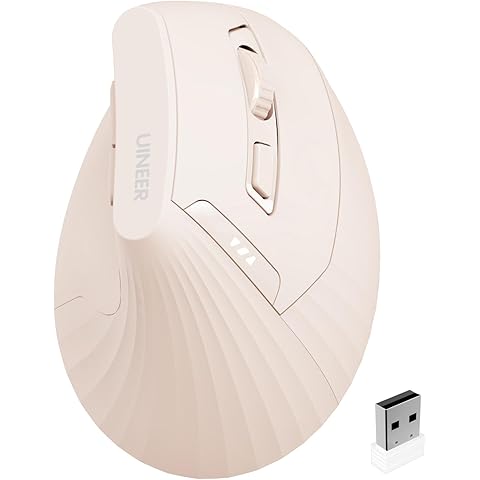
Uineer Ergonomic Vertical Mouse, 2.4G Wireless Mouse, Rechargeable, 4-DPI | Right-handed vertical design with 2.4G USB-A connection, rechargeable battery and visible battery level.
$25.64
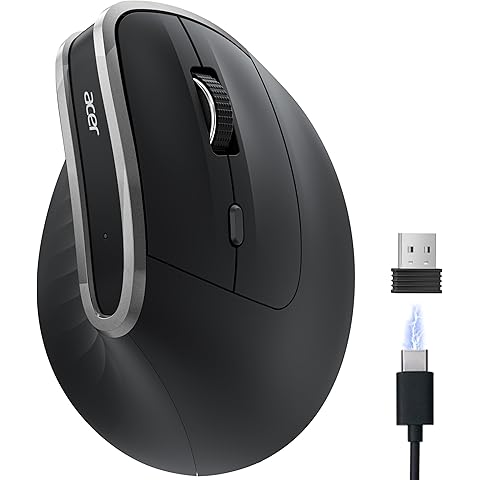
Acer Wireless Ergonomic Mouse, Rechargeable Vertical Mouse 2.4GHz | Ergo Computer Mouse Cordless with 3 Adjustable DPI 1600/1200/1000, 6 Buttons for Laptop, PC, Desktop
$29.99