 1 / 2
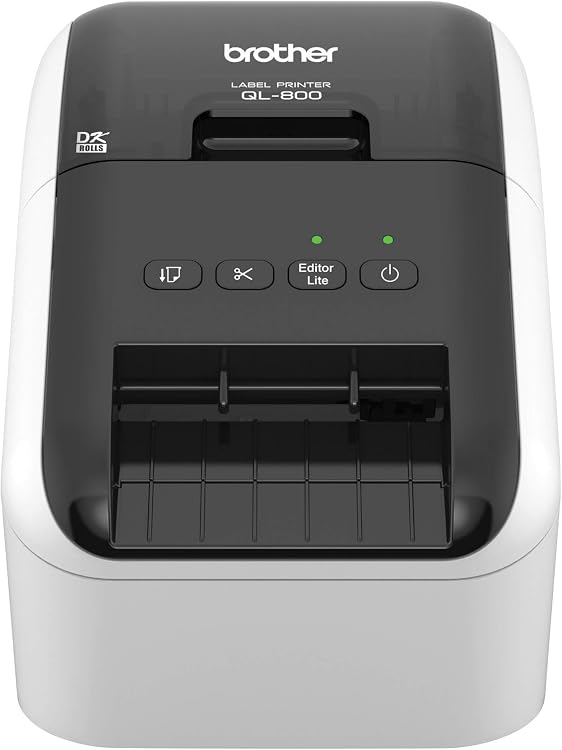
Brother QL-800 Thermal Label Printer
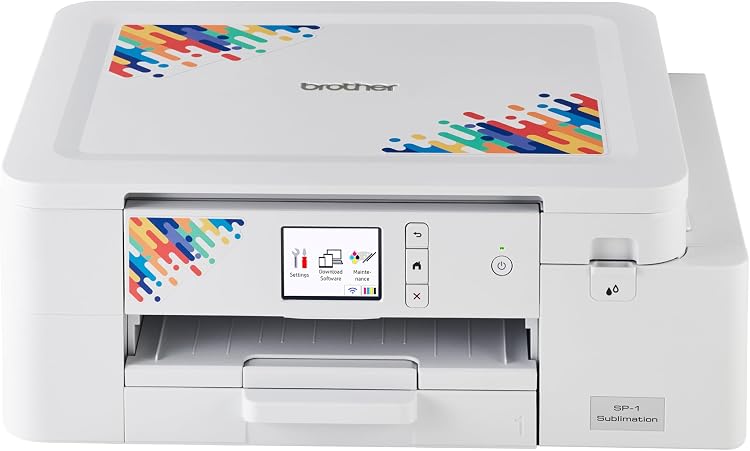
Brother QL-800 is a USB thermal label printer intended for custom office labels. Its listing describes black-and-red printing on compatible tape and fast label output, while customer feedback reports compatibility concerns and mixed experiences with setup, reliability and image quality.
At a glance
- Direct thermal printing means the listing says no ink or toner is required.
- Manufacturer information describes black-and-red printing across the label when using DK-2251 tape.
- The automatic cutter is listed for cutting labels and banners.
- The listing describes label design through computer software and an Android app.
Reference price: $144.99
Price checked: Nov 20, 2026
View offerBlack Friday weekExplore the selectionOften bought together
Pros and cons
Pros
- Thermal printing avoids replacing ink or toner, according to the manufacturer.
- Computer connectivity and label-design software support creating custom labels for office tasks.
- The stated black-and-red tape option can add two-colour emphasis to labels.
Cons
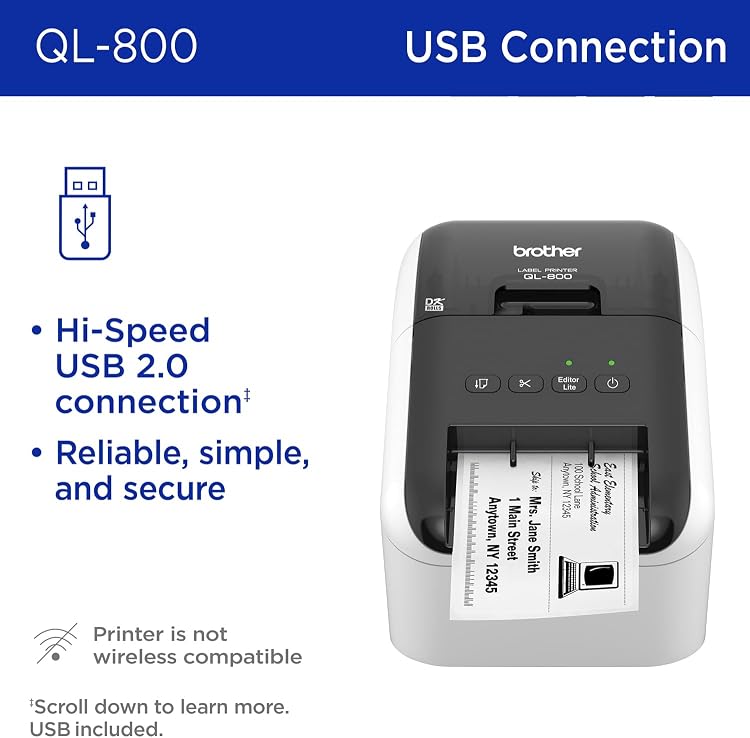
- USB-only connectivity makes this a wired setup rather than a wireless printer.
Technical specifications
17 specifications| Brand | Brother |
|---|---|
| Model | QL800 |
| Printing technology | Thermal |
| Print media | Labels |
| Printer output | Color |
| Ink colours listed | black, red |
| Print resolution listed | 300 x 600 |
| Connection listed | USB |
|---|---|
| Control method listed | App |
| Compatible devices listed | PC |
| USB ports listed | 1 |
| Dimensions | 12.45 x 21.34 x 14.22 cm; 1.13 kg |
|---|---|
| Weight | 1.13 kg |
| Maximum monochrome print speed | 40 pages_per_minute |
|---|---|
| Maximum print resolution, colour | 300 dpi |
| Compatible cartridge | DK-2251 |
| Wattage | 50 watts |
What to know before buying
Listing details to confirm
Listing details are inconsistent: one speed claim says up to 93 standard address labels per minute at 300 dpi, while the specifications list 40 pages_per_minute for monochrome and 1 for colour. The listed 300 x 600 resolution also differs from separate 300 dpi claims. Android app use is described as requiring an additional USBtoGo cable, so confirm the intended connection and compatibility for your device before buying.
What’s in the box
Included- Software
- USB cable
- AC adapter
- Quick Setup Guide
- Documentation
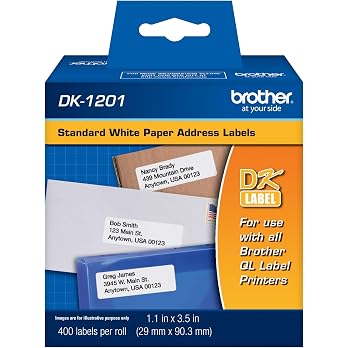
- DK-1201 starter roll, 100 die-cut standard address labels
- DK-2251 continuous-length black/red on white paper tape, 2.4" (62mm), 16.4 ft. (5m)
Who is it for?
A good fit for
- Office users printing batches of address, file-folder or package labels from a computer.
- Buyers who want custom labels with an optional black-and-red tape format.
Less suited to
- Anyone needing wireless printing without a USB connection.
- Buyers who require assured compatibility with a specific computer, mobile device or software setup.
Customer reviews on Amazon
- 5 stars
78% 78% - 4 stars
7% 7% - 3 stars
2% 2% - 2 stars
1% 1% - 1 star
12% 12%
Customer feedback highlights fast operation and useful label printing, including for farm labels, while also reporting disappointment with compatibility. Experiences vary on reliability, value, setup and image quality. For buyers printing routine labels from a compatible computer, speed and labelling are the reported strengths, but device and software fit deserve attention before purchase.
Positive themes
- Customers describe the printer as fast in operation and useful for labelling.
Negative themes
- Customer feedback reports compatibility concerns.
Mixed feedback
- Customer feedback describes mixed experiences with reliability, value, setup and image quality.
Frequently asked questions
Does the Brother QL-800 use ink or toner?
The manufacturer describes it as a direct thermal printer that does not require ink or toner.
Can it print labels in black and red?
The listing describes black-and-red printing when using DK-2251 tape. Check tape compatibility and the selected package contents.
Can I design labels from an Android device?
The listing mentions Brother's iPrint&Label app, but its manufacturer information says Android use requires a separately purchased USBtoGo cable.
How fast does it print?
The listing makes a claim of up to 93 standard address labels per minute, but its technical details give different monochrome and colour speed figures. Treat speed as uncertain and confirm the relevant operating conditions.
Alternative options
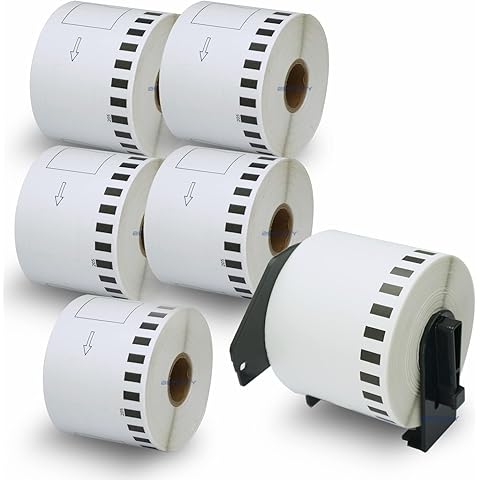
BETCKEY Replace for Brother DK-2205 (2.4 in x 100 ft) Label[6Roll/1Holder] | Compatible with Brother QL Label Printers, Continuous Length Paper Labels
$43.99
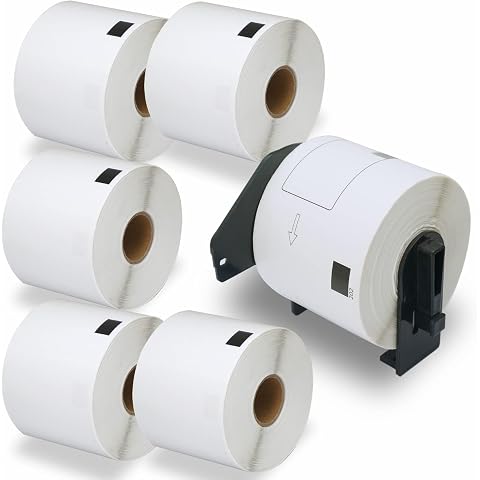
BETCKEY Replace for Brother DK-1202 (2.4 x 3.9 in) Labels,[6 Roll/1 Holder] | Compatible with Brother QL Label Printers, Shipping/Name Badge Labels
$45.99
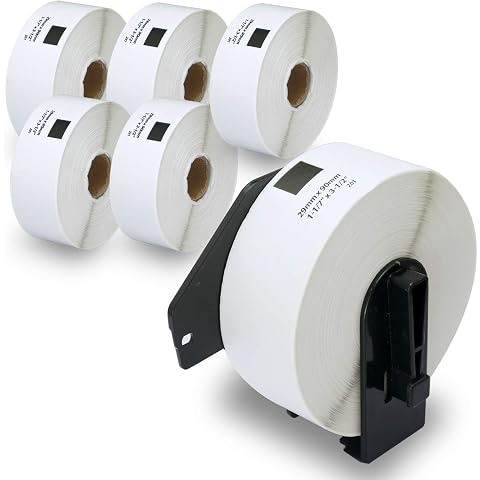
BETCKEY Replace for Brother DK-1201 (1.1 x 3.5 in) Labels,[6 Roll/1 Holder] | Compatible with Brother QL Label Printers, Standard Address Labels
$34.99
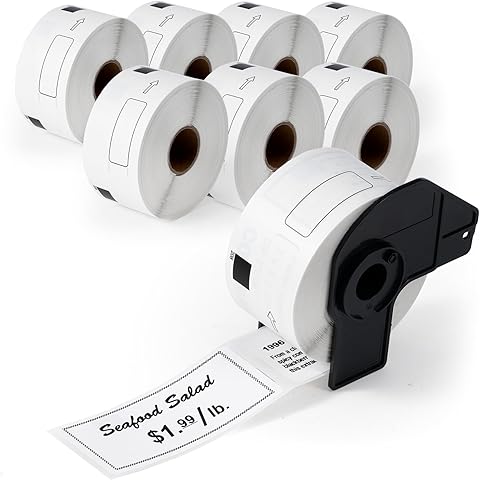
COLORWING Replace for Brother Labels DK-1208 Large Address Paper Label Roll | 1.4" x 3.5" Die-Cut DK1208 for Brother QL-800 QL-700 QL-600 QL Printers, 8 Rolls + 1 Frame, 400/roll
$49.99
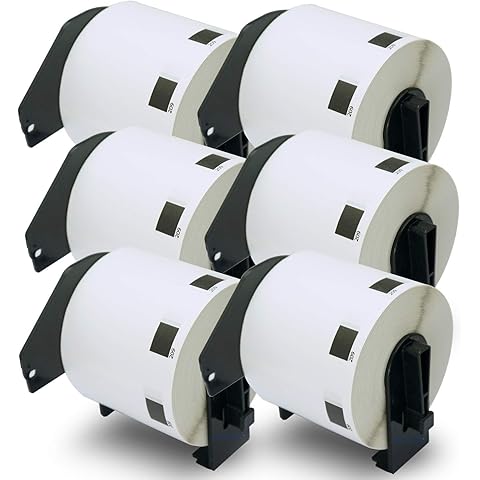
BETCKEY Replace for Brother DK-1209 (2.4 x 1.1 in) Barcode Labels,[6 Roll] | Compatible with Brother QL Label Printers, Small Address/Barcode Labels
$45.99
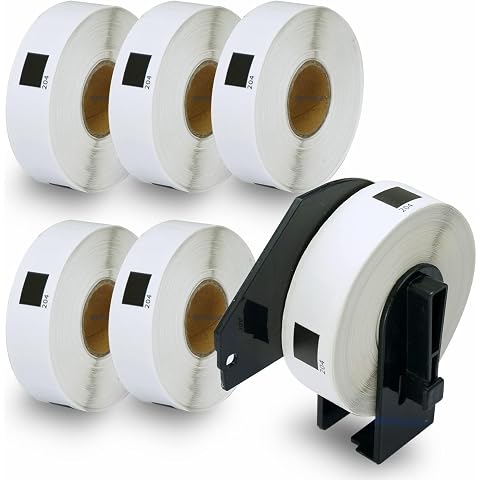
BETCKEY Replace for Brother DK-1204 (0.66 x 2.1 in) Labels[6 Roll/1 Holder] | Compatible with Brother QL Label Printers, Multi-Purpose Address Labels
$31.99
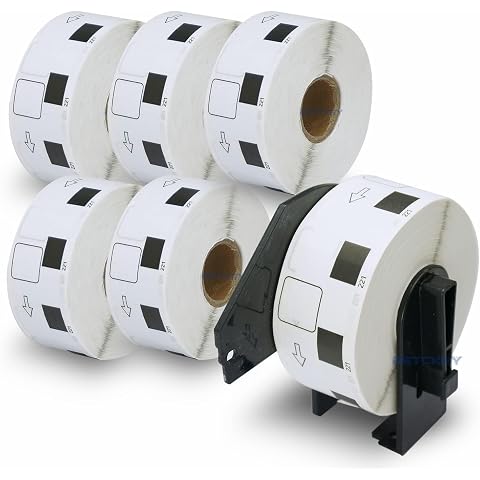
BETCKEY Replace for Brother DK-1221 (0.9 x 0.9 in) Labels,[6 Roll/1 Holder] | Compatible with Brother QL Label Printers, Square Labels
$37.99
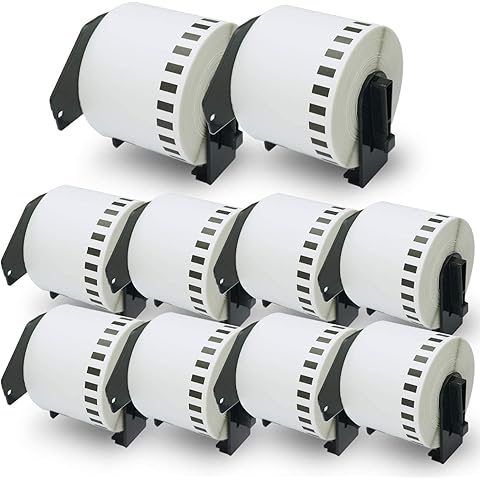
BETCKEY Replace for Brother DK-2205 2.4in x 100ft Continuou Labels[10 Roll] | Compatible with Brother QL Label Printers, Continuous Length Paper Labels
$73.99
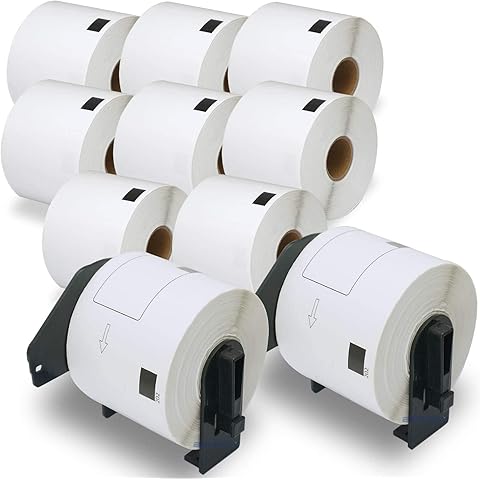
BETCKEY Replace for Brother DK-1202 (2.4 x 3.9 in) Labels[10 Roll/2 Holder] | Compatible with Brother QL Label Printers, Shipping/Name Badge Labels
$70.99
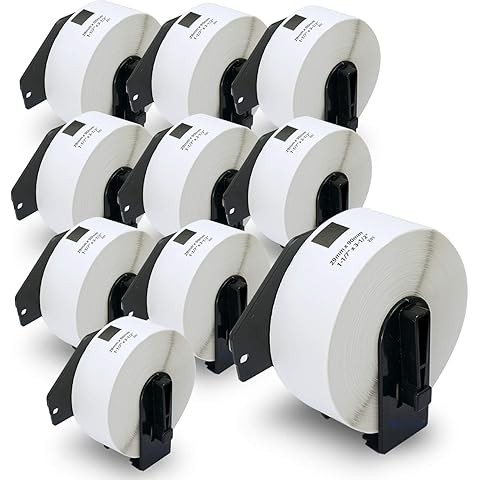
BETCKEY Replace for Brother DK-1201 (1.1 x 3.5 in) Address Labels,[10 Roll] | Compatible with Brother QL Label Printers, Standard Address Labels
$51.99
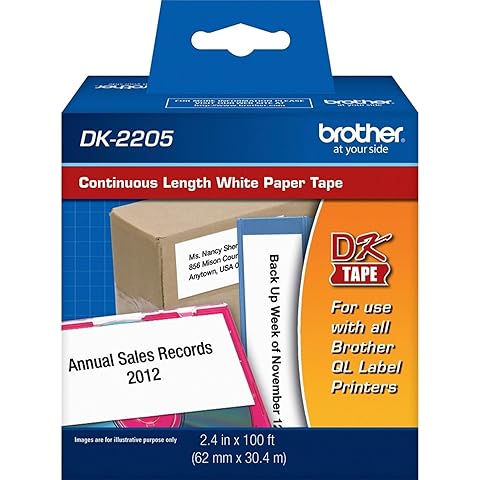
Brother Genuine, DK-2205 Continuous Paper Label Roll, Cut-to-Length Label, 2.4” x 100 Feet, (1) Roll Per Box
$35.99
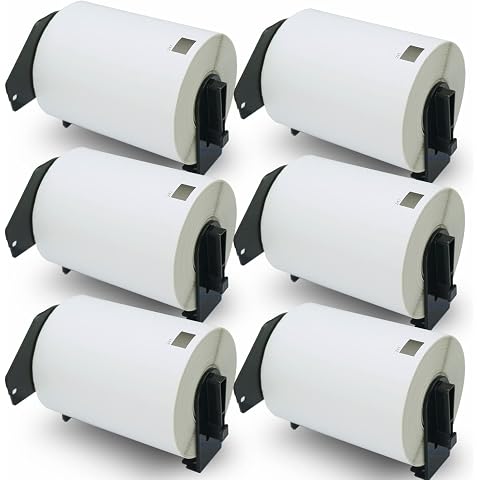
BETCKEY - Replace for Brother DK-1241 (4 x 6 in) Shipping Labels,[6 Roll] | Compatible with Brother QL Label Printers, Shippings Labels
$99.99