Phone Stands & Grips
Products · Phone Stands & Grips
8 active deals
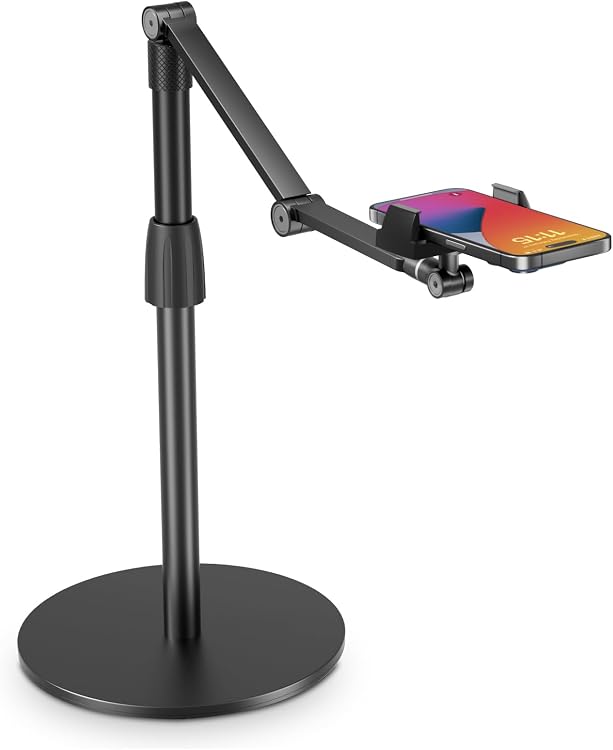
SupeDesk Overhead Phone Stand, Adjustable Desktop Mount

Lamicall STRR02-MX-S Magnetic Ring Holder for MagSafe, Diamond Silver
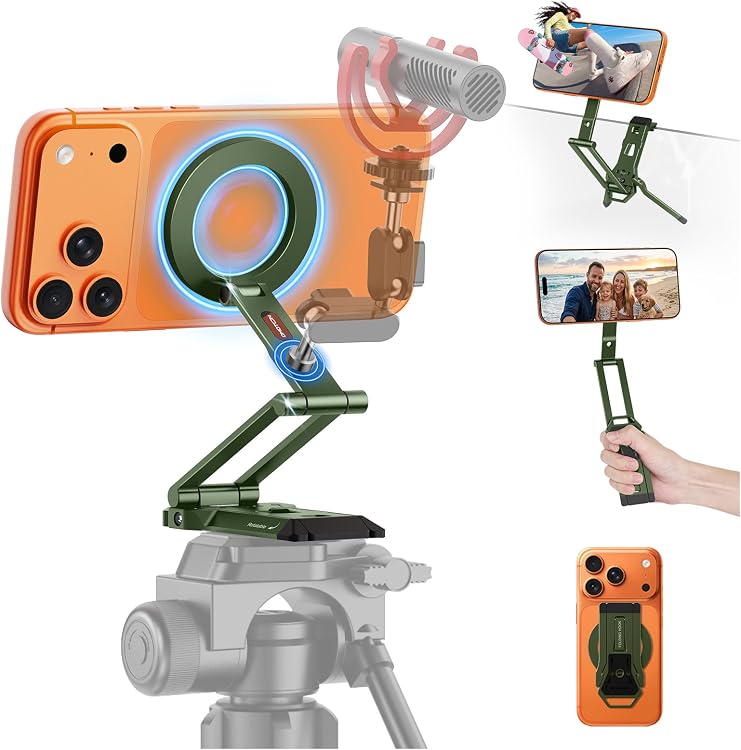
OMOTON TP06-E Magnetic Phone Tripod, Green

YUULNMOP Magnetic Phone Holder for DJI Osmo Pocket 3
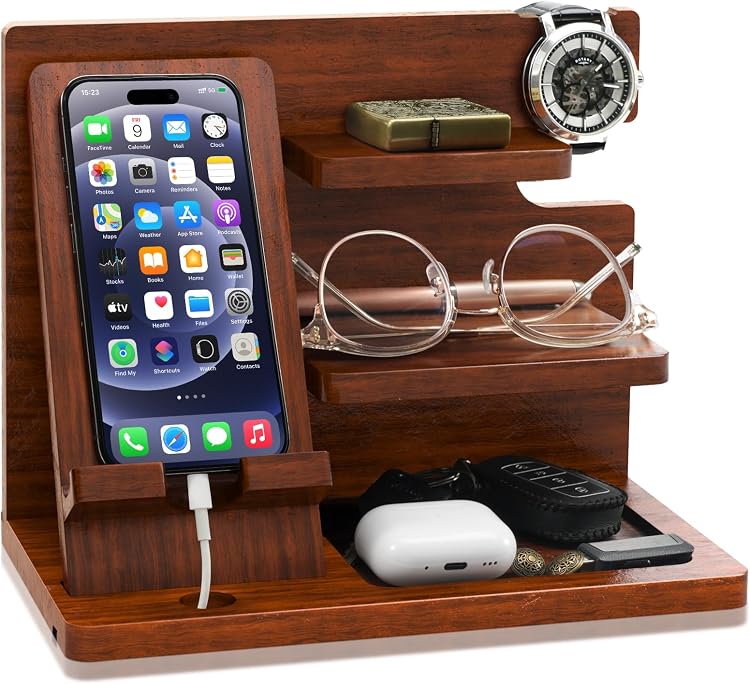
Hinshark JJ0047-MC-SET Wood Phone Docking Station
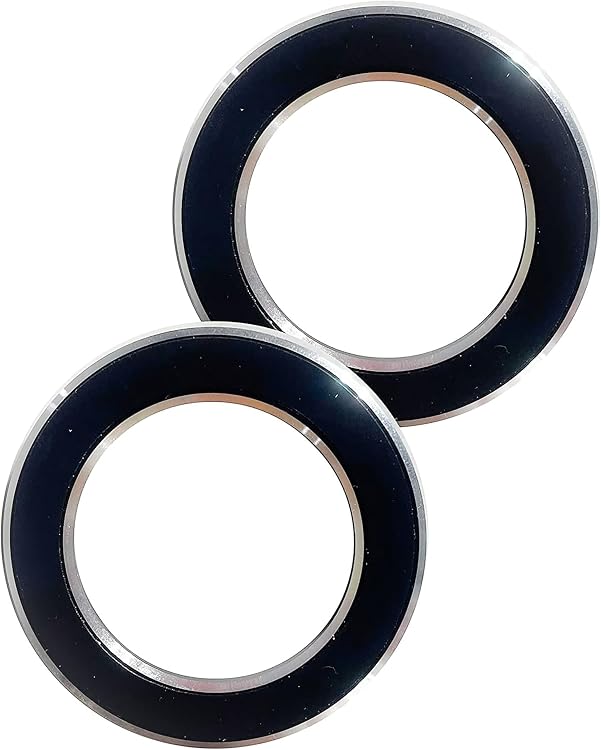
SALEX Magnetic Phone Mount, 2-Pack
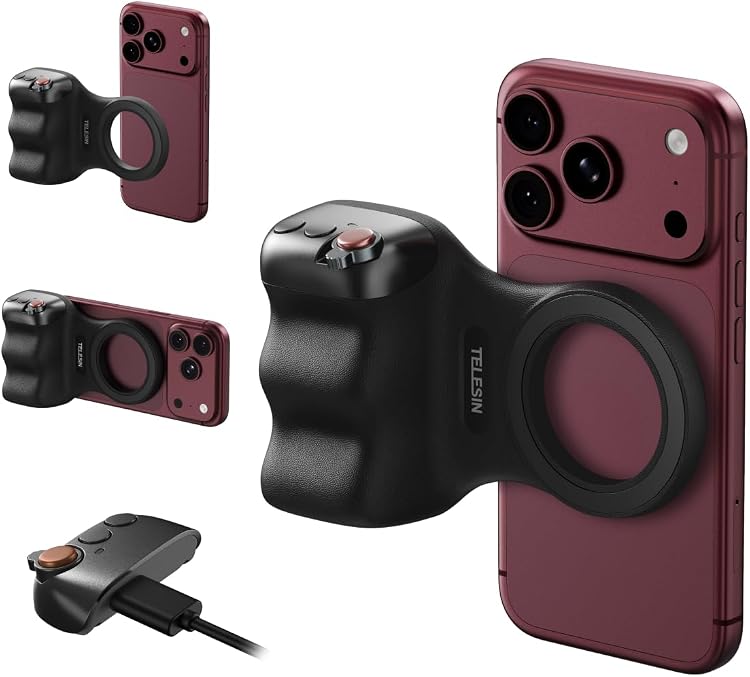
TELESIN Fun Shot Magnetic Phone Camera Grip and C03 Selfie Light

Lamicall LAM-STDP10-Black Magnetic Adjustable Phone Stand
Top deals in Phone Stands & Grips
Big discounts across a variety of models and stores.
Lamicall STRR02-MX-S Magnetic Ring Holder for MagSafe, Diamond Silver
SALEX Magnetic Phone Mount, 2-Pack
OMOTON TP06-E Magnetic Phone Tripod, Green
YUULNMOP Magnetic Phone Holder for DJI Osmo Pocket 3
TELESIN Fun Shot Magnetic Phone Camera Grip and C03 Selfie Light
SupeDesk Overhead Phone Stand, Adjustable Desktop Mount
Lamicall LAM-STDP10-Black Magnetic Adjustable Phone Stand
Hinshark JJ0047-MC-SET Wood Phone Docking Station
Choosing a phone stand or grip that fits your routine
A stand keeps your phone upright when your hands are busy; a grip makes the device easier to hold while you use it. Accessories that do both can involve compromises. Start with your phone's size including its case, then consider where and how you will actually use it.
Match the design to desk or handheld use
For video calls, reading or following a recipe, look for a stand that keeps the screen visible without taking over the work surface. Rings, straps and expanding grips support handheld use, but their small kickstand may offer only a limited viewing angle. Folding stands travel easily. Raised stands bring the screen closer to eye level, although they need a base sized to balance the extra height.
- Check portrait and landscape support without pressure on the phone's side buttons.
- Look for views of the accessory both folded and open, not just holding a phone.
Check dimensions, balance and adjustment
Measure the device's full thickness with its case and compare it with the holder's opening or cradle depth. A shallow lip may not secure a thick case; an oversized lip can cover content or obstruct gestures at the bottom edge. Hinges should retain their angle under the stated load. A broad base and nonslip pads help, but balance also matters when you tap the screen or turn the phone sideways.
- Compare supported weight, usable width and the actual range of tilt adjustment.
- Allow clearance for the camera bump and for your charging cable's connector.
Understand adhesive, magnetic and charging compatibility
Adhesive grips depend on the surface material, texture and preparation specified by the maker. Glass, silicone and textured cases are not automatically suitable. With magnetic accessories, check whether your phone or case supports the attachment and whether an adapter ring is required. A magnetic grip is not a charger. Added thickness and some metal components can interfere with wireless charging, even if the grip attaches securely.
- Check whether the grip must come off before using your particular wireless charger.
- Do not assume a removed adhesive pad will retain its original holding strength.
Assess comfort, wear and replacement parts
For a grip, consider finger space, smooth edges and the bulk left when it is collapsed in a pocket. For a stand, inspect the padding against the phone and how easily you can clean its base. Find out whether replacement pads or adhesive sheets are available. Heat, dust and loose joints can weaken support; stop using an accessory that develops cracks or starts moving unexpectedly under normal handling.
- Follow cleaning directions without soaking hinges or the accessory's adhesive surfaces.
- A grip is not a safety tether: do not rely on it alone to hold your phone over a ledge.