Hard Disk Drives
Products · Hard Disk Drives
4 active deals
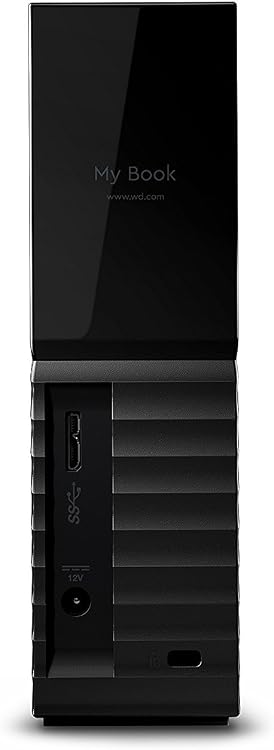
Western Digital My Book 8TB Desktop External Hard Drive
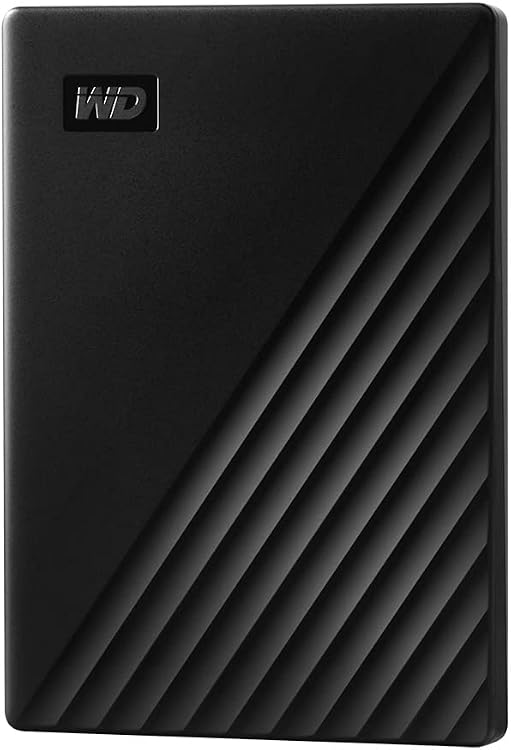
Western Digital My Passport 2TB Portable External Hard Drive, USB 3.0
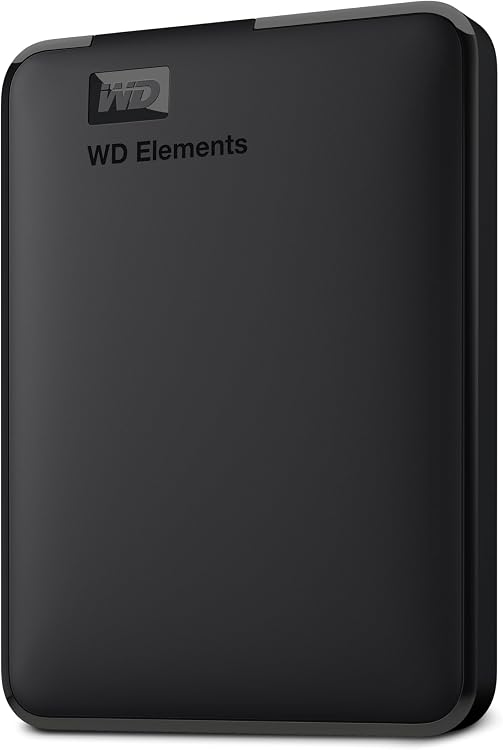
Western Digital WD Elements Portable 2TB USB External Hard Drive
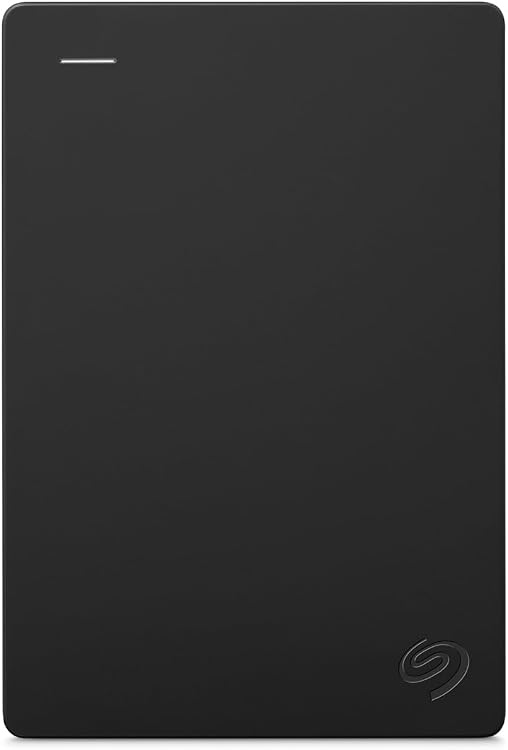
Seagate Expansion Portable External Hard Drive, 2 TB, USB 3.0 (STGX2000400)
Hard drives: choose capacity with the workload in mind
A hard drive remains an option for bringing together photos, video and other large files. Its appeal is not simply the number of terabytes on offer: recording technology, power supply and the place where it will operate determine how convenient that capacity will be to use.
Desktop, portable or internal installation
A compact external drive may draw power from a USB port, whereas many desktop models require a power adapter. Check what is included and where the cables and supply will go. For frequent transport, size and power requirements matter as much as capacity.
For an internal disk, check physical format, interface and mounting space. An empty bay is insufficient if connections are missing or the computer does not support the drive. If using an external enclosure, verify its supported sizes and capacities.
CMR and SMR are not interchangeable for every task
Recording technologies can particularly affect rewriting. An SMR disk may suit files that are written and then read, but its internal management can complicate repeated or lengthy writes. CMR is generally a more predictable choice for workloads involving many changes.
Check the technology of the exact model and capacity; a product family's name may not be enough. For a NAS or array, follow the system manufacturer's compatibility requirements rather than inferring suitability from the word 'storage' in a description.
Rotation speed, sound and ventilation
Higher rotational speed may help certain transfers, but it does not make every access fast and can bring additional noise or heat. If the drive sits beside you, consider spinning and seeking sounds, not speed alone.
A small enclosure must dissipate heat during long copies. Keep the equipment on a stable surface and avoid moving a running disk: its mechanical parts do not respond to knocks like a drive with no moving components.
Build an archive you can also check
On arrival, verify the detected capacity, operation and a sample transfer before entrusting the drive with the entire collection. A healthy status is not a lasting guarantee: watch for changed sounds, errors or disconnections, and keep another copy of irreplaceable material.
Storing a disconnected disk does not remove the need to inspect its files. Keep a record of its contents and periodically check readability. For refurbished drives, examine provenance, warranty and return terms without assuming they are equivalent to a new unit.