10 best-selling computer monitors | Black Friday 2026
Find a monitor for focused office work, a gaming setup, a wider multitasking workspace or a portable laptop extension. Compare screen size, resolution, refresh rate and connections to choose the right fit for your desk and devices.
8 min read
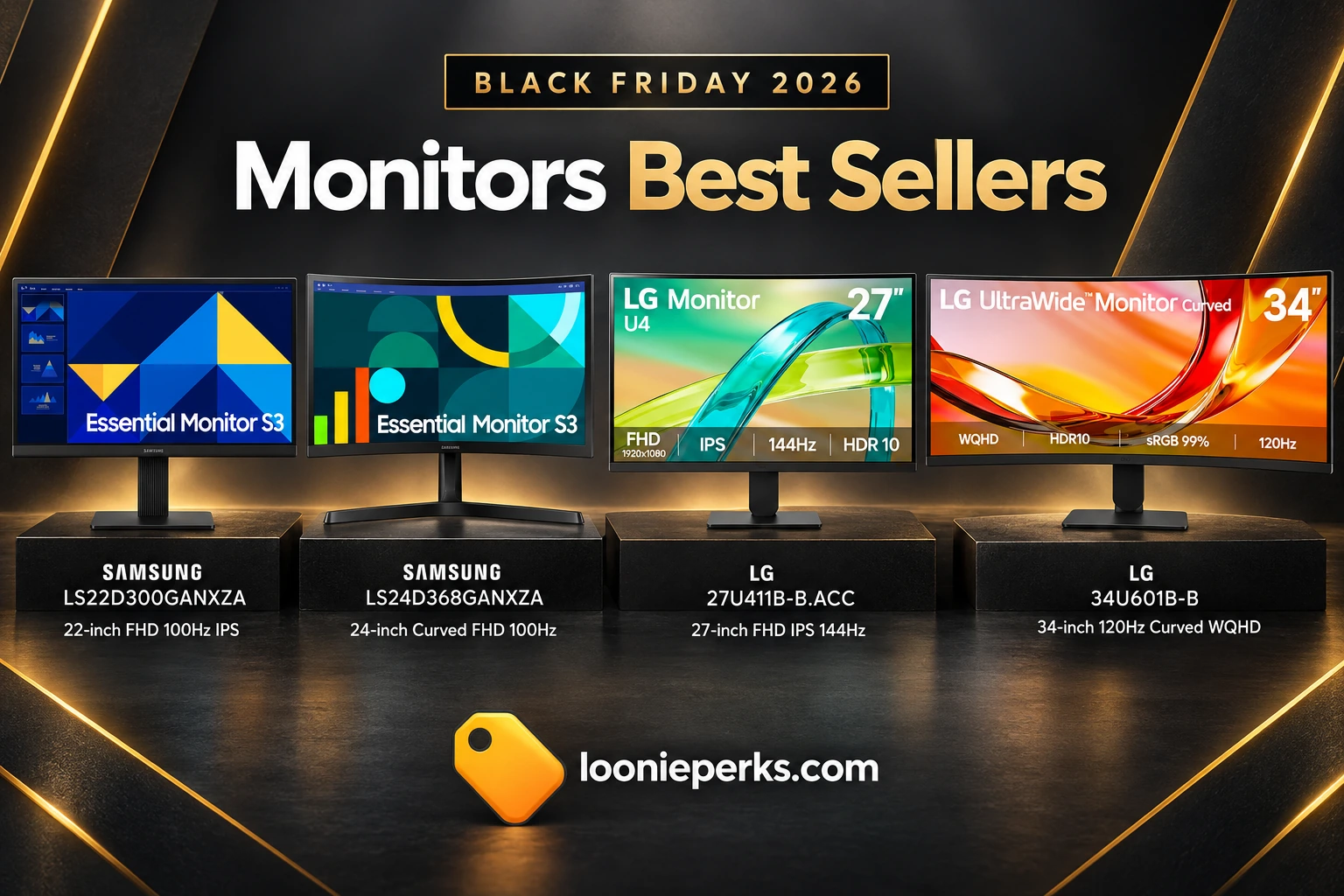
Choose a monitor around your main task: Full HD suits everyday work, while a higher refresh rate is useful for responsive gaming and an ultrawide screen adds horizontal workspace. Check the resolution alongside screen size, then confirm the listed connections suit your computer and other devices.
Prices may change.
We may earn a commission on purchases made through our links.
Selected models
Selection of 10 models from the observed Amazon best-seller list. Numbers show their order in this guide, not their Amazon positions.
| Product | Best for | Offer |
|---|---|---|
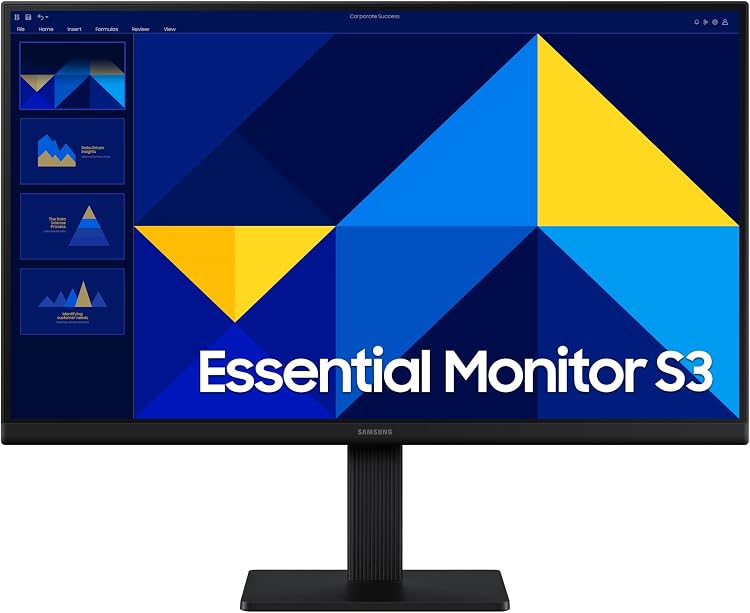 01 / 10First in this selectionSamsung LS22D300GANXZA 22-inch FHD 100Hz IPS Monitor |
Everyday work in a compact 22-inch format | $89.99 |
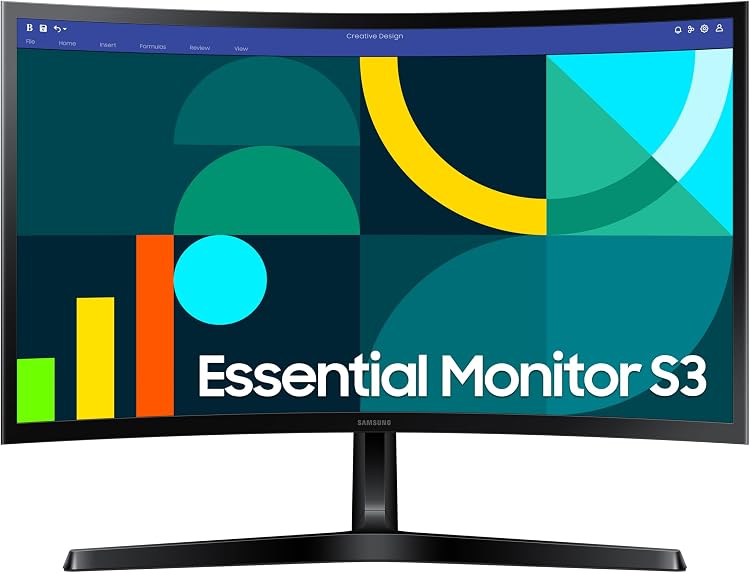 02Samsung LS24D368GANXZA 24-inch Curved FHD Monitor, 100 Hz |
Curved 24-inch screen for everyday desktop use | $115.49 |
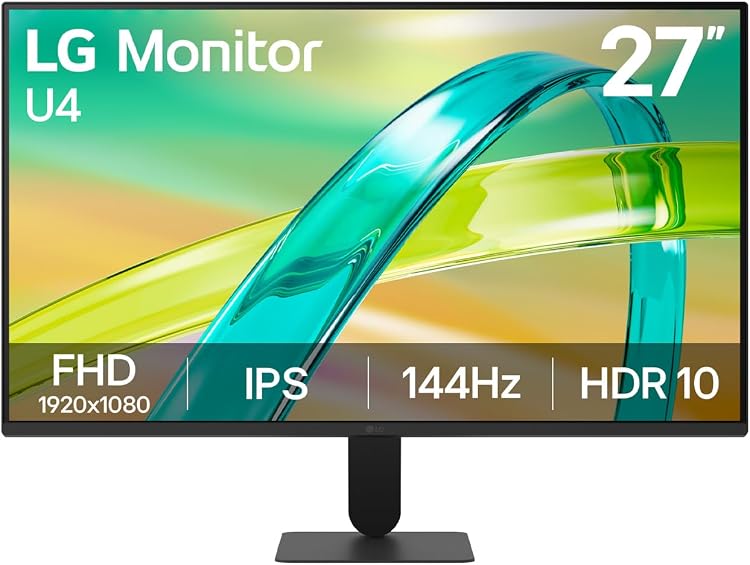 03LG 27U411B-B.ACC 27-inch FHD IPS 144Hz Monitor |
144Hz gaming and general desk viewing | $123.99 |
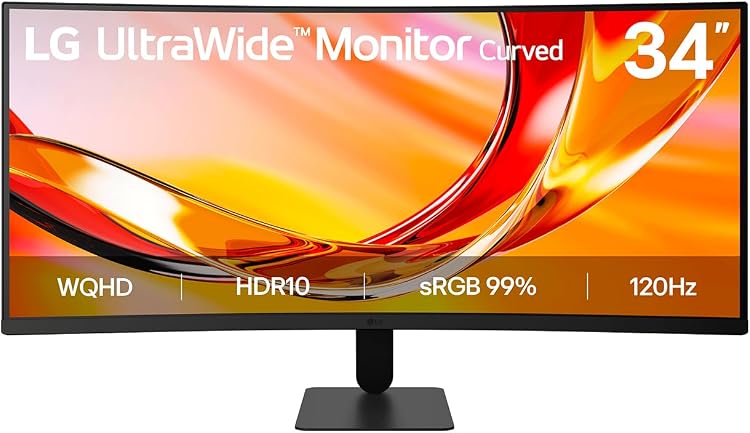 04LG UltraWide 34U601B-B 34-inch 120Hz Curved WQHD Monitor |
A wide workspace for multitasking | $279.99 |
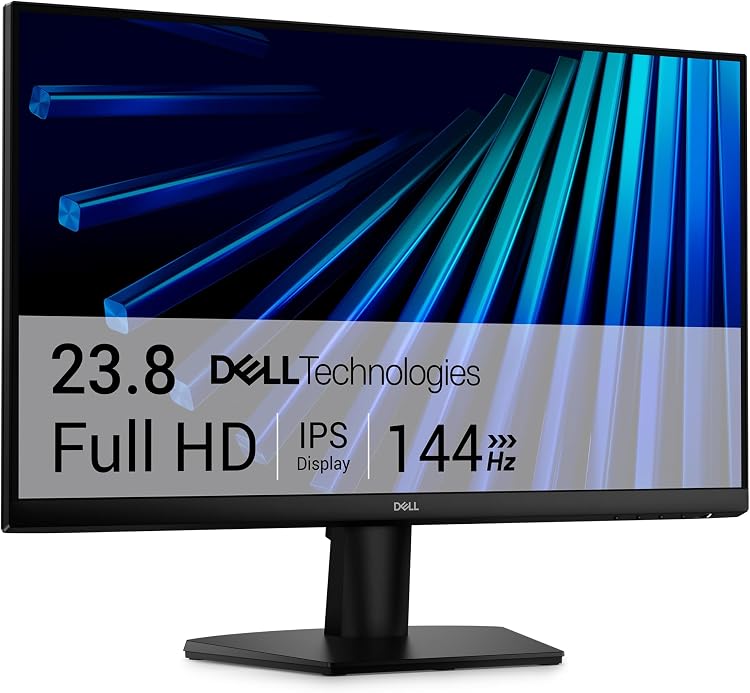 05Dell SE2426H 24-inch FHD IPS 144Hz Monitor |
24-inch IPS gaming with dual HDMI | $112.99 |
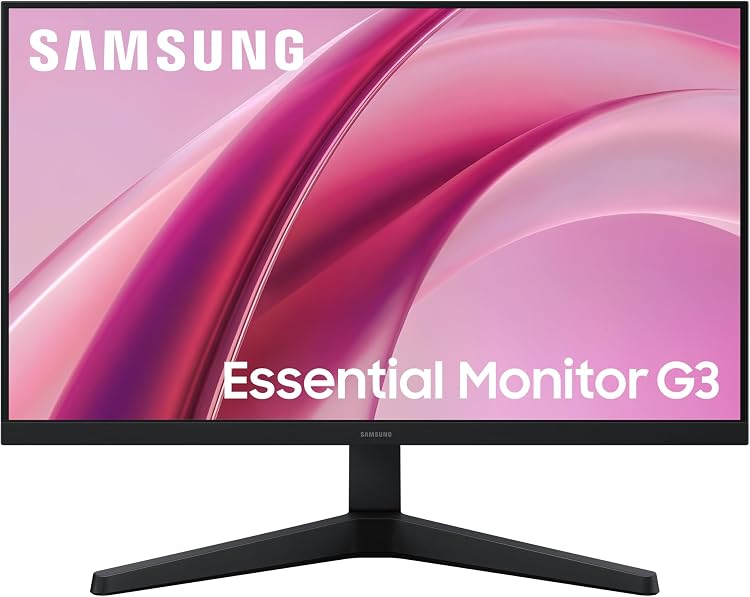 06Samsung Odyssey G3 27-inch FHD 144Hz Monitor (LS27HG312ENXZA) |
Gaming features with eye-care modes | $129.99 |
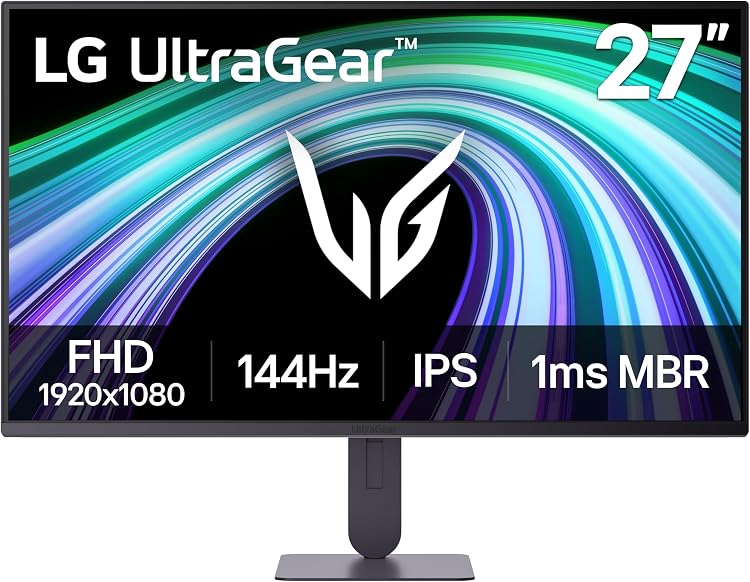 07LG UltraGear 27G414B-B 27-inch FHD IPS 144Hz Gaming Monitor |
IPS gaming with HDMI and DisplayPort | $139.98 |
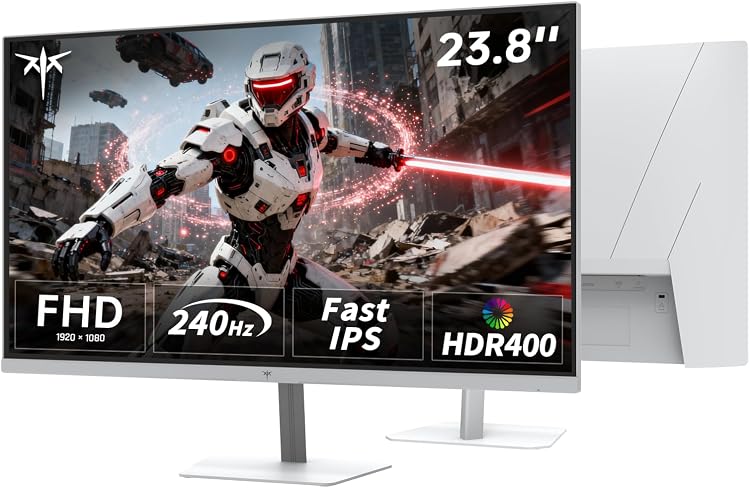 08KTC H24F7 24-inch FHD 240 Hz Gaming Monitor |
Very high refresh rate for gaming | $149.49 |
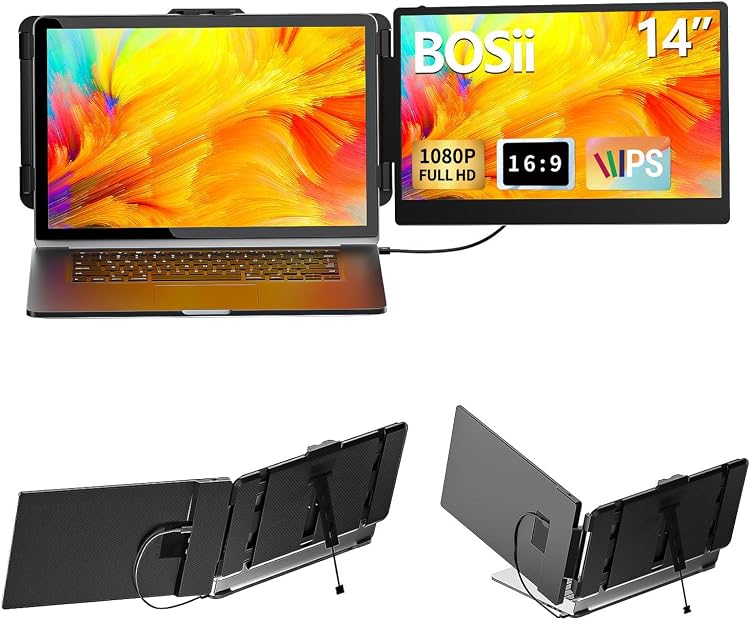 09BOSII S1 14-inch Laptop Screen Extender, 1080p IPS |
Portable extra screen space for laptop use | $126.26 |
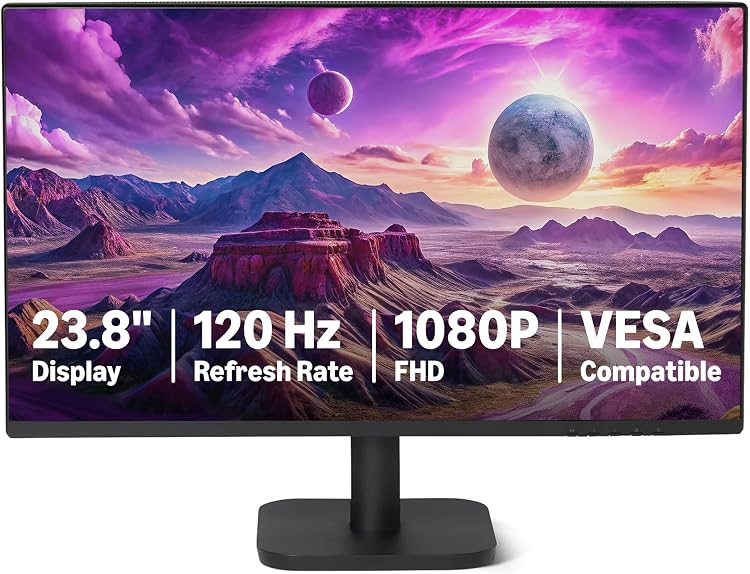 10Amazon Basics 24E40 23.8-inch 1080p 120 Hz Monitor |
A 23.8-inch IPS screen for work and video | $108.59View offer |
When it’s worth spending more
A 22- or 24-inch Full HD screen is a straightforward fit for everyday desktop tasks. For gaming, consider the 144Hz options from LG, Dell and Samsung, or the KTC H24F7 with its listed 240Hz refresh rate. Match the refresh rate to what your connected system supports.
For more room across the screen, the 34-inch LG UltraWide pairs a 21:9 format with 3440 x 1440 resolution. If you need extra display space while travelling, the BOSII S1 is described as a laptop screen extender, with USB-C and HDMI video connections listed. These options serve different needs, so prioritize workspace, portability or motion performance rather than choosing by one specification alone.
Model by model
1. Samsung LS22D300GANXZA 22-inch FHD 100Hz IPS Monitor
$89.99$129.99−31%$40.00 offView offer View productBack to offer
Samsung LS22D300GANXZA pairs a 22-inch IPS panel with 1920 x 1080 resolution and a 100Hz refresh rate. It is a practical choice for general work, video and casual gaming.
The matte finish, one listed HDMI port, Eye Saver Mode and reduced-flicker features suit a straightforward desktop setup. Consider it when you want a smaller screen for everyday tasks.
2. Samsung LS24D368GANXZA 24-inch Curved FHD Monitor, 100 Hz
$115.49$159.99−28%$44.50 offView offer View productBack to offer
Samsung LS24D368GANXZA brings a curved 24-inch screen, Full HD resolution and a listed 100Hz refresh rate to general desktop use. Its matte finish and 2000:1 contrast ratio are also specified.
HDMI and VGA/D-Sub connections are listed, along with Game Mode, Eye Saver Mode and flicker reduction. Full HD is a practical fit for routine work, though it gives less workspace detail than higher-resolution monitors of similar size.
3. LG 27U411B-B.ACC 27-inch FHD IPS 144Hz Monitor
$123.99$129.99−5%$6.00 offView offer View productBack to offer
LG 27U411B-B.ACC combines a 27-inch IPS screen with Full HD resolution and a 144Hz refresh rate. FreeSync is listed for gaming with compatible hardware.
Its anti-glare finish and listed 178-degree viewing angle suit general desk viewing. HDMI, D-Sub and headphone connections are specified, as is tilt adjustment. At this screen size, Full HD gives less pixel detail than a higher-resolution display.
4. LG UltraWide 34U601B-B 34-inch 120Hz Curved WQHD Monitor
$279.99$339.99−18%$60.00 offView offer View productBack to offer
LG UltraWide 34U601B-B pairs a 34-inch, 21:9 screen with 3440 x 1440 resolution for substantial horizontal workspace. The matte finish and listed 120Hz refresh rate make it a versatile option for multitasking and gaming.
FreeSync Premium and tilt adjustment are also listed. Tilt is the only stand adjustment specified, so check the stand configuration if height or swivel adjustment matters for your setup.
5. Dell SE2426H 24-inch FHD IPS 144Hz Monitor
$112.99$134.98−16%$21.99 offView offer View productBack to offer
Dell SE2426H combines a 24-inch IPS panel, Full HD resolution and a 144Hz refresh rate. Its 1ms response time and FreeSync are listed features for gaming as well as desktop tasks.
Dual HDMI provides two listed connections for devices such as a computer and streaming source. The matte screen, tilt adjustment and listed 178-degree viewing angle offer some positioning flexibility.
6. Samsung Odyssey G3 27-inch FHD 144Hz Monitor (LS27HG312ENXZA)
$129.99$139.99−7%$10.00 offView offer View productBack to offer
Samsung Odyssey G3 27-inch FHD 144Hz Monitor (LS27HG312ENXZA) is specified with a 27-inch Full HD screen, 144Hz refresh rate and 1ms response time. FreeSync and Game Mode add gaming-focused features.
Eye Saver Mode and flicker-reduction features are also listed, with HDMI specified for connection. Full HD on a 27-inch screen provides less pixel detail than higher-resolution options.
7. LG UltraGear 27G414B-B 27-inch FHD IPS 144Hz Gaming Monitor
$139.98$184.98−24%$45.00 offView offer View productBack to offer
LG UltraGear 27G414B-B 27-inch FHD IPS 144Hz Gaming Monitor pairs Full HD resolution with a 144Hz refresh rate and 1ms response time. Its IPS panel and listed 178-degree viewing angle may suit shared viewing positions.
The matte finish, HDMI and DisplayPort connections are named in the specifications. Its 1920 x 1080 resolution offers less workspace and detail than higher-resolution 27-inch monitors.
8. KTC H24F7 24-inch FHD 240 Hz Gaming Monitor
$149.49$169.99−12%$20.50 offView offer View productBack to offer
KTC H24F7 is a 24-inch Full HD gaming monitor with a listed 240Hz refresh rate and 1ms response time. Adaptive Sync is specified for responsive gaming with reduced tearing when supported by the connected system.
HDMI and DisplayPort are listed, including two HDMI 2.0 ports and DisplayPort 1.4 in the feature details. The stated 400:1 contrast ratio is worth considering if deep blacks or high contrast are a priority.
9. BOSII S1 14-inch Laptop Screen Extender, 1080p IPS
$126.26$143.48−12%$17.22 offView offer View productBack to offer
BOSII S1 is a 14-inch Full HD laptop screen extender described as a way to add display space for documents and apps while travelling or working at a desk. Its listed weight is 1.06 kg, a useful detail when considering what you will carry with your laptop.
USB-C and HDMI video connection options are listed, subject to compatible laptop ports. The specifications also list a 60Hz refresh rate, glossy surface and 180-degree viewing angle.
10. Amazon Basics 24E40 23.8-inch 1080p 120 Hz Monitor
$108.59View offer View productBack to offer
This 23.8-inch IPS monitor pairs 1920 x 1080 resolution with a 120Hz refresh rate and Adaptive Sync. It is a versatile Full HD option for general work and compatible fast-motion content.
HDMI 1.4 and DisplayPort 1.2 inputs are listed for connecting a computer. The specifications also state 99% sRGB colour coverage, a 1500:1 contrast ratio and a 14ms response time.
What to buy based on your priorities
Choose the Samsung LS22D300GANXZA for a compact everyday display, or the Dell SE2426H for a 24-inch IPS screen with 144Hz and two HDMI connections. For a wider workspace, look at the LG UltraWide 34U601B-B, and for a portable laptop extension, consider the BOSII S1. Let your main task, desk space and available connections guide the final choice.
Frequently asked questions
What should I check before choosing a monitor? Start with screen size and resolution for your desk and work, then check refresh rate, panel type and connections against your computer and typical tasks.
Is a 144Hz monitor useful for gaming? It can be a good fit for responsive gaming, especially when your computer can support higher refresh rates. Several listed options also include FreeSync or Adaptive Sync features.
Is Full HD enough for everyday work? Full HD can suit general desktop use, documents and video. On a larger screen, it provides less pixel detail than a higher-resolution option of similar size.
What is an ultrawide monitor useful for? A 21:9 screen can provide substantial horizontal workspace for multitasking. Check your desk space and the stand adjustments you need before choosing one.